

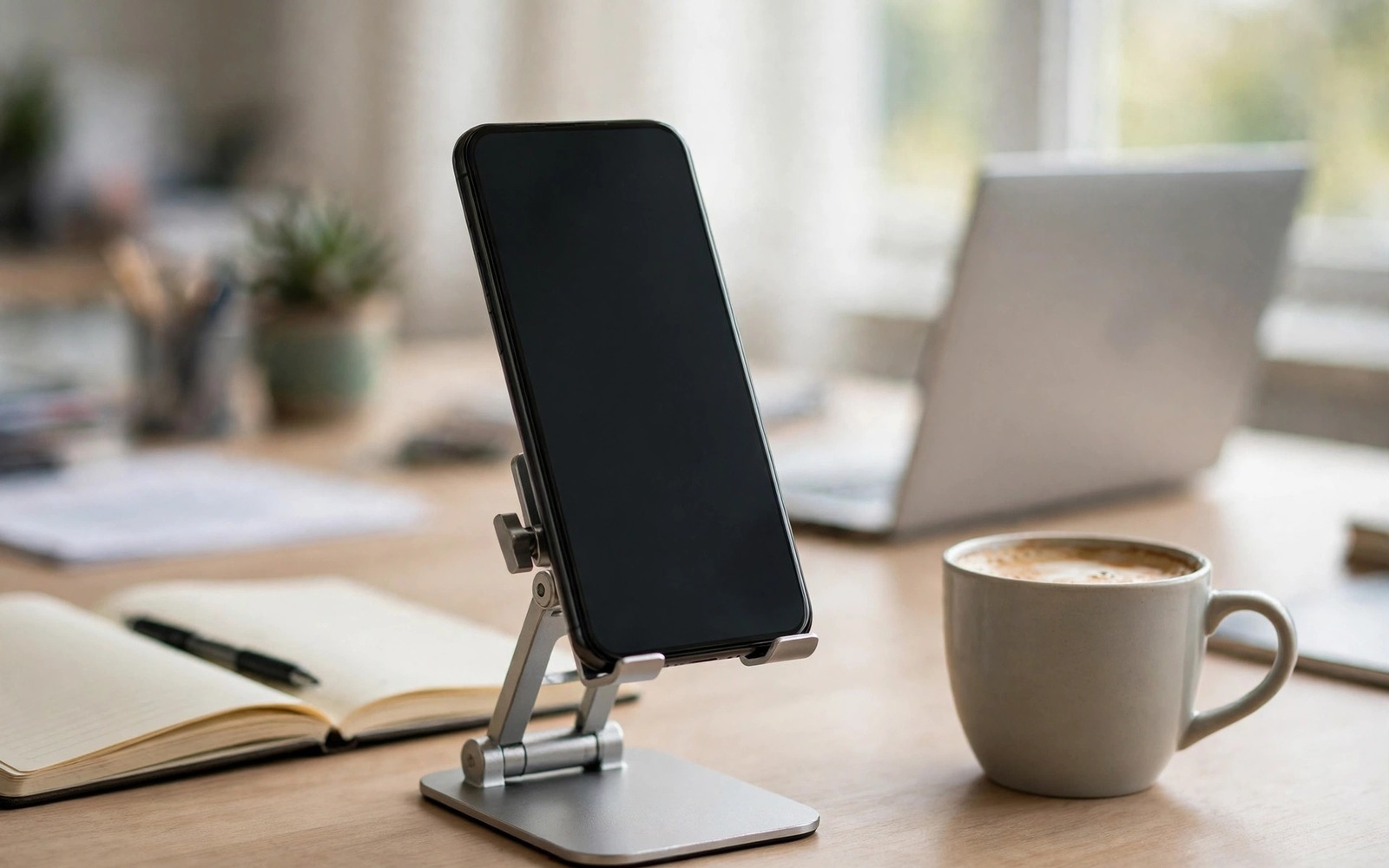
A phone on a desk often lies flat and forces a downward glance that strains the neck. A desktop stand mount lifts the phone to a useful height and angle. That lift turns a phone into a second screen for messages and video calls. It also frees desk space by holding the phone upright in a small footprint. Choosing the right stand depends on how you use the phone at your desk. This guide covers seven mount styles and the desk tasks each one suits best.
Height is the first factor because a stand that is too low still forces a neck bend. A stand that lifts the phone to near eye level is best for long video calls. A lower stand suits quick message checks and music control. Adjustable height gives flexibility for different tasks during the day. A fixed height stand is simpler but less adaptable. Choose adjustability if your desk tasks vary widely.
Stability is the second factor because a wobbly stand distracts during calls. A heavy base resists tipping when you tap the screen. A light stand may tip when you press a button firmly. Test stability by tapping the phone in the stand as you would during a call. A stable stand stays put during normal taps. A stand that moves with every tap will annoy you daily. For ring light setups that pair with stands see portable ring light setup for video calls for lighting angles.
Seven stand styles for different desk tasks
A simple angled stand is the most common desk mount. It holds the phone at a fixed tilt for reading and notifications. It suits users who check the phone briefly between computer tasks. Its small footprint fits crowded desks. Choose a model with a non slip base and a cable slot for charging. A cable slot keeps charging tidy while the phone is mounted.
An adjustable height stand lifts the phone higher for video calls. It uses a telescoping arm or a folding frame to change height. That height range suits users who join video calls from a phone. It also suits users who use the phone as a second screen for chat. Check the locking mechanism for height adjustments. A lock that slips during a call is a poor design. A firm lock keeps the phone at the chosen height.
A gooseneck stand uses a flexible arm to position the phone in many angles. It suits creative desks where the phone moves between tasks. A gooseneck can hold the phone over a document for scanning. It can also hold the phone close to a microphone for recording. Check arm stiffness because a weak arm sags under a heavy phone. A stiff arm holds position reliably throughout the day.
A clamp stand attaches to the desk edge and saves surface space. It suits small desks where a base stand would crowd the workspace. A clamp must fit your desk thickness. Measure the desk edge before buying a clamp stand. A clamp that is too small cannot grip the edge. A clamp that is too large may damage the desk surface. Use a protective pad under the clamp if your desk is soft.
A weighted base stand with a magnetic holder offers quick phone placement. It suits users who pick up the phone frequently. A magnetic holder must match your phone or case magnet system. Test magnetic hold with your exact case. A weak magnet will drop the phone when you tap the screen. A strong magnet holds firmly yet releases easily when you lift the phone.
A dual device stand holds a phone and a tablet or a second phone. It suits users who monitor two devices at a desk. A dual stand saves space compared with two separate stands. Check the width and weight limits for each slot. A dual stand that is too narrow for a tablet is useless for that task. Measure both devices before choosing a dual stand.
A charging stand combines a mount with wireless or wired charging. It suits users who want the phone topped up while mounted. A charging stand must align with the phone coil for wireless models. Test charging speed with your case fitted. A charging stand that charges slowly may still be useful for maintenance charging. Choose a charging stand only if charging alignment works with your daily case.
Set height and angle for comfortable work
Place the stand so the phone screen is near eye level for video calls. That height reduces neck bend during long calls. For message checks a lower angle is acceptable because glances are brief. Adjust the stand for your main task and not for an occasional task. Your main task should decide the default height. Change the height only when the task changes for a long period.
Angle the phone slightly toward you to reduce glare from overhead lights. A phone facing straight up catches ceiling light reflections. A tilt of about twenty degrees often works well for desk use. Test the angle with your usual lighting and chair position. A small tilt change can remove a large glare spot. That adjustment improves readability without extra gear.
Keep the phone within easy reach for taps and swipes. A stand placed too far back forces an awkward stretch. A stand placed too close crowds the keyboard area. Find a position that balances reach and desk space. That balance supports comfortable use throughout the day. For OTG desk setups see USB OTG adapters for keyboards mice and flash drives for connecting peripherals.
Keep the workstation tidy and stable
Route the charging cable through the stand cable slot if available. A routed cable prevents tangles with other desk cables. Use a short cable for a stand near a power outlet. A long cable creates clutter on a small desk. Cable management is part of workstation comfort. A tidy desk reduces stress and improves focus during work.
Clean the stand base regularly to maintain grip. Dust under a base reduces friction and allows sliding. A dry cloth wipe once a week keeps the base effective. Check rubber pads for wear and replace them if they harden. Worn pads reduce stability and can scratch a desk. Small maintenance keeps a stand performing well for years.
Test the stand with your phone case on because case thickness affects fit. A stand slot that fits a bare phone may not fit a thick case. Measure the phone with its case before buying a slot style stand. A stand that fits with the case is the only useful choice for daily use. A stand that requires removing the case will be abandoned quickly. Daily usability decides whether a stand earns desk space.
desk_stand_setup.txt
Stand height near eye level for calls
Angle tilted to reduce glare
Phone within easy tap reach
Cable routed through stand slot
Base clean and stable
The checklist above is an original example written for this guide. It summarises the key desk stand setup points. Use it when you move the stand to a new desk. A consistent setup gives consistent comfort across work locations.
Review your desk layout monthly and adjust the stand position as tasks change. A layout that worked for one project may not suit the next. Small adjustments keep the workstation ergonomic. A workstation that evolves with your work supports health and productivity. That evolution is a normal part of desk setup and not a sign of a poor initial choice.
Common mistakes
The most common mistake is buying a stand without checking case fit. That mistake leads to a stand that cannot hold the daily phone. Another mistake is choosing a light stand that tips during taps. That stand distracts during calls and risks a fall. A third mistake is placing the stand too far away for comfortable taps. That placement causes awkward reaching and shoulder strain.
People also ignore cable management and create a tangled desk. A tangled cable can pull a stand over when the phone is lifted. Route cables neatly and use a suitable length. A tidy cable route protects the stand and the phone. It also improves the appearance of the workstation for video calls.
A final mistake is using a phone stand as a permanent replacement for a monitor. A phone screen is too small for long document work. Use the phone stand for messages and calls and quick reference. Use a proper monitor for long reading and writing. That division of labour protects eyes and posture. For PC style phone setups see accessories to turn a phone into a PC for larger screen options.
FAQ
What height should a desk phone stand be?
For video calls the phone should sit near eye level. That height reduces neck strain during long calls. For quick checks a lower height is acceptable. An adjustable stand gives both options. Set the default height for your main task. Adjust only for long changes in task type. A height that matches your seated eye level is ideal for calls.
Measure your seated eye level relative to the desk surface. Choose a stand that can reach that height. A stand that falls short will still cause a neck bend. A stand that exceeds eye level can be lowered. Adjustability is valuable when desk and chair heights vary. Test the stand at your real desk before keeping it.
Are magnetic desk stands safe for phones?
Yes if the magnet system matches your phone or case. A strong magnet holds the phone firmly during taps. A weak magnet may drop the phone. Test magnetic hold with your exact case and phone. A magnet does not damage modern phone storage. The main risk is a drop from a weak magnet. Choose a magnetic stand with a tested hold strength.
Check that the magnetic stand does not block wireless charging if you use it. Some magnetic stands interfere with charging alignment. Test charging with the stand fitted. If charging fails then use a different stand or a different case. A stand that blocks charging is a poor choice for a charging workstation.
Can a phone stand replace a second monitor?
A phone stand can serve as a small second screen for messages and calls. It cannot replace a full monitor for document work. A phone screen is too small for long reading. Use the phone for notifications and quick reference. Use a monitor for primary work. That combination gives the best of both devices.
A phone as a second screen works well for chat and timers and music control. It keeps those tasks off the main monitor. That separation improves focus on primary work. A phone stand is a complement to a monitor and not a replacement. Use each screen for the task size it suits best.
Conclusion
Desktop stand mounts upgrade a phone workstation by lifting the screen to a comfortable height and angle. Angled stands suit quick checks. Adjustable stands suit video calls. Gooseneck and clamp stands suit special desks. Magnetic and charging stands suit frequent pickup and power needs. Stability and case fit decide daily usefulness more than style. A well placed stand reduces neck strain and improves desk organisation.
Your concrete next step is to measure your phone with its case on and your seated eye level tonight. Choose a stand style from this guide that matches your main desk task. Set the stand at the correct height tomorrow and test it during a real video call. Adjust angle once based on glare and then keep that setup for a full work week.

