

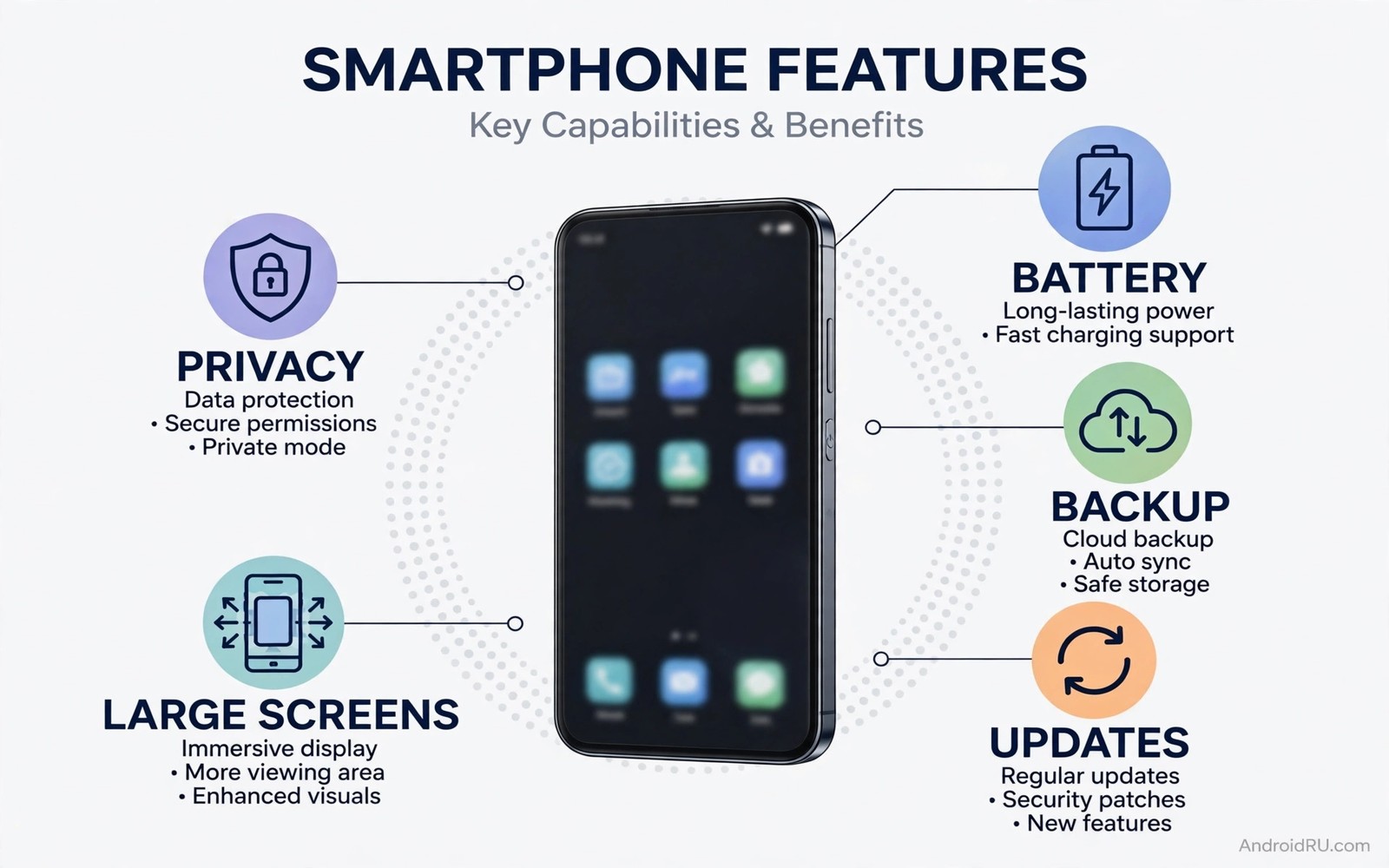
Each major Android version brings a mix of visible features and quiet improvements. Some changes delight users on day one. Others fix frustrations that have lasted for years. A wishlist is useful when it focuses on daily friction rather than novelty. The features below aim at problems that users meet every week.
The list avoids fantasy hardware. It focuses on software that is technically feasible today. Each feature is judged by the same test. Would it save time or protect data or reduce confusion for a normal user. If the answer is yes then it deserves a place in the next major version.
Not every wish will arrive at once. Some may arrive in a smaller update. Others may arrive through system services rather than a full version. The direction matters more than the exact release vehicle. A platform that keeps fixing daily friction earns trust over time.
1. A True Battery Health Dashboard
Users want a clear battery health number and a history of capacity over time. Current battery screens show usage by app but they hide long term health. A dashboard could show design capacity and current capacity and charge cycles. It could also show whether heat or fast charging is accelerating wear.
This information helps buying and repair decisions. A user can tell whether a phone needs a new battery or simply better settings. A buyer of a used phone can judge its remaining life. Transparency here would reduce guesswork and unnecessary replacements.
2. Smarter Permission Expiry
Permissions should expire more intelligently. An app that has not been used for a month should lose sensitive access automatically. An app that needs access for a rare task should ask again in context. Current auto reset helps but it is easy to miss and hard to review.
A better system would show a monthly permission report. It would list which apps lost access and which apps requested access most often. It would let you approve or revoke in bulk. This report would turn permission management from a chore into a quick monthly check.
3. Seamless Backup That Actually Restores Everything
Backup on Android has improved but it still misses items. App data and home screen layout and device settings do not always restore cleanly. A new phone setup can take hours of manual fixing. Users expect a restore that feels like moving to an identical device.
The next version should guarantee a core restore set. That set should include home layout and Wi-Fi networks and accessibility settings and app permissions. It should also warn clearly about any app that cannot restore its data. A clear warning is better than a silent gap discovered days later. This wish ties directly to how seamless system updates keep devices safe because reliable updates and reliable restores both reduce fear of change.
4. Better Control Over Background Work
Background work is a constant tension. Apps need background access for messages and music and navigation. Other apps abuse it for tracking and ads. Users need a simple way to see which apps run in the background and why. A clear list with plain language reasons would help.
Controls should also be granular. A user might allow background location for a navigation app during a trip but not all day. A user might allow background refresh for a news app once per hour but not every minute. Time based and context based controls would give users real choice without complex menus.
5. A Unified Update Status Screen
Updates now come from many places. System updates and security patches and app updates and service updates arrive on different schedules. Users cannot tell whether their phone is fully up to date. A unified screen could show system version and security patch date and service versions in one place.
This screen should also explain what changed in plain language. A short summary for each update would help users understand new prompts. It would also help support staff diagnose problems faster. Clarity here reduces the fear that an update will break a favourite feature.
6. Stronger Spam and Scam Protection Built In
Spam calls and scam messages remain a daily annoyance. Built in protection should filter suspicious calls and messages without sending private content to a server unnecessarily. On device models can flag common scam patterns while keeping messages local.
Protection should also cover app based scams. A warning when an app requests unusual permissions during a call could prevent fraud. A clear report of blocked attempts would show users that protection is working. Trust grows when protection is visible rather than silent.
7. A Cleaner Large Screen Experience
Foldables and tablets need software that uses large screens well. Many apps still stretch a phone layout across a wide display. A better large screen mode would encourage two pane layouts and better window management. It would also improve desktop mode for users who connect a monitor.
Large screen polish benefits phones too. Split screen and floating windows become more useful when apps adapt properly. A consistent large screen standard would help developers support all form factors with less extra work. The result would be a platform that feels coherent across devices.
How to Prioritise This Wishlist
If you could choose only three features then choose battery health and backup and permission reports. Those three affect ownership cost and data safety and daily trust. They matter for every user regardless of phone model. The other features improve comfort and polish. They are valuable but they are less urgent.
Priority 1: Battery health dashboard
Priority 2: Full backup and restore report
Priority 3: Monthly permission report
Priority 4: Unified update status screen
Priority 5: Background work controls
The priority list above is an original example written for this guide. It is not copied from a vendor document and it does not require a special app or a paid tool. Use it to judge a new version by what it fixes rather than by what it announces.
Common mistakes
One mistake is to judge a new version only by its headline feature. A flashy feature can hide missing fixes for daily problems. Read the full change list and test the features you use every day. A quiet fix for backup may matter more than a new animation.
Another mistake is to update on day one without a backup. Major updates can reveal app incompatibilities. Back up photos and documents before you install. Wait a few days if your phone is essential for work and no urgent security fix is involved.
A third mistake is to assume that every wishlist item needs a major version. Many improvements arrive through services and app updates. A feature that arrives quietly is still a real improvement. Judge the phone you have today rather than only the version number.
Frequently Asked Questions
Will the next Android version include all these features?
Unlikely. Major versions include a subset of user wishes plus internal changes. Some wishes may arrive later through services. Others may be changed based on testing. Treat a wishlist as a direction rather than a promise.
How can users influence Android development?
Feedback through beta programs and support channels helps teams prioritise. Clear reports with steps and device details are more useful than general complaints. Beta testing also reveals problems before a wide release.
Should I wait for the next version before buying a phone?
Buy based on current software and update support length. A phone with long support will gain many new features over time. Waiting for one version rarely outweighs a good current deal and a long support promise.
What Happens If These Features Do Not Arrive
Users do not need to wait helplessly if a wishlist feature never arrives. Many wishes have partial workarounds today. A battery health dashboard can be approximated with a third party battery app and a manual log. A permission report can be approximated with a monthly manual review. A unified update screen can be approximated by checking settings and store updates together.
Workarounds are not as clean as built in features. They require extra steps and they may miss some data. They still give users control while they wait for official support. A user who builds a monthly review habit will benefit even before a new version arrives. Habits often matter more than features.
Feedback also matters when a feature is missing. A clear report that explains a daily problem helps a team prioritise it. A report that only says a feature is wanted is less useful. Describe the task and the friction and the frequency. That detail turns a wish into a case for change.
How to Test a New Version Without Risk
Testing a new Android version safely starts with a backup. Back up photos and documents and app data before you install. A backup lets you recover if an app misbehaves after the update. It also lets you reset the phone without losing personal files. Do not skip this step even for a minor update.
Install the update when you have time to test it. Avoid installing just before a trip or an important meeting. Install at home in the evening and test your key apps the next morning. Test calls and messages and banking and maps first. Those apps matter most for daily life. If they work well then test less critical apps later.
Keep a note of any problem you find. Note the app name and the exact symptom and the steps that trigger it. A clear note helps support staff and helps you decide whether to wait for a fix. If a critical app fails then check for an app update before you blame the system. Many post update problems are fixed by an app update within days.
Conclusion
The next major Android version should focus on daily trust. Battery health and backup and permissions and updates are the foundations of that trust. Large screen polish and scam protection and background controls add comfort on top of those foundations. A version that fixes friction will feel better than a version that only adds novelty.
Your concrete next step is to write down your own top three frustrations with your current phone today. Compare that list with the wishlist above and with the next version change list when it arrives. If your top frustrations are addressed then update with confidence. For more future context read about why legacy system protections are being removed and industry trends that show where mobile tech is heading to see how user wishes fit into larger platform shifts.

