

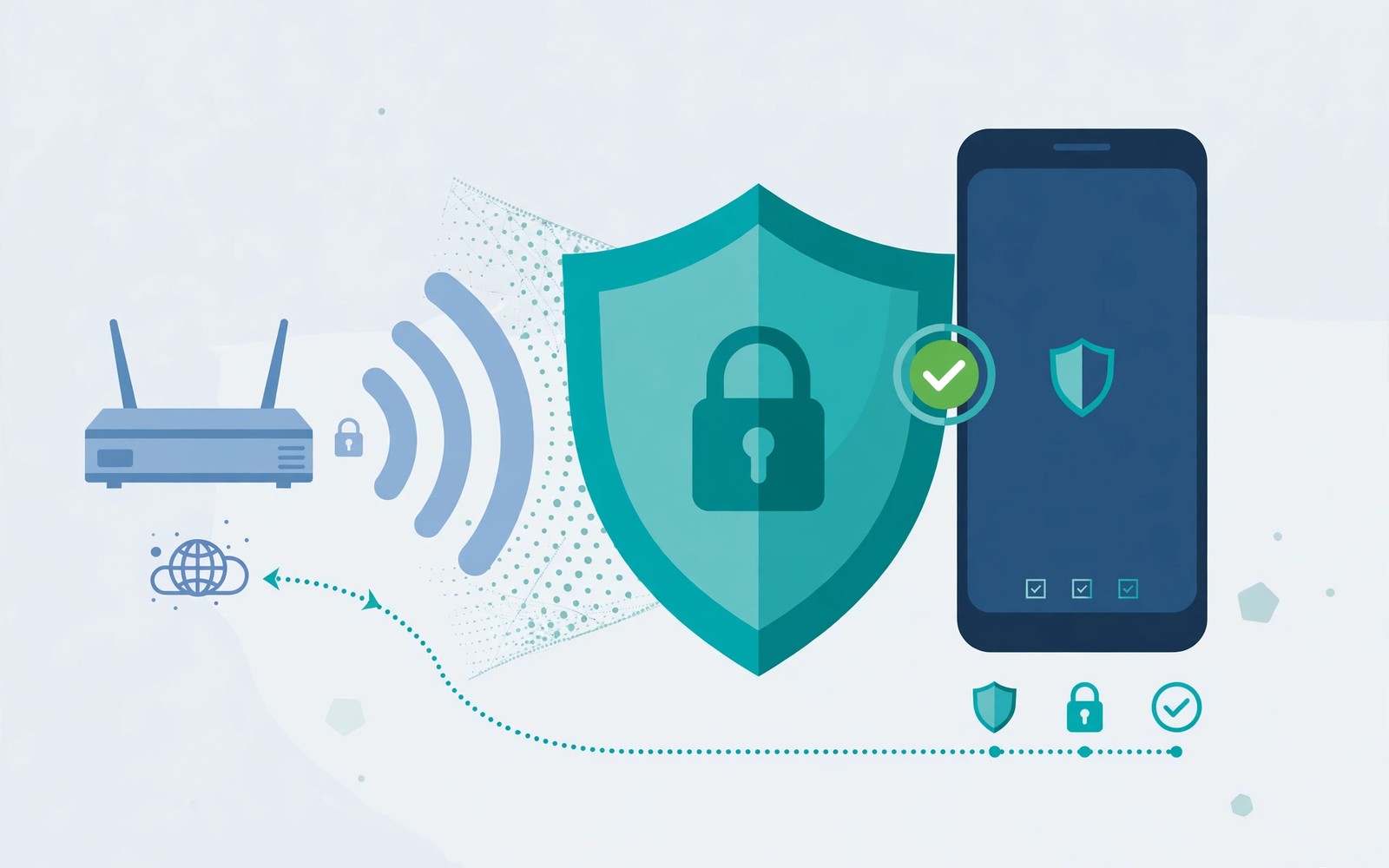
How MAC Address Randomization Enhances Privacy on Public Wi-Fi
The café knows your phone joined its Wi-Fi, even if you never type your name into a login page. One clue is the address your phone presents to the local network. Reusing a factory address across venues gives network operators a convenient way to recognize a returning device.
MAC address randomization on Android reduces that link by substituting another address for Wi-Fi connections. I would leave it enabled on public networks, but its limits matter just as much as its benefits. This guide explains what changes, how to check your phone, and how to handle a network that needs device registration without turning off privacy everywhere.
How a Wi-Fi MAC address enables local device tracking
A Wi-Fi interface uses a link-layer identifier when communicating with the surrounding network equipment. It is commonly written as six pairs of hexadecimal characters, such as 02:11:22:33:44:55. That example illustrates the format; it is not an address you should copy into your settings.
Wi-Fi MAC address tracking works at the local network level. An access point needs to distinguish one connected device from another to deliver traffic. The address can appear in association records, DHCP leases, and network management logs. A business operating several hotspots may be able to compare those records and recognize the same identifier across visits.
That does not mean every hotspot operator is building a profile. The point is that a persistent identifier makes such profiling easier. Reducing device tracking on public hotspots means removing an unnecessary common label, especially when you use unrelated networks during a trip.
A hardware address is different from an IP address
A private IP address describes your device’s place on a network, while the local hardware identifier helps deliver frames to it. Your public IP address usually belongs to the venue’s internet connection. Randomizing that local identifier does not automatically change the public address, and changing an IP address does not erase a hotspot’s earlier records.
What the hotspot can still observe
The network can still observe connection times, traffic volume, and some destination information, depending on the protocols in use. It may also associate a session with a room number or account used at its captive portal. Randomizing a hardware identifier cannot undo information you deliberately provide during sign-in.
What websites normally receive
A remote website normally sees an IP address and application-level information, not your phone’s local Wi-Fi hardware address. Cookies, signed-in accounts, and browser fingerprinting are separate tracking mechanisms. Treat local network privacy as one layer of protection rather than a promise of anonymous browsing.
Persistent versus rotating Wi-Fi identifiers
Android 10 introduced randomized connection addresses as a default framework behavior. Manufacturer implementations and upgraded older devices can differ, so inspect the actual network setting instead of assuming the Android version settles the question. Android Wi-Fi privacy settings usually apply to individual saved networks.
Persistent MAC randomization gives a network profile a repeatable alternative identifier. Non-persistent MAC randomization permits changes between qualifying connections. Neither term means the address changes continuously while you browse. The stable alternative is useful because networks often need to remember an authorized device for the duration of an access agreement.
Forgetting and reconnecting to Wi-Fi is not a reliable MAC rotation method: a persistent address can be derived again for the same network profile. My practical preference is to verify the displayed address and keep the privacy setting enabled, rather than repeatedly deleting a network in the hope of forcing a new identity.
| Behavior | Privacy benefit | Practical consequence |
|---|---|---|
| Factory device MAC | No substitute identifier for that connection | Useful for a registration system that explicitly requires it |
| Persistent randomization | Separates a network profile from the factory identifier | The same venue may still recognize repeat visits |
| Non-persistent randomization | Reduces reuse when supported conditions permit rotation | A portal or reservation may need renewed authorization |
| VPN connection | Protects a different part of the traffic path | The access point still needs a local device identifier |
| HTTPS connection | Encrypts supported web traffic between endpoints | Does not replace network address privacy |
Randomized MAC addresses on saved networks also need careful interpretation across access points. Different radios broadcasting the same network name, or SSID, may belong to one managed network. Moving between those radios is not the same as joining an unrelated hotspot with a different profile.
How to enable randomized MAC on Android public Wi-Fi
The usual Pixel-style route is Settings > Network & internet > Internet, followed by the settings icon beside the Wi-Fi network. Look for Privacy, MAC address type, or a similarly named control. On other phones, start at Settings > Connections > Wi-Fi and open the network’s details or advanced settings.
- Connect to the intended hotspot and confirm its name with the venue, because enabling a privacy option does not authenticate a look-alike network.
- Open that network’s details and locate the address privacy control, using Settings search for “MAC” if the label is hidden.
- Select “Use randomized MAC” or the manufacturer’s equivalent, then allow the connection to restart if prompted.
- Reopen the details page and record whether the selected mode and displayed address match your choice.
- Complete any legitimate captive portal sign-in and load a normal HTTPS page to confirm internet access.
- Repeat the check for each public network you regularly use, since one network’s choice does not necessarily change another’s.
A Samsung randomized MAC setting may appear under a network’s advanced options. Exact wording changes across software releases, so match the meaning of the option rather than following a screenshot from a different model. A managed work phone may restrict the choice through organizational policy.
Checking the connected network’s address
Use the connected network details, rather than a general “About phone” page, for the address currently presented to that hotspot. A general page may show a factory address, an unavailable value, or information for another interface. If you administer the router, compare the phone’s entry with the router’s connected-device list.
For this check, you do not need a root tool, an address-spoofing app, or a network reset. A built-in setting is enough on supported devices. Avoid giving an unknown utility network access merely to display information already available in Settings.
Public hotspot privacy limits: captive portals, accounts, and HTTPS
MAC randomization and captive portals solve different problems. The first reduces identifier reuse; the second controls access. A hotel portal may associate a randomized address with your room for a day. If an address later changes, the portal may ask you to sign in again because it sees another device.
That inconvenience does not establish a radio fault. Check whether the phone remains associated with Wi-Fi, whether the portal opens, and whether the login session has expired. A “connected without internet” message after an address change may simply mean authorization is incomplete.
Use the venue’s network and inspect the sign-in request
Ask staff for the exact network name when several similar choices appear. Stop if a portal demands an unrelated account password, a certificate installation you do not understand, or a payment that does not match the advertised service. MAC privacy cannot make a deceptive hotspot trustworthy.
For safer browsing on public Wi-Fi, keep HTTPS enabled and pay attention to browser warnings. A VPN on public Wi-Fi can protect traffic between the phone and its VPN endpoint, but it does not hide the MAC address from the access point. It also shifts trust toward the VPN operator rather than removing trust from the equation.
Public Wi-Fi tracking without cookies remains possible through venue accounts and network records. Conversely, blocking cookies does not change the device identifier used for local networking. Keep browser privacy choices and Wi-Fi privacy choices separate so each setting has a clear purpose.
MAC registration, DHCP reservations, and home network exceptions
MAC address filtering on a work network can reject a device whose address differs from the registered value. Ask the administrator whether registration can use the network’s stable randomized address. A fixed alternative often meets recognition needs without exposing the factory address.
A DHCP reservation for a randomized MAC is also possible on a router you control when the alternative remains persistent. Register the address shown for that particular home network. If you later change its privacy mode, update the reservation instead of assuming the router will recognize both identities.
When using the device MAC is a reasonable exception
A trusted network may have a documented requirement that cannot accept the alternative address. In that case, disabling MAC randomization for one network can be a practical exception. Note why you made it and leave public network profiles on the randomized option.
Parental controls with randomized addresses depend on the router’s design. Some rules attach to a MAC address, while others attach to an account or managed profile. Test the actual restriction after registering the device. Do not tell a parent that a rule is active solely because a device name appears in an app.
Stable identifiers are convenient for reservations and automation, but MAC filtering is not strong authentication by itself. Hardware addresses can be observed and imitated. Use the network’s normal security credentials and access controls as well.
Troubleshooting randomized MAC connection problems without broad resets
Start with the symptom that changed. A failure immediately after switching address type points toward authorization or a reservation. Weak signal in the same corner of a room points toward coverage. Slow service on every device points toward the hotspot or its internet connection.
- Return to the network details and confirm you changed only the intended profile, because a neighboring saved network may have a different mode.
- Reconnect once and reopen the portal, checking for a device-limit message before changing more settings.
- If the network uses device registration, give the administrator the currently displayed address and ask which identifier is authorized.
- Try a second trusted network to distinguish a venue-specific rule from a phone-wide failure.
- Restore the earlier mode only on the problematic trusted network when its administrator confirms that requirement.
Check how Wi-Fi calling works for weak signal areas if web access works but carrier calls fail, since a successful Wi-Fi association does not prove the calling service is configured. Similarly, an Android Auto connection deserves its own cable, pairing, and wireless checks rather than an assumption that the MAC setting controls the whole experience.
Keep unrelated faults separate. The guide to Bluetooth volume that stays too low concerns an audio path, while NFC contactless payment failures at checkout involves a different contactless system. Neither symptom alone is a reason to expose your factory Wi-Fi identifier.
Android randomized MAC privacy questions
Does a randomized MAC hide my location?
It makes one form of cross-network correlation harder, but does not hide GPS access granted to apps or your approximate location from a venue you are visiting. Review Android location permissions separately. A delivery app with authorized location access does not need the factory Wi-Fi address to know where you are.
Will randomization reduce Wi-Fi speed?
The address choice does not intentionally impose a bandwidth cap. A portal problem can prevent access, and reconnecting can briefly interrupt a session, but ongoing slow throughput needs its own diagnosis. Compare the same location and connection conditions before blaming the privacy control.
Should I forget public networks after using them?
Removing a saved network or disabling automatic connection can reduce unwanted reconnections later. That is useful housekeeping, but it is not a guaranteed address refresh. Keep automatic connection controls and address randomization aligned with how often you actually revisit the venue.
A practical public Wi-Fi privacy check for your next visit
Open the details for one public hotspot you use today. Confirm that randomized hardware identifiers are enabled, check whether auto-connect is appropriate, and verify that the portal belongs to the venue. Those are concrete checks you can repeat without installing another app.
If a trusted network fails, investigate its registration rule before making a wider change. The useful balance is a randomized default with a documented exception where required, backed by encrypted connections and sensible account choices.

