

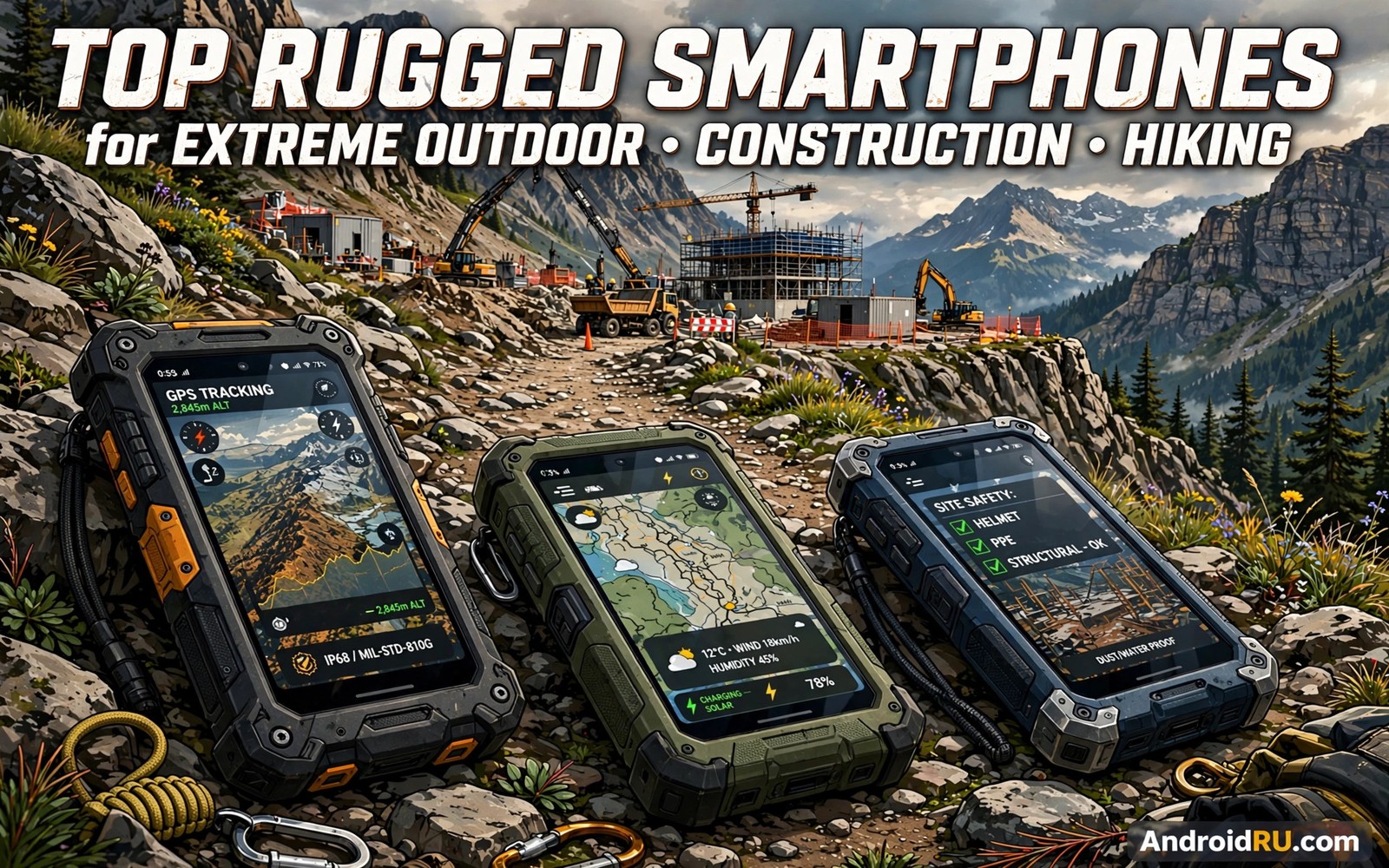
Rugged smartphones for construction and hiking must survive days that would destroy a normal flagship. Dust fills the air on a building site. Rain soaks a trail without warning. A phone falls from scaffolding or slips from a wet hand on a ridge. The best tough phones are built for those moments first. They trade slim looks for thick frames and sealed ports and huge batteries. This guide compares what matters so you can choose with confidence.
Start by matching the phone to your hardest day rather than your average day. A site manager needs a loud speaker and a bright screen and a battery that lasts a full shift. A long distance hiker needs light weight and strong GPS and offline maps. A concrete worker needs glove mode and a screen that works with wet fingers. The military durability standards explained for buyers help you judge toughness claims before you compare models. Use that knowledge as a filter and then weigh battery and weight and camera needs.
A phone that suits a site manager may fail a mountain guide. The manager needs loud calls and bright screens and fast photo capture. The guide needs light weight and long battery and reliable offline maps. Both users call their phone rugged. Their daily stresses differ greatly. This guide keeps both profiles in view. It helps each buyer weigh the features that matter for their own hardest days rather than copying another trade choice.
What construction work demands from a phone
Construction sites punish phones in every way at once. Dust enters ports and speaker holes. Concrete dust is fine and abrasive. Drops happen onto steel and stone rather than soft ground. Noise makes normal speakers useless. A good site phone needs a sealed body and a loud clear speaker and a screen that stays readable in direct sun. It also needs a battery that survives long shifts without a charger nearby.
Push to talk and programmable buttons help crews a great deal. A worker with gloves cannot tap through menus to call a supervisor. One large physical button can open a radio app or start a voice note. A lanyard point prevents drops from height. A bright torch helps in dark service shafts. These small features save time every hour. They matter more on site than a slightly faster processor or a slightly better selfie camera.
What long hiking demands from a phone
Hiking rewards a different balance of features. Weight matters on every climb. A phone that weighs over 350 grams feels heavy after ten kilometres. Battery life matters even more because chargers are far away. Offline maps and a strong GPS lock matter when trails vanish under tree cover. A dim screen in bright sun is a real safety problem when you need to read a route junction.
Weather sealing matters on a trail for a different reason than on site. Rain can last for hours and a hiker cannot shelter a phone in a dry cabin. A phone must keep working while wet and it must dry without corrosion. A glove mode helps in cold wind. A satellite SOS feature can be life saving beyond mobile coverage. The satellite SOS features for remote trails deserve close attention if you hike alone in areas without signal. Choose the safety feature first and the camera second.
Battery and weight trade offs you cannot avoid
Huge batteries are the signature feature of rugged phones. A 10000mAh battery can power two or three days of normal use. That capacity adds weight and thickness. A phone with a giant battery may weigh 350 to 400 grams. A lighter rugged phone with a 5000mAh battery may last one hard day. Neither choice is wrong. The right choice depends on how far you are from power.
Charging speed changes the equation too. A slow charging giant battery can take four hours to fill. That is fine overnight at camp. It is poor during a short lunch break on site. Fast charging helps when power is available for brief windows. Solar charging can top up a phone during a rest stop. Plan your charging routine before you choose capacity. A huge battery with slow charging can still leave you short on a busy day.
adb shell dumpsys battery
adb shell settings get system screen_brightness
adb shell cmd location get-location-enabled 2>/dev/null || echo location-check-done
Attribution: the snippet above is an original example prepared for this article. It follows a standard public pattern for Android device checks and it does not copy code from any vendor site.
Screens cameras and daily usability
Rugged screens are thicker and often less bright than flagship screens. That trade protects the display from cracks. Look for at least 500 nits of brightness for outdoor reading. A screen with glove mode and wet touch rejection is essential for real field use. Test glove mode with your actual work gloves before you commit. Some modes work with thin gloves only. Heavy leather gloves may still fail.
Cameras on rugged phones have improved a great deal. Main cameras now handle site photos and trail photos well in daylight. Low light photos remain weaker than flagship results. Thermal cameras help some trades find heat loss and hot circuits. Night vision cameras help security and wildlife work. Do not buy a thermal camera for casual use. Buy it only when your trade uses heat readings every week.
Buying checklist for extreme use
Use a short checklist on every candidate. First confirm the water and dust rating and the drop method details. Second check the battery size and the charging speed. Third test the speaker volume in a noisy room if you can. Fourth check glove mode and wet finger response. Fifth confirm the phone supports your carrier bands and offline maps. Sixth check the weight in your hand with a case fitted.
Also check software support length. A tough phone with two years of updates may outlast its software. Security patches matter when the phone stores site plans and client data. A brand with a clear update promise is worth extra money. A cheap phone with no updates becomes a security risk long before its body wears out. Balance hardware toughness with software life for the best total value.
Value picks and premium picks compared
Budget rugged phones now offer strong basics. You get sealed bodies and big batteries and decent screens at a fair price. Processors are modest and cameras are basic. Premium rugged phones add thermal imaging and faster charging and brighter screens. They also add better warranty terms and longer software support. The premium price makes sense when the phone is a daily work tool.
Think in cost per year rather than sticker price. A budget phone that lasts two years may cost the same per year as a premium phone that lasts four years. Add repair costs to the maths. A cracked screen on a cheap phone may cost half the phone price. A premium phone with a damage warranty may cost less over its life. Choose the phone that survives your work for the longest time at the lowest total cost.
Matching phone features to real job profiles
Site engineers photograph defects and share them with office teams all day. They need a camera that focuses fast in dust and a screen that stays readable in sun. They need a battery that survives long site walks without a charger. A thermal camera helps them spot electrical faults. A laser measure accessory helps them record dimensions. These tools turn a phone into a mobile office.
Delivery drivers and field technicians move between many stops. They need reliable navigation and a mount that holds the phone firmly. They need a loud speaker for dispatch calls in traffic. They need a battery that lasts a full route plus delays. A phone that dies mid route loses delivery proofs and customer trust. Route reliability matters more than camera quality for drivers.
Mountain guides and rescue volunteers face cold and wet and rough terrain. They need a light phone with strong GPS and satellite SOS. They need glove mode for cold mornings. They need a screen that works with wet fingers in rain. Weight matters on every climb. A guide who carries a heavy phone for ten hours will notice every extra gram by evening.
Farm workers face dust and mud and long days far from power. They need a sealed phone with a huge battery. They need a screen that works with dirty hands. They need a camera for crop and livestock records. A phone that charges slowly overnight still works when the worker sleeps. A phone that needs midday charging fails when the nearest socket is kilometres away.
Buyers should write their own job profile before shortlisting. List the three tasks that occupy most phone time each day. List the worst weather and the longest time away from power. Match those facts against each candidate. A phone that wins on your profile is the right phone even when review sites rank another model higher.
Common mistakes
The biggest mistake is buying the toughest phone without checking weight. A very heavy phone stays in a bag instead of a pocket. A phone in a bag cannot take site photos quickly. It cannot guide you at a trail junction. Another mistake is ignoring carrier bands. Some rugged phones lack bands for rural networks. A tough phone without signal is just a heavy camera.
A third mistake is skipping a real world test period. Use the return window to test the phone on site or on a trail. Test glove mode and wet touch and speaker volume and GPS lock under trees. A lab spec cannot replace one hard day of use. Return a phone that fails your real tasks even when its spec sheet looks perfect.
A fourth mistake is buying a phone for its camera while ignoring its speaker and battery. Site work needs calls and power more than perfect photos. A phone with a great camera and a weak battery still fails a long shift. Rank features by daily use time rather than by review headlines.
Frequently asked questions
Can a rugged phone replace a normal phone completely?
Yes for many outdoor workers. Modern rugged phones run the same apps and support the same networks. They are heavier and thicker and their cameras are weaker in low light. If you accept those trade offs then one rugged phone can serve work and daily life.
Are rugged phones too heavy for hiking?
Some are. Phones above 350 grams feel heavy on long climbs. Lighter rugged models near 250 grams suit hikers better. Check the exact weight before you buy. Carry the phone in a hip belt pocket to spread the load.
Do I need a thermal camera on a rugged phone?
Only when your trade needs heat readings often. Electricians and plumbers and building inspectors benefit daily. Hikers and general site workers rarely need thermal imaging. A separate thermal accessory may serve occasional use at lower cost.
Conclusion
Rugged smartphones for construction and hiking reward buyers who test real features rather than reading slogans. Match battery and weight and screen and safety features to your hardest days. Use the checklist in this guide on every candidate. A phone that passes your own field test is the right phone for you. The waterproof ratings explained in plain language adds useful context for this choice. The thermal cameras that reveal hidden heat adds useful context for this choice.
Your concrete next step is to list your three hardest phone tasks from last month. Then test one shortlisted phone against those exact tasks during its return window. If it passes all three then keep it. If it fails even one then try the next candidate before you settle.
Share your shortlist with a colleague who works the same job. A second opinion from the same trade catches blind spots. A colleague may know that one model fails in your local network or that another model breaks at a known weak point. That peer knowledge is free and it often beats a spec sheet.

