

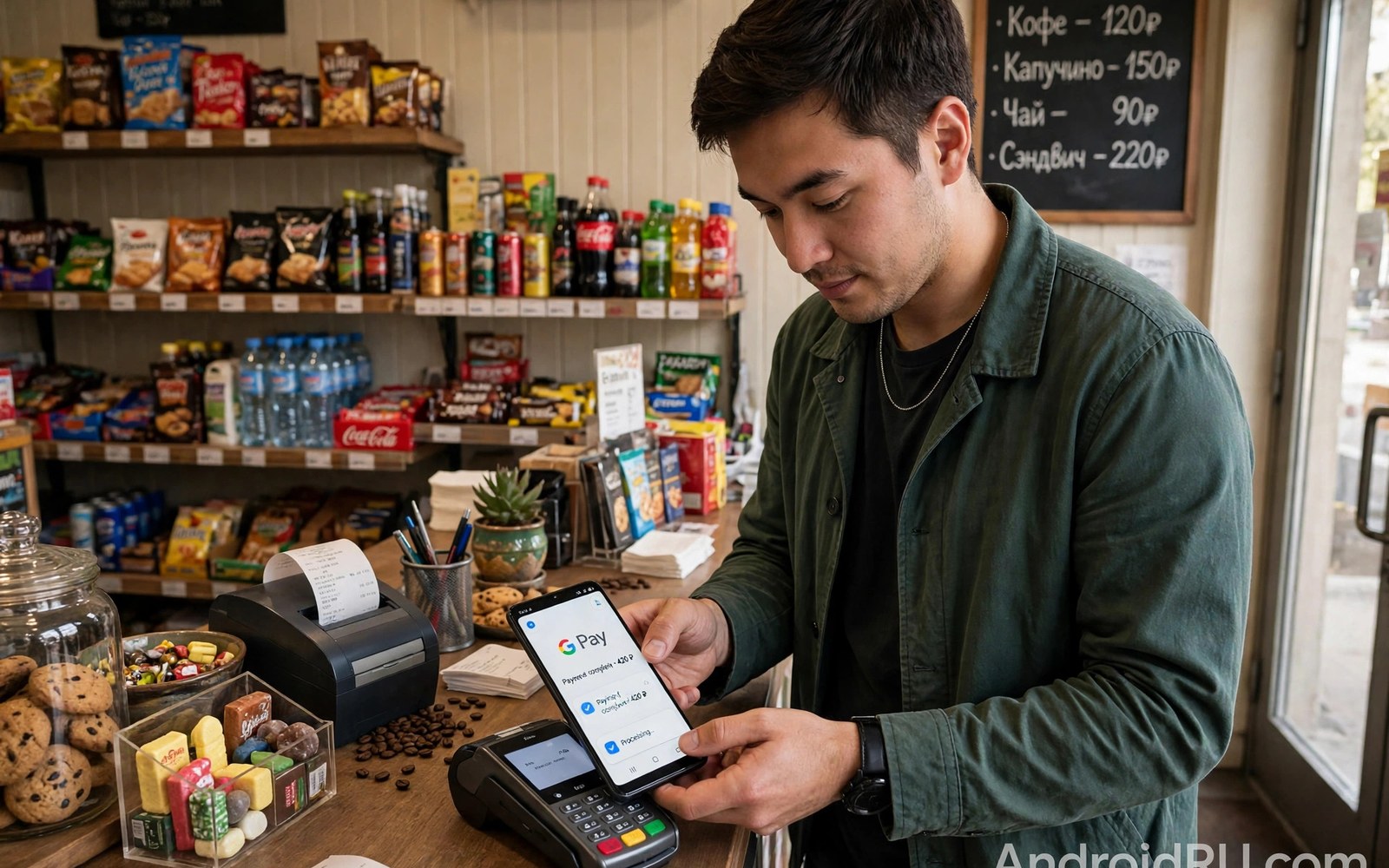
Mobile payment apps depend on device integrity checks to protect money. They verify that the phone software has not been tampered with. Root access changes that software state in detectable ways. A rooted phone therefore faces payment restrictions in many cases. Understanding those checks helps users plan around them.
Google Wallet and banking apps use several layers of checking. They check for root binaries and manager apps on the device. They check boot integrity through attestation services. They may check for unlocked bootloaders as well. Each layer can trigger a block independently of the others.
Blocks vary widely by app and by region and by phone model. One banking app may work with hiding tools while another refuses outright. A payment app may allow viewing balances but block tap to pay. That variation frustrates users who expect a single rule. Model specific testing gives the only reliable answer.
Payment impact is a key cost in the root decision. Weigh it against whether rooting still makes sense for power users today before committing. Also review what Android rooting means and its core risks and benefits for the wider risk picture. Payment needs often settle the decision alone.
How Payment Apps Detect Root
Payment apps scan for known root files and binaries during startup. They look for superuser binaries in common system paths. They look for manager app packages by name. They may scan for module folders that indicate systemless root. Any match can trigger a warning or a full block.
Attestation provides a stronger check than file scanning alone. The phone hardware signs a statement about boot state. Google servers verify that statement against known good values. A modified boot image produces a statement that fails verification. Hiding tools cannot forge a valid hardware signature.
Behavioural checks add a third detection layer for some apps. An app may test whether it can access files it should not reach. It may test SELinux status or debug settings. Unusual results suggest a modified environment even without root files. Combined checks make simple hiding far less reliable.
Google Wallet And Tap To Pay
Tap to pay needs the highest integrity level in most regions. The payment terminal and the bank both trust the device state. A failed integrity check blocks card provisioning or payment. Users may see a vague error rather than a clear root warning. That vagueness makes diagnosis harder for rooted users.
Some users keep a second stock phone for payments only. That separation solves the payment problem completely. It costs more but removes daily friction entirely. A cheap stock phone for wallet use suits heavy payment users. The rooted phone then serves as a tool device rather than a daily driver.
Hiding tools sometimes restore tap to pay temporarily. An app update or a security patch can break hiding overnight. A payment failure at a shop counter is embarrassing and disruptive. Users who depend on tap to pay daily should not rely on fragile hiding. Reliability matters more than root features at checkout.
Banking Apps And Account Access
Banking apps protect account access with integrity checks too. Some banks block login entirely on rooted phones. Others allow login but block transfers or new payees. A few banks warn but allow full access after user confirmation. Policy differs by bank and by country regulation.
Business banking apps tend to be stricter than personal apps. Work accounts face enterprise security policies as well. A rooted phone may breach work device policy even when personal banking works. Employees should check work policy before rooting a phone used for work. Policy breach can affect account access beyond the app itself.
Two factor authentication apps may also behave differently on rooted phones. Some authenticator apps warn about root but still generate codes. Others refuse to run until root is removed. Losing authenticator access can lock users out of many accounts. Test authenticator apps before relying on a rooted daily phone.
Hiding Tools And Their Limits
Denylist tools hide root traces from selected apps. They prevent those apps from seeing manager processes and files. They work best against simple file based detection. They struggle against hardware attestation checks. Users should test each app after configuring a denylist entry.
Manager renaming helps against package name scans. A renamed manager is harder for apps to spot by name. It does not hide boot modification from attestation. It also needs reconfiguration after manager updates. Renaming is a useful extra step rather than a complete solution.
Integrity fix modules attempt to pass attestation checks. They adjust device fingerprints and attestation responses. Their success varies as attestation methods evolve. A module that works today may fail after a server side change. Users should expect ongoing maintenance when using such modules.
Risks Beyond App Blocks
Root increases fraud risk if a malicious app gains elevated access. Such an app could read banking data or intercept codes. The superuser prompt is the main defence against that scenario. Users must never grant root to banking related tools carelessly. A single careless grant can expose financial data deeply.
Payment card data itself stays protected by tokenisation in most systems. Actual card numbers rarely sit on the phone in plain form. Tokens limit damage from a compromised app to some degree. Root still widens access to app data and session tokens. Tokenisation reduces risk but does not remove it entirely.
Insurance and fraud liability may change on modified devices. A bank may dispute a fraud claim involving a rooted phone. Policy terms vary and are rarely clear in advance. Users should read bank terms for device modification clauses. Financial risk deserves weight alongside app convenience.
Practical Choices For Payment Users
Keep payments on a stock device when payments matter daily. Use the rooted phone for tools and experiments separately. That split gives both freedom and reliability without compromise. It is the safest practical answer for most payment users. Cost is the only real downside of the split approach.
Test payment apps early when trying root on a daily phone. Install root and test wallet and banking before committing fully. Note which apps work and which block access. A clear test result prevents later surprises at checkout. Early testing is far better than discovering a block during travel.
Permission discipline protects financial apps even on rooted phones. Read managing superuser permissions and granting elevation safely before granting any financial adjacent tool. Strict grants reduce fraud risk greatly. Pair strict grants with a stock payment device for best safety.
Regional Differences In Payment Blocking
Payment blocking strictness varies by country and by bank policy. Some regions enforce hardware attestation strictly for all wallets. Other regions allow wallet use with basic integrity only. Users travelling across regions may see changing behaviour. A wallet that works at home may block abroad after a check.
Bank regulation also shapes app policy in each country. Regulators may require strong device checks for financial apps. Banks then implement those checks even when users dislike them. Policy differences explain why one bank blocks while another allows. Users cannot change regulation by changing hiding tools.
Card networks add their own rules for tokenised payments. A card network may refuse tokens on modified devices. That refusal affects all banks using that network similarly. Users may see a network level block rather than a bank block. Network rules are harder to bypass than app level checks.
Travel users face extra payment risk on rooted phones. A blocked wallet abroad leaves few payment alternatives quickly. Cash and a backup stock phone reduce that risk greatly. Plan payment methods before travel rather than during travel. A backup plan is essential for rooted travellers.
Work And Enterprise Payment Restrictions
Work devices often carry management profiles that enforce integrity. Those profiles may block rooted devices from work resources entirely. Work payment tools may follow the same strict policy. An employee who roots a work phone risks access loss. Work phones should stay stock unless policy explicitly allows root.
Bring your own device policies vary by employer greatly. Some employers allow rooted personal phones with limited access. Others block any modified device from corporate data. Read the employer policy before rooting a phone used for work. Policy violation can affect employment beyond app access.
Client payment apps for small businesses may also block root. A seller who takes card payments on a phone needs reliability. A blocked payment app during a sale loses revenue directly. Business phones should prioritise payment reliability over root features. A separate tool phone can serve root needs safely.
Expense and invoicing apps may share the same integrity checks. A blocked expense app delays reimbursement and record keeping. Business users should test every work app after rooting. Early testing prevents workflow disruption later. Work reliability deserves the same weight as payment reliability.
Protecting Financial Data On Any Phone
Strong lock screen protection matters on rooted and stock phones alike. A strong PIN or password delays unauthorised access greatly. Biometric unlock adds convenience without replacing PIN strength. Keep the lock credential private and unique to the phone. Lock strength is the first financial defence layer.
App lock tools add a second layer for banking apps specifically. They require an extra PIN before opening a sensitive app. That layer helps when someone borrows the phone briefly. It does not replace device integrity checks. It adds friction that deters casual snooping effectively.
Transaction alerts notify you quickly about account activity. Enable alerts for every payment and transfer when available. Fast alerts let you freeze a card quickly after fraud. Review alerts daily rather than ignoring them routinely. Alert habits catch fraud earlier than monthly statements.
Separate accounts for daily spending limit fraud damage. Keep a main account with larger balances isolated from daily use. Use a smaller spending account for tap payments and online buys. A breach of the spending account then causes limited loss. Account separation is a simple financial safety habit.
adb shell su -c 'ls /system/bin/su'
# Payment apps scan for root traces
# Test wallet before daily reliance
The steps above follow the approach described in the official developer documentation and reflect common practice for this topic. They explain payment detection and practical choices for rooted users. Readers should test their own banking and wallet apps directly. When payments matter daily a separate stock phone is the safest choice.

