

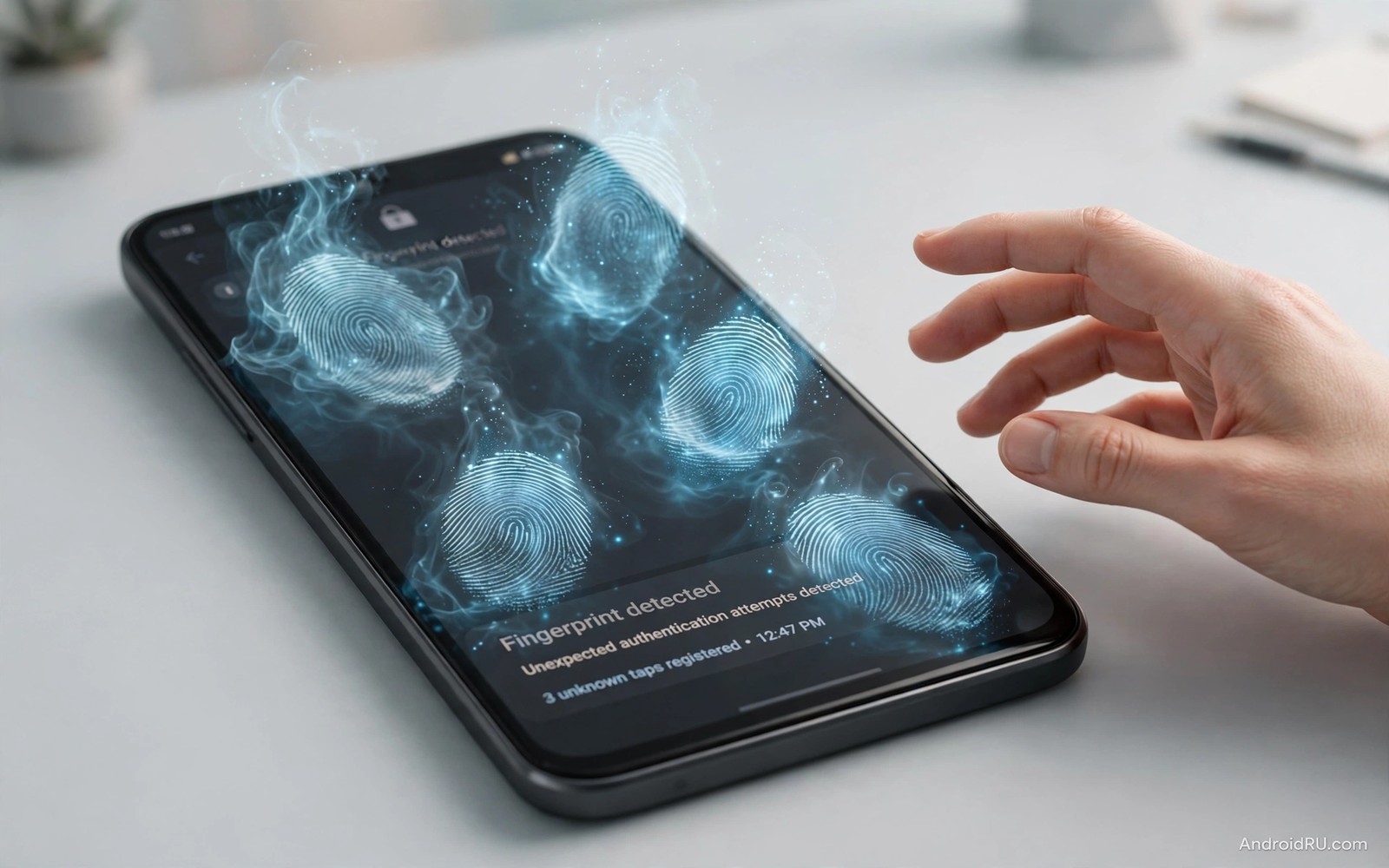
Ghost touching feels like a haunted phone. Apps open alone and text types itself and pages scroll without a finger near the screen. The cause is usually physical or electrical rather than supernatural. A faulty charger or a damaged screen or a bad protector can confuse the touch sensor. Finding that cause early can save a repair bill and a lot of frustration.
Touchscreens sense tiny electrical changes near the glass. Anything that disturbs that field can register as a touch. Moisture and dirt and static and electrical noise all disturb it in different ways. A charger with poor grounding injects noise directly through the cable. A cracked screen creates false signals along the crack. A thick protector with trapped air creates dead zones and phantom taps.
Work through the checks in this guide before booking a repair. Most cases resolve with a charger swap or a protector removal or a cleaning. Those fixes cost little and take minutes. A repair becomes the right answer only when ghost touches persist after every simple cause is ruled out. That order also protects you from fatal mistakes that ruin hardware because rushing to a repair can replace a good screen while the real culprit stays plugged in.
Unplug the charger first and test
Ghost touches that appear only while charging point strongly at the charger or the cable. Unplug both and use the phone on battery for thirty minutes. If phantom taps stop then the charging gear is the cause. Replace it with the original charger or a quality charger from a known maker. Do not keep using a charger that disturbs the touch sensor.
Test with a different cable as well because a damaged cable can inject noise even with a good charger. A cable with a frayed sheath or a loose connector deserves retirement. Cheap charging gear is a frequent ghost touch source because it lacks proper shielding and grounding. Quality power gear keeps the touch sensor calm during charging.
Also try a different wall socket. A faulty socket or a shared circuit with a noisy appliance can feed interference through the charger. A socket change is a free test that rules out your home wiring. If touches follow the phone to another socket then the charger or the phone itself is the suspect.
Remove the case and the screen protector
Remove the case and test the screen bare for an hour. A tight case that presses on the screen edges can trigger edge touches. A case with a magnetic flap can disturb the sensor near the magnet. A warped case after a drop can press unevenly and create phantom input. Bare testing removes all of those variables at once.
Peel off the screen protector next if touches persist. A protector with bubbles or lifted edges creates air gaps that confuse sensing. A cheap protector with uneven adhesive creates the same problem across a wide area. Test without any protector before buying a replacement. If touches stop then choose a quality protector and apply it slowly in a dust-free room.
Clean the bare screen with a soft dry cloth after removing the protector. Remove dust and moisture from the edges where the protector met the glass. Avoid liquids near the earpiece and ports. A clean dry screen gives the sensor its best chance to behave normally. That care also matters for cleaning a screen with the wrong liquid because the wrong cleaning liquid can damage coatings permanently.
Rule out software and moisture problems
Restart the phone and test in safe mode if your phone offers it. Safe mode disables third-party apps and reveals whether an app is simulating touches. An app with overlay permission can draw invisible taps that look like ghost touches. If touches stop in safe mode then uninstall recently added apps one by one until the culprit appears.
Moisture is another common cause. A phone used with wet hands or in a steamy bathroom can register droplets as touches. Dry the phone fully and let it sit in open air for an hour. Do not use heat to force drying. A phone that behaves after drying was likely confused by moisture rather than damaged by it.
Check for a system update as well. Touch driver bugs occasionally cause phantom input after an update. Makers fix such bugs in follow-up updates. If touches started right after an update then check maker forums for reports. A pending fix may already be rolling out to your model.
Check for physical screen damage honestly
Inspect the screen under bright light for hairline cracks and dead spots and discolouration. A crack across the touch layer can generate false signals along its path. A swollen battery pressing from behind can also distort the screen and cause phantom taps. A screen that lifts at the edges deserves professional inspection rather than home fixes.
Test touches zone by zone. Open a drawing app and drag slowly across the whole screen. Note areas where the line jumps or breaks or appears without contact. A single faulty zone points to hardware damage in that area. Widespread random touches point more toward charger noise or moisture or a failing touch controller.
Do not press harder to overcome ghost touches. Hard pressing on a damaged screen can worsen cracks and spread the faulty zone. Gentle testing gives clearer information. If the screen is cracked then back up your data promptly because the damage may spread and the phone may become unusable. The same no-poking rule applies to poking pins into speaker mesh because pins damage acoustic meshes just as they damage screens.
A step-by-step diagnostic order
Follow this order and stop at the step that fixes the problem. Unplug charger and remove case and remove protector and restart and test safe mode and inspect for damage. Changing one variable at a time shows you the true cause. Changing everything at once leaves you guessing which fix worked and whether the problem will return.
Step 1 > Unplug charger and cable
Step 2 > Remove case and protector
Step 3 > Clean screen dry and test
Step 4 > Restart and test safe mode
Step 5 > Inspect screen for cracks
The routine above was written for this article to give ghost touch diagnosis a clear order. It moves from the cheapest causes to the most serious ones. Follow it top to bottom and note the step where touches stop. That note tells a repairer exactly what you already ruled out if a visit becomes necessary.
When a repair is genuinely needed
A repair becomes necessary when touches persist after charger tests and case removal and protector removal and safe mode testing. That persistence points to a failing touch controller or a damaged screen layer. A professional diagnosis can separate those two causes. Screen replacement fixes a damaged layer. Board repair addresses a controller fault.
Choose a repairer who explains the diagnosis before quoting a price. A good repairer tests with a known-good screen before condemning the board. Ask whether the repair uses a quality part and whether it carries a warranty. Cheap screens can introduce new touch problems that mimic the original fault.
Back up everything before handing the phone over. A repairer may need to reset the device during testing. Photos and messages without a backup are at risk during any hardware work. Remove lock credentials only through the official process the repairer requests and restore them as soon as the phone returns.
Compare repair cost with replacement value for older phones. A flagship from last year deserves a quality screen. A five-year-old budget phone may cost more to repair than to replace. Honest arithmetic prevents spending repair money on a device near the end of its useful life.
Common mistakes
The biggest mistake is replacing the screen before testing the charger. Screen replacement costs far more than a charger swap. It also fails to fix touches caused by electrical noise. Always test on battery power first and with quality charging gear second.
Another mistake is applying a new protector over dust or moisture. Trapped debris under a fresh protector recreates the problem you tried to fix. Clean the screen fully and apply the protector in a still room. Patience during application prevents bubbles that later confuse the sensor.
People also ignore a swollen battery behind ghost touches. A battery pressing on the screen is a safety issue rather than a mere annoyance. If the screen lifts or the back bulges then stop using the phone and seek repair. Do not try to press the screen flat.
Finally avoid factory resetting a phone with clear hardware symptoms. A reset erases data and wastes hours when the cause is a charger or a crack. Reset only after hardware and safe mode tests point toward software. Hardware causes need hardware answers.
Frequently asked questions
Can a virus cause ghost touching?
Malware rarely simulates random touches across the whole screen. An app with overlay permission can create fake taps in specific places. Safe mode testing separates that case from hardware causes. If touches stop in safe mode then an app is the likely culprit.
Will a new screen protector fix ghost touches?
Only when the old protector caused them. A quality protector applied cleanly can fix touches from bubbles or lifted edges. It cannot fix charger noise or cracks or a failing touch controller. Test bare first so you know whether a protector is even part of the problem.
Is ghost touching dangerous for my data?
It can be because phantom taps may open apps and change settings and send messages. Lock the phone when touches become severe. Back up important data promptly. A phone that taps on its own should not be left unlocked on a table.
Conclusion
Ghost touches usually trace back to a charger or a case or a protector or moisture or screen damage. Test in a careful order and stop at the fix that works. That patience saves repair money and it gives a repairer clear information when hardware is truly at fault.
Your concrete next step is to unplug the charger and remove the case and test the phone on battery for thirty minutes. That one test separates the most common cheap cause from every expensive one. Write down the result so a repairer starts from evidence rather than guesswork. A short note with dates helps any repairer skip the tests you already finished.

