

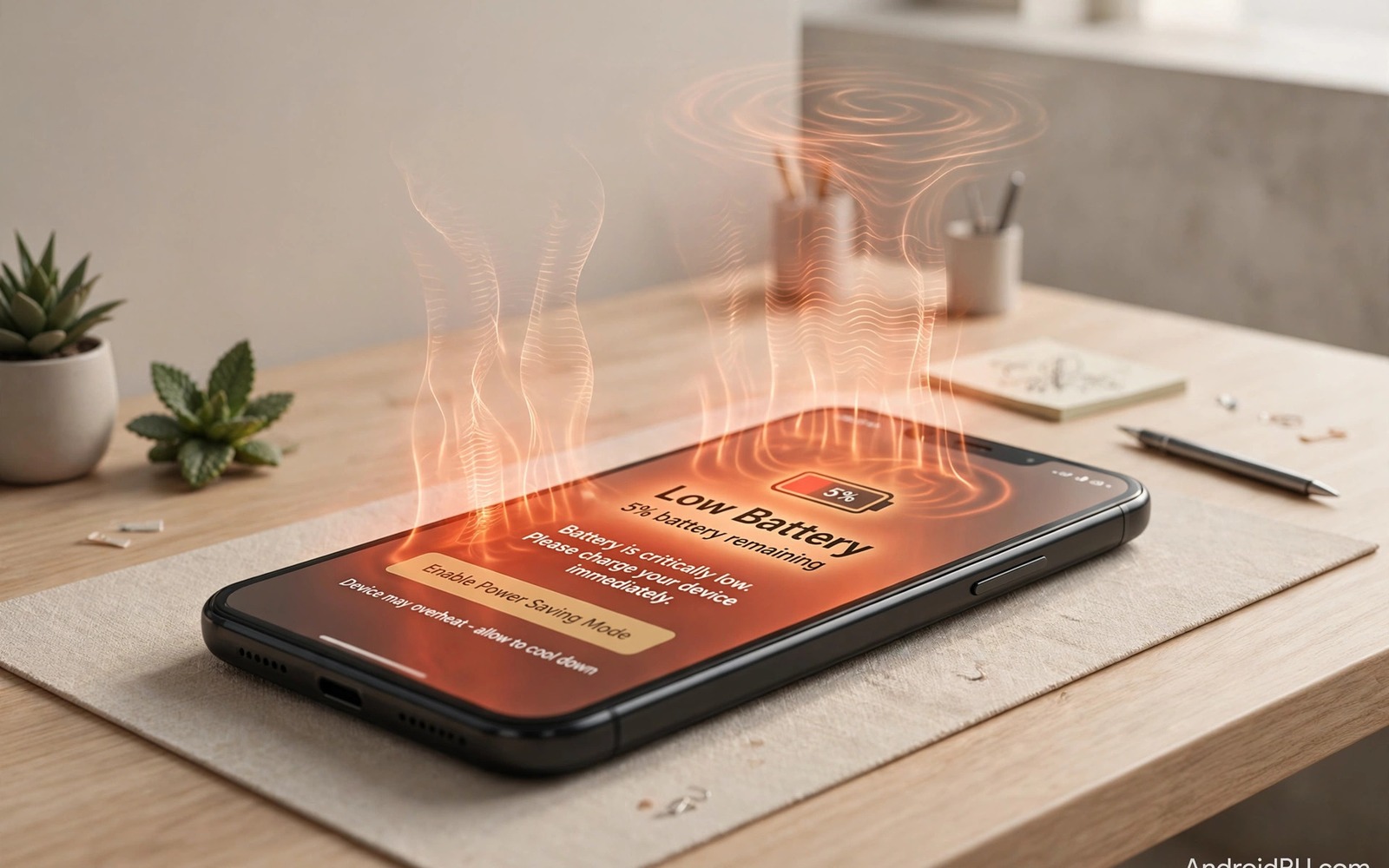
Phones rarely die from one dramatic accident. They fade from habits that feel normal. A phone left in a hot pocket and a charger yanked daily and updates ignored for months all take a toll. Each habit alone seems minor. Together they shorten battery life and weaken ports and slow the system. Owners often notice decline only when repair becomes expensive. This guide exposes seven secret habits. It gives a safer replacement for each one.
Secret habits are dangerous because they hide in routine. You do not notice heat building in a pocket. You do not notice a port loosening from angled cables. You do not notice storage filling until the phone stutters. Awareness turns those hidden costs visible. Once you see a habit you can change it. Change does not require new hardware. It requires attention at the moments that matter most.
Use this guide as a weekly audit. Read each habit and ask whether it matches your day. Mark the habits that fit. Replace marked habits one by one. A phone cared for daily lasts years longer than a phone cared for only after damage. That longevity saves money and reduces waste.
Habit one carrying the phone in heat and pressure
A tight pocket traps heat against the body. Exercise and summer weather add more heat. A phone in that environment throttles performance to protect itself. Repeated throttling signals chronic heat stress. Battery chemistry ages faster under heat. Move the phone to a bag or a loose pocket during workouts. Remove it from a pocket during long sun exposure. Those moves cost nothing and protect the battery.
Pressure in a back pocket bends phones slowly. Sitting on a phone flexes the frame and battery. That flex can crack solder joints over time. It can also stress the screen connection. Use a front pocket or a bag for larger phones. Never sit with a phone in a back pocket as a routine. If you must carry it there for a moment then remove it before sitting. That habit prevents cumulative bending.
Leaving a phone on a car dashboard combines heat and sun. Dashboard temperatures can exceed safe limits quickly. The battery and screen adhesives suffer first. Take the phone with you when you leave the car. Use shade and airflow if you must leave it briefly. A phone in a glove box is cooler than a phone in direct sun. Small placement choices matter greatly.
Habit two yanking cables and ignoring port care
Pulling a cable by the cord stresses the connector. The cord may survive but the port solder weakens. Over months the port becomes loose. Charging then requires a precise angle. That angle worsens the damage. Always grip the connector head when unplugging. Pull straight out without twisting. That simple grip habit protects the port for years.
Lint in the port is another hidden killer. Pocket lint packs into the port with each insertion. Eventually the plug cannot seat fully. Users then push harder and bend pins. Clean the port gently every few months. Use bright light and a wooden toothpick. Remove lint carefully without scraping pins. A clean port charges firmly with light pressure.
Using a phone while it dangles from a cable adds stress. Gravity pulls the connector sideways. That sideways force bends the port. Support the phone during charging. Place it on a surface rather than letting it hang. A short cable reduces dangling risk. Those placement habits protect both port and cable.
Habit three ignoring updates storage and restarts
Ignoring updates leaves security flaws open. Attackers exploit known flaws quickly after disclosure. Updates also fix battery and performance bugs. Install security updates promptly on Wi-Fi. Back up before major updates. A short delay for stability is fine. A delay of many months is not. Automatic update downloads remove the decision burden.
Full storage slows the phone and blocks updates. Caches and downloads accumulate silently. Keep at least fifteen percent free. Delete old videos and duplicate files regularly. Move large files to cloud or computer storage. A clean storage habit keeps the system responsive. It also ensures space for emergency photos and updates.
Never restarting the phone allows small glitches to accumulate. Memory leaks and stuck processes build over weeks. A weekly restart clears temporary state. It also applies pending updates fully. Restart at a convenient time like Sunday evening. That routine prevents many mysterious slowdowns. A restart is the simplest maintenance step available.
Habit four charging carelessly and using the phone hot
Charging under bedding traps heat. Charging while gaming creates heat from two sources. Both habits age batteries fast. Charge on a hard surface with airflow. Pause heavy gaming during charging. Remove a thick case if the phone feels warm. Those steps keep charging temperature in a safe range. Cool charging is one of the best longevity habits.
Using a phone until it shuts down from heat is another risk. Thermal shutdown is a protection event not a normal limit. Repeated shutdowns indicate a pattern to fix. Lower brightness and close heavy apps in hot weather. Move to shade during outdoor use. If shutdowns persist then seek inspection. A cooling system fault may need repair.
Fast charging every time adds heat stress as well. Fast charging is convenient for travel. Daily fast charging ages batteries faster than standard charging. Use standard charging at home and fast charging only when needed. That balance gives speed when it matters and longevity every day. Charge limits to eighty percent add further protection when available.
Habit five trusting every app and public network
Installing apps without vetting exposes data and battery. Free cleaners and boosters often run trackers. Fake apps mimic trusted brands. Audit apps monthly and remove unused ones. Review permissions for remaining apps. Deny access that does not match the app job. That audit takes minutes and protects data for weeks.
Public Wi-Fi without caution exposes traffic to snooping. Attackers on open networks can intercept unencrypted data. Use a reputable VPN on public networks. Avoid banking on open Wi-Fi without VPN protection. Turn off auto join for unknown networks. Those habits reduce exposure without removing public Wi-Fi convenience.
Clicking links in messages without checking is another secret killer. Phishing links can install harmful profiles or steal logins. Verify unexpected links through official apps. Do not enter passwords from message links. That caution protects accounts that a new phone cannot restore. Data loss from phishing often hurts more than hardware loss.
adb shell dumpsys battery
adb shell df -h
echo "Weekly audit: battery heat storage and unknown apps"
The snippet above is an original example written for this guide. It shows a weekly audit checklist for battery and storage on a connected device. It does not fix habits by itself. Use it as a reminder to check the hidden costs each week. Real change comes from daily placement and charging choices.
Replace protectors and cases on a schedule
Screen protectors wear out silently. A scratched protector reduces clarity and touch smoothness. Users blame the screen when the protector is the problem. Replace a protector when scratches become visible in sunlight. A fresh protector restores clarity instantly. Cases also wear at corners and buttons. A loose case protects less during drops. Inspect cases monthly for cracks and stretched edges.
Cleaning protectors needs the same gentle method as screens. Use microfibre and water only. Harsh chemicals damage protector coatings too. A damaged protector coating smudges faster. Replacing a cheap protector beats living with a smeared surface. Keep a spare protector at home for quick replacement. That spare prevents days of scratched viewing after a crack.
Common mistakes
A common mistake is blaming the brand for habit damage. A phone from any brand suffers under heat and bad charging. Brand quality cannot overcome daily abuse. Focus on habits before switching brands. A new phone with old habits will decline just as fast. Change habits first and judge the phone second.
Another mistake is fixing only visible damage. A cracked protector gets replaced while heat habits continue. Visible fixes feel satisfying but hidden habits keep working. Audit heat and ports and storage and apps together. A full audit catches hidden damage early. Partial fixes leave the main cause untouched.
People also wait for a failure to start care. A dead battery or broken port forces action. Early care is cheaper and calmer. For a full prevention list then stopping ten harmful phone habits immediately expands the audit. For hardware specific errors then avoiding fatal mistakes that ruin smartphone hardware covers instant damage. For battery timing then replacing a battery before it swells explains when to act.
Frequently asked questions
Which habit harms phones most?
Heat harms phones most across battery and adhesives and performance. Heat comes from sun and bedding and gaming while charging. Reducing heat gives the largest longevity gain. Cool charging and shade use and airflow matter more than any accessory. Start with heat control for fastest benefit.
How often should I audit my phone habits?
A quick weekly check works well. Check storage and battery use and app list each week. Check port cleanliness monthly. Check cable condition monthly. A weekly rhythm catches problems early without burden. Tie the audit to an existing routine like Sunday evening charging.
Can a damaged phone recover with better habits?
Better habits stop further damage but they do not reverse worn chemistry or bent ports. A worn battery needs replacement to recover capacity. A loose port needs repair to restore firm charging. Better habits protect the repaired phone from repeat damage. Recovery plus habit change gives the best outcome.
Screen brightness habits also affect longevity quietly. Maximum brightness all day heats the display and drains battery. Auto brightness adapts to rooms and saves power. Use manual brightness only for short outdoor reading. Return to auto brightness indoors. That habit reduces heat and extends daily battery life. A cooler display also ages more slowly over years of use.
Conclusion
Secret habits kill phones slowly through heat and pressure and neglect. Pocket heat and cable yanks and ignored updates and careless charging all add up. Public network risks and unvetted apps add data danger. Awareness and simple replacements reverse the pattern. A weekly audit keeps hidden costs visible.
Your concrete next step is to audit three habits today. Move charging to a cool surface and clean the port gently and delete five unused apps. Repeat the audit next Sunday. Add one more habit fix each week until all seven feel automatic.

