

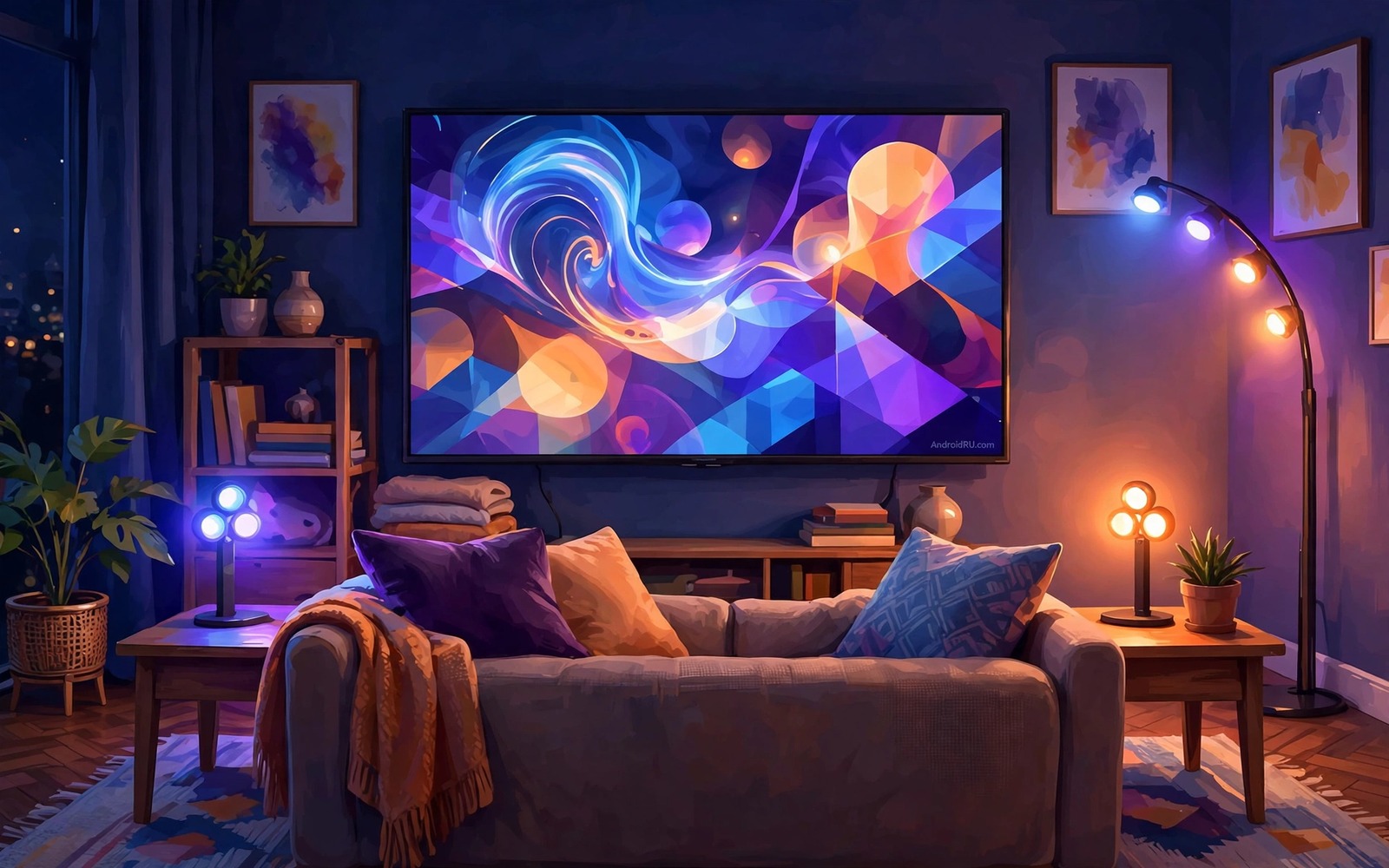
A television in a dark room can strain eyes because the bright screen contrasts with dark walls. Smart bulbs behind or around the television can soften that contrast. They can also extend the colours on screen into the room for a more immersive film night. Syncing bulbs to the display turns a plain wall into a gentle extension of the picture. The effect feels cinematic when tuned well and distracting when tuned badly.
Sync works by sampling colours from the screen and sending matching colours to bulbs. A camera based system watches the screen from outside. A software system reads the video signal directly when the platform allows it. Each method has different accuracy and different lag. This guide compares them and shows a setup that suits most living rooms without complex hardware.
Start with bias lighting as the goal rather than a full light show. A soft glow behind the television reduces eye strain and improves perceived contrast. Colour sync adds excitement for films and games but it should stay subtle. For a related TV room topic see protecting OLED TVs from screen burn-in because a calm room setup also protects viewing comfort. Tune for comfort first and spectacle second.
Smart lighting also helps a household where a child fears the dark at bedtime. A soft hallway glow synced to a calm colour can comfort a child without bright light. A parent can set that glow from a tablet panel in another room. That gentle light helps a child settle without a full room light. Lighting becomes care as well as decoration in that moment.
Choose Camera Or Software Sync
A camera sync box sits near the television and watches the screen through a small camera. It works with any source because it sees the picture directly. It needs careful placement so the camera frames the screen without glare. It can lag slightly during fast colour changes. That lag matters less for slow films than for fast games.
Software sync runs on the television or on a hub and reads colour data from the app itself. It reacts faster and it avoids camera glare entirely. It works only with apps and platforms that allow colour access. Some streaming apps block software reading for copyright reasons. Check your main apps before you commit to software sync alone.
Place Bulbs For Bias Lighting First
Place a light strip behind the television for the most effective bias light. The strip should wash the wall with an even glow rather than showing individual bright points. Keep the strip a few centimetres from the wall edge so light diffuses smoothly. Add side bulbs only after the rear strip looks even. A single well placed strip beats several poorly placed bulbs.
# TV bias lighting profile
primary_light = rear_strip
default_colour = neutral_warm_white
sync_speed_film = smooth
sync_brightness = moderate_half
scene_trigger = film_night
The snippet above is an original example written for this guide. It shows generic settings that you can adapt to your own device. It does not copy code from any outside source.
Set the bias light to a neutral white or a soft warm tone for normal viewing. That tone reduces eye strain without distracting from the film. Save vivid colour sync for films and games where immersion matters most. A neutral default also suits news and sport where colour sync adds little. Comfort should remain the default state of the room.
Tune Colour Brightness And Speed
Set bulb brightness to a moderate level that complements the screen rather than competing with it. A bulb brighter than the screen pulls the eye away from the story. A bulb too dim adds nothing to the room. Start at half brightness and adjust in small steps during a film. The right level feels present when you glance at the wall and invisible when you watch the screen.
Set colour transition speed to smooth rather than instant for films. Instant changes flicker with every cut and they tire the eyes quickly. Smooth transitions blend colours across a second or two. For games a faster response suits rapid action but keep brightness moderate. Test a fast action scene and a slow dialogue scene with the same settings before you settle.
Automate Lighting With Viewing Scenes
Create a film scene that dims room lights and starts bias lighting together. Trigger that scene from a tablet panel or a voice command when you sit down to watch. Create a normal scene that restores bright room lighting when viewing ends. Automating the switch removes the friction of adjusting bulbs manually each time. A scene that runs reliably gets used every night.
Link the film scene to a time window so lights do not dim during daytime viewing. A daytime film needs less bias light because the room already has ambient light. Test the scene at night first where the effect is clearest. Adjust the scene once based on that test rather than tweaking it every night. Readers building wider scenes can also see automated smart home scenes from a phone for scene ideas that include lighting. A stable scene feels like part of the home rather than a gadget demo.
Sync Lighting With Music For Gatherings
Music sync lighting suits gatherings where guests enjoy a lively atmosphere. Set bulbs to follow beat and colour changes at moderate brightness. Keep the television off during music sync so the room focuses on guests rather than a screen. A music sync scene should feel like a party backdrop not a distraction. Test the scene with a familiar song before guests arrive.
Limit music sync to a few bulbs in the main gathering room. Syncing every bulb in the house creates a chaotic effect that overwhelms conversation. A focused sync in one room keeps other rooms calm for quiet talk. Guests can move between lively and calm spaces as they wish. That choice respects different social moods in one home.
Turn music sync off at a set time in the evening to signal a calmer phase. A scheduled switch to warm static light tells guests the party is winding down gently. That lighting cue works better than an announcement. A graceful lighting transition ends a gathering well. Automation can handle social cues as well as technical tasks.
Maintain Bulbs And Hubs For Reliable Sync
Bulb firmware updates can improve sync timing and colour accuracy. Check for updates monthly and install them during daytime. An outdated bulb may lag behind updated bulbs in the same scene. Update all bulbs in a sync group together. A uniform firmware group syncs tighter than a mixed group.
Television settings for a tidy home also support lighting scenes by keeping the screen calm. The options in hidden Android TV settings worth enabling reduce stray bright menus during film nights. A calm screen lets bias lighting do its job without competition. A tidy television and a tidy light scene work together.
Replace a failing bulb promptly because a dim or flickering bulb breaks the whole sync illusion. A single faulty bulb draws the eye and ruins an otherwise smooth scene. Keep one spare bulb of each type used in sync groups. A spare lets you restore the scene in minutes. Reliability matters more than bulb count in a good light system.
Common Mistakes
The most common mistake is setting bulbs to maximum brightness and instant colour changes. That setup distracts from the film and tires the eyes within minutes. Another mistake is placing bulbs where they shine directly into viewers eyes instead of washing a wall. Indirect light is the whole point of bias lighting. A third mistake is syncing every app including news where colour changes add no value. A calm room also benefits from customizing the Google TV home screen so menus stay tidy.
People also buy many bulbs before testing one strip behind the television. A single strip proves the concept and reveals placement issues cheaply. Do not mount a camera sync box where it blocks the television sensor or the remote signal. Check remote response after installation. A light system that blocks the remote will frustrate the household more than it delights them.
Owners also sync bulbs to a television that shows news tickers and bright graphics all day. Constant colour changes from news graphics tire the eyes and waste bulb life. Limit colour sync to films and games where it adds value. Use static bias light for news and sport. That limit keeps sync special instead of tiring.
Frequently Asked Questions
Does bias lighting really reduce eye strain?
Bias lighting reduces the contrast between a bright screen and a dark room. That lower contrast eases the work your eyes do during long viewing. A soft neutral glow works best for strain relief. Vivid flashing colours do not help strain and they can make it worse.
Why do my synced bulbs lag behind the screen?
Lag comes from camera processing or network delay to the bulbs. Camera systems add processing time to analyse the picture. A weak wireless link adds further delay to bulb commands. Move bulbs closer to the router or use a wired hub when possible. Smooth transitions can hide small lag better than instant changes.
Can I sync bulbs with any streaming app?
Camera sync works with any app because it watches the screen directly. Software sync depends on whether the app allows colour access. Some streaming apps block software reading. Test your main apps before you choose a method so the system works for the content you actually watch.
Conclusion
Fit a single light strip behind your television today and set it to a soft warm white. Watch a full film with that bias light on and note whether your eyes feel calmer at the end. If they do then enable gentle colour sync for your next film night. That slow start gives you comfort first and spectacle only when it truly adds to the story.
After a week of bias lighting ask whether your eyes feel calmer at the end of a film. A calm feeling confirms that brightness and colour speed are tuned well. If the light distracts then lower brightness and slow the colour transitions further. A light system that you notice during a film is too strong. The best bias light is present at a glance and invisible during the story.
Keep one spare bulb for the rear strip so a failure does not leave the television without bias light for weeks. A spare restores the calm glow in minutes and it keeps the film night routine intact. Check bulb firmware monthly alongside the television update check. A uniformly updated set of bulbs syncs tighter than a mixed set. Those two habits keep a good light system reliable for years.

