

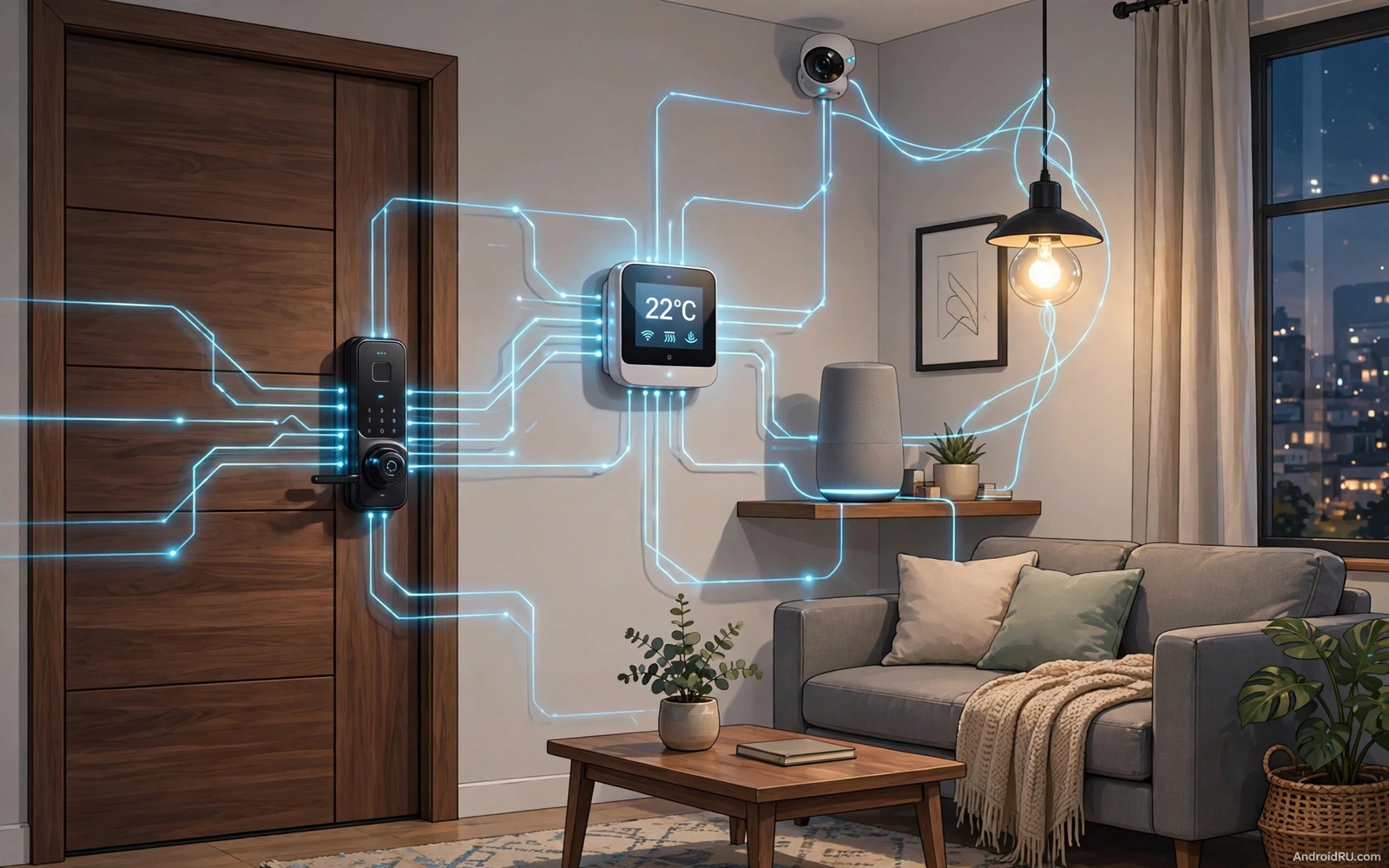
A smart home grows frustrating fast when devices refuse to talk to each other. One bulb uses one app and one lock uses another app and one sensor uses a third app. An Android hub solves that mess by giving every device a shared language and a shared control point. The hub does not need to be expensive. It needs to support the right standards and it needs to stay online and it needs to handle routines without a phone in hand.
Start with the standard before you start with the brand. Devices that support a shared standard like Matter or Zigbee or Z-Wave connect through a hub more reliably than devices locked to one vendor app. A shared standard also protects your investment when a vendor changes its app or stops supporting an old device. Check the hub compatibility list before you buy. A device that lists your hub explicitly will save hours of forum searching later. The dashboard ideas in how to turn an Android phone into a smart home dashboard show how a good hub setup looks once devices connect cleanly.
Smart bulbs that respond instantly
Smart bulbs are the best first automation device because everyone notices the result at once. A good bulb turns on in under a second and it dims smoothly and it remembers its last colour. Bulbs that connect through a hub respond faster than bulbs that rely only on cloud servers. Local control keeps lights working even when internet service slows down.
Choose bulbs with a clear colour temperature range for living spaces. Warm white suits evenings and cool white suits work areas. A bulb that only offers one harsh white tone feels cheap even when the automation works well. Test one bulb in your main room before you buy ten for the whole house. One good test prevents a house full of regret.
Group bulbs by room inside the hub app. Room groups let one command control a whole space. A single living room command beats ten separate bulb commands every time. Room groups also make scenes simpler because a scene can target rooms rather than individual bulbs.
Smart plugs for dumb devices
Smart plugs turn ordinary devices into smart devices without replacing them. A plug can control a lamp and a fan and a coffee maker and a heater. It gives scheduling and remote control to devices that never had those features. Plugs cost little and they teach you how automation feels before you invest in built in devices.
Pick plugs with power monitoring when you want to track energy use. Power data reveals which devices run all night and which ones draw power while idle. That data pays for the plug quickly in homes with old appliances. A plug without monitoring still controls the device but it cannot teach you about energy habits.
Keep plug loads within the rated limit printed on the plug. Heaters and air conditioners draw far more power than lamps. A plug rated for lamps can fail on a heater. Check the watt rating before you plug in a heavy appliance. Safety limits matter more than convenience in this category.
Locks and sensors that protect the home
Smart locks suit Android hubs well because they benefit from codes and schedules and logs. A lock can give a cleaner a weekday code and it can give a guest a weekend code. Codes can expire automatically without a key exchange. Logs show who entered and when. That history helps families coordinate without asking each other constantly.
Door and window sensors add awareness without complexity. A sensor reports open and closed states to the hub. The hub can then trigger a light or a notification or an alarm routine. Sensors cost little and they install with adhesive in minutes. Place them on the main doors first and expand to windows later.
Motion sensors fill gaps that door sensors miss. A hallway motion sensor can turn on a night light for a few minutes. A garage motion sensor can alert you when someone enters after midnight. Tune sensitivity carefully because pets trigger cheap sensors often. A sensor that cries wolf gets ignored and then it protects nothing.
Thermostats and climate devices
A smart thermostat saves energy by learning when the house is empty and when it is occupied. It lowers heating during work hours and it restores comfort before you return. The savings come from schedules that actually run rather than from fancy sensors alone. A thermostat that nobody programs saves nothing.
Check heating system compatibility before you buy a thermostat. Some systems need a common wire and some systems need an adapter. A quick photo of your wiring helps support teams confirm compatibility. Installing a thermostat on an incompatible system wastes a weekend and risks damage.
Smart fans and air purifiers round out climate control. A fan can run when a room sensor reports heat. A purifier can run when air quality drops. These devices feel less essential than a thermostat but they make rooms genuinely more comfortable. Automate them with room sensors rather than fixed timers for the best result.
Cameras and hubs that tie it together
Smart cameras add eyes to the hub but they need careful placement and privacy rules. Place cameras at entry points and avoid bedrooms and bathrooms entirely. A camera that watches a door helps security. A camera that watches a private room destroys trust. Set recording rules clearly and tell household members where cameras sit.
The hub itself deserves attention as a device. Place it centrally in the house and keep it on a stable network connection. A hub hidden in a far corner struggles to reach devices at the other end of the house. A central hub with a wired network link gives the most reliable automation. Test device response from the farthest room before you finish setup.
Voice assistants connect to the hub and give hands free control. A voice command can turn off all lights at bedtime. A voice command can lock doors when you leave. Keep voice commands short and consistent so every family member uses the same phrases. Consistency makes voice control feel natural rather than theatrical.
{
  "room": "living_room",
  "lights": "on",
  "brightness": 70,
  "thermostat": 22
}
The snippet above was written for this article to show the shape of a simple scene definition used by many hub systems. It names a room and it sets lights and brightness and temperature in one block. Real hub apps hide this shape behind menus but the idea stays the same. One scene groups several device actions into a single command.
Plan automation around real routines
Automation succeeds when it mirrors routines you already follow. Watch your household for a week and note repeated actions. Lights on at dusk and doors locked at night and temperature lowered before bed form natural automation candidates. A routine observed in real life automates smoothly. A routine invented in theory often fires at the wrong time or for the wrong reason.
Start automation in one room and prove it there before expanding. A living room with reliable lights and a reliable sensor teaches you hub behaviour. A whole house rollout on day one multiplies problems and hides causes. Room by room growth keeps troubleshooting simple. Each room success builds confidence for the next room.
Give every automation a clear name that describes its purpose. A name like Evening Lights tells anyone what it does. A name like Automation One tells nobody anything. Clear names help family members understand and trust the system. They also help you debug months later when you forgot why an automation exists.
Review automations seasonally because daylight and schedules change through the year. A dusk trigger that works in winter fires too late in summer. A heating schedule for cold months wastes energy in warm months. A seasonal review keeps automation aligned with real life. Four short reviews a year prevent a year of stale routines.
Choose a hub placement that reaches everywhere
Hub placement determines how reliably devices respond across the house. A hub in a central room reaches devices in all directions. A hub in a far corner struggles with distant rooms. Place the hub high on a shelf rather than low behind furniture. Height improves wireless reach through the house. A central high placement gives the most even coverage.
Avoid placing the hub next to large metal objects or microwave ovens. Metal blocks wireless signals and microwaves interfere with some bands. A clear space around the hub improves signal quality noticeably. Even a small move away from a metal cabinet can fix flaky devices. Placement tweaks cost nothing and they solve many mystery failures.
Test device response from the farthest room after placing the hub. A device that responds slowly at distance needs a repeater or a hub move. Testing early prevents a house full of unreliable devices. A reliable hub placement is the foundation of every automation that follows.
Start with security devices first
Security devices give the clearest return on smart home investment. A smart lock and a door sensor protect the home every day. A camera at the front door deters unwanted visitors. Those devices matter even when entertainment automation feels optional. Prioritise security when budgets are tight. Entertainment can wait while security cannot.
Test security automations more rigorously than entertainment automations. A failed light scene annoys. A failed lock scene risks safety. Run lock scenes daily for a week before trusting them fully. Rigorous testing builds justified confidence in security devices. That confidence lets the household relax at night.
Common mistakes
The biggest mistake is buying devices before checking hub support. A beautiful device that cannot join your hub becomes a separate app chore. Check the compatibility list first and buy second. That order saves money and frustration.
Another mistake is automating everything on day one. A house with fifty routines becomes unpredictable and hard to debug. Start with five routines that solve real daily annoyances. Add more only after those five run reliably for two weeks.
A third mistake is ignoring local control. Cloud only devices stop working when internet service fails. Devices with local hub control keep lights and locks working during an outage. Local control matters most for locks and lights that you need every day.
Frequently asked questions
Do I need a hub for every smart device?
No. Wi-Fi devices can work without a hub but they rely on cloud servers. A hub adds local control and it lets different brands work together. Homes with many brands benefit most from a hub.
What is the best first device to buy?
Smart bulbs give the fastest visible win. They are cheap and easy and everyone in the house notices them. Start with one room and expand only when the first room feels reliable.
Can old devices work with a new hub?
Smart plugs can bridge many old devices. A plug adds scheduling and remote control to a lamp or fan without replacing it. Check the plug power rating before you connect a heavy appliance.
Conclusion
A reliable Android smart home starts with compatible devices and a central hub and a few well chosen routines. Bulbs and plugs and locks and sensors cover most daily needs without complexity. Your concrete next step is to check your hub compatibility list tonight and buy one smart bulb and one smart plug this week. Install them in one room and create one evening scene that turns both on together. If that scene runs reliably for a week then expand room by room. The scene setup in automated smart home scenes triggered by an Android phone and the dashboard guide in turning an Android phone into a smart home dashboard will help you grow from that first room to a whole house system. As a related next step, explore 7 essential apps every Android TV box owner should install first to extend what you set up here.

