

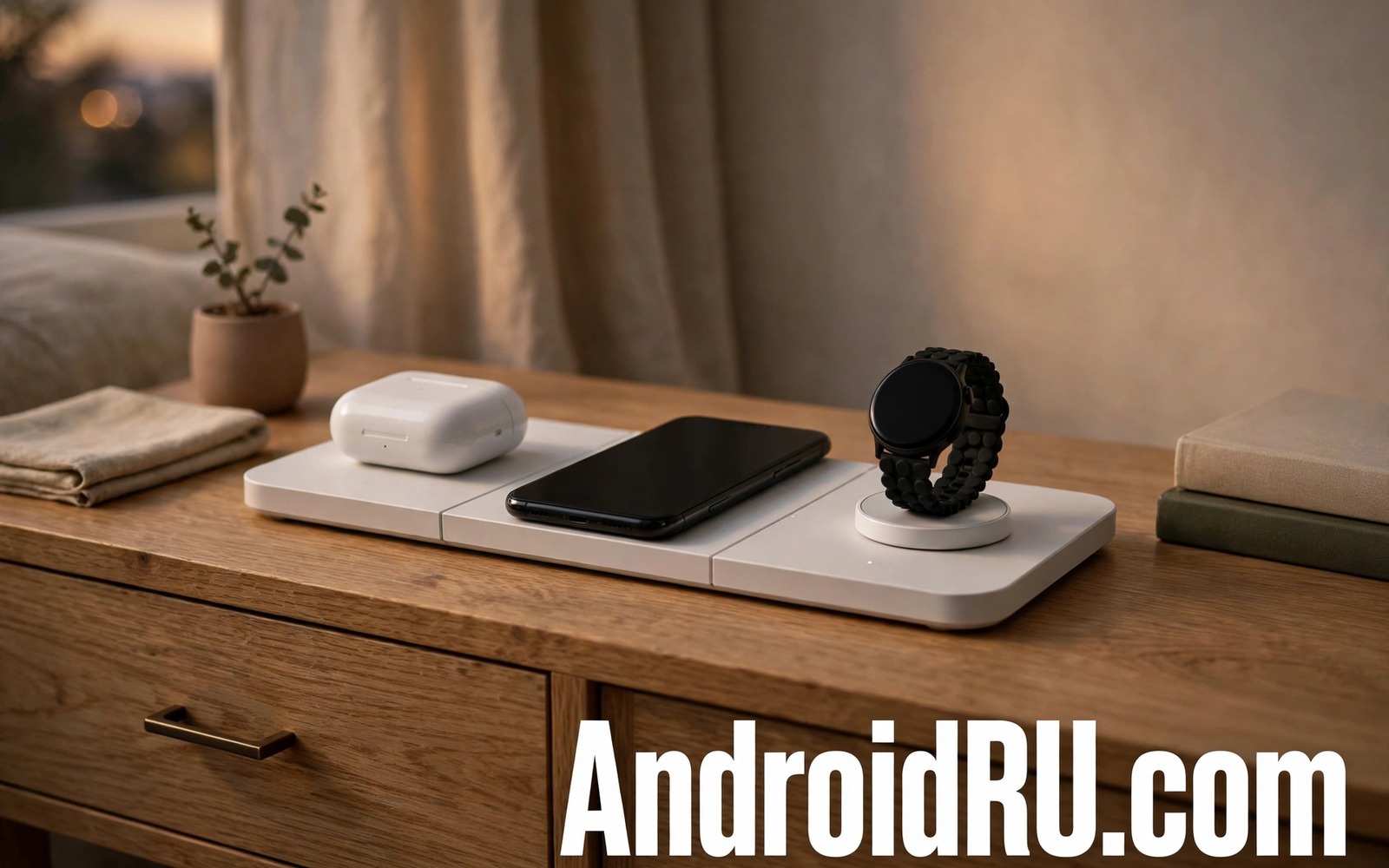
A nightstand full of cables looks messy and it makes charging three devices a nightly puzzle. A 3 in 1 wireless charging station promises one tidy spot for a phone and earbuds and a watch. One station can replace three separate chargers and three cables. That tidy promise only works if the station matches your devices and their charging standards. A station that fits one brand poorly can leave a watch uncharged in the morning. This guide rates what matters in a 3 in 1 station and how to avoid a tidy looking failure.
Start by listing the exact devices you charge each night. A phone and a wireless earbuds case and a smartwatch each use a different coil position. A station designed for a specific watch may not fit a different watch at all. Some stations use a magnetic puck for a watch that only works with one watch family. Others use a flat pad for a watch that charges on any standard pad. Check watch compatibility in the station description before ordering. A station that claims universal watch charging may still need a specific watch adapter that is not included.
Phone charging speed on a station is often lower than on a dedicated fast pad. A station shares total power among three devices. When all three devices charge at once the phone may receive less power than its maximum. That slower speed is fine overnight because the phone has hours to fill. For a quick top up before leaving the house a dedicated fast charger will beat a shared station. Judge a station for overnight use rather than for a thirty minute emergency charge.
Power Sharing And Heat In One Station
Power sharing is the core trade off in a 3 in 1 design. A station with a high total power rating can still limit each pad to a modest wattage. Read the per pad rating rather than the total station rating. A phone pad rated for a low wattage will charge slowly even when other pads sit empty. A station with a strong power adapter handles three devices better than a station with a weak adapter. A weak adapter can cause charging stops when all three devices draw power together.
Heat builds up when three devices sit close together on one station. A station with ventilation slots or a raised design helps heat escape. A station on a soft bedside surface can trap heat under the base. Use a hard nightstand surface for the station and keep it away from a heater. If a phone feels hot on the station then check alignment and case thickness first. A thick case can increase heat on a shared station just as it does on a single pad. For heat control details then preventing wireless charging heat explains alignment and airflow checks.
Fit Case Watch And Earbuds Correctly
Case fit decides whether a phone stays aligned on its pad through the night. A thick case can reduce charging efficiency and it can make the phone slide off a flat pad. A station with a phone stand holds the phone upright and gravity helps keep alignment. A flat station needs a phone placed carefully each night. Test the station with your case on for a full night before relying on it for travel. A station that works without a case but fails with a case is not a good daily choice.
Earbuds case fit also varies by case shape. A case that is too large for the earbuds pad may sit off centre and charge slowly. A case with a wireless charging coil near the bottom needs to sit flat on the pad. Some earbuds cases charge better on a dedicated spot marked on the station. Watch fit is the most fiddly part of a 3 in 1 station. A watch that hangs on a magnetic puck must align with the puck magnet. If the watch slips overnight then it may miss a charge entirely. For earbuds battery care then earbud charging case practices help you keep the case ready. For cable clutter beyond the station then stopping cable fraying protects the station power cable.
Rated Features Worth Paying For
A good station includes a strong power adapter in the box rather than requiring a separate purchase. A station sold without an adapter may cost more once you buy a suitable adapter. A station with a clear charging indicator for each device helps you spot a misaligned device at a glance. A single indicator for all devices hides which device failed to charge. A station with a phone stand also serves as a bedside clock display when the phone shows a clock face. That stand feature adds value beyond charging alone.
Safety features matter when a station runs overnight unattended. Over temperature protection should stop charging if a device gets too hot. Foreign object detection should stop charging if a coin or a key lands on a pad. Check that the station lists those protections rather than assuming they exist. A station without foreign object detection can heat a metal object left on a pad. Keep keys and coins away from the station surface even when protections are listed.
Test A Station With A Simple Script
A short log helps you compare stations over a week of nights. Note which devices reached full charge by morning and any device that stayed warm. This short script saves station night notes into a plain text file. It keeps the comparison honest because a single good night does not prove a station works every night. Review the log after a week to spot a pad that fails only when all three devices charge together.
notes = []
notes.append('station night phone earbuds watch full')
with open('station_notes.txt', 'w') as f:
    for n in notes:
        f.write(n + chr(10))
Attribution: This code sample is an original example written for this article. It shows a simple way to store charging station test notes in a text file. It does not come from any outside guide and it does not change device settings.
Test the station with all three devices from a low charge rather than from nearly full. A low charge test shows whether power sharing slows the phone badly. Note the time each device takes to reach full charge. If the phone takes far longer on the station than on a dedicated pad then the station may suit overnight use only. That result is acceptable if you charge overnight but it is a poor result for daytime top ups.
A station for travel should fold or pack flat and use one cable for all devices. A bulky station with a large adapter may not save space in a bag compared with three small chargers. Measure the station and its adapter together before packing for a trip. A travel station with a detachable watch puck can adapt to different watches on different trips. Keep the station cable in the same pouch as the station so setup at a hotel takes seconds.
A station that sits on a nightstand should also keep the phone screen visible for a bedside clock. A stand design lets you glance at the time without lifting the phone. A flat station hides the screen face down and you must lift the phone to check the time. That small difference matters for users who use the phone as an alarm clock. A stand station also keeps notifications visible during the night for users who need them.
A station power cable should be long enough to reach an outlet without stretching across a walkway. A stretched cable can pull the station off a nightstand when someone trips over it. Measure the distance from outlet to nightstand before ordering a station with a short cable. A cable clip can keep slack tidy without creating a trip hazard. A safe cable route matters as much as charging speed for a bedroom setup.
A station used by two people with different phones needs a flexible phone area rather than a fixed cradle. A fixed cradle may fit one phone size well and another poorly. A flat pad area with a small stand can adapt to different phone sizes more easily. Test the station with both phones before sharing it nightly. A station that works for only one phone will cause nightly arguments about charging spots.
A station in a child bedroom should be placed where small hands cannot pull it down easily. A station near the edge of a nightstand can fall when a child reaches for a phone. Push the station back from the edge and keep its cable behind the furniture. A stable placement keeps the station safe and it keeps devices charging through the night without a fall.
Common Mistakes
One common mistake is buying a station for a watch family it does not support. A magnetic watch puck for one brand will not charge a different brand. Another mistake is judging a station by total power alone without checking per pad power. A third mistake is using a thick case that blocks efficient charging on a flat pad. Test with your case on before keeping the station.
Some users also place a station on a soft surface that blocks airflow. That placement traps heat and it can cause charging stops overnight. Another error is covering the station with a cloth that hides charging indicators. Keep the station visible so a misaligned device is obvious at bedtime. A quick glance before sleep can save a dead phone in the morning.
Frequently Asked Questions
Will a 3 in 1 station charge my phone as fast as a dedicated pad?
A 3 in 1 station usually charges a phone slower than a dedicated fast pad because power is shared. That slower speed is fine for overnight charging. For a fast daytime top up use a dedicated charger instead. Check the per pad rating to judge the real phone speed on the station.
Can I use a 3 in 1 station with any smartwatch?
Not every smartwatch works on every station. Some watches need a specific magnetic puck while others charge on a flat pad. Check watch compatibility in the station description and look for your watch model by name. A station that lists your watch model is far safer than a station that claims universal support.
Why did one device not charge overnight on the station?
One device may miss a charge because of misalignment or a thick case or a watch puck slip. Check the charging indicator before sleep and reposition any device that shows no charging light. A device that sits off centre on a flat pad may stop charging during the night if it shifts. A stand design reduces that shift for phones.
Conclusion
A good 3 in 1 wireless charging station tidies a nightstand and charges a phone and earbuds and a watch in one spot. Check watch compatibility and per pad power and case fit before you buy. Test all three devices from low charge for a full week. Keep the station on a hard surface with clear indicators visible. Your concrete next step is simple. Tonight list your three nightly devices by exact model and order a station that lists all three models by name.

