

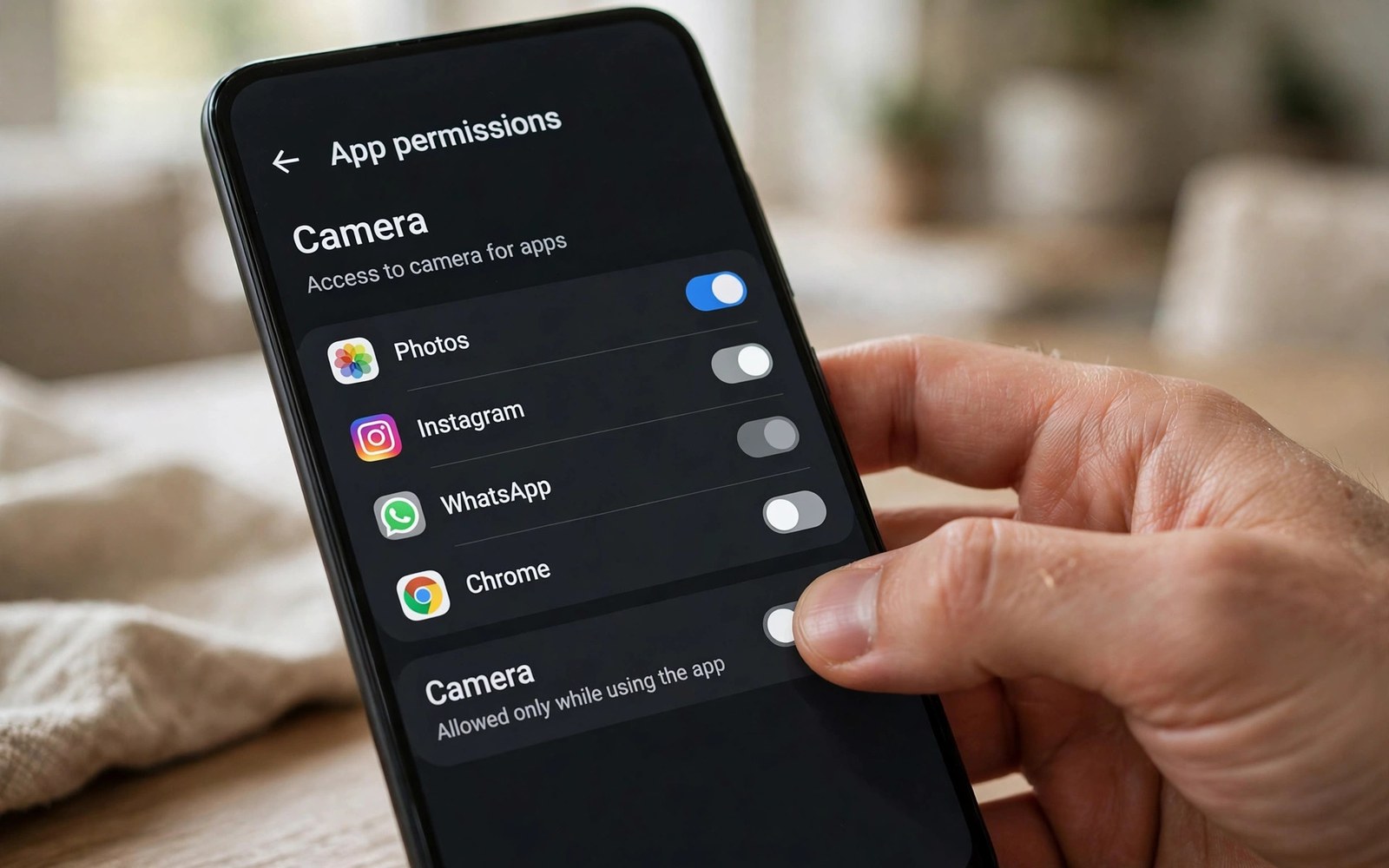
Sensitive permissions give an app deep access to user data and device functions. Accessibility can read screen content. Storage can reach personal files. SMS can read messages and send texts. Rules for these permissions are strict because abuse can harm users seriously.
An app should request a sensitive permission only when a core feature truly needs it. A feature that works with a less sensitive alternative should use that alternative. Reviewers check the core feature claim against the actual use. A mismatch between claim and use is a common rejection cause.
Plan sensitive permissions at design time rather than adding them late. Design the feature around the least access that achieves the goal. Write the disclosure before coding starts. A disclosure written early reveals whether the feature justification is strong enough.
Accessibility Permission Basics
Accessibility services help users with disabilities interact with devices. An accessibility service can observe screen content and perform actions. That power requires a clear benefit for users with disabilities or for a closely related core purpose. General automation alone rarely qualifies under current rules.
Declare the accessibility service in the manifest with a clear description of its purpose. The description must match the actual behavior of the service. A service that does more than its description promises will fail review. Keep the service narrow and document every action that it performs.
Write A Prominent Disclosure
A prominent disclosure appears before the user grants a sensitive permission. It must name the data accessed and explain why the feature needs it. It must appear on a screen that the user reads before granting access. A disclosure buried in settings does not satisfy the requirement.
Write the disclosure in plain language without technical jargon. State the benefit in the first sentence. State the data scope in the second sentence. State how the user can revoke access in the final sentence. A short disclosure that covers those points will pass review more reliably than a long vague one.
Storage Access Rules
Scoped storage limits apps to their own files and to media that the user selects. Broad file access is reserved for apps whose core purpose requires managing files across the device. A file manager qualifies more easily than a photo editor that only needs selected images. Match the request to the core purpose honestly.
Use the photo picker or the document picker when the user selects specific files. Pickers give access to chosen items without broad storage permission. Users understand pickers because they choose the file themselves. Pickers also reduce review risk because they avoid sensitive permission entirely.
SMS Permission Rules
SMS permissions are among the most restricted permissions in the store. An app should request SMS access only when messaging is a core function such as a default SMS app. Backup apps and automation apps face strict scrutiny for SMS access. Many former SMS use cases now have safer alternatives.
Check for a dedicated API before requesting SMS permission. Verification codes can use an SMS retriever API that avoids full message access. Sharing can use a share sheet that the user controls. An alternative that achieves the goal without SMS permission is almost always the better choice.
Test Permission Flows Fresh
Test sensitive permission flows from a fresh install on a real device. Confirm that the disclosure appears before the system prompt. Confirm that declining the permission still leaves core tasks usable when possible. A fresh install test reveals ordering faults that an update test hides.
Test revocation as well as granting. Revoke the permission in settings and reopen the app. The app should handle the loss gracefully with a clear message. A crash after revocation signals that the app assumed permanent access. Graceful handling after revocation is a quality signal for reviewers.
Handle Denial Gracefully
A user who declines a sensitive permission deserves a respectful response. Explain what feature is unavailable without the permission. Offer an alternative path when one exists. Do not repeatedly prompt the user after a clear denial. Repeated prompts feel like pressure and they damage trust.
Provide a settings link for users who change their mind later. A link that opens the app permission screen directly is more helpful than a generic instruction. Users who can find the setting easily are more likely to grant access when they need the feature. Helpful navigation beats repeated prompting.
Audit Permissions Regularly
Audit the permission list in every major release. Remove permissions that a retired feature no longer needs. Remove permissions that a new API has replaced. An audit takes an hour and it prevents a permission that lingers without purpose.
Check third party libraries for permissions that they add automatically. A library can merge a sensitive permission into your app without a code change from you. Review merged permissions in the build output before release. Remove or replace a library that adds an unjustified sensitive permission.
Document Permission Justifications
Write a justification document for each sensitive permission that your app requests. State the core feature and the data scope and the alternative that you considered. Keep the document with the project for review and for appeals. A written justification speeds any future policy discussion.
Update the justification when the feature changes. A feature that once needed broad access may need less access after a redesign. A justification that stays current proves ongoing care. A stale justification suggests that nobody has reviewed the permission since launch.
Use Alternatives First
Before requesting a sensitive permission search for a less sensitive API that achieves the goal. Accessibility automation may have a dedicated API for a specific task. Storage tasks may work with pickers or with media store APIs. SMS tasks may work with retriever or share APIs.
Document the alternatives that you evaluated even when you still need the sensitive permission. A record of evaluation shows reviewers that you did not choose the broadest access by default. Evaluation records also help future developers understand why a permission exists.
Prepare For Policy Review
Policy review for sensitive permissions often involves manual testing. Provide a test account and clear steps for the feature that needs the permission. A reviewer who cannot reach the feature cannot verify its justification. Clear test steps make verification possible.
Prepare a short video or a set of screenshots that show the feature in use if testing needs special setup. Visual evidence helps reviewers understand a complex accessibility flow. Keep the evidence focused on the core feature rather than on unrelated parts of the app.
Respond To Permission Warnings
A permission warning names the rule and often the screen that triggered it. Read the warning and compare it with your justification document. Fix the disclosure or the scope or the feature as the warning indicates. A targeted fix resolves the warning faster than a broad rewrite.
Do not simply remove the permission prompt while keeping the underlying access through another path. Reviewers check behavior rather than prompts alone. A workaround that preserves the same access will fail a deeper review. Fix the underlying scope honestly.
Support Users With Disabilities
Accessibility features deserve extra care because they serve users who depend on them. Test accessibility flows with assistive technology users when possible. Their feedback reveals whether the service truly helps. A service designed without user input may miss the real need.
Keep accessibility services stable across updates. A change that breaks an accessibility flow can lock users out of the app. Test accessibility regressions before every release that touches the service. Stability for accessibility users is a trust obligation as well as a policy duty.
Handle Data From Sensitive Access
Data obtained through sensitive permissions needs strong protection. Store only what the feature needs and delete it when no longer needed. Encrypt sensitive data in transit and at rest where feasible. A data breach involving accessibility or SMS data harms users far more than a breach of public data.
Never sell or share data obtained through sensitive permissions for unrelated purposes. Sharing that data for advertising would violate user trust and policy rules. Limit access to such data within your team to staff who need it. Internal limits are part of responsible handling.
Keep Policies Current
Permission policies change as new APIs replace old access patterns. Review policy updates for accessibility and storage and SMS each quarter. Update your app when a new alternative removes the need for a sensitive permission. Staying current reduces long term review risk.
Plan migration time when a policy announces a future restriction. A restriction with a deadline needs a project plan rather than a last minute fix. Start migration early so testing can confirm that the alternative works. Early migration turns a policy change into a routine update.
Build A Permission Culture
Teach every developer on the team to question a new permission request. Ask whether a less sensitive alternative exists before approving the request. A culture of questioning prevents permission creep across releases. Permission creep happens gradually when nobody asks why.
Review permission requests in code review with the same rigor as security changes. A permission is a security decision as well as a feature decision. Code review that treats permissions seriously will catch unjustified requests before they reach users. That rigor protects users and the app reputation.
- Request a sensitive permission only for a core feature
- Show a prominent disclosure before the system prompt
- Use pickers and dedicated APIs as alternatives first
- Test granting and revocation from a fresh install
- Audit permissions and library permissions each release
- Document a justification for every sensitive permission
Reviewing Permission Requests In Code Review
Add permission requests to the code review checklist for every change that touches sensitive data. Reviewers should ask for the justification and for the alternative considered. A request without justification should not merge. Code review is the earliest point where permission creep can be stopped.
Keep a permission decision log that code reviewers update when they approve a new request. Note the feature and the scope and the disclosure wording. A log lets future reviewers see why a permission exists. Without a log each review starts from zero knowledge.
Educating Users About Permissions
Users grant permissions more readily when they understand the benefit. Explain the benefit on the screen where the permission is requested. Avoid technical terms that users do not recognize. A benefit explanation in plain words builds willingness without pressure.
Provide a help page that lists every permission and its purpose in one place. Link that page from settings inside the app. Users who can review permissions at any time feel more control. Control increases trust even among users who never open the help page.
For reference the snippet below shows the basic granted check that code must perform before using a sensitive feature.
// Permission check example
if (ContextCompat.checkSelfPermission(context, Manifest.permission.READ_SMS)
    == PackageManager.PERMISSION_GRANTED) {
    // Use SMS feature only when granted
} else {
    // Offer alternative or explain the limit
}
For more context read appealing unjust app suspensions or account bans and Android Vitals tracking for crashes and ANR rates. You may also find private enterprise Android app publishing for organizations helpful for your next release.
The steps above follow the approach described in the official developer documentation for this platform. That guidance explains the same sequence in general terms. This article adapts those ideas into a practical workflow for independent developers and small teams.

