

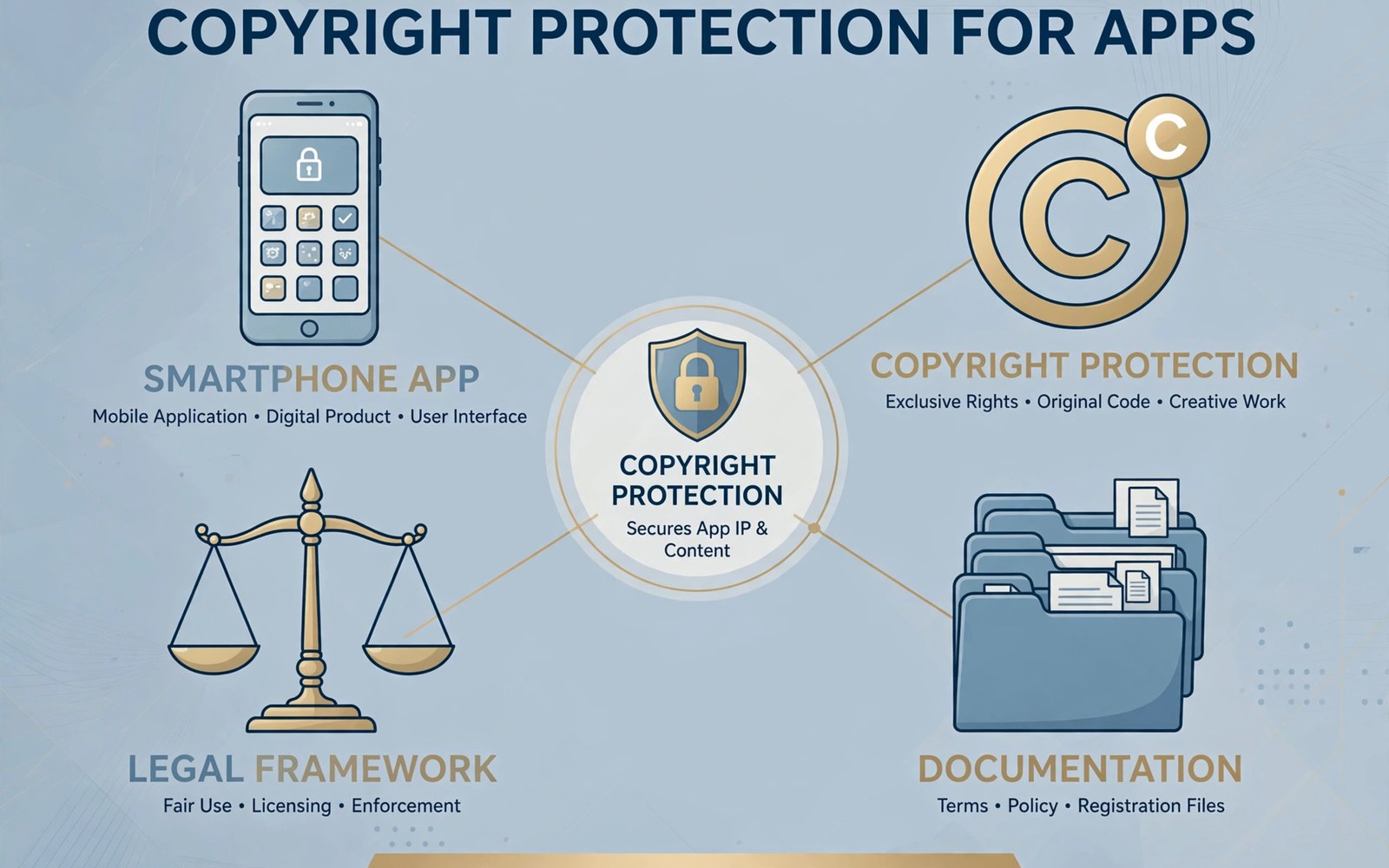
Copyright and trademark rules protect creators and brands from misuse. An app can violate those rules through images and text and names and sounds. A violation can come from a stock asset or from a copied screen or from a similar brand name. Developers must check every asset rather than assuming that it is safe.
A claim against your app is serious even when you believe it is wrong. The store may remove the app while the dispute is resolved. A fast and documented response protects your users and your account. Panic and delay both make the outcome worse. A calm process is your best tool.
This article explains how claims work and how to respond. It covers prevention and response and counter notice. It does not replace legal advice for a complex dispute. For a large claim you should consult a qualified professional promptly.
Understand Copyright Basics
Copyright protects original creative work such as text and images and music and code. It does not protect a general idea or a common function. Two apps can offer the same function with different expression. Copying the expression rather than the idea is where violations usually occur.
Ownership usually belongs to the creator unless a contract transfers it. Work made by an employee or by a contractor may have different ownership rules. Check contracts before you publish work made by others. A contract gap can become a dispute later.
Understand Trademark Basics
A trademark protects a name or a logo that identifies the source of a product. Users should not confuse your app with another brand. A similar name in the same category creates a higher risk than a similar name in an unrelated field. Category and audience matter in trademark disputes.
Trademark rights can arise from use and from registration. A registered mark gives stronger protection in many regions. Check trademark databases before choosing an app name. A name search takes an hour and it can save a costly rebrand after launch.
Audit Your Assets Before Launch
List every image and sound and text block in your app and in your listing. Note the source and the license for each item. Remove any item with an unclear source. An asset without a license record is a risk that you cannot defend.
Check app icons and screenshots with extra care. Icons often reuse popular symbols that belong to another brand. Screenshots may show third party logos from test data. Replace test data logos with neutral placeholders before submission. A clean asset audit prevents most claims.
Choose Names And Logos Carefully
Choose an app name that is distinctive and that does not copy a known brand. Test the name in search results for similar apps. A name that returns a famous app on the first page is a warning sign. Choose a different name while rebranding is still cheap.
Design a logo from original shapes rather than tracing a known mark. A logo that merely changes the color of a famous mark still infringes. Ask a designer to document the original creation process. Creation records help if someone later claims that your logo copies theirs.
Use Licensed Material Correctly
Follow the exact terms of every license that you rely on. Some licenses require attribution in a specific place. Some licenses forbid commercial use. Some licenses forbid modification. A license that you misunderstand is almost as risky as no license at all.
Keep license files and purchase receipts in your project records. Note the license scope and the expiry date where one exists. Renew or replace material before a license expires. An expired license turns a lawful asset into an infringing asset overnight.
Respond To A Claim Promptly
Read the claim notice in full and identify the work and the location that it names. Check whether the named material is actually in your app. Compare the claim with your asset records. A precise comparison tells you whether the claim is valid or mistaken.
Act within the deadline stated in the notice. Remove or replace disputed material promptly when the claim appears valid. A prompt fix limits damage to your account. Delay signals disregard and can turn a single claim into a larger account problem.
Gather Evidence For Your Case
Collect creation records and license records and contract records for the disputed material. Note dates and authors and sources. Screenshots of the creation process can help. A clear evidence file makes your response credible to reviewers and to legal advisors.
Preserve the disputed version of the app and the listing before you change them. Do not delete evidence while a dispute is active. Keep a copy of the claim notice and of every reply that you send. A complete record protects you if the dispute escalates.
File A Counter Notice Carefully
A counter notice states that you believe the claim is mistaken and that you have the right to use the material. File one only when you have evidence to support that belief. A false counter notice can create legal exposure. Consult a professional when the stakes are high.
Write the counter notice in factual language with evidence attached. State what you own or license and where the proof lives. Avoid accusations about the claimant motives. A factual notice is stronger than an angry notice and it keeps the process professional.
Handle Trademark Name Disputes
A trademark dispute about your app name may require a name change even when you acted in good faith. Assess the risk honestly with your evidence in hand. A name change early costs less than a forced change after growth. Users adapt to a new name when the app itself stays familiar.
If you change the name then update the listing and the in app branding together. Tell existing users about the change in release notes. Keep the old name out of screenshots and descriptions. A partial rebrand leaves traces that can trigger a second dispute.
Prevent Repeat Claims
Add an intellectual property check to your release checklist. Review new assets and new names before each major release. Train team members to ask about sources for any asset they did not create. A culture of source checking prevents most repeat problems.
Review user generated content rules when users can upload material. Provide a reporting path for rights holders. Act on valid reports promptly. A working reporting system shows that you take rights seriously even when a user uploads the infringing material.
Work With Legal Help Wisely
Use legal help early for a claim that involves a major asset or a major brand. A short consultation can clarify whether a claim is strong or weak. Bring your evidence file to the consultation so the advisor can judge quickly. Early advice is cheaper than late damage control.
For small claims you may handle the response yourself with careful documentation. Remove or replace the material and reply factually. Keep the tone professional in every message. Professional communication helps even when the other party starts the dispute aggressively.
Protect Your Own Work
Protect your own creations with the same care that you give to others. Keep creation records and version history for your original assets. Register trademarks for names that you plan to grow. Registration strengthens your position if someone copies your brand later.
Monitor the store for apps that copy your listing or your icon. Report clear copies through the proper channel with evidence. Act promptly because a copy that grows unchecked becomes harder to remove. Protecting your work also protects users from confusion.
Keep A Rights Record
Maintain a rights record for the whole app with sources and licenses and contracts. Update it whenever you add or replace an asset. Share it with new team members during onboarding. A rights record that stays current is a defense that you build before any dispute.
Review the rights record each year for expired licenses and for changed ownership. Replace risky assets during quiet periods rather than under dispute pressure. A calm annual review keeps the app defensible year after year.
- List every asset with its source and license
- Search trademark databases before choosing a name
- Keep creation records and contracts in one file
- Respond to claim notices before the stated deadline
- Preserve the disputed version before making changes
- Add an intellectual property check to every release
Checking Fonts And Sound Effects
Fonts and sound effects can also carry copyright restrictions. A font that looks free may allow only personal use. A sound effect from a video site may belong to its creator. Check the license for every font and every sound before you ship them in the app.
Keep font and sound licenses with your other asset records. Note whether attribution is required and where it must appear. Replace any item whose license you cannot confirm. Small assets cause the same kind of claim as large assets when their owners discover misuse.
Handling Claims From Users
Users may report that another app copied your work. Treat such reports seriously and check them against your own records. A user report can be mistaken but it can also reveal a real copy early. Early detection makes removal easier because the copy has fewer users.
Thank users who report copies with evidence. Do not share your legal strategy with reporters. Keep the conversation factual and brief. A user who helps protect your work deserves a polite response even when the report turns out to be incorrect.
Reviewing Ads And Marketing Material
Marketing material outside the app can also infringe rights. Check ad images and videos and social posts with the same care as in app assets. An ad that uses a famous song or a famous logo without permission creates risk even when the app itself is clean.
Review marketing assets before each campaign rather than reusing old material blindly. A campaign that reuses an expired license inherits the same problem as the app. A marketing check takes minutes and it protects the brand in public channels where claims spread quickly.
Responding To Repeat Claims
A repeat claim about the same material needs a different response from a first claim. Check whether the earlier fix actually removed the material from all places. A screenshot or a cached listing can keep disputed material visible after the app itself is fixed. Search every surface before you reply to a repeat claim.
Document the repeat claim and the additional fix in your rights record. A record of repeated fixes shows good faith to reviewers. It also helps you find the surface that you missed. Repeat claims often point to a listing image or an old video rather than to the app code itself.
For reference the snippet below shows a tiny rights record that can track the source of each major asset.
// Asset rights record example
val asset = mapOf(
    "icon" to "original design 2026-01-10",
    "music" to "licensed, attribution in credits"
)
// Keep license receipts with the project
For more context read user reviews and ratings for app reputation and Google Play Console financial reports on revenue and taxes. You may also find Play Integrity API protection against unauthorized piracy helpful for your next release.
The steps above follow the approach described in the official developer documentation for this platform. That guidance explains the same sequence in general terms. This article adapts those ideas into a practical workflow for independent developers and small teams.

