

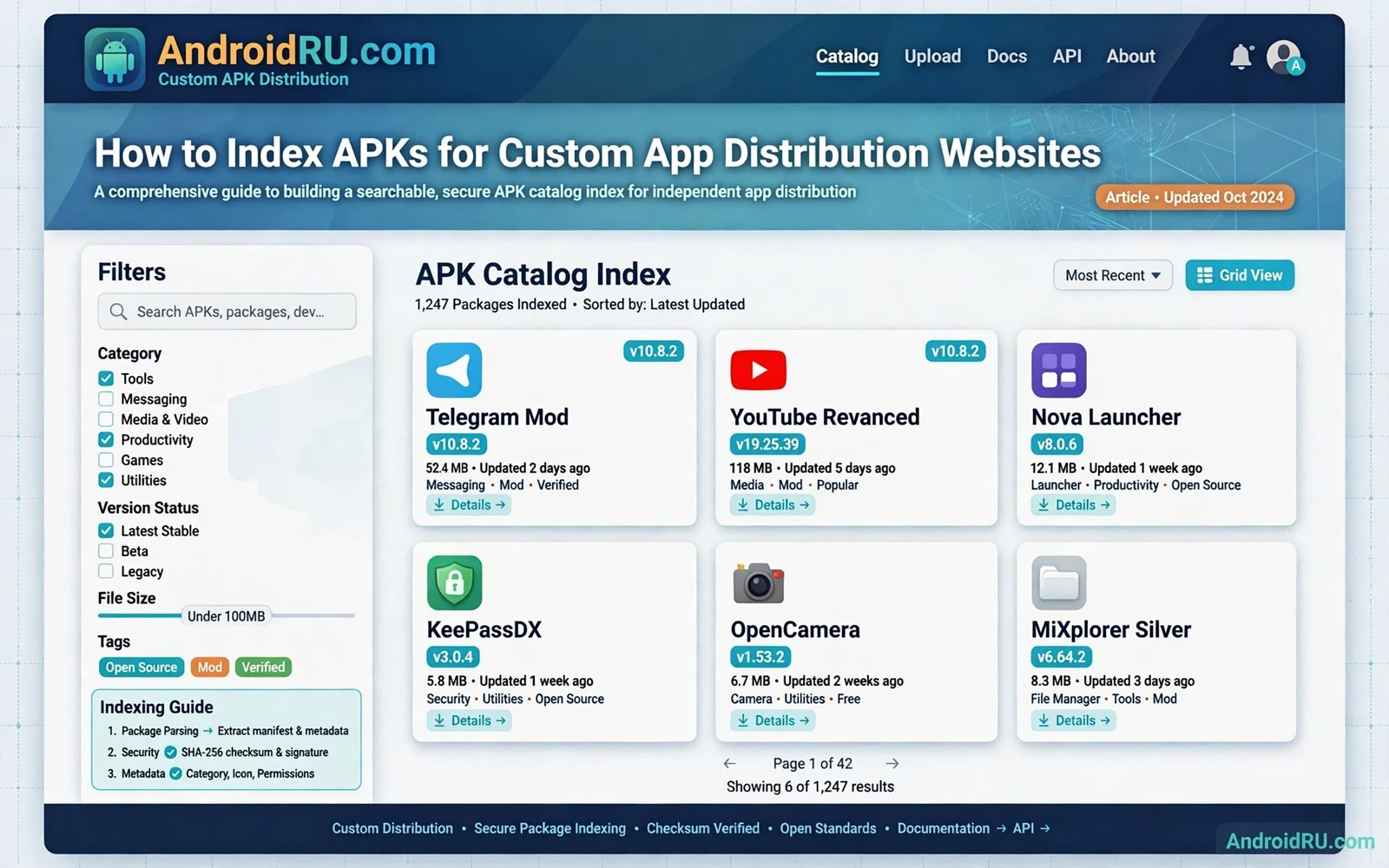
What an APK Index Really Is
An APK index is a structured catalog of app packages that a website can search and browse. Each index entry describes one app version with facts taken from the package itself. A good index separates the app identity from the file that a user downloads. That separation lets the website show consistent facts even when files move between storage locations.
An index is not a folder of APK files. A folder can hold files but it cannot answer a search query by package name or by version or by category. An index stores searchable fields in a database and links each record to its file location. Search and filtering and sorting all depend on those fields being complete and consistent.
A custom distribution website needs an index that grows without breaking older entries. New versions should add new records rather than overwriting the only record for an app. Old versions should stay reachable when the website promises version history. A stable index design makes both behaviours natural instead of fragile.
Core Fields Every Index Entry Needs
The package name is the primary identity for an app record. The version code is a number that orders versions for the same package. The version name is the human readable label that users see. The app label is the display name from the package. These four fields together identify one release in a way that a file name alone cannot.
The file size and the checksum identify the exact file behind the record. The checksum lets the website detect a changed or corrupted file before users download it. The minimum Android version tells users whether the release can run on their device. The signature identity helps the website detect a package that claims an old identity with a new signer.
Additional fields improve search without changing identity. A category field groups apps for browsing. A description field supports text search when it comes from a lawful source. An icon reference supports visual browsing. A release date field supports sorting by recency. Each extra field should have a clear source and a clear update rule.
Extracting Metadata Directly From the Package
Metadata extraction should read facts from the APK file itself whenever possible. A package parser can read the manifest and report package name and version and permissions. It can read the app label and the icon reference. It can compute file size and checksum during the same pass. Facts from the package are more trustworthy than facts typed by hand from a listing page.
Extraction should run in a controlled worker and not inside the web request that uploads a file. A worker can retry a failed parse and can log the exact failure. A web request that parses a large file inline can time out and can leave a partial record. A queue based worker keeps the website responsive while large packages are processed.
Failed extraction should block publication for that record. A record without a package name or without a version code cannot be searched reliably. A record without a checksum cannot be verified by users. Blocking a bad record is better than publishing a record that misleads users about the file behind it.
Designing Search That Users Can Trust
Search should match package name and app label and description text in a predictable order. Exact package name matches should rank highly because the package name is unique. App label matches should follow because labels can repeat across different apps. Description matches should rank lower because description text is broader and noisier.
Filters should use indexed fields rather than free text alone. A category filter and a minimum version filter and a device compatibility filter each narrow results in a useful way. A filter that depends on a field that extraction does not fill will return empty or misleading results. Fill a field for every record or do not offer it as a filter.
Sorting should be explicit on the results page. Sorting by version code is different from sorting by upload date. A website that sorts by upload date while claiming latest version can mislead users when an old version is uploaded late. Label the sort order in plain words so that users can judge the results for themselves.
Handling Versions Without Confusing Users
Each version needs its own record linked to the same app page. The app page should show the latest stable version first and should list older versions in descending version code order. A user who needs an older version for an older device can find it without guessing which file is which. A user who wants the latest version should not need to compare version codes by hand.
Version codes order releases even when version names look confusing. A version name can jump from one label to another without a clear pattern. The version code is the reliable order key inside the package. The index should store both values and should sort by version code while displaying the version name to users.
A withdrawn version needs a clear status rather than silent deletion. Mark the record as withdrawn and explain the reason in general terms when possible. Silent deletion breaks links and confuses users who saved a version reference. A status field preserves history while preventing new downloads of a withdrawn file.
File Storage and Link Stability
Store files in a location that is separate from the web page path. A storage path based on package name and version code is stable and predictable. A storage path based on upload order alone is fragile when files move. Stable paths make checksum checks and mirror checks easier over time.
Download links should point to the indexed file for that record and not to a latest file that changes silently. A user who shares a link to a specific version expects that version to download. A latest link that changes behind the scenes breaks that expectation. Offer both a version link and a latest link with clear labels when both are needed.
Check stored files on a schedule and not only at upload time. Storage corruption and accidental replacement can change a file after publication. A periodic checksum check compares the stored file against the indexed checksum. A mismatch should suspend the download link until the file is restored or the record is corrected.
Safety Checks Before Publication
A publication check should verify that the package name and version and checksum match the indexed record. It should verify that the file opens as a valid package and that the manifest parses without error. It should verify that the signature is present and that the file size matches the record. Any mismatch should block publication until a human or a worker resolves it.
A safety check should also flag packages with risky permission combinations for manual review. A flag is not a verdict. It is a prompt for a closer look at the manifest and the app purpose. A review queue keeps risky packages out of public search until the review finishes. A public catalog without review becomes a fast path for misleading listings.
Provenance checks matter as much as technical checks. Record where each package came from and when it arrived. A package with unclear provenance should not gain a trusted label in the catalog. Clear provenance lets the team answer a takedown request or a user complaint with facts rather than guesses.
Keeping the Index Fresh Without Breaking It
Freshness comes from a regular intake pipeline and not from manual edits to live records. An intake worker should parse a new package and create a new record and run publication checks. A human edit to a live record should be logged with a reason. Unlogged edits make later audits impossible when a record changes without explanation.
Duplicate detection should run before a new record is published. A duplicate check on package name and version code catches a re-upload of the same release. A duplicate check on checksum catches the same file under a different name. Both checks prevent a catalog from filling with identical listings that confuse search results.
Catalog facts also depend on correct format handling. The format explanation in understanding APK and XAPK and APKS formats shows why a base APK record differs from a split set record. An index that ignores format will mislabel split sets and will mislead users about install requirements.
Legal and Policy Responsibilities for a Distributor
A distributor must respect developer rights and platform rules for every listing. Publish only packages that the distributor has a lawful right to distribute. Respond to takedown requests promptly and keep a record of the action taken. A catalog that ignores rights complaints risks legal action and risks user trust at the same time.
Do not present a third party package as if it were an official store release when it is not. Label the distribution source clearly on each app page. Users should know whether a file came from an official store pipeline or from another lawful source. Clear labelling is a trust feature and not a legal footnote.
Privacy matters in catalog design as well. An index should not publish private data from inside a package. Manifest facts and public description text are catalog facts. User data and private keys and internal endpoints are not catalog facts. A parser that extracts too much can leak sensitive data into a public search index.
A Practical Index Build Sequence
Start with a database schema that holds identity and version and file facts in separate fields. Build a parser worker that fills those fields from the package itself. Build a publication check that blocks incomplete or mismatched records. Build a search page that uses only fields that the parser fills for every record.
Add version history after the basic record works. Add filters after search works on the core fields. Add scheduled checksum checks after publication checks work. Each step builds on a working previous step. A catalog built in this order stays trustworthy while it grows.
Extraction is the first step in that sequence for many teams. The extraction method in extracting APK files from installed apps shows how a package copy is obtained before parsing begins. A clean extraction step makes the later parsing step more reliable.
Alternative distribution channels add another layer to index design. A catalog that lists apps from several channels must record the channel for each record. That channel field prevents a store release and an alternative release from merging into one confusing record. Channel aware records keep search results honest when the same app appears in more than one place.
Channel rules also affect what a catalog may list and how it may describe a listing. The publishing discussion in publishing apps on alternative Android application stores covers channel differences that an index should reflect. A catalog that ignores channel rules will eventually publish a listing that a channel does not allow.
- Package name and version code define one release
- Checksum and size verify the exact file
- Failed parsing must block publication
- Version links must stay stable over time
- Provenance must be recorded for every listing

