

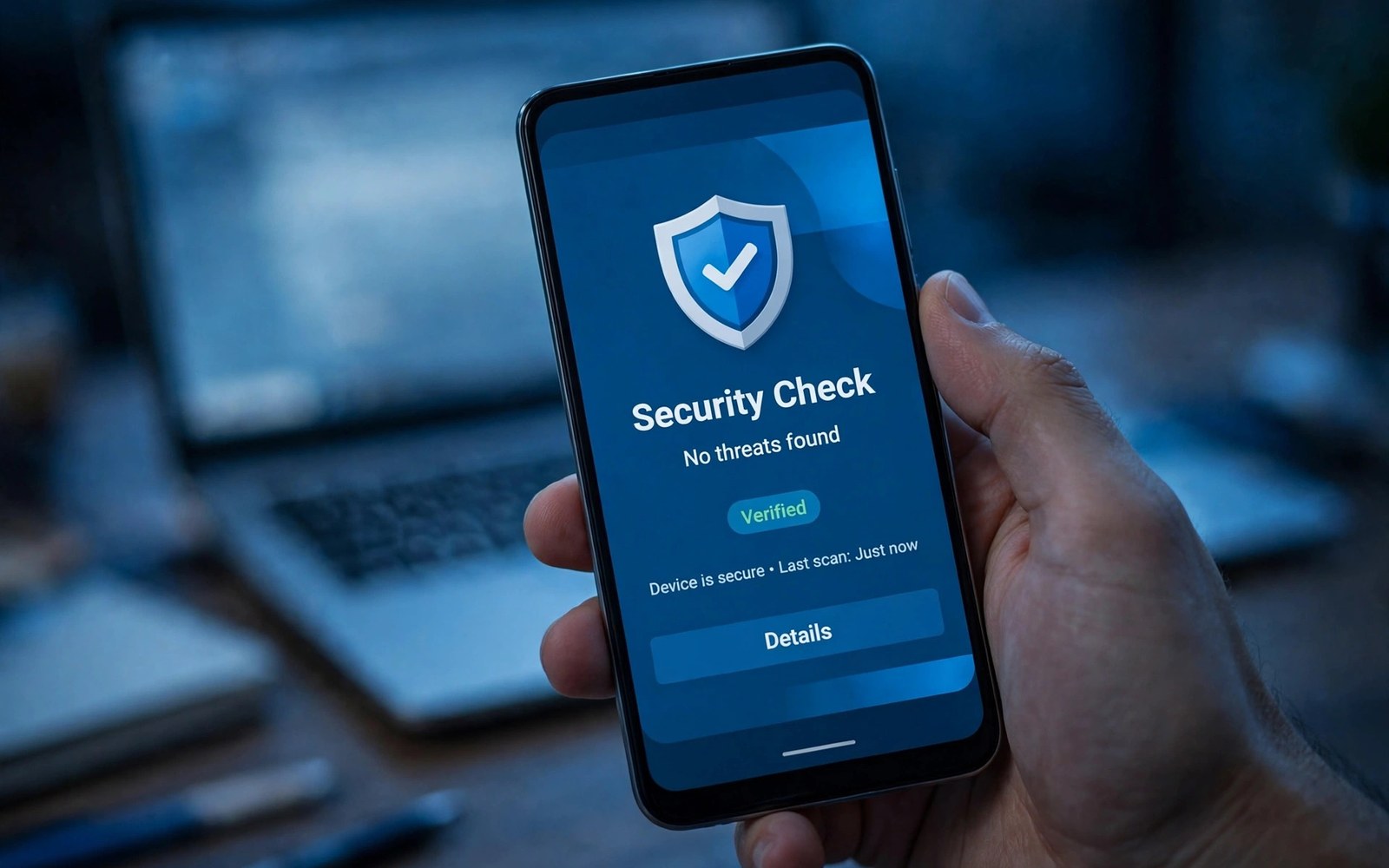
Piracy harms developers through lost sales and through support load from modified apps. A modified app can crash in ways that the original never would. Users then blame the developer for faults that piracy created. Integrity checks help you distinguish genuine installs from tampered ones.
Play Integrity API gives your server a verdict about the app and the device. The verdict covers app recognition and device integrity and account details. Your server decides what to do with that verdict. A check without a server decision is only a signal that nobody acts on.
Design integrity as a layer rather than as a wall. A strict wall blocks legitimate users when a check fails for a benign reason. A layered approach protects paid features while keeping core features available. Layers protect revenue without punishing honest users for device quirks.
Understand Integrity Verdicts
An integrity verdict contains several fields that describe different risks. App recognition tells whether the app matches the store version. Device integrity tells whether the device meets basic security standards. Account details tell whether the user account has a history of abuse signals.
Read all relevant fields rather than relying on a single flag. A device can fail one field for a legitimate reason such as a custom system. A combination of failed fields signals higher risk than a single failed field. A nuanced reading reduces false blocks for honest users.
Plan Server Verification
Send integrity tokens to your server for verification. Do not trust a token that only the app checked locally. A modified app can fake a local check easily. Server verification with a proper key makes forgery far harder and gives you a central place to log decisions.
Verify tokens promptly and cache the result for a short period. A short cache reduces server load without letting a stale verdict live too long. Log verification outcomes for analysis. Logs reveal attack patterns that a single check would hide.
Integrate The API Carefully
Request integrity tokens at moments when the decision matters. A purchase and a premium feature unlock are natural moments. Requesting a token on every screen creates unnecessary load and latency. A focused request pattern keeps the app fast for honest users.
Handle API errors with a graceful fallback rather than a hard block. Network failures and service outages can prevent a token request. A fallback that allows limited access during an outage protects honest users. A hard block during an outage punishes users for a service problem.
Decide Enforcement Actions
Choose enforcement actions by risk level rather than using one action for all failures. A low risk failure might trigger a warning. A medium risk failure might block a premium feature. A high risk failure might block access until verification succeeds. Graduated actions match the response to the risk.
Test enforcement actions with real user scenarios before launch. A legitimate user on a rooted device for accessibility may trigger a field. Decide in advance how your app treats that user. A policy that you write before launch is fairer than a policy that you invent during an incident.
Protect Paid Features First
Apply integrity checks to paid features and to license checks first. Those features carry the direct revenue risk from piracy. Core free features can stay available with a lighter check. Protecting paid features first gives the best return on implementation effort.
Do not apply the strictest check to a free trial signup. A strict check at signup can block new users before they experience value. Let users try the app and apply stricter checks at purchase time. A funnel that converts honestly beats a funnel that blocks early.
Handle Legitimate Edge Cases
Some legitimate devices will fail a field for reasons outside user control. Enterprise devices and accessibility setups and older systems can trigger signals. Design a support path for users who hit a false block. A support path with a clear appeal keeps honest users from leaving permanently.
Monitor false block reports weekly after launch. A rising number of reports may signal an overly strict rule. Adjust the rule and note the change. A system that you tune based on real reports stays fair over time.
Test Integrity Thoroughly
Test integrity on genuine devices and on emulators and on modified builds where lawful. Compare verdicts across those environments. A test matrix shows which fields change in each environment. That knowledge helps you set thresholds that separate piracy from legitimate variation.
Test token expiry and replay protection on your server. A token should work once within its validity window. A replayed token should fail verification. Replay tests protect against a simple attack that reuses a genuine token for a tampered app.
Monitor Integrity Signals
Track integrity outcomes in aggregate rather than only per user. A sudden rise in failed verdicts may signal a new piracy tool. A rise concentrated in one region may signal a local distribution channel for modified apps. Aggregate trends guide enforcement updates.
Review logs monthly for patterns and for false positives. Share a summary with the team without sharing individual user details. A monthly review keeps the system tuned. A system without review will drift toward either excessive blocks or insufficient protection.
Combine With Other Protections
Integrity checks work best alongside licensing checks and obfuscation and server side validation. No single protection stops all piracy. Layers force an attacker to defeat several systems at once. Each layer that you add raises the cost of piracy for the attacker.
Keep server side checks for critical logic rather than trusting the app alone. A price calculation or a license grant that lives only in the app can be modified. Server side authority for critical decisions makes client tampering far less valuable to an attacker.
Communicate With Users Honestly
Tell users in general terms that the app checks integrity to protect purchases. Avoid technical details that help attackers bypass the check. A general explanation builds understanding without giving a bypass guide. Users accept security checks when they understand the purpose.
When a check blocks a user then explain the block in plain words. Give a next step such as updating the app or contacting support. A block without explanation feels arbitrary. A block with a clear path feels like a security measure that the user can resolve.
Avoid Common Integrity Mistakes
Avoid trusting integrity results only on the device. Avoid blocking all users on the first failed field. Avoid caching verdicts for too long. Avoid logging sensitive verdict details in plain text. Each mistake weakens either security or fairness or both.
Avoid changing enforcement rules silently after launch. Tell the team and note the change in your records. A silent change makes debugging harder when users report new blocks. A documented change lets you roll back quickly if the new rule proves too strict.
Update Integrity Over Time
Integrity APIs evolve as attack methods evolve. Review API updates each year and adopt new fields when they help. Test new fields in a monitoring mode before enforcing them. Monitoring mode shows the impact of a new field without blocking users prematurely.
Retire old fields that no longer distinguish risk. A field that flags many honest users adds noise without security value. A lean set of meaningful fields is easier to tune than a large set of noisy fields. Regular pruning keeps the system sharp.
Handle Privacy In Integrity Checks
Integrity checks can reveal device and account signals that users consider sensitive. Collect only the verdict fields that your decision needs. Store verdict logs with access controls and with a retention limit. A short retention period limits exposure if logs leak.
Explain integrity data handling in your privacy policy in general terms. State the purpose and the retention period. Users who understand the purpose will accept the check more readily. Transparency about security data builds the same trust as transparency about other data.
Respond To Piracy Incidents
When you discover a pirated version then gather evidence before acting. Note where it spreads and which features it unlocks. Use that evidence to tune integrity rules and to report the distribution channel. Evidence based action beats a rushed block that misses the real channel.
Notify affected users only when their data or purchases are at risk. A general warning about piracy can confuse honest users. A targeted notice to users who installed a modified version helps them return to the genuine app. Focus incident communication on user safety rather than on blame.
Keep Integrity Sustainable
Assign an owner for integrity monitoring and tuning. Review outcomes monthly and update rules as attacks change. Budget time for integrity work in each release cycle. A system without an owner will decay as attack methods evolve and as false positives grow.
Document integrity decisions with dates and reasons. Note why each threshold was chosen and when it changed. A documented system survives team changes. A system that lives only in one developer memory will fail when that developer leaves the project.
- Verify integrity tokens on your server never only on the device
- Request tokens at purchase and premium unlock moments
- Use graduated enforcement by risk level
- Provide a support path for legitimate users who hit a block
- Monitor aggregate integrity trends monthly
- Cache verdicts briefly and log outcomes securely
Testing With Different Account Types
Test integrity with new accounts and with established accounts and with accounts that have past abuse signals where lawful. Different account histories can produce different verdict fields. A test matrix across account types reveals how your rules treat each group. That knowledge prevents a rule that unfairly blocks new users.
Document account test results with the verdict fields that each account produced. Compare those fields with your enforcement thresholds. Adjust thresholds when a legitimate account type fails too often. A threshold tuned on one account type alone will misjudge the others.
Planning Integrity Rollout
Roll out integrity enforcement in monitoring mode first. Log verdicts without blocking users for several weeks. Analyze the logs for false positive rates by device group. Monitoring data gives you a safe basis for choosing enforcement thresholds.
Move to enforcement gradually by feature rather than all at once. Start with a premium feature and watch support reports. Widen enforcement only when support volume stays stable. A gradual rollout protects revenue while it proves that the system is fair.
For reference the snippet below shows the basic token request that starts an integrity check on the device.
// Integrity token request example
val integrityManager = IntegrityManagerFactory.create(context)
val request = IntegrityTokenRequest.builder()
    .setCloudProjectNumber(123456789L)
    .build()
integrityManager.requestIntegrityToken(request)
For more context read app bundle publishing and dynamic feature delivery and device compatibility exclusions for unsupported hardware. You may also find app store screenshots and video previews for conversions helpful for your next release.
The steps above follow the approach described in the official developer documentation for this platform. That guidance explains the same sequence in general terms. This article adapts those ideas into a practical workflow for independent developers and small teams.

