

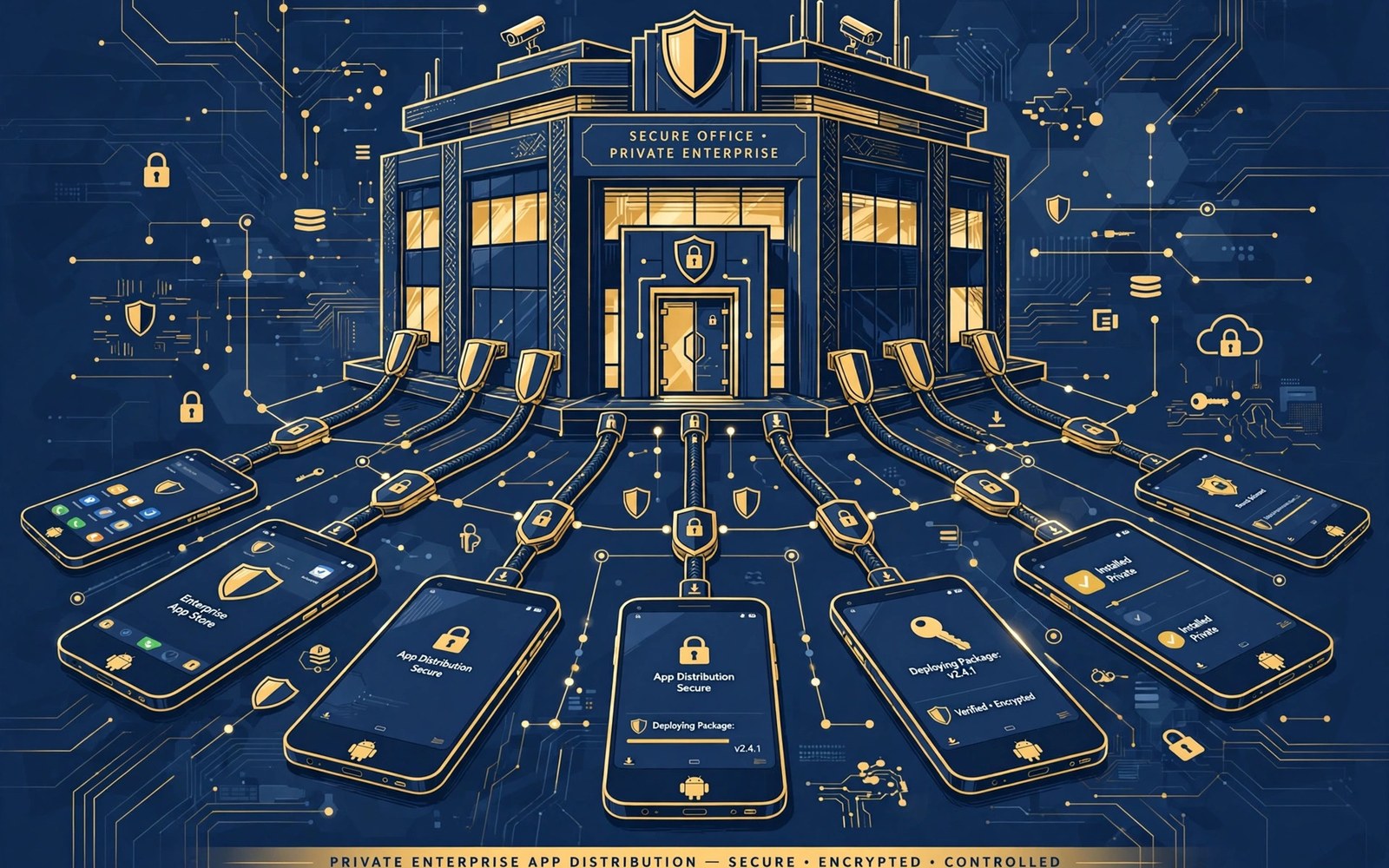
Enterprise apps serve employees rather than the general public. They may handle internal data and internal workflows that should not appear in a public store. Private publishing keeps the app visible only to the organization that owns it. Privacy in distribution is a security feature for workplace apps.
Private publishing uses managed distribution channels that administrators control. Administrators decide which users and which devices receive the app. Users install the app through a managed store on their work device. That control prevents public discovery and accidental installs by outsiders.
Plan enterprise distribution with IT administrators from the start. Administrators own device policies and user groups and update schedules. Developers own the app code and the release process. A partnership between those roles produces a distribution system that is both secure and usable.
Choose A Private Channel
Private channels include managed store listings restricted to an organization. The listing exists but only organization users can see it. Public search will not surface the app to outsiders. A restricted listing gives you store protections without public exposure.
Compare private channel options by device management requirements. Some channels require managed devices. Some channels work on personal devices with a work profile. Choose the channel that matches how your organization manages devices. A mismatch creates adoption problems that no app feature can fix.
Set Up Organization Access
Create the organization structure in the management console before the first private release. Define user groups by role or by department or by location. Assign the app to the groups that need it rather than to everyone. Group assignment keeps the app off devices that should not have it.
Test group assignment with a small pilot group before a wide rollout. A pilot reveals assignment mistakes while the audience is small. Fix group errors before they affect hundreds of devices. Pilot testing is especially important for apps that handle sensitive internal data.
Manage Device Policies
Device policies control how the app behaves on managed devices. Policies can require a device lock or restrict sharing or enforce updates. Align app behavior with the policies that administrators set. An app that conflicts with device policy will frustrate users and administrators alike.
Document policy assumptions in the app release notes for administrators. Note any permission or feature that a policy might block. Administrators can then adjust policies or approve exceptions with full information. Clear documentation prevents policy surprises after rollout.
Control App Updates
Enterprise updates need a schedule that respects work hours and critical workflows. Coordinate update timing with administrators rather than pushing updates at any hour. A forced update during a critical task can disrupt work. A scheduled update window protects productivity.
Use staged updates for enterprise apps just as for public apps. Roll out to a pilot group first and monitor stability. Widen the rollout only when pilot results look clean. A staged enterprise rollout limits disruption when a fault slips through testing.
Handle Authentication Securely
Enterprise apps often connect to internal systems that require strong authentication. Use single sign on where the organization supports it. Single sign on reduces password fatigue and improves security. Users who sign in once will adopt the app more readily.
Store authentication tokens securely on the device and respect token expiry. A token that never expires creates a long term risk if a device is lost. Test token refresh and logout flows thoroughly. Authentication faults in a workplace app can block an entire team from working.
Protect Internal Data
Internal data deserves stronger protection than public app data. Encrypt sensitive data in transit and at rest. Limit data stored on the device to what the workflow needs. A device that holds minimal data poses less risk when lost or stolen.
Provide a remote wipe path for work data when a device is lost. Administrators should be able to remove work apps and work data without wiping personal data on a personal device. Test the wipe path before a real incident. A wipe path that fails during an incident is a serious gap.
Support Enterprise Users
Enterprise users expect support during work hours with clear response times. Define support channels and response targets with administrators in advance. A support process that works for public users may not meet workplace expectations. Workplace support needs service level clarity.
Train support staff on internal workflows as well as on app features. A support agent who understands the workflow can solve problems faster. Collect common enterprise issues in a shared knowledge base. A knowledge base reduces repeat contacts for the same workflow question.
Test On Managed Devices
Test enterprise apps on devices enrolled in management with real policies applied. A test on an unmanaged device can miss policy conflicts. Managed device testing reveals permission blocks and update restrictions early. Early discovery prevents rollout delays.
Include devices from each major manufacturer in enterprise testing. Management behavior can differ by manufacturer and by system version. A feature that works on one managed device may fail on another. Broad managed testing catches those differences before users do.
Manage Multiple Organizations
Some enterprise apps serve several organizations with different needs. Use configuration rather than separate app builds when possible. Configuration by organization keeps one codebase maintainable. Separate builds for each organization multiply testing and release work.
Keep organization data strictly separated in the app and on the server. A user from one organization must never see data from another. Test separation with accounts from different organizations. Data separation failures are among the most serious enterprise faults.
Handle Compliance And Auditing
Enterprise apps may fall under industry regulations for data handling and auditing. Understand the regulations that apply to your organizations. Build audit logs for sensitive actions where regulations require them. Audit logs support investigations and demonstrate compliance.
Review compliance requirements with administrators and with legal advisors before launch. A compliance gap discovered after rollout can force a rapid redesign. Early review turns compliance into a design input rather than a late obstacle. Compliance by design is cheaper and safer.
Plan Offline Workflows
Enterprise users often work in locations with poor connectivity. Design workflows that function offline and sync when connectivity returns. Offline capability can determine whether field teams adopt the app. A field app that requires constant connectivity will fail in the field.
Test offline sync with conflicts where two users edit the same record. Define conflict resolution rules that users understand. A sync conflict that loses work will destroy trust quickly. Clear conflict rules and visible sync status protect field productivity.
Communicate Rollouts To Staff
Tell staff about a new enterprise app before it appears on their devices. Explain what the app does and why the organization adopted it. Staff who understand the purpose will adopt faster. Staff who discover an unexplained app may ignore it or distrust it.
Provide short training material for the first rollout. A one page guide or a short video often suffices. Offer a contact for questions during the first week. Training and support during rollout week determine long term adoption more than any feature list.
Monitor Adoption And Usage
Track adoption by group and by department after rollout. A group with low adoption may need training or may face a technical barrier. Investigate low adoption rather than assuming resistance. A technical barrier that you fix early can unlock a whole department.
Track usage patterns to learn which features staff value most. Usage data guides future development toward real workplace needs. Share usage summaries with administrators regularly. Shared data keeps developers and administrators aligned on priorities.
Maintain Enterprise Apps Long Term
Enterprise apps need long term maintenance commitments that match organizational planning cycles. Plan support for older devices that organizations still use. Organizations replace devices slower than consumers do. A maintenance plan that drops old devices too fast will strand users.
Coordinate major changes with organizational calendars such as budget cycles and training periods. A major redesign during a busy operational period will face resistance. Timing major changes with organizational readiness improves adoption. Long term partnership beats rapid change in enterprise settings.
Retire Enterprise Apps Safely
When an enterprise app retires then plan data export and user migration carefully. Staff may depend on data inside the app for ongoing work. Provide an export path before the app stops working. A retirement without export creates a business continuity problem.
Communicate retirement timelines well in advance to administrators and to staff. Remove the app from distribution only after migration completes. A clean retirement preserves trust for the next enterprise app. Organizations remember how a vendor handled retirement when choosing future tools.
- Restrict private listings to organization users only
- Assign apps to user groups by role or department
- Coordinate update timing with administrators
- Test on managed devices with real policies applied
- Provide a remote wipe path for work data
- Plan offline workflows for field teams
Managing App Licenses For Staff
Enterprise licenses may differ from public store licenses in scope and duration. Confirm license terms with administrators before rollout. A license that covers only a pilot group should not roll out to the whole organization. License scope mistakes can create compliance problems later.
Track license counts against active users monthly. A count that exceeds the license needs a renewal or a reduction in assigned groups. Monthly tracking prevents a surprise at renewal time. License hygiene is part of enterprise app maintenance.
Planning For Device Replacement
Organizations replace devices on cycles that differ from consumer upgrade cycles. Plan app support for devices that will stay in service for several years. Test on the oldest device still in the fleet. A fleet device that cannot run the app will block a whole team.
Coordinate device replacement plans with app update plans. A major app update that drops an old device should align with replacement timing. Alignment prevents a gap where staff have neither the old app nor a new device. Partnership with IT on timing serves staff best.
For reference the snippet below shows a tiny group filter that mirrors how an app is assigned to organization groups.
// Organization group assignment example
val groups = listOf("sales", "field_ops", "support")
val assignedGroups = groups.filter { it != "support" }
println("App assigned to: $assignedGroups")
For more context read Google Play billing system updates for digital goods and publishing your first app on Google Play Console. You may also find Google Play developer policy changes and compliance helpful for your next release.
The steps above follow the approach described in the official developer documentation for this platform. That guidance explains the same sequence in general terms. This article adapts those ideas into a practical workflow for independent developers and small teams.

