

WireGuard and OpenVPN are the two VPN protocols most Android users meet first. WireGuard is a modern protocol built with a small codebase and a focus on speed and simplicity. OpenVPN is a mature protocol with a long history and wide support across providers and platforms. Both can protect your traffic well when configured correctly by a trustworthy provider.
The difference shows up in daily mobile use rather than in marketing claims about encryption strength. WireGuard reconnects almost instantly when your phone moves between Wi-Fi and mobile data. OpenVPN takes longer to renegotiate its session after a network change. That gap matters on a phone that switches networks many times each day. Understanding what a mobile VPN is and why you need one helps you place protocol choice inside the wider VPN decision.
Battery life and code complexity add further differences that affect long term reliability. WireGuard runs inside the system kernel on many Android builds which keeps overhead low. OpenVPN runs in user space and needs more work to maintain the same tunnel. Smaller code also means fewer places for bugs to hide during security review.
Design Philosophy and Code Size
WireGuard was designed from the start to be small and auditable by security researchers. Its core implementation is only a few thousand lines of code which reviewers can read in full. That simplicity reduces the chance of hidden flaws surviving unnoticed for years. It also makes formal review and independent testing far more practical.
OpenVPN carries a much larger codebase built over two decades of feature additions and platform support. That history brings flexibility for unusual network setups and enterprise requirements. It also brings more surface area for bugs and more configuration options that can be set badly. Maturity and simplicity pull in opposite directions and both have real value.
Speed and Latency on Mobile
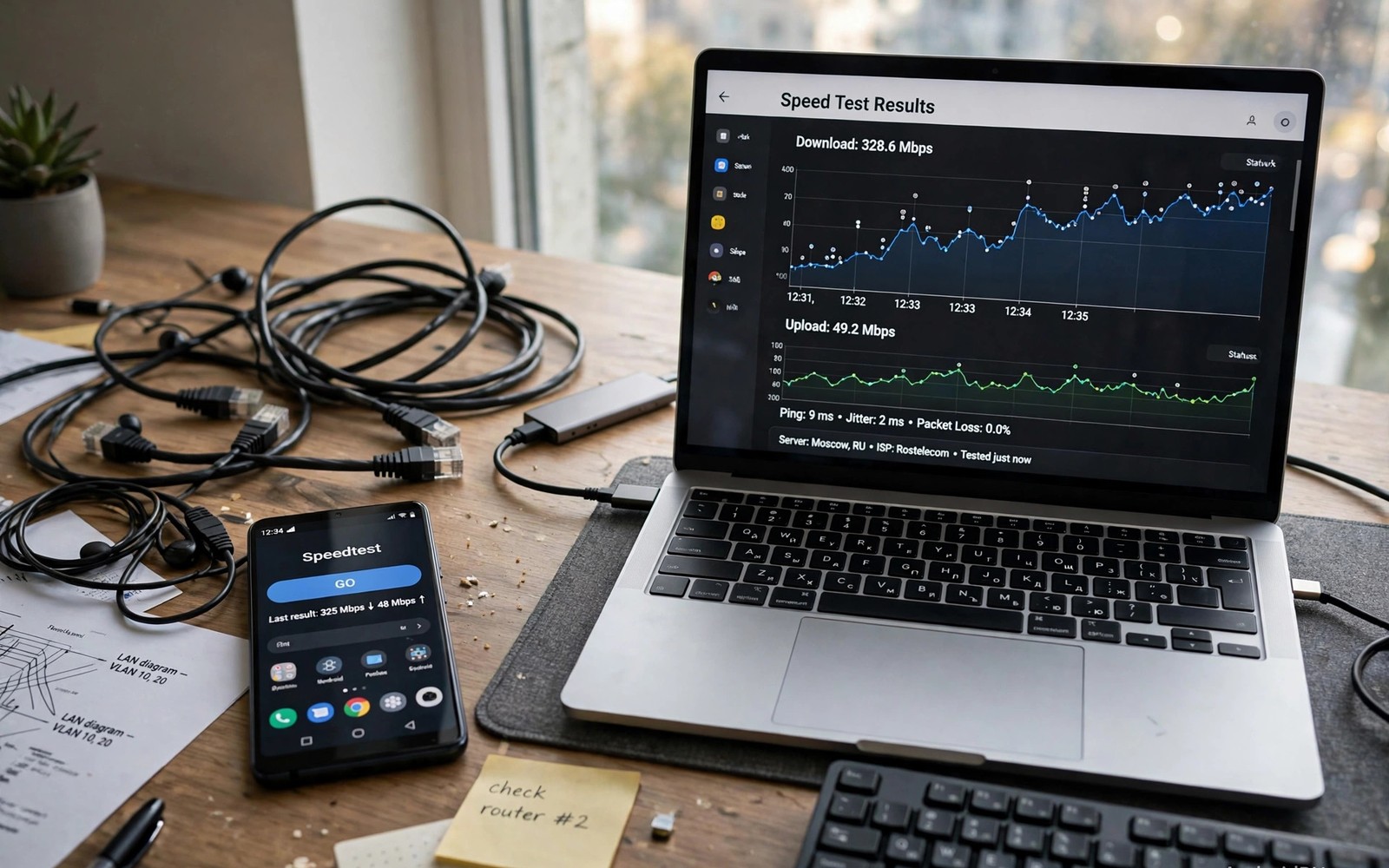
WireGuard usually wins speed tests on Android phones because its handshake is fast and its cryptography is modern. It uses efficient algorithms that run well on phone processors without draining extra power. Latency stays low because the protocol adds little overhead to each packet. Video calls and gaming feel closer to a direct connection with WireGuard active.
OpenVPN speed depends heavily on configuration and on whether it uses UDP or TCP transport. UDP mode performs well in most cases while TCP mode adds reliability at the cost of speed. Older devices may struggle more with OpenVPN encryption than with WireGuard equivalents. Reading how much speed drop to expect from a VPN puts these protocol differences into overall speed expectations for VPN use.
Roaming and Network Switching
Phones change networks constantly as users walk between rooms and buildings and transport. WireGuard handles roaming by design because it identifies peers by key rather than by IP address. A network change does not force a full renegotiation of the session. The tunnel simply continues over the new network path with minimal interruption.
OpenVPN traditionally ties its session more closely to the connection details at setup time. A network change can force a new handshake and a brief gap in protection. Modern OpenVPN clients improve this behaviour but the gap remains larger than WireGuard in most tests. Users who travel frequently notice this difference within days of daily use.
- Prefer WireGuard for daily mobile use and frequent network changes
- Use OpenVPN UDP for a balance of speed and compatibility
- Use OpenVPN TCP only on networks that block UDP traffic
- Check that your provider uses modern strong cipher settings
- Test both protocols on your own phone before deciding
- Keep protocol choice secondary to provider trustworthiness
Security and Audit History
WireGuard uses a fixed set of modern cryptographic primitives chosen by its designers. That opinionated choice prevents weak configurations that users might otherwise select by mistake. The protocol has received formal analysis and growing independent review since its release. Its youth means less long term field history than OpenVPN but its design review record is strong.
OpenVPN supports a wide range of ciphers and settings which gives administrators flexibility for legacy systems. That flexibility also means a careless setup can choose weaker options without warning. Its long audit history and widespread deployment provide confidence built over many years. Either protocol protects well when a competent provider configures it with strong modern settings.
Which Protocol Should You Choose
Choose WireGuard when speed and battery life and seamless roaming matter most on your Android phone. Most modern providers offer WireGuard as the default for mobile apps today. It suits daily use on public networks and travel and streaming without constant reconnection delays. Keep the app updated so kernel and client improvements reach your device.
Choose OpenVPN when your provider or workplace requires it or when you need a specific legacy feature. It remains a solid choice for routers and desktops and networks with strict firewall rules. TCP mode can bypass restrictive networks that block UDP traffic entirely. The right answer depends on your network and your provider rather than on protocol loyalty alone.
You can also explore how split tunneling works for specific apps for more context on neighbouring topics in this series.
Putting Protocol Choice Into Practice
Start with WireGuard as the default protocol in your VPN app on your Android phone. Connect to a nearby server and use the phone normally for several days across different networks. Notice how quickly the tunnel recovers when you leave home Wi-Fi and switch to mobile data. Fast recovery during commuting is the clearest daily benefit of WireGuard for most users. If recovery feels instant then the protocol choice is already serving you well.
Switch to OpenVPN for a comparison week only if your provider offers both protocols easily. Use the same servers and the same daily routine so the comparison stays fair between protocols. Measure page load feel and call quality rather than relying on a single speed test number. Real use reveals roaming gaps that synthetic tests often hide completely. Choose the protocol that feels smoother in your routine rather than the one that wins a benchmark.
Troubleshooting Protocol Problems
WireGuard failures on restrictive networks often come from UDP blocking by a hotel or office firewall. Switching to OpenVPN over TCP can bypass that block because TCP traffic looks like ordinary web traffic. The speed cost of TCP is acceptable when the alternative is no VPN protection at all. Try the TCP option only on networks that block UDP rather than using it everywhere by default.
OpenVPN slowness on older phones may come from cipher settings that demand heavy processor work. Choosing a modern efficient cipher in provider settings can improve speed without weakening security. Updating the VPN app brings newer OpenVPN builds with better optimisation for phone processors. If slowness persists on a very old phone then WireGuard usually offers the better path forward.
Building a Habit That Lasts
Review protocol settings after each major VPN app update because defaults can change quietly. An update may switch your protocol to a new default that behaves differently on your networks. A quick settings check after updates prevents weeks of degraded performance going unnoticed. Note your preferred protocol in a personal note so you can restore it quickly after a reset.
Keep both protocols available in your provider account so you can switch during travel emergencies. A network that blocks one protocol may allow the other without any other change. Flexibility matters more than loyalty when you need protection on an unfamiliar network abroad. Travellers benefit most from knowing how to switch protocols in under a minute.
Share protocol advice in simple terms when friends ask why one VPN feels faster than another. Explain roaming recovery and handshake speed without diving into cryptographic details unnecessarily. Simple explanations help friends make good choices without feeling overwhelmed by technical jargon. Good advice spreads when it stays understandable to non-expert users.
Advanced Tips and Next Steps
Test protocol performance on a congested public network rather than only on fast home Wi-Fi. Congested networks reveal handshake and reconnection differences that home testing hides completely. WireGuard usually recovers faster from packet loss than OpenVPN on crowded hotspots in practice. OpenVPN TCP may outperform UDP on networks that throttle or shape UDP traffic aggressively. Real network diversity gives a fairer protocol verdict than ideal home conditions alone.
Consider running WireGuard on your phone and OpenVPN on your home router for different purposes. Phone roaming benefits most from WireGuard fast reconnection during daily movement. Router based OpenVPN can serve devices that lack WireGuard support on the home network. Mixed protocol setups match each tool to the device where its strengths matter most. Flexibility beats uniformity when devices and networks differ sharply in capability.
Monitor protocol updates through provider changelogs because both protocols receive security improvements over time. WireGuard improvements often arrive through kernel updates on Android devices themselves. OpenVPN improvements arrive through app updates that users can install from the store. Keeping both layers updated ensures that protocol choice reflects current security rather than old versions. Outdated protocol implementations can undermine even a theoretically strong protocol choice.
Test battery impact for each protocol over a full week rather than a single afternoon of use. Weekly testing smooths out signal variation that dominates short battery comparisons unfairly. WireGuard usually shows a small battery advantage but the gap varies by phone model and usage. Older phones show larger gaps because processor efficiency differs more between protocols there. Weekly data gives a personal answer that generic benchmarks cannot provide for your device.
Keep protocol configuration backups in a secure note so a phone reset does not force reconfiguration from scratch. Backups should include server addresses and protocol choices but never passwords in plain text. Passwords belong in a password manager rather than a plain configuration note on the phone. Secure backups speed recovery after device loss while limiting exposure if the note leaks. Recovery speed matters most when you need VPN protection urgently after replacing a phone.
protocols:
  wireguard:
    handshake: fast
    roaming: seamless
  openvpn:
    handshake: slower
    transport: tcp_or_udp
The comparison above follows the approach described in the official developer documentation for Android networking and privacy controls. The guidance reflects standard protocol behaviour and configuration practice for VPN clients on Android devices.

