

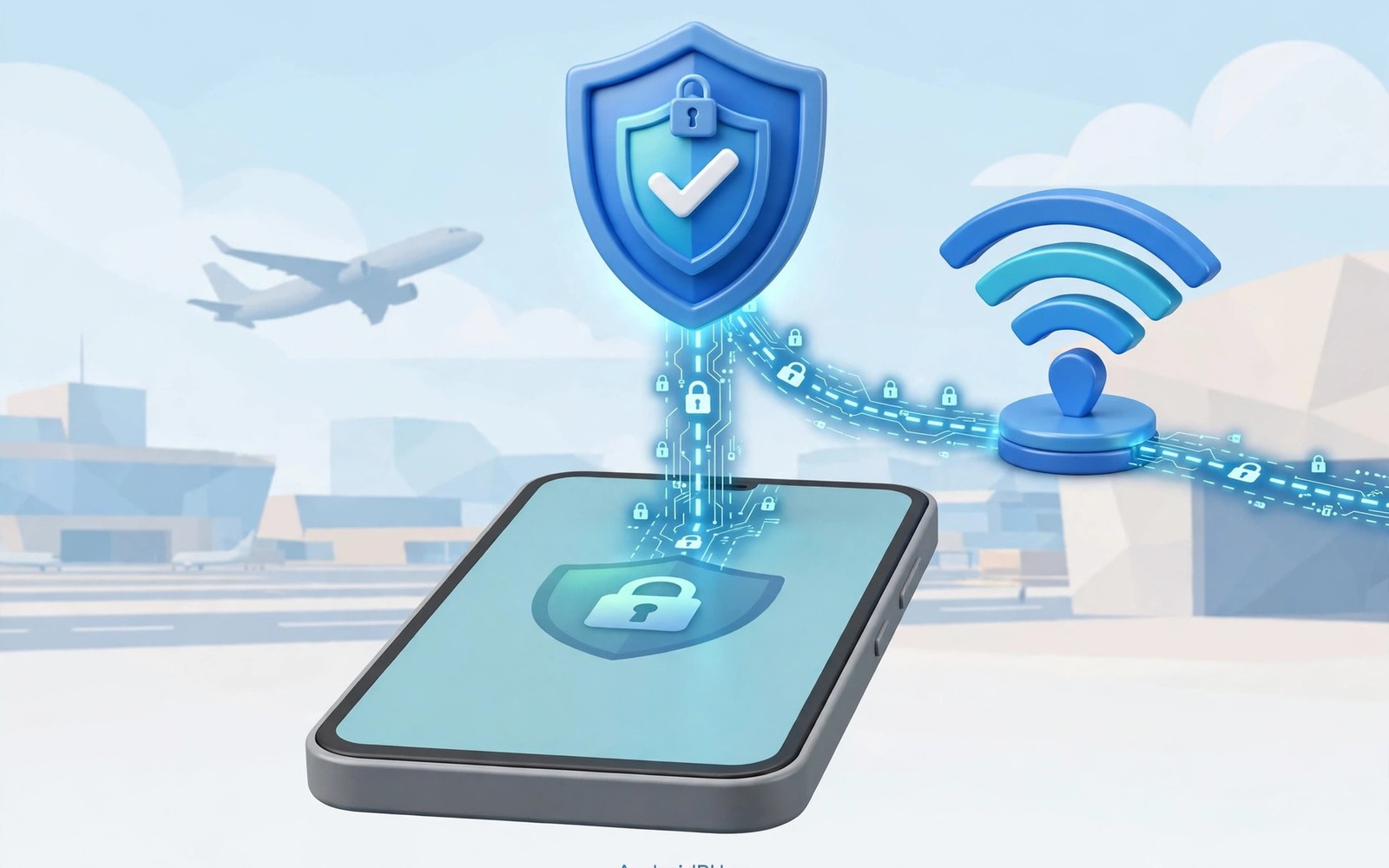
Airport Wi-Fi feels safe because airports are busy public places with official networks. The network itself is often open with no password or with a shared password posted on a wall. Anyone nearby can join the same network and watch traffic that lacks encryption. A VPN adds a private encrypted layer between your phone and the wider internet.
Attackers at airports can run fake hotspots with names that mimic the official airport network. Your phone may join the fake network automatically if it remembers a similar name from earlier travel. A VPN protects traffic contents even when you accidentally join a hostile hotspot. It cannot fix every risk but it removes the easiest form of snooping. Learning what a mobile VPN is and why you need one explains the tunnel that makes this protection possible.
Travel days also involve sensitive tasks such as checking boarding passes and banking and work email. Those tasks deserve protection even when you feel rushed between gates. Setting the VPN to connect automatically removes the need to remember it during a busy trip. Auto-connect turns protection into a habit rather than a chore.
Risks of Open Airport Networks
Open networks transmit data without link layer encryption between your phone and the access point. Nearby devices can capture unencrypted packets with simple tools available to anyone. Login pages and email contents become easy targets when apps fail to use transport encryption. Even encrypted apps leak destination metadata that reveals habits and contacts.
Fake hotspots add a stronger threat because the attacker controls the entire network path. The fake network can redirect you to phishing pages that mimic airline or hotel login screens. It can also strip security from pages that should use HTTPS when browsers allow fallback. A VPN limits what a fake hotspot operator can read even after you join by mistake.
How a VPN Protects Airport Traffic
A VPN encrypts all device traffic before it reaches the airport access point. The hotspot operator sees only scrambled packets heading to the VPN server address. Destination websites see the VPN server address instead of the airport network address. That separation hides both contents and browsing destinations from local observers.
The kill switch adds protection during network changes between airport terminals and lounges. Your phone switches access points frequently while you walk through a large terminal. Each switch risks a brief gap where traffic could leak without a kill switch active. Reading how a kill switch protects your IP address shows how to enable that safety net before travel.
Before You Connect at the Airport
Verify the official network name with airport signage or staff before joining any hotspot. Avoid networks with generic names that could belong to any nearby device. Turn off automatic joining for open networks in Android Wi-Fi settings when travelling. Manual joining forces you to choose the network deliberately each time.
Disable file sharing and nearby sharing features before joining a public airport network. Those features can expose files to other devices on the same network if left open. Keep Bluetooth discoverability off unless you actively need it during the trip. Small settings changes reduce exposure beyond what a VPN alone can provide.
- Verify the official airport network name before joining
- Enable VPN auto-connect before reaching the airport
- Turn on the kill switch for terminal network changes
- Disable file sharing on public networks
- Forget airport networks after the trip ends
- Prefer mobile data for urgent banking tasks
Safe Habits During Airport Browsing
Prefer official airline and hotel apps over browser logins when both options exist for a task. Official apps usually enforce transport encryption more consistently than mobile websites. Avoid banking transfers that can wait until you reach a trusted network at your destination. Urgent tasks can use mobile data instead of airport Wi-Fi when the cost is acceptable.
Watch for certificate warnings in your browser and never bypass them on a public network. A warning may indicate interception by a hostile hotspot operator. Close the page and switch to mobile data if a warning appears for a familiar site. Certificate warnings deserve attention rather than a quick tap to continue.
After You Leave the Airport
Forget the airport network in Android Wi-Fi settings after your trip ends. Forgetting prevents automatic reconnection to a fake network with the same name later. Review VPN connection logs if your app provides them for unusual drops during travel. Unusual drops may indicate a hostile network or a server problem worth investigating.
Update apps and system software promptly after travel because public networks expose devices to probing. Check battery usage for unfamiliar apps that may have installed during the trip. A quick post-trip review catches problems while details remain fresh. Good travel hygiene ends after landing rather than at the gate.
You can also explore bypassing geo-restrictions on streaming services for more context on neighbouring topics in this series.
Putting Airport VPN Protection Into Practice
Enable VPN auto-connect the night before a flight so protection starts without airport stress. Check that the kill switch is active in both app settings and Android system settings. Charge the phone fully and download boarding passes before leaving for the airport terminal. Offline boarding passes reduce the need to browse sensitive pages on airport networks. Preparation at home makes airport security almost automatic during the trip itself.
At the airport verify the official network name with signage before joining any hotspot. Join the verified network manually rather than letting the phone auto-join an open network. Confirm the VPN key icon appears before opening email or messaging apps on the network. If the key icon is missing then switch to mobile data for sensitive tasks until the VPN connects. That discipline prevents the first airport session from leaking before protection starts.
Troubleshooting Airport Network Problems
Captive portals at airports sometimes block VPN connections until you accept terms on a portal page. Connect to the airport network first and complete the portal acceptance without the VPN active. Enable the VPN immediately after the portal accepts your connection and browsing begins. Some portals disconnect VPN tunnels when the portal session expires after a few hours. Repeating portal acceptance restores access when that expiry happens during a long layover.
Slow airport Wi-Fi may come from hundreds of travellers sharing limited access point capacity. Switching VPN servers will not fix congestion on the airport network itself. Mobile data often outperforms crowded airport Wi-Fi for urgent tasks despite data costs. Use mobile data for banking and use airport Wi-Fi for light browsing when congestion is severe. Matching task importance to network quality keeps travel smooth without frustration.
Building a Habit That Lasts
Create a travel checklist on the phone that includes VPN auto-connect and kill switch checks. Run through the checklist before every flight rather than relying on memory under stress. Checklists work for pilots and surgeons because they catch simple omissions during busy moments. Travel security benefits from the same boring reliability that checklists provide in other fields.
Forget airport networks after each trip to prevent automatic joins to fake networks later. A forgotten network cannot trick the phone into joining a similarly named hotspot next month. Review VPN logs after travel for unusual drops that might indicate hostile network behaviour. Post-trip reviews close the loop between preparation and real world experience gained travelling.
Teach travel companions the airport VPN habit by demonstrating the key icon check together. A companion who recognises the key icon can protect themselves without technical help. Shared habits make group travel safer because every device benefits from the same simple check. Security habits spread best when they take seconds rather than minutes to perform.
Advanced Tips and Next Steps
Use a portable hotspot from your own phone instead of airport Wi-Fi when mobile data allowance permits. Personal hotspots avoid shared airport networks entirely for laptops and tablets travelling with you. A personal hotspot still uses carrier data so costs and caps need checking before departure. For sensitive work tasks the cost of mobile data often justifies avoiding airport networks completely. Risk reduction sometimes outweighs data savings during important business travel.
Consider a travel router that connects to airport Wi-Fi once and shares a VPN protected connection with all devices. Travel routers reduce the number of devices exposed directly to airport networks during a trip. One VPN tunnel on the router can protect a phone and a laptop simultaneously. Router setup takes preparation at home but simplifies security during busy airport transits. Group protection through one device suits families travelling with many gadgets together.
Check airport lounge Wi-Fi policies because lounges sometimes offer less crowded networks than terminal hotspots. Lounge networks may still be open and unencrypted despite their exclusive access requirements. VPN protection remains necessary on lounge networks for the same reasons as terminal networks. Exclusivity does not equal encryption on public lounge Wi-Fi in most airports. Treat every airport network as untrusted regardless of lounge status or access controls.
Prepare offline entertainment for flights so airport Wi-Fi use stays minimal during layovers. Downloaded movies and books reduce the need to stream over crowded airport networks. Less airport browsing means less exposure and less frustration with slow shared connections. Offline preparation also saves battery for the flight itself when charging is limited. Entertainment planning doubles as a security habit during travel days.
Review travel device settings after returning home to remove temporary airport configurations. Temporary Wi-Fi networks and VPN exceptions added during travel should not persist indefinitely. Post-travel cleanup restores the home security baseline that travel temporarily altered. A short cleanup checklist after each trip prevents configuration drift over many journeys. Cleanliness after travel matters as much as caution during travel itself.
travel:
  vpn: auto_connect
  wifi: airport_open
  kill_switch: true
  sharing: off
The steps above follow the approach described in the official developer documentation for Android networking and privacy controls. The guidance reflects standard advice for public network safety on Android devices.

