

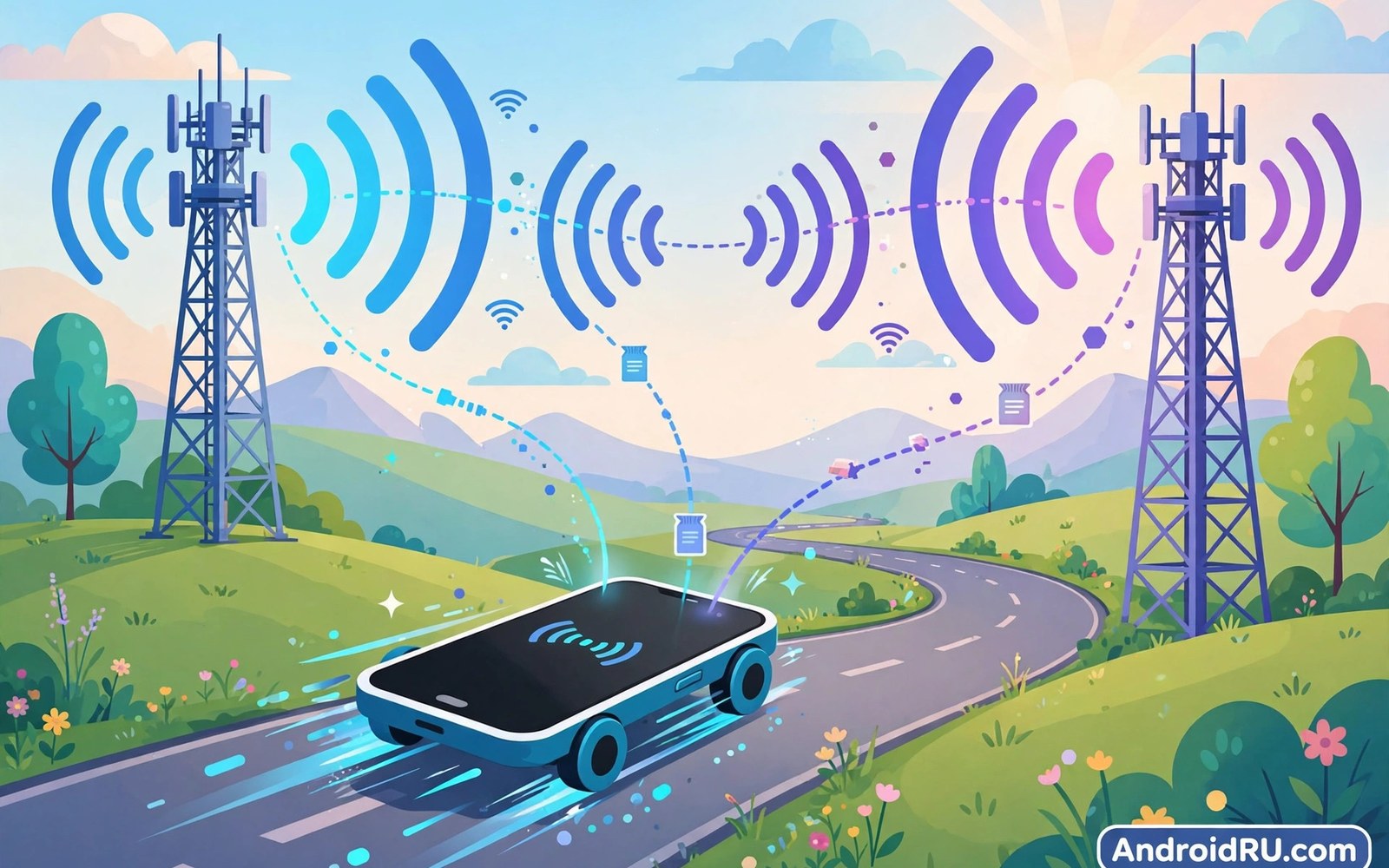
Your phone switches towers constantly as you move. Each switch is called a handover. Handovers happen silently during calls and browsing. Most handovers succeed without you noticing. Some fail and drop calls. Understanding handovers explains many signal mysteries. This article explains tower handshakes plainly. It covers why switches fail and how to improve them.
Phones choose towers by signal and load. Stronger signals attract phones naturally. Congested towers repel phones toward neighbors. The network guides choices behind the scenes. Your phone measures neighbors constantly. It reports measurements to the serving tower. The tower decides when handover happens. That teamwork keeps you connected while moving.
What a Tower Handshake Is
A handshake is a negotiation between phone and tower. The phone requests a connection to a new tower. The new tower checks capacity and signal. It accepts or rejects the request. Acceptance moves your call to the new tower. Rejection keeps you on the old tower. The process takes milliseconds when smooth. It repeats at every tower boundary you cross.
Handshakes occur for calls and data alike. Voice handovers need stricter timing. Data handovers tolerate brief gaps better. A data gap pauses downloads momentarily. A voice gap drops words or calls. Networks prioritize voice handovers accordingly. That priority protects call continuity. Data users rarely notice handover timing at all.
How Phones Measure Neighbor Towers
Phones scan neighbor towers in background constantly. They measure signal strength for each neighbor. They measure signal quality too. Quality matters as much as raw strength. A strong but noisy signal performs poorly. A weaker clean signal performs better. Phones report both metrics to networks. Networks weigh both in handover decisions.
Scanning uses battery power steadily. Phones scan more often while moving. Stationary phones scan less frequently. Fast travel triggers frequent scans. Battery drain rises on long journeys. That drain is normal and expected. Airplane mode stops scanning entirely. It also stops all connectivity at once.
Hard Versus Soft Handovers
Hard handovers break the old link before making new. A brief gap occurs between links. That gap lasts milliseconds usually. Voice calls may clip slightly during gaps. Most modern networks use hard handovers. They work well with fast switching. Gaps stay too short to notice mostly. Failed hard handovers drop calls outright.
Soft handovers connect to the new tower first. The old link breaks after the new works. Soft handovers suit older network designs. They use more network resources. They rarely drop calls from handover itself. Modern networks favor hard handovers for efficiency. Efficiency wins when handover success rates are high. Success rates exceed 99 percent on healthy networks.
Why Calls Drop During Handover
Handover fails when no neighbor accepts the phone. Congested neighbors reject new connections. Weak neighbor signals fail acceptance tests. Fast movement shortens decision time. A car at highway speed crosses boundaries fast. The network may miss the handover window. The call drops when the old signal fades. That sequence explains highway call drops.
Building entry causes similar handover failures. Outdoor towers fade fast indoors. Indoor coverage may lack a ready tower. The phone searches while the call degrades. Wi-Fi calling rescues indoor calls sometimes. It bypasses tower handover entirely. Enable Wi-Fi calling for indoor reliability. It complements tower switching rather than replacing it. Indoor sufferers should set up Wi-Fi calling and VoLTE setup at home.
Network Load and Handover Decisions
Networks balance load across towers actively. They move phones from busy towers. They move them toward quiet neighbors. Load balancing improves overall speeds. It may move your phone to a weaker tower. Weaker towers with less load can outperform strong busy towers. Speed depends on load as much as signal. Trust network choices over bar counts.
Priority tiers affect load balancing too. Premium customers stay on strong towers longer. Lower priority users move first. That difference appears at events mostly. Event crowds trigger heavy balancing. Your phone may hop towers repeatedly. Hopping drains battery faster at events. It also causes brief data stalls. Event performance reflects priority and load together.
Handover in 5G Networks
5G handovers face denser small cells. Small cells cover short ranges. Phones cross boundaries more often. Handover frequency rises sharply in cities. Networks manage frequency with smarter algorithms. They predict movement from measurement trends. Prediction prepares target towers early. Early preparation reduces failure rates greatly.
mmWave handovers are hardest of all. mmWave cells cover tiny areas. A street corner can end mmWave coverage. Phones fall back to mid band quickly. That fallback counts as a handover too. Users notice speed drops during fallback. The connection survives but slows sharply. Mid band anchors keep 5G sessions stable.
Improving Handover on Your Phone
Keep phone software updated for handover fixes. Modem updates improve switching algorithms. Updates also fix tower measurement bugs. Restart the phone after long travel days. A restart clears stale tower data. It forces fresh neighbor measurements. Fresh measurements improve handover choices. Weekly restarts help heavy travelers most.
Avoid thick metal cases that weaken antennas. Weak antennas miss neighbor signals. Missed neighbors cause late handovers. Late handovers drop more calls. Use plastic cases for best signal. Test signal with the case off if drops persist. A case change may fix handover issues. Simple hardware checks beat complex settings changes.
Handover and Battery Life
Frequent handovers drain battery noticeably. Each handshake uses radio power. Scanning neighbors uses power too. Travel days show higher drain naturally. Stationary days show lower drain. Compare battery across travel and home days. Travel drain does not signal a faulty battery. It signals normal handover workload.
Limit background data during travel to save power. Background apps trigger extra radio use. Extra use compounds handover drain. Download content before travel instead. Offline maps reduce travel data needs. Offline music reduces streaming drain. Prepared travelers arrive with battery remaining. Preparation beats charging anxiety on journeys.
Roaming Handovers Abroad
Roaming handovers add partner network complexity. Partner towers may reject roaming phones. Rejection rates rise at borders. Border zones switch networks repeatedly. Phones may ping-pong between carriers. Ping-ponging drains battery fast. Lock network selection manually near borders. Manual locking stops ping-pong switching.
Roaming partners share load data less openly. Handover decisions suffer from limited data. Roaming calls drop more often than home calls. Expect slightly worse roaming handover performance. Dual SIM phones offer a roaming workaround. Local lines handover like home lines. Home lines stay for codes only. That split improves roaming reliability greatly. Roaming travelers should also understand international roaming on dual SIM phones before border trips.
Future Smarter Handovers
AI prediction will improve handovers further. Networks will learn travel patterns. They will prepare towers along routes. Commute routes benefit earliest from prediction. Phones will report richer measurements too. Richer data enables finer decisions. Handover failures should fall steadily. Call drops during travel should shrink yearly.
Satellite links may add a handover layer. Phones may handover between towers and satellites. That layer helps remote travel continuity. Satellite handovers face long delays. They suit messaging more than voice initially. Hybrid tower-satellite switching is years away. Tower handovers remain the core skill. Master current handovers before future ones arrive.
Handover Measurement Tools for Enthusiasts
Field test menus show live tower data. They display serving tower identity. They display neighbor signal levels too. Access methods vary by phone maker. Search your model plus field test mode. Note tower changes during a commute. A log of changes reveals weak zones. Enthusiasts map coverage with these logs.
Third-party apps visualize tower data too. They plot towers on maps. They record signal history over routes. Use them for personal analysis only. Do not share precise tower logs publicly. Tower locations aid network planning misuse rarely. Personal use remains safe and legal. Enjoy mapping your commute coverage.
Handover Failures in Rural Areas
Rural towers sit far apart widely. Handover windows last longer there. Phones hold weak signals longer. Calls degrade before handover occurs. A distant tower may accept late. Late handovers succeed more often rurally. They still sound poor during degradation. Low band signals help rural handovers most.
Rural users should favor low band carriers. Low band reaches farther between towers. Fewer boundaries mean fewer handovers. Fewer handovers mean fewer drops. Check rural coverage maps carefully. Ask rural neighbors about call drops. Neighbor experience predicts rural reliability. Choose carriers by rural reputation first.
Emergency Calls During Handover
Emergency calls receive special handover priority. Networks protect emergency sessions strongly. They reserve capacity for emergency handovers. Emergency calls rarely drop from handovers. They may still drop from total signal loss. Total loss affects any call type. Move toward signal if safe during emergencies. Staying put helps rescuers locate you.
Phones can call emergency numbers without SIMs. Any available tower accepts emergency calls. Handover for emergency calls uses any tower. That openness improves emergency reliability. Test emergency readiness without dialing. Check signal and battery instead. Never place test emergency calls. Real emergencies deserve clear channels.
Handover Health Checklist
- Keep phone software and modem firmware updated.
- Restart the phone after long travel days.
- Enable Wi-Fi calling for indoor call reliability.
- Use plastic cases instead of thick metal cases.
- Lock network selection manually near border zones.
- Download offline maps and media before travel.
Moving call drops? Check: software updated, case plastic
Travel day: restart phone before departure
Indoors: Wi-Fi calling ON for call continuity
Border zone: Settings > Network > Manual network selection
Test: same route, note drop spots, compare carriers
The explanation above reflects standard mobile network handover practice for modern phones. Handover behavior varies by network generation carrier and terrain. Always test real routes when comparing carriers for travel reliability.
Invisible Switches Keep You Connected
Tower handshakes work invisibly thousands of times daily. Phones measure neighbors and networks decide switches. Most switches succeed in milliseconds. Failures drop calls at boundaries and borders. Updates and cases and Wi-Fi calling help. Roaming handovers need manual care near borders. Understanding handovers explains many signal mysteries. Travelers with drop problems should also test with testing signal strength accurately on real routes.
Future networks will predict handovers even better. AI routes and denser cells will cut failures. For now keep software fresh and cases light. Enable Wi-Fi calling indoors always. Handovers then stay invisible as designed.

