

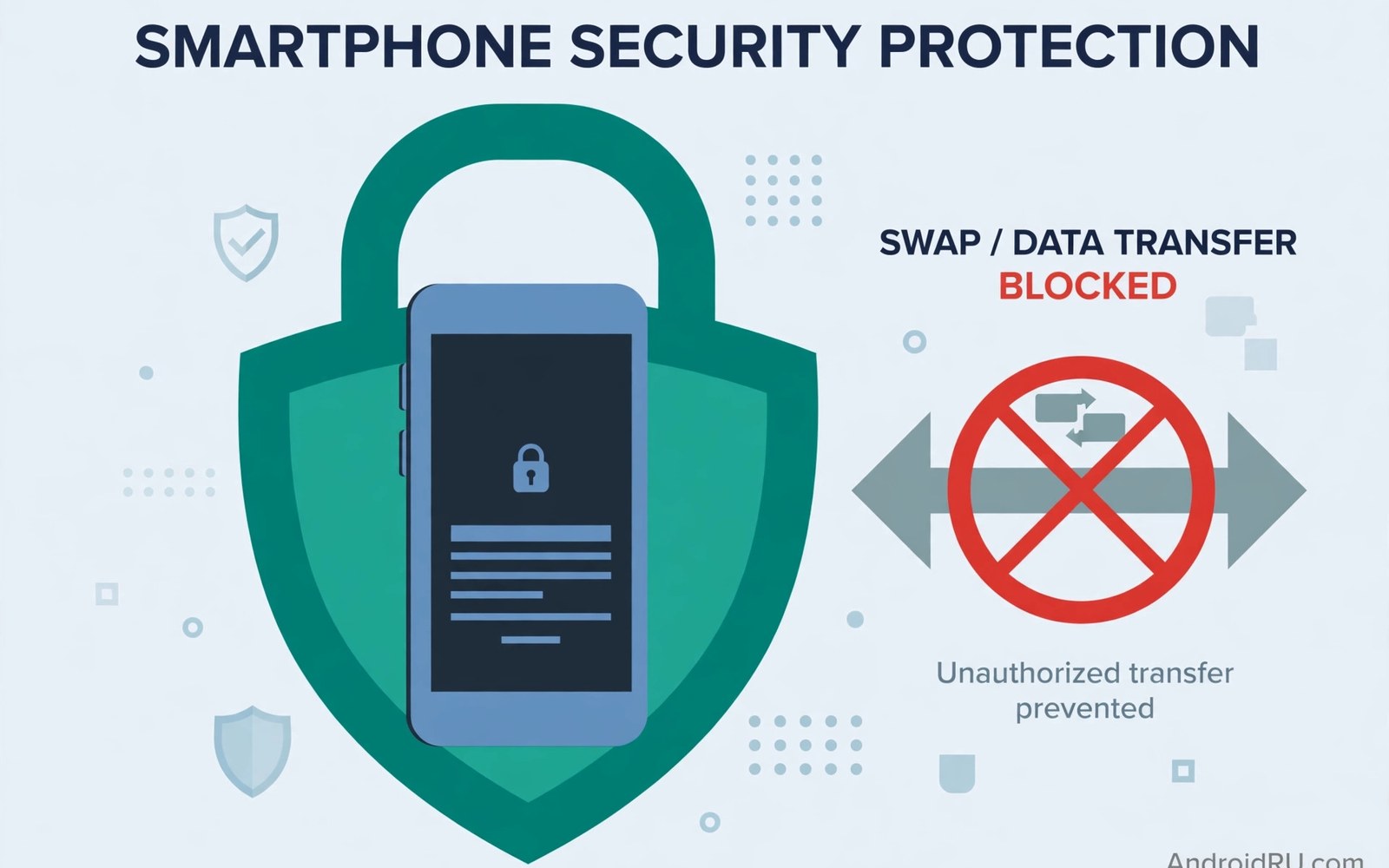
SIM swapping steals phone numbers for fraud. Attackers convince carriers to move numbers. They move numbers to attacker SIM cards. Bank codes then arrive on attacker phones. Accounts fall within minutes after swaps. Carrier security locks fight this attack. This article explains those locks plainly. It shows how to protect your number.
SIM swap attacks target high-value accounts. Crypto holders face the greatest risk. Business owners face serious risk too. Everyday users face growing risk as well. Attackers use social engineering skillfully. They impersonate victims to support staff. Strong carrier locks stop impersonation cold. Enable every lock your carrier offers.
How SIM Swapping Attacks Work
Attackers gather victim personal details first. Data breaches supply names and addresses. Social media supplies birthdays and pet names. Attackers call carrier support posing as victims. They answer security questions from breached data. Support transfers the number to attacker SIMs. The victim phone loses service suddenly. Attacker phones receive all calls and codes.
Attackers then reset passwords rapidly. Bank codes arrive on attacker phones. Email resets follow through phone codes. Crypto accounts drain within minutes. Victims notice only when service dies. Recovery takes days of carrier disputes. Prevention beats recovery by a wide margin. Carrier locks are the first defense line.
Carrier Locks That Block Swaps
Number transfer locks block unauthorized ports. They require extra verification for changes. SIM change locks block new SIM activation. They require account holder approval. Some carriers call them port-out locks. Others call them number locks. Names vary but functions match. Enable the lock in carrier apps or support.
Locks add friction to legitimate changes too. Users must remove locks before switching. Removal needs strong verification. That friction is the security point. Attackers cannot remove locks easily. They lack victim verification details. Legitimate users tolerate brief friction. If the handset itself is network locked then unlocking a carrier-locked phone comes before any switch.
Account PINs and Passcodes
Carrier account PINs guard account changes. Set a PIN unrelated to birthdays. Avoid pet names and addresses too. Attackers guess those details easily. Use a random PIN from a password manager. Store the PIN securely offline too. Change the PIN after any breach news. A fresh PIN restores protection fast.
Support staff should ask for PINs always. Refuse changes when staff skip PIN checks. Report staff who bypass verification. Bypasses indicate training or fraud problems. Carriers audit bypasses seriously. Your report protects other customers too. PIN discipline starts with demanding checks. Never accept unverified account changes.
Two-Factor Authentication Beyond SMS
SMS codes are vulnerable to SIM swaps. Authenticator apps resist swaps better. Apps generate codes on your device. Attackers need the device itself. Hardware keys resist attacks best of all. Keys require physical possession for login. Move banks to app or key codes. Keep SMS only where no alternative exists.
Audit every account for SMS-only recovery. Banks vary in alternative support. Email accounts offer app codes widely. Social accounts offer app codes too. Crypto exchanges offer hardware keys. Switch each account methodically. Start with banks and email first. Those two unlock most other accounts.
Recognizing a SIM Swap in Progress
Sudden service loss signals possible swaps. Phones showing no service unexpectedly warn you. Contact carriers from another phone immediately. Use a landline or a friend phone. Report suspected swaps at once. Fast reports limit attacker windows. Carriers can freeze numbers during disputes. Freezes stop further code theft.
Unexpected port confirmation texts warn too. Never ignore carrier change alerts. Read every carrier text promptly. A port alert you did not request means attack. Call support using official numbers only. Do not call numbers inside suspicious texts. Attackers fake support numbers sometimes. Official numbers come from carrier websites.
Recovering After a SIM Swap
Contact the carrier immediately after discovery. Request number freeze and SIM restoration. Prove identity with documents. Identity proof may take hours. Stay patient during verification. Attackers exploit rushed support staff. Thorough verification protects your recovery. Rushing helps attackers more than victims.
Contact banks after carrier freeze completes. Freeze bank accounts temporarily if needed. Review transactions for fraud quickly. Report fraud within bank deadlines. Deadlines vary by institution. Fast reports improve recovery odds. Change passwords for email first. Email recovery unlocks other account resets. Victims who later move carriers should follow switching carriers while keeping your number with locks re-enabled.
Business and High-Risk Protections
Business accounts need stronger carrier protections. Dedicated account managers help verification. Managers recognize legitimate business contacts. They flag unusual change requests. Businesses should register manager contacts. They should require in-person changes. In-person changes resist phone impersonation. Physical presence proves identity strongly.
High-risk individuals need carrier security notes. Notes flag accounts for extra scrutiny. Support must escalate flagged changes. Escalation adds manager approval steps. Public figures should request notes. Crypto holders should request notes too. Notes cost nothing but add protection. Ask support about security notes today.
SIM PINs on the Device Side
SIM PINs lock cards in other phones. A stolen SIM needs the PIN. Set a SIM PIN in phone settings. Choose a PIN unlike the phone lock. Store the SIM PIN separately safely. A forgotten SIM PIN needs carrier PUK codes. PUK codes unlock SIMs after PIN failures. Keep PUK codes away from phones.
SIM PINs complement carrier locks well. Carrier locks block account changes. SIM PINs block physical card misuse. Together they cover both attack paths. Enable both protections always. Test SIM PIN after setting it. Restart the phone to trigger PIN prompts. Confirm the prompt appears before relying on it.
Social Engineering Tricks to Recognize
Attackers pose as carrier staff sometimes. They call victims requesting PINs. Real carriers never request PINs by call. Hang up on PIN request calls. Attackers pose as bank staff too. They claim fraud and request codes. Banks never request login codes. Hang up and call official numbers.
Phishing texts mimic carrier alerts. They link to fake carrier sites. Fake sites harvest PINs and passwords. Never click carrier links in texts. Open carrier apps directly instead. Apps use verified connections always. Bookmark official carrier sites for browsers. Direct access defeats most phishing attempts.
Building a Personal Security Routine
Review carrier locks yearly at least. Confirm locks remain active after plan changes. Plan changes sometimes reset security settings. A yearly check catches silent resets. Review account PINs yearly too. Change PINs after breach news promptly. Routine reviews prevent silent vulnerability growth. Security needs maintenance like any system.
Teach family members SIM swap risks. Family numbers face attacks too. Help elders set carrier locks. Elders face targeting by scammers often. Share attack warning signs plainly. Sudden service loss means call support. Knowledge across family multiplies protection. A protected family resists attacks together.
Carrier Verification Methods Compared
Carriers verify identity several ways. PIN codes offer basic protection. Security questions offer weaker protection. Breached answers defeat questions easily. One-time codes to email add strength. In-person verification offers strongest proof. Biometric checks add modern strength. Layered verification beats any single method.
Ask carriers which methods they use. Prefer carriers with PIN plus manager approval. Avoid carriers relying on questions alone. Questions fail against breached data. Upgrade to carriers with stronger checks. Security strength should guide carrier choice. Price matters less than account safety. A cheap carrier with weak checks costs more after fraud.
Protecting Family Members from Swaps
Children lines face swap risks too. Attackers target parent accounts through kids. Lock every family line individually. Set PINs for each line separately. Teach kids to report service loss. Kids may ignore no-service warnings. Explain that sudden loss means danger. Family awareness multiplies protection effectively.
Elderly relatives face heavy targeting. Scammers call elders impersonating carriers. Teach elders to hang up fast. Teach them to call official numbers. Set locks on elder lines proactively. Manage elder carrier accounts with consent. Consent-based help protects without overreach. Family security needs patience and respect.
SIM Swap Insurance and Legal Options
Some insurers cover SIM swap losses now. Cyber insurance policies vary widely. Read exclusions before buying cover. Many policies exclude crypto losses. Others cap payouts strictly. Insurance complements locks but never replaces them. Locks prevent losses that insurance repays. Prevention remains cheaper than claims.
Legal options follow confirmed SIM swaps. Report fraud to police promptly. Police reports support bank claims. Regulators accept carrier complaints too. Complaints pressure carriers to improve. Keep records of every report filed. Records strengthen legal and bank cases. Justice moves slowly but records help.
SIM Swap Protection Checklist
- Enable number transfer and SIM change locks with your carrier.
- Set a random carrier account PIN unrelated to personal details.
- Move banks and email to app or hardware key codes.
- Set a SIM PIN on the device itself.
- Never share PINs or codes with callers or text links.
- Review carrier locks yearly and after plan changes.
Carrier app: enable number lock + SIM change lock
Set random account PIN via password manager
Phone: Settings > SIMs > SIM PIN ON (PIN unlike phone lock)
Accounts: banks + email -> authenticator app or hardware key
Alert: sudden no-service = call carrier from another phone at once
The steps above reflect standard carrier account security practice for mobile users. Lock names and availability vary by carrier and region. Always confirm current security options with your own carrier directly.
Lock Your Number Before Attackers Try
SIM swapping turns stolen details into stolen accounts. Carrier locks block unauthorized ports and SIM changes. Random PINs defeat guessed security answers. App codes beat SMS codes for banks. SIM PINs protect physical cards too. Enable every layer your carrier offers. Layers together resist skilled attackers. Users who switch carriers should also plan with switching carriers while keeping your number without dropping locks.
Review locks yearly and after plan changes. Teach family the warning signs of swaps. Sudden service loss demands immediate carrier contact. Protection today prevents devastating fraud tomorrow. Lock your number now and keep it locked.

