

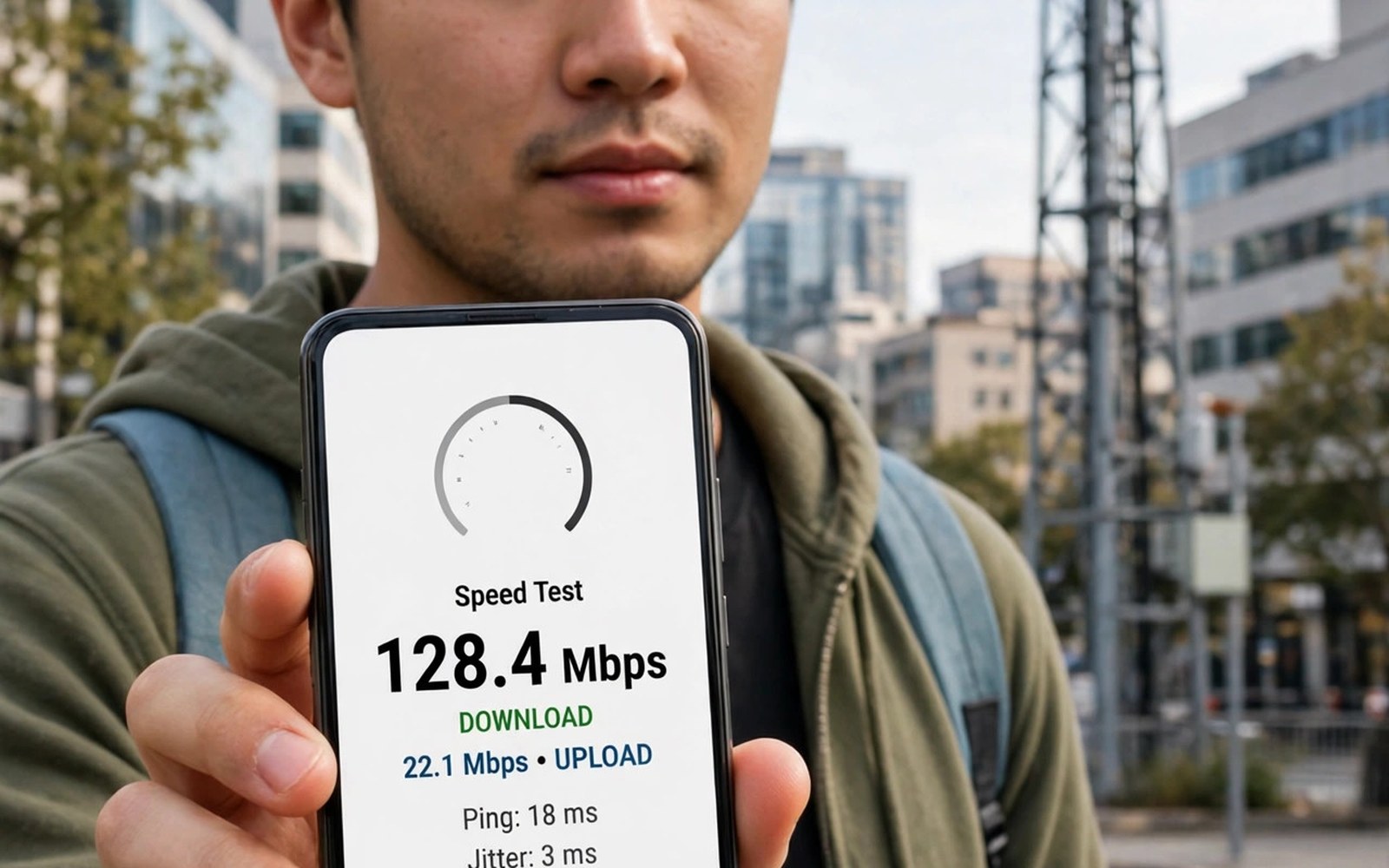
Speed test numbers lie when tests run poorly. One test at one spot proves little. Signal bars lie even more than tests. Bars use different scales on each phone. Two phones can show different bars on one network. Accurate testing needs method and repetition. This article teaches a fair test routine. It works for any Android phone and any carrier.
You will learn what dBm values mean. You will learn where to test and how often. You will learn how to compare carriers fairly. The routine takes about twenty minutes. It saves months of wrong carrier choices. Read the method before your next test. Good data beats strong opinions about networks.
Why Signal Bars Mislead You
Signal bars are not a standard unit. Each phone maker maps signal to bars differently. One maker may show four bars at a weak level. Another may show two bars at the same level. Bars also mix voice and data signals loosely. A phone may show strong bars yet deliver slow data. Bars reflect the serving tower link only. They ignore tower congestion entirely.
Bars change with small movements too. Turning your body can shift bars by one. Moving near a window can shift them more. That sensitivity makes bars useless for comparisons. Use dBm values for serious testing instead. dBm measures signal power on a standard scale. Values near negative 70 are excellent. Values near negative 120 are barely usable.
Finding dBm Values on Android
Open Settings and then About phone. Tap SIM status or network details. Look for signal strength in dBm. Some phones show it under a status menu. Others need a dialer code for field test mode. Field test menus vary by maker and model. Search your model plus field test for exact steps. Note the value for each SIM separately on dual SIM phones.
Record dBm alongside bars for comparison. You will see bars mislead within days. A phone with fewer bars may hold better dBm. That phone will deliver steadier data. Record the network type beside dBm too. 5G and 4G values are not directly comparable. Compare 5G with 5G and 4G with 4G. Fair comparisons need matching network types.
Running Fair Speed Tests
Use the same speed test app for every test. Different apps use different servers. Server distance changes results sharply. Pick one app and one server city. Test at the same spots each time. Home and office and commute stops cover daily life. Test at peak and quiet hours separately. Peak results reveal congestion truth best.
Run three tests per spot and average them. One test catches a random spike or dip. Three tests smooth out that noise. Wait a minute between tests for fairness. Close background apps before testing. Background sync steals bandwidth silently. Turn off VPN during speed tests too. VPN routes add latency and skew results.
Testing at Home Work and Commute
Home tests matter most for evening use. Test in each room you use often. Note dead zones room by room. A bedroom dead zone matters for night use. An office dead zone matters for work calls. Test near windows and deep inside rooms. The gap between those spots surprises many users. Wi-Fi calling can rescue indoor dead zones.
Commute tests reveal tower handover quality. Test at bus stops and train stations. Note spots where data stalls during travel. Handover failures cause those stalls. A carrier with smooth handovers suits commuters. A carrier with stalls frustrates daily travel. Test the same route on rival carriers. A cheap prepaid SIM enables fair commute comparisons.
Comparing Carriers with One Phone
One phone removes device differences from comparisons. Swap SIM cards between tests on one phone. Or use dual SIM with two active lines. Test each line at the same spot. Keep the test order consistent each round. Alternate lines to cancel time effects. Record dBm and speed for each line. The fair winner emerges after several rounds.
Use the same test app and server for both lines. Different servers favor different carriers unfairly. Test at peak hours for the decisive round. Peak hours expose priority differences clearly. A carrier that wins at midnight may lose at dinner. Dinner performance matters more for most users. Weight peak results heavier than quiet results. Daily life happens mostly at busy hours.
Understanding Latency Jitter and Loss
Download speed is only one test metric. Latency measures round-trip delay in milliseconds. Low latency suits gaming and video calls. Values under 50 milliseconds feel responsive. Values over 150 milliseconds feel laggy. Jitter measures latency variation over time. High jitter breaks voice calls even at good speeds. Packet loss measures data that never arrives.
Test latency with the same app as speed. Note latency beside download and upload. A fast plan with high latency disappoints gamers. A slower plan with low latency suits calls better. Match metrics to your own use case. Gamers need latency first and speed second. Streamers need download speed first. Workers need stable upload for video meetings.
Signal Boosters and External Antennas
A booster helps only where outdoor signal exists. It repeats outdoor signal indoors. It cannot create signal from nothing. Place the outdoor antenna high and clear. Point it toward the nearest tower if known. Test dBm before and after installation. A real improvement shows in dBm numbers. A booster that shows no dBm gain wastes money.
External antennas on routers help hotspot users. They improve the modem link directly. Phone users benefit less from router antennas. Phone antennas sit inside the handset. Cases can weaken phone antennas slightly. Test with the case off if signal seems weak. A thick metal case may cost several dBm. A plastic case rarely matters at all.
Avoiding Common Test Mistakes
Testing right after a reboot skews results. The phone may still register services. Wait two minutes after reboot before testing. Testing while charging can also skew heat. A hot phone throttles modem performance. Test at normal temperature for fairness. Testing during a system update steals bandwidth. Pause updates during test sessions entirely.
Crowded test servers skew results too. Popular servers overload at peak hours. Switch server city if results look odd. Compare server results before judging a carrier. A bad server can condemn a good network. Note the server name in every result. That note explains odd outliers later. Careful notes turn casual tests into real evidence. Readers fighting weak coverage should also review Wi-Fi calling and VoLTE setup for indoor call fixes.
When to Test Again After Changes
Retest after any carrier or plan change. New plans may carry different priority. A plan change can alter peak speeds sharply. Retest after a phone upgrade too. New modems hold signal differently. A new phone may beat an old phone on one network. It may lose on another network entirely. Never assume an upgrade improves every network.
Retest seasonally in areas with foliage changes. Trees block signals more in summer leaf. Winter leaf loss improves some links. Construction can block a tower path suddenly. New buildings alter coverage street by street. A yearly retest catches those shifts. Heavy users benefit from seasonal checks most. A five-minute retest protects a yearly plan choice.
Sharing Results and Choosing a Carrier
Share results with household members before switching. A carrier that suits one member may fail another. Different commutes create different needs. Different rooms create different dead zones. Pool test notes from all members. The household winner may differ from individual winners. Choose the carrier that serves the household best. Individual speed records matter less than shared coverage.
Keep a simple test log for future reference. Note date and spot and dBm and speed. Note network type and server used. That log settles future carrier debates fast. It also helps support complaints with evidence. Carriers respond better to logged data. Vague complaints get vague answers. If tests show flat speeds at all hours then learn data cap throttling as the likely cause.
Indoor Versus Outdoor Signal Gaps
Outdoor signal often beats indoor signal by a wide margin. Walls and roofs weaken radio waves steadily. Concrete and metal weaken them most of all. Glass windows weaken them least. Test both sides of your front door. The gap reveals your building penalty. A large gap suggests Wi-Fi calling needs. A small gap suggests usable indoor data.
Indoor small cells may improve office coverage. Some offices install indoor antennas for workers. Those antennas connect to the carrier network. They boost dBm inside the building. Ask building managers about indoor coverage. A building with indoor cells suits heavy phone users. A building without them needs Wi-Fi solutions. Test indoor dBm before signing an office lease.
Weather and Seasonal Signal Effects
Heavy rain weakens high frequency signals slightly. Mid band signals resist rain better. Low band signals resist rain best of all. Storms rarely break low band links. They may slow mmWave links sharply. Snow buildup on antennas adds losses too. Seasonal tests reveal weather sensitivity. Test during a storm for worst-case data.
Foliage growth affects suburban signals yearly. Summer leaves absorb radio energy. Winter bare branches absorb far less. A link that works in winter may fade in summer. Trees near a tower path matter most. Note seasonal changes in your test log. A seasonal pattern explains mysterious summer drops. Carriers rarely advertise foliage effects openly.
Crowd Events as Stress Tests
Stadiums and festivals stress networks hardest. Tens of thousands share few towers. Priority differences appear starkly there. Test your carrier at a local event. Note whether messages send promptly. Note whether maps load at all. Event performance predicts emergency reliability. A carrier that fails events may fail crises too.
Portable towers help events but not fully. Carriers deploy temporary cells for big events. Those cells ease congestion partly. They cannot match home network capacity. Test before relying on event connectivity. Download tickets offline before arrival. Offline tickets work without any signal. Event preparation beats event frustration every time.
Accurate Test Checklist
- Record dBm values instead of trusting signal bars.
- Use one test app and one server city for all tests.
- Run three tests per spot and average the results.
- Test at home work and commute spots separately.
- Test at peak hours and quiet hours for comparison.
- Close background apps and turn off VPN before testing.
Settings > About phone > SIM status > Signal strength (dBm)
Test spots: home room, office desk, commute stop
Per spot: 3 tests, 1 minute apart, same server
Record: dBm, download, upload, latency, network type
Compare: peak hour results weigh heavier than quiet hour
The method above reflects standard consumer network testing practice for mobile phones. dBm scales and menu paths vary slightly by phone maker and Android version. Always compare results from the same phone and test app for fairness.
Test Fairly Then Choose Confidently
Accurate testing beats marketing and bars alike. Use dBm values and repeated speed tests. Test real spots at real hours. Compare carriers on one phone fairly. Note latency as well as download speed. The best carrier for your life emerges clearly. That clarity is worth twenty minutes of testing. Users weighing plan costs should also compare budget carrier plans after speed winners are known.
Retest after phones and plans and seasons change. Networks evolve and so do your needs. A yearly retest keeps your choice honest. Keep the test log for support disputes. Evidence beats opinion in every carrier conversation. Test fairly once and enjoy confident service for a year.

