

From Handheld Screen To Living Room Play
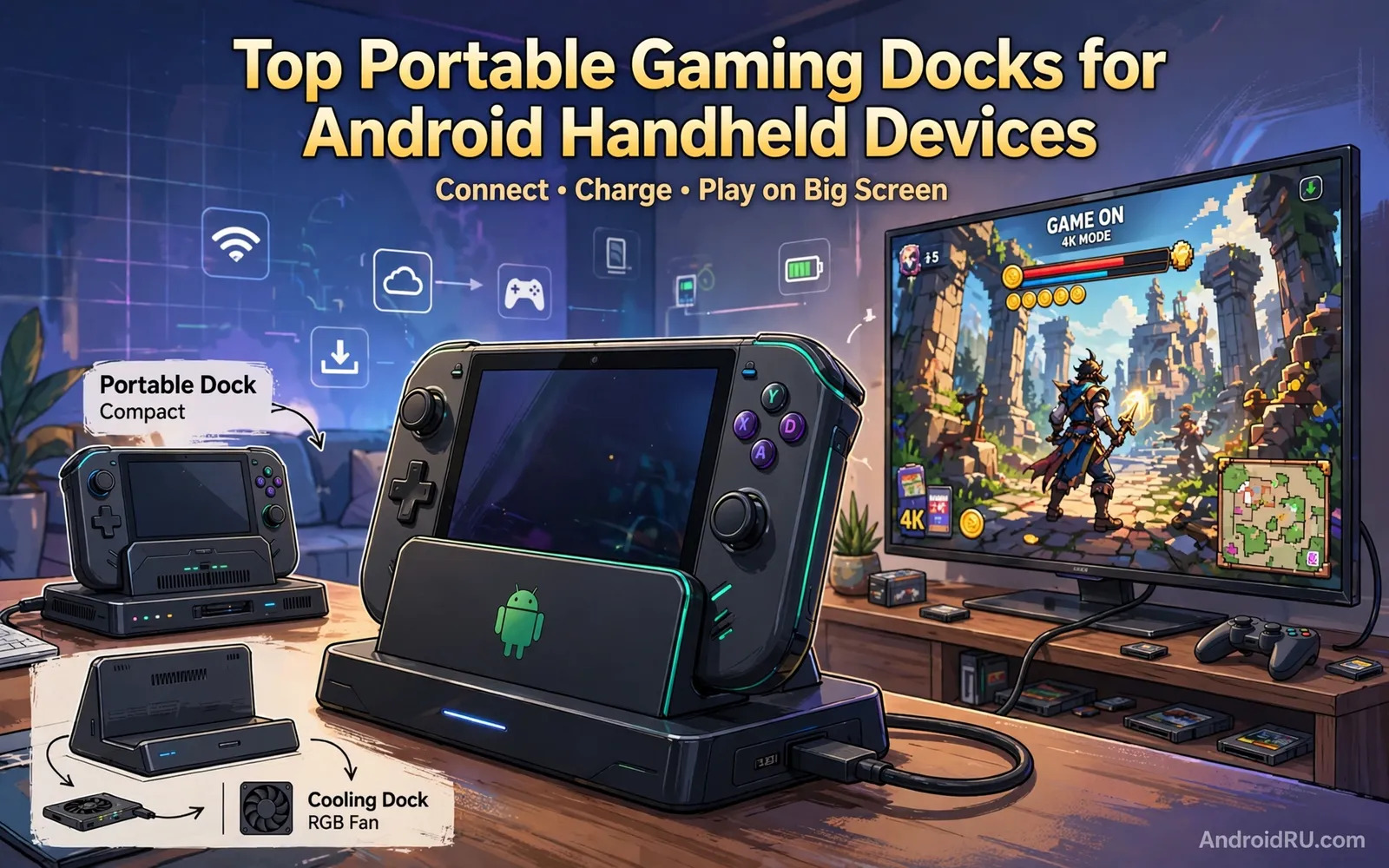
A portable gaming dock lets a small Android handheld send its game to a television or a monitor while the player uses a controller. The handheld becomes the computer and the television becomes the display. That transformation suits living room multiplayer and longer sessions where a small screen tires the eyes. It also suits players who own one handheld and want a console-like experience without buying a separate console. The dock provides video output and charging and controller connections and sometimes extra storage ports in a single stable base.
Docks differ from simple cables because a dock holds the device securely and manages power and connections together. A cable alone can work but it leaves the handheld sliding on a table and charging uncertain and controller pairing separate. A dock solves those practical problems at once. Readers comparing controllers for docked play can explore mobile game controllers comparing Razer Kishi and Backbone One to pair input hardware with the dock. The dock and the controller together decide whether big-screen handheld gaming feels polished or improvised.
Video Output Charging And Controller Support
Video output quality decides whether docked play looks sharp or soft. Check the dock resolution and refresh support against your television because a dock built for modest output will not magically deliver a sharper image to a large screen. Input lag matters for action games where a delayed response ruins timing. Wired controller connections usually give lower lag than wireless connections but modern wireless controllers perform well for most genres. Test the combination that matches your favourite games rather than trusting a single specification in isolation.
Charging behaviour matters during long sessions because gaming drains a handheld quickly. A good dock charges the device while playing and does not throttle performance as heat builds. Ventilation in the dock design helps because a handheld enclosed in a tight dock can overheat and slow down. Look for open airflow around the device and for a dock that does not block exhaust vents. Readers concerned about heat during demanding play can review cooling fans and radiators for heavy Android gaming for the wider cooling picture. A cool handheld sustains frame rates far better than a hot handheld in a sealed dock.
Dock Types For Travel Home And Multiplayer
Travel docks fold flat and weigh little and suit hotel televisions and friends houses. They trade some ports for portability and they suit players who value a bag-friendly kit. Home docks are larger and sturdier and offer more ports and a permanent place on a desk or media unit. Multiplayer docks add multiple controller ports and stable networking for shared sessions. Choose the dock type that matches where you actually play rather than buying the largest dock for occasional travel or the smallest dock for a permanent living room setup.
Cloud gaming changes dock priorities because the handheld streams the game rather than rendering it locally. Network stability becomes more important than raw local power and a wired network port on the dock can transform cloud play. Local game libraries benefit more from storage expansion and controller variety. Readers exploring streamed play can explore cloud gaming on Android comparing GeForce Now and Xbox Cloud to see how network quality shapes the docked experience. Match dock features to your main way of playing.
- Travel dock that folds flat for hotel televisions and visits
- Home dock with sturdy base and generous ports for daily use
- Multiplayer dock with several controller connections for shared play
- Wired network port for stable cloud gaming sessions
- Open airflow design so the handheld stays cool while docked
Setting Up A Smooth Docked Session
Connect the dock to the television first and confirm the correct input before seating the handheld. Seat the device firmly and check that charging starts and that video appears without flicker. Pair controllers before starting a game and test buttons in a menu rather than discovering a dead controller mid-match. Set the television to game mode when available because game mode reduces processing delay and improves responsiveness. Adjust handheld display settings for external output because a setting tuned for a small screen may look wrong on a large screen.
Keep the play area tidy because cables from dock and controllers and chargers tangle quickly. Route cables away from walkways and secure loose cables so a tripped cable does not pull the handheld from the dock. Keep a second controller charged for multiplayer nights and keep the dock firmware updated when the maker offers updates. Small setup habits turn docked play from a fiddly experiment into a routine that starts in seconds and feels as natural as switching on a console.
Common Problems And Practical Fixes
A blank television screen usually means a wrong input or a loose seating or a handheld that does not support video output through that dock. Reseat the device and check the input and test the television with another source to isolate the problem. Flicker often points to a cable or dock bandwidth limit at a chosen resolution. Lowering resolution or refresh temporarily can confirm whether bandwidth explains the issue. Audio problems often come from output routing so check whether sound should come from the television or from the handheld or from headphones.
Overheating during docked play usually means blocked vents or a warm room or a dock that traps heat. Improve airflow and remove any case that blocks vents during docked sessions. Performance drops after long sessions often reflect heat rather than a faulty dock. Give the handheld a cooling break between demanding games and keep the dock away from direct sun and heating vents. Patient troubleshooting saves many returns because most dock problems trace to seating or settings rather than to broken hardware.
Choosing A Dock And A Final Checklist
Choose by play location first and by controller preference second and by network needs third. A travel player needs lightness and simplicity. A home player needs stability and ports. A cloud player needs wired networking. A local multiplayer host needs controller capacity. Read experiences from players with the same handheld model because dock compatibility varies by device shape and port position and case thickness. A dock that fits one handheld perfectly may fit another poorly.
Test the dock during the return window with your favourite games and your television and your controllers. Check heat after an hour of play and check charging during play and check input lag in a fast game. A dock that passes those real tests earns a permanent place in your gaming setup. A dock that fails them should return before it becomes an unused object on a shelf.
- Match dock type to travel or home or multiplayer use
- Confirm video and charging support for your exact handheld
- Test controllers and heat during a full hour of play
- Use game mode on the television for lower input lag
Docked Play Habits And Library Management
Docked play rewards a tidy game library because a large screen invites browsing while friends wait. Organise games by genre and by multiplayer suitability so a group night starts quickly. Keep favourite controllers paired and charged and keep dock cables routed neatly so setup takes seconds rather than minutes. A docked session should feel like switching on a console rather than assembling a project. Small organisation habits make the difference between a dock that gets used weekly and a dock that gathers dust after an initial novelty period.
Performance expectations should stay grounded in handheld hardware because a dock cannot add processing power to a device. Games that run smoothly on a small screen may show flaws on a large television where low resolution textures become obvious. Adjust graphics settings for television play when games offer that option and accept that some handheld titles suit a small screen better than a large one. Choose docked games for their living room strengths such as local multiplayer and clear visuals and simple controls. A curated docked library plays better than an unfiltered library forced onto a television.
Family and shared use benefit from clear profiles and save management. Keep save files backed up because a handheld used by several people can lose progress through accidental overwrites. Set sensible play time expectations for shared devices and keep age-appropriate games separated by profile when the system supports profiles. A dock in a shared living room works best when everyone understands how to start and stop sessions without disturbing another person’s progress.
- Organise docked games by genre and multiplayer suitability
- Keep controllers paired charged and cables routed neatly
- Adjust graphics settings for large television play when possible
- Back up save files before shared family sessions
- Choose docked games for clear visuals and simple controls
Handheld Care For Docked Gaming Longevity
Docked gaming longevity depends on handheld care beyond the dock itself. Keep the handheld vents clear of dust because blocked vents raise temperatures during every session. Store the handheld in a case during travel because screen scratches become far more visible on a television. Update handheld software regularly because performance and compatibility improvements often arrive through updates. Back up game saves to cloud storage when available because a handheld failure without backups loses progress across an entire library.
Controller care matters equally because docked play relies on controllers more than handheld buttons. Charge controllers after sessions rather than leaving them flat for weeks because deeply discharged batteries age faster. Store controllers away from direct sun and heat. Clean thumbsticks gently because dust in stick mechanisms causes drift over time. A docked setup with a cared-for handheld and cared-for controllers stays enjoyable for years while a neglected setup degrades through small avoidable failures.
- Keep handheld vents clear of dust for cooler docked sessions
- Store the handheld in a case so television play stays sharp
- Back up game saves to cloud storage regularly
- Charge controllers after sessions and clean thumbsticks gently

