

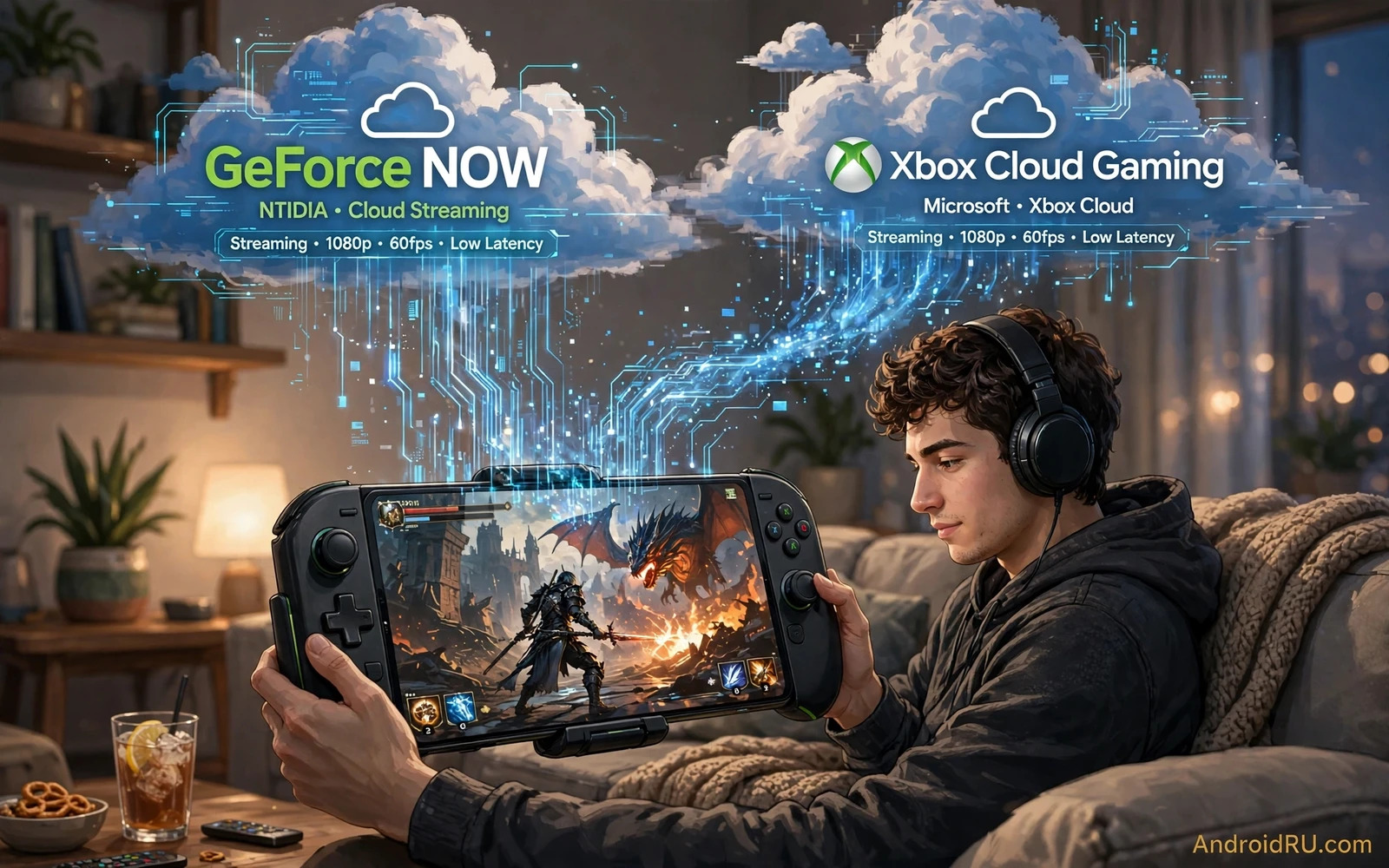
What Cloud Gaming Changes On A Phone
Cloud gaming moves the heavy work away from your phone and into a remote machine that runs the game for you. Your phone only needs to show the video stream and send your button presses back through the network. That change means a mid range phone can open a large and demanding game without a long download and without filling its storage with huge game files. It also means your experience depends far more on your connection than on the processor inside your phone. A strong and steady connection matters more than a flagship chip when the game itself runs somewhere else.
Both services in this comparison follow the same basic idea but they package it in different ways. One service leans on a library model where you bring games you already own from other stores and stream them from powerful remote hardware. The other service leans on a subscription library where a rotating catalogue of games is ready to stream as part of one membership. That difference shapes which service feels better for you. A player with a large existing library may value the first model. A player who likes to try many games without buying each one may value the second model.
Players who want a strong local library first can start with the picks in Top 20 Best Graphics Android Games You Need to Play before they move a session to the cloud. Local games still give the most reliable response when your connection is weak. Cloud games give freedom when your connection is strong. Knowing both sides helps you pick the right tool for each moment rather than forcing one method for every game.
How Each Service Feels In Daily Play
Daily play on a cloud service starts with a short wait while the stream connects and the remote game loads. That wait feels different from tapping a local game icon and jumping straight into a menu. Once you are inside the game the picture should look sharp and the controls should feel close to local play when the network is stable. Small delays can still appear in fast scenes. A fighting game or a fast shooter will expose delay sooner than a slow adventure game or a turn based game. Genre choice therefore matters as much as service choice.
The first service tends to appeal to players who already own PC games and want those same games on a phone screen. Progress and purchases can carry across devices in many cases because the game itself stays tied to the store where you bought it. The second service tends to appeal to players who want instant variety. You can sample a new title for an evening and move on without a purchase decision. That freedom encourages discovery. It also means a game can leave the catalogue later so a long campaign needs a plan for finishing before rotation changes.
Competitive players often test both services with the same kind of game before they commit to one habit. They play a few relaxed rounds first and then try a faster match when they feel comfortable. They watch for stutter during busy scenes and for moments when a button press feels late. They also test on home Wi-Fi and on mobile data separately because the two networks can behave very differently. A service that feels great at home may feel weaker on a crowded public network.
Connection Setup That Makes The Biggest Difference
Your router placement and your network band can change cloud gaming more than any in app setting. A phone close to the router with a clear line of sight will usually hold a steadier stream than a phone two rooms away behind thick walls. A wired connection for a docked tablet or a phone with a USB adapter can also help when Wi-Fi is crowded. Mobile data can work well in areas with strong coverage. It can also drain a data allowance quickly because video streaming runs for the whole session.
Background downloads and video streams on other devices in the same home can steal bandwidth from your game. Pausing large downloads before a session is a simple habit that prevents many complaints. Closing unused apps on the phone itself also helps because background sync and updates can compete for attention. A phone in power saving mode may limit network performance or screen refresh. Turning that mode off for a gaming session can keep the stream smooth.
Controller choice matters for comfort during long cloud sessions. A clip that holds the phone above a controller keeps the screen at a natural viewing angle. A separate stand works well when you play on a tablet or when you cast the screen to a larger display. Touch controls can work for slower games but a physical controller gives finer aim and faster movement in action titles. Players who stream for hours should also think about hand comfort and screen glare before they blame the service for fatigue.
Visual Quality And Control Response
Visual quality in cloud gaming is a balance between sharpness and stability. A higher picture setting looks better in quiet scenes but it needs more bandwidth to stay smooth in busy scenes. A slightly lower setting can look cleaner in motion because the stream has room to breathe. Many players prefer a stable picture over a maximum setting that stutters at the worst moment. Testing the same game at two settings for a full match gives a clearer answer than judging from a menu screen alone.
Control response depends on the full chain from your finger to the remote machine and back to your screen. Network distance and congestion add delay at each step. A controller connected by wire or by a low latency wireless link can shave off a small part of that chain. Touch controls add their own layer because the phone must interpret the touch and draw the on screen button state. For casual play that extra layer rarely matters. For ranked play it can be the difference between a clean dodge and a missed input.
Audio also deserves attention during testing. Game sound should stay in sync with the picture and voice chat should stay clear when you play with friends. A headset with a stable wireless link or a wired connection avoids extra delay. If voice chat runs through a separate app then that app also uses bandwidth and processing power. Testing voice chat during a real match rather than in a quiet lobby reveals problems early.
Which Service Fits Which Player
A player with a deep PC library and a taste for single player adventures will often enjoy the library model. The appeal is continuity because the same game and the same progress can move from a desk to a sofa to a commute. A player who values variety over ownership will often enjoy the subscription library. The appeal is low friction because trying a new game costs only download time for the stream client and a few minutes of curiosity.
Families sharing one phone or one tablet may prefer the subscription model because different people can try different genres without separate purchases. Solo players with one favourite genre may prefer the library model because depth matters more than breadth. Neither preference is wrong. The right choice follows your library and your habits rather than a headline claim about one service beating the other in every case.
Players who travel often should test both services on the networks they actually use. Hotel Wi-Fi and shared public networks can block streaming traffic or slow down at peak hours. A service with a lower bandwidth mode can save a session in those places. A service that demands a high minimum connection may refuse to start at all. Knowing that limit before a trip prevents frustration when you have only one evening free to play.
Practical Testing Routine For Your Phone
Start with a game you already know well so you can judge feel instead of learning new controls at the same time. Play the same section or the same match type on each service. Note where the picture softens and where controls feel late. Repeat the test at a different time of day because home networks get busier in the evening. One evening of testing beats a week of reading opinions because your home and your phone create a unique result.
Keep notes on three things after each session. Note the network you used and whether other devices were active. Note the controller or touch method you used. Note the game genre and whether delay changed your result. Those notes turn vague feelings into a clear pattern. A pattern might show that one service wins on home Wi-Fi while the other wins on mobile data. That pattern is far more useful than a single winner label.
Competitive hopefuls can look at the broader scene in Best Multiplayer Esports Games for Android Competition to see how team play and ranked play raise the bar for response and stability. Cloud play can support casual team sessions well. Serious ranked sessions still favour local play or a very strong wired style setup. Matching the session type to the method keeps expectations honest.
Open world fans may also enjoy Top Open World Games for High-End Android Devices as a reminder of what local hardware can do when a game is installed on the phone itself. Cloud streaming shines for trying a large open world without a huge download. Local play shines for long sessions in areas with weak coverage. Using both methods across a week gives the best of both worlds.
Battery Heat And Long Sessions
Cloud gaming still uses battery for the screen and the network radio even though the processor works less hard than in local play. Brightness has a large effect on battery drain during a long session. Lowering brightness to a comfortable level and using a dark game scene when possible can extend play time. A charger nearby helps for home sessions. A power bank helps for travel sessions but it adds weight and heat when it sits against the phone.
Heat builds up during long streaming sessions because the screen stays on and the network radio stays busy. A case that traps heat can make the phone throttle the screen or the network. Removing a thick case for a long session or using a phone stand for airflow can help. Short breaks between matches also help the phone cool and help your hands rest. Cloud gaming should feel relaxed. A hot phone and tired hands turn a fun evening into a chore.
Storage is one area where cloud gaming clearly wins. A large game that would fill a phone can stream without a huge install. That freedom matters on phones with limited storage. It also matters when you want to try a game for one evening only. You can test the idea without committing storage and without a long wait for a download to finish.
Final Verdict Without Hype
The honest verdict is that neither service wins for every player. The library model wins for players who own games and want continuity across devices. The subscription library wins for players who want variety and low friction discovery. Both services need a stable connection and both reward a good controller and a sensible picture setting. Your home network and your play style decide the winner far more than any marketing claim.
Test both services with a familiar game on your real network before you settle into a habit. Keep local games for weak connections and for ranked sessions where every millisecond matters. Keep cloud games for discovery and for large titles that you do not want to install. That balanced habit gives you the largest library with the fewest frustrations and it keeps gaming fun on any Android phone.

