

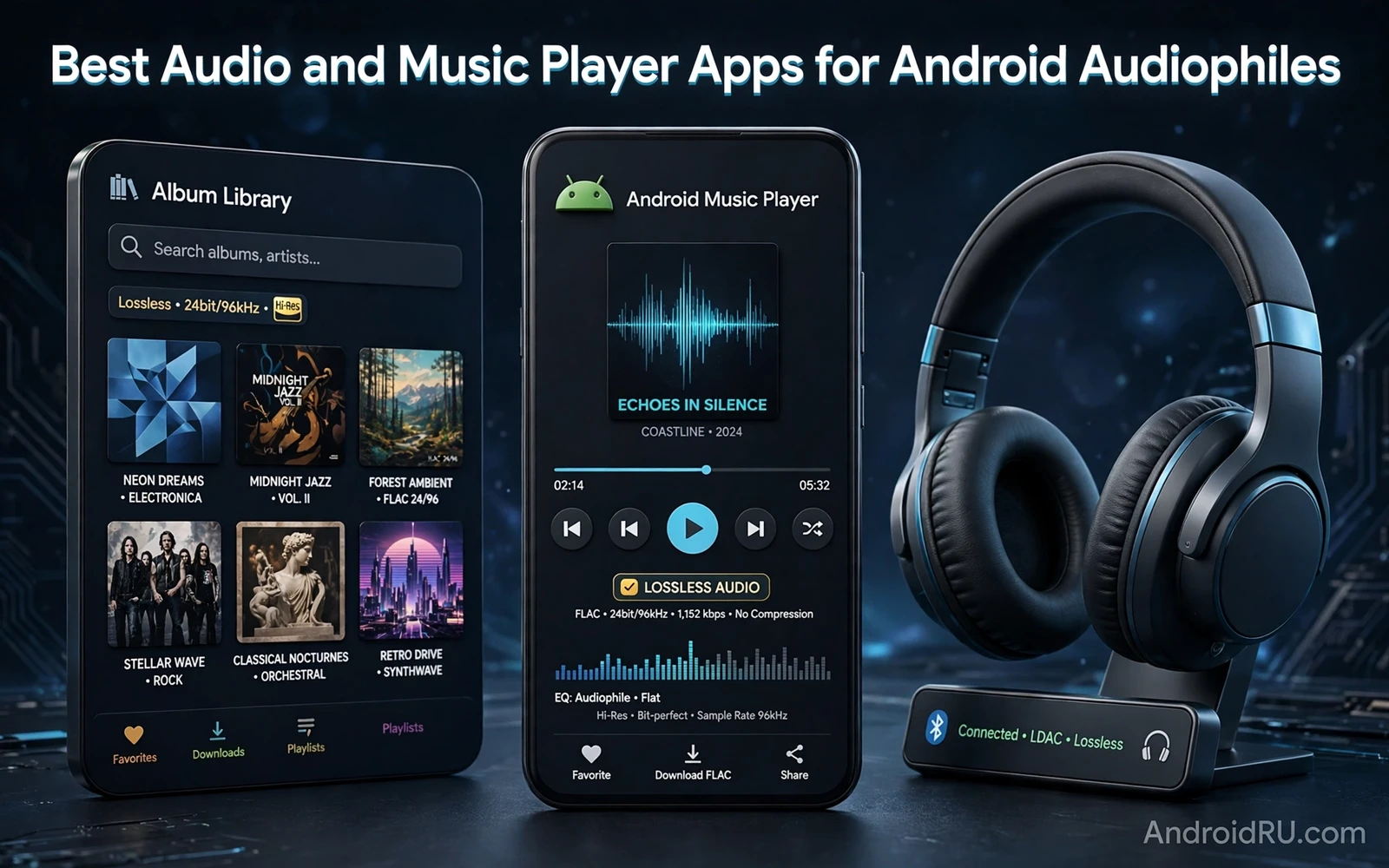
Audiophile listening on Android starts with the source file and the player and the headphones working together. A high quality recording played through a basic player with heavy processing may sound flat. The same recording played through a player with clean output and honest equalization may reveal detail in vocals and instruments. Audiophile apps focus on bit perfect playback and format support and library organization rather than on flashy visuals. The goal is hearing the recording as intended rather than hearing the player impose a signature sound.
File formats matter because lossy compression discards musical detail permanently. Lossless formats preserve the full recording while using more storage. High resolution formats carry more detail than standard streaming quality when the recording itself was mastered at that level. A player should support the formats in your library without converting them silently to a lower quality. Check format support before building a large library around a player that cannot play your files natively. Storage planning matters because lossless libraries grow fast.
Headphones and output hardware set the ceiling for any player app. A good player cannot fix a poor headphone driver or a noisy output stage. A dedicated digital converter can improve sound when the phone output is limited. A wired connection usually delivers cleaner sound than a compressed wireless link for critical listening. Wireless listening remains convenient for travel and exercise even when it sacrifices some detail. Match the player and the hardware to the listening situation rather than chasing one perfect setup for every moment.
Playback Quality Equalization And Output
Bit perfect playback means the player sends audio data to the output without resampling or volume processing that alters the signal. Some Android audio paths resample everything to a fixed rate. A player with a direct output path can bypass that resampling when hardware supports it. Check output settings for sample rate and bit depth and buffer size. A stable buffer prevents dropouts during playback. A buffer that is too large adds delay when skipping tracks. Test settings with familiar tracks because numbers alone do not guarantee pleasing sound.
Equalization should correct problems rather than create a new sound signature. Start with a flat equalizer and listen to a familiar album end to end. Add a small cut where a frequency sounds harsh. Add a small boost where bass feels thin on your headphones. Avoid large boosts across many bands because they introduce distortion and fatigue. Save a preset per headphone model because the same equalizer setting sounds different on different headphones. A preset named by headphone model prevents confusion when switching gear.
Volume normalization helps when a playlist mixes quiet classical recordings and loud modern tracks. Normalization adjusts playback gain so tracks play at a consistent loudness. Normalization should use peak and loudness data rather than simply compressing dynamics. Turn normalization off for critical album listening when you want the original dynamic range intact. Turn normalization on for shuffle playlists and for background listening where sudden volume jumps distract. The right setting depends on context rather than on a universal rule.
Library Organization Playlists And Metadata
A large music library needs consistent metadata to stay navigable. Album artist and track artist should follow one pattern. Genre tags should use a short controlled list rather than dozens of overlapping labels. Album art should be embedded or stored consistently so browsing feels visual rather than textual. A player with strong library tools can fix tags in batches and find missing art. Clean metadata turns a folder of files into a collection that invites exploration.
Playlists serve different purposes and deserve different construction. A listening playlist for an album session should preserve track order. A workout playlist should maintain energy without jarring genre jumps. A discovery playlist should mix familiar tracks with new material in a ratio that stays pleasant. Smart playlists that update by rules such as rating or play count keep a library fresh without manual editing. Review smart playlist rules periodically because a rule that once worked may fill a playlist with tracks you no longer enjoy.
Search and browsing speed matter as much as sound quality in daily use. A player should find an album in seconds even with tens of thousands of tracks. A player should browse by artist and album and genre and folder without lag. A player should queue an album instantly without rebuilding the library index. Test library performance with your real collection rather than a small demo library. A beautiful player that stutters on a large library will frustrate every listening session.
Video sound also benefits from careful player choice and best free video editors for Android without watermarks matter when a music video export needs clean audio that a player can reproduce faithfully. An export with distorted audio will sound wrong on any player. A clean export reveals whether the player or the source caused a problem. Judge audio problems by testing the same file in more than one player before blaming hardware.
Streaming Versus Local Libraries
Streaming services offer discovery and convenience that a local library cannot match. Streaming catalogs update constantly and playlists refresh automatically. Streaming quality varies by tier and by network conditions. A streaming tier with lossless quality needs a stable connection to sustain it. Offline downloads from a streaming service help on flights and in areas with weak coverage. Check download quality settings because a service may default to a compressed download to save space.
Local libraries offer permanence that streaming cannot guarantee. An album may leave a streaming catalog when licensing changes. A local file remains available as long as backups survive. A local library works fully offline without subscription checks. A local library also demands backup discipline because a lost phone can mean a lost collection. Back up the library to a computer or cloud storage on a schedule. A collection without backup is a temporary loan rather than ownership.
A hybrid approach suits most audiophiles. Keep favorite albums locally in lossless quality for critical listening. Use streaming for discovery and for casual listening and for new releases. Move discovered favorites into the local library when they earn repeated listening. This hybrid keeps storage manageable while preserving access to beloved recordings. Review the local library yearly and remove albums that no longer earn listening time.
Podcast listening shares library habits with music and top photo editing apps for professional results on Android may seem unrelated until a creator needs cover art that looks sharp beside a polished audio feed. A consistent cover style helps listeners recognize new episodes in a crowded list. Audio quality and visual presentation both signal care for the audience. Creators who polish both earn trust faster than creators who polish only one.
Hardware Pairing And Listening Comfort
Headphone pairing starts with comfort during long sessions. A headphone that sounds excellent for ten minutes but hurts after an hour fails as a daily tool. Test fit and weight and ear pressure before judging sound. Open headphones suit quiet rooms with natural sound. Closed headphones suit travel and offices with isolation. In ear monitors suit commuting with portability. Match the form factor to the room before chasing technical specifications.
Wireless codecs affect sound when listening over Bluetooth. A codec that preserves more detail helps when both phone and headphones support it. A codec mismatch falls back to a basic codec that may sound flat. Check codec support on both devices before buying premium wireless headphones for critical listening. Wired listening avoids codec limits entirely for home sessions. Use wireless for movement and wired for focused listening when possible.
Listening volume protects hearing over years of enjoyment. Keep volume at a level where conversation remains possible without shouting. Take breaks during long sessions to rest ears. Use volume limiting features for children and for long commutes. Hearing damage accumulates quietly and cannot be repaired by a better player later. An audiophile habit that protects hearing is more valuable than any equalizer preset.
Home screen access also shapes listening habits because best custom launchers for Android customization enthusiasts can place a now playing widget and a library shortcut where one tap resumes music. A widget that shows album art and playback controls reduces friction between intention and listening. Less friction means more listening and less time navigating folders. The launcher becomes part of the listening setup rather than mere decoration.
Audiophile playback on Android rewards attention to source files and player output and hardware pairing. Choose a player with honest playback and strong library tools. Organize metadata and playlists with a consistent system. Combine local favorites with streaming discovery. Protect hearing with sensible volume habits. That combination delivers detailed enjoyable sound without chasing specifications that do not survive real listening.
- Keep favorite albums locally in lossless quality
- Start equalization flat and correct small problems only
- Save equalizer presets per headphone model
- Clean metadata with consistent artist and genre tags
- Back up the local library on a schedule
- Check wireless codec support on both devices
- Use wired listening for focused home sessions
- Keep volume at a conversational level
A listening test with a familiar album is the fastest way to judge a new player. Choose an album you know by heart with quiet passages and loud passages and detailed instrumentation. Listen to the whole album without equalization first. Note whether vocals stay clear and whether bass stays controlled and whether high frequencies sound smooth rather than harsh. Repeat the test with your second headphone model because a player setting that flatters one headphone may expose weakness in another. A player that passes a familiar album test earns a place in daily listening.

