

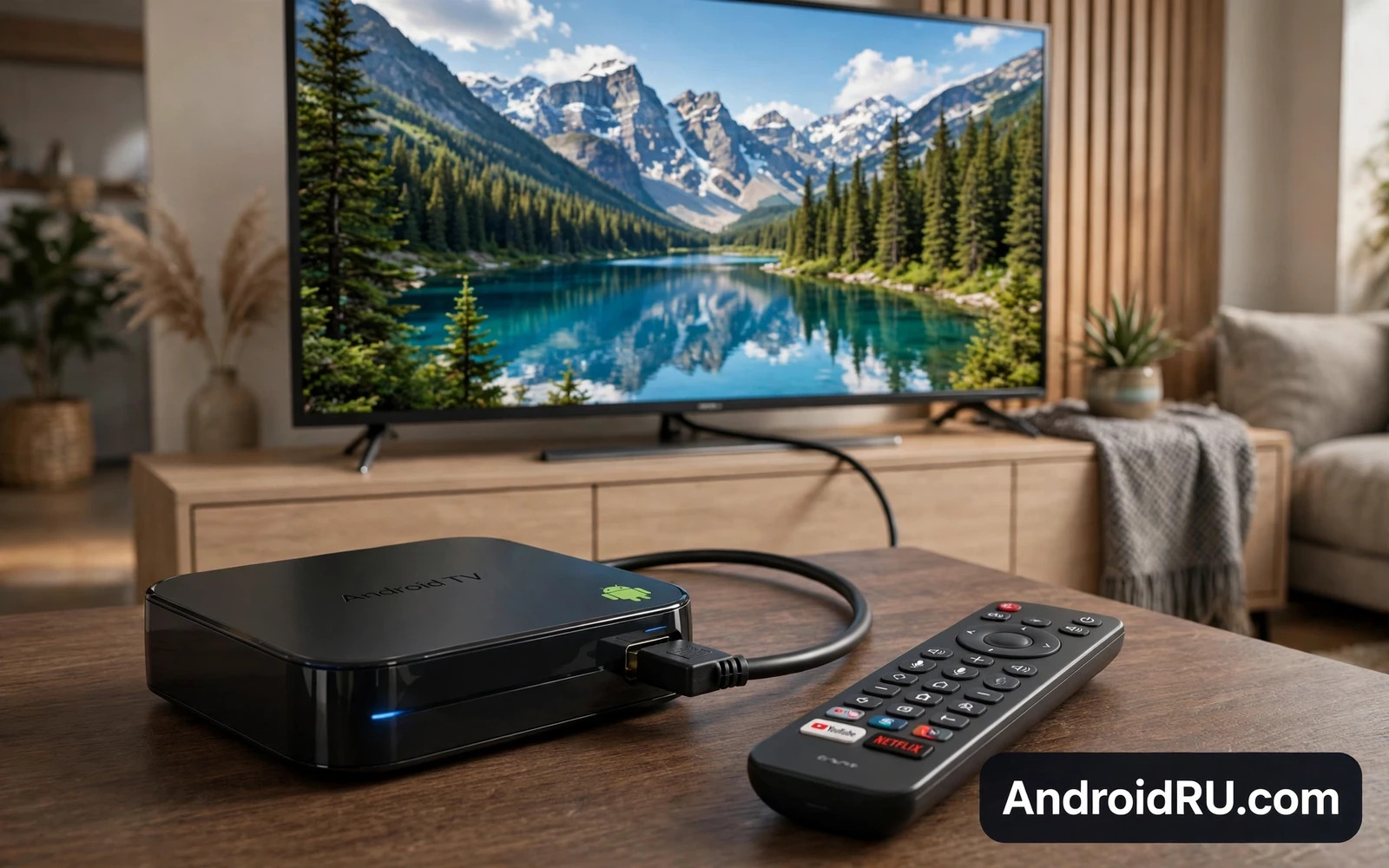
What A Streaming Box Must Do Well
A streaming box turns any television into a smart television with apps and voice search and a simple remote. The best boxes start quickly and open apps without long waits and keep menus smooth even after weeks of use. They also handle high quality video without stutter and they pass clear sound to a television or a sound system. A box that lags on the home screen will annoy you every evening even when video itself plays fine.
Focus on the living room experience rather than a list of features. The remote should feel good in the hand and offer quick access to the apps that you use most. Search should find shows across apps without forcing you to open each app one by one. Updates should arrive regularly so new apps and security fixes keep working. A box that nails these basics earns its place beside the television.
4K Playback Explained In Plain Terms
4K video carries far more detail than older high definition video. That detail only shines when the box and the television and the connection all support the same quality path. A box that claims 4K support must also support the video formats that your favourite services use. It must also handle smooth motion and rich colour without dropping frames during busy scenes.
Your internet connection shapes the result just as much as the box. A wired connection gives the most stable path for high quality streams. A strong wireless connection can also work well when the router sits close to the television and the network stays uncongested. If streams buffer often then test the connection before blaming the box. A stable network turns a good box into a great living room experience. Readers planning a full living room setup can also think about display comfort in Understanding Refresh Rates: 60Hz vs 90Hz vs 120Hz Displays because motion handling matters on large screens too.
Interface And App Support
Android TV and Google TV interfaces organise shows and films into rows that you can browse quickly. Google TV adds personal recommendations based on your viewing habits across services. Android TV keeps a simpler app centred layout that some users prefer. Both approaches work well when the box stays fast and the remote stays simple.
Check app support before you buy. Your must have streaming apps and local media players and music apps should all run well on the box. Check whether the box supports casting from a phone because casting makes sharing photos and videos effortless. Check whether voice search understands your language and your accent in daily use. A box with the right apps feels complete while a box missing one key app feels broken every night.
Remote Control And Voice
The remote is the part of the box that you touch most. A good remote has clear buttons and a comfortable shape and a microphone for voice search. Backlit buttons help in a dark room. A simple layout helps guests and family members use the box without a tutorial. A cluttered remote with tiny buttons creates daily friction that grows over time.
Voice control can speed up common tasks. You can search for a title or open an app or adjust volume with a short spoken command. Voice works best for simple requests and for finding a show when you cannot remember the exact title. It works less well for complex browsing where a visual menu stays faster. Treat voice as a helpful shortcut rather than a replacement for a good remote.
Storage Ports And Accessories
Internal storage matters when you install many apps and games. A box with generous storage stays responsive as your app library grows. A box with tight storage forces constant deletions and slows down over time. A USB port adds flexibility for external drives and for local media playback and for accessories.
Ports also decide how the box fits your setup. An HDMI port connects the box to the television. A network port gives a stable wired option. A USB port lets you attach storage or a keyboard for occasional typing. Check the port layout against your television stand and your cable plan before you buy. A small detail like port placement can decide whether the box fits neatly or creates cable clutter. The accessory angle is familiar to readers of Top Phones with Headphone Jacks Still Worth Buying where practical ports still win daily praise.
Sound Picture And The Rest Of The Room
Picture quality depends on the whole chain from box to television to settings. Use the picture mode that suits films rather than a vivid shop mode that distorts colour. Let the television handle motion settings with care because aggressive smoothing can make films look unnatural. Sound quality depends on the television speakers or the sound system that you attach. A box that passes clean audio to a soundbar or receiver gives a far better film night than a box with weak audio handling.
Consider smart home links as well. A box that works with your voice assistant can control playback and smart lights from the sofa. A box that integrates with your phone can share photos and cast video with one tap. These links turn the box from a lone device into part of a connected living room. The same connected thinking runs through Best Android Devices for Business and Enterprise Use where devices must work as a system rather than alone.
Choosing For Your Television
Match the box to the television that you own. An older television without the latest video support still benefits from a fast box with a good interface. A new television with rich colour and high dynamic range deserves a box that can feed it properly. A small bedroom television needs a compact box and a simple remote more than it needs top tier power.
Match the box to the people who will use it. A family needs simple profiles and clear parental controls. A film lover needs the best picture and sound path available. A casual viewer needs speed and simplicity above all else. When the box fits the household it disappears into the evening routine and lets the show take centre stage. A compact device comparison in Top Compact Android Phones for One-Handed Use shows the same fit first logic applied to handheld devices.
The Bottom Line
The best Android TV streaming box for 4K playback pairs smooth menus with stable high quality video and a remote that feels effortless. It supports your apps and your sound system and your network without constant tinkering. Choose the box that fits your television and your household and your viewing habits. Then the technology fades away and the story on screen takes over.
Local Media And Personal Libraries
A streaming box can also play your personal media library from a drive or a home server. Local playback frees you from subscription limits and internet outages. It lets you watch home videos and personal photo collections on the big screen. It also lets you play downloaded films during travel or during network problems. Check local player support before you rely on this path because app quality varies widely.
Organise local media with clear folders and clear file names so the box can display artwork and titles correctly. A tidy library browses quickly and looks inviting on a television. A messy library frustrates the whole household. Spend a short time organising files once and every future evening becomes easier. Local media turns a streaming box into a personal cinema rather than a portal for subscriptions alone.
Parental Controls And Profiles
Family households need profiles that separate adult viewing from child viewing. Profiles keep recommendations relevant and keep watch history tidy. Parental controls limit content by age rating and limit purchase options. A simple PIN can prevent accidental rentals or purchases by young viewers. These controls work best when set up before children start exploring the box alone.
Profiles also help adults who share a television with different tastes. One profile can follow sports and news while another follows films and documentaries. Recommendations stay useful when profiles stay separate. A box that makes profile switching quick will actually get used rather than ignored. Family friendly design therefore deserves a place on every living room checklist.
Updates And Long Term Support
Long term support decides whether a box stays useful for years. Regular system updates bring new features and security fixes and app compatibility. A box abandoned by its maker slowly loses apps as services change their requirements. Check the maker record for updates on older models before you buy a new box. A maker with a strong update history gives confidence that your box will not age prematurely.
App updates also matter because streaming services change their players frequently. A box that receives prompt app updates keeps playback smooth as services evolve. A box stuck on old app versions may lose features or develop playback errors. Support therefore matters as much as launch hardware when you judge total value over several years.
Placement Ventilation And Cables
Placement affects performance more than many buyers expect. A box hidden inside a closed cabinet can overheat during long viewing sessions. A box with clear airflow stays cool and responsive. A box placed near the router gets a stronger wireless signal. A box placed with tidy cables stays accessible when you need to restart it or swap a cable.
Keep the box within easy reach of its remote sensor or use a remote that works without line of sight. Keep power and HDMI cables tidy but not strained. Label cables when several devices share a television stand. These small setup habits prevent the common frustrations that make a good box feel difficult in daily use.
Voice Assistants And Smart Home Links
A streaming box that links to a voice assistant can control playback and lights and other smart devices from the sofa. Voice commands can pause a film or dim lights for movie night. Smart home routines can prepare the room with one command. These links feel like small luxuries until you use them daily. Then they become part of the living room rhythm that a disconnected box cannot match.
Check privacy controls for voice features before enabling them. A microphone on a remote should listen only when you press the button or use a clear wake word. Review voice history settings and delete recordings when you prefer. A thoughtful setup gives convenience without surrendering privacy. Family members should understand when the microphone is active and when it sleeps.
Gaming And Casual Play On The Box
Many streaming boxes also run casual games and cloud gaming apps. A box with a capable processor handles casual games smoothly on the big screen. A paired controller turns the television into a family game console for party games and racing games. Cloud gaming extends the library without large downloads. Check controller support and game app availability when family gaming matters to your household.
Casual gaming on a box suits short sessions and family play rather than competitive titles. Input delay and television processing can affect fast games. Game mode on the television reduces processing delay and improves responsiveness. A box plus a television game mode gives a pleasant casual experience. Competitive players still prefer dedicated consoles but families often love the simplicity of one box for shows and games.

