

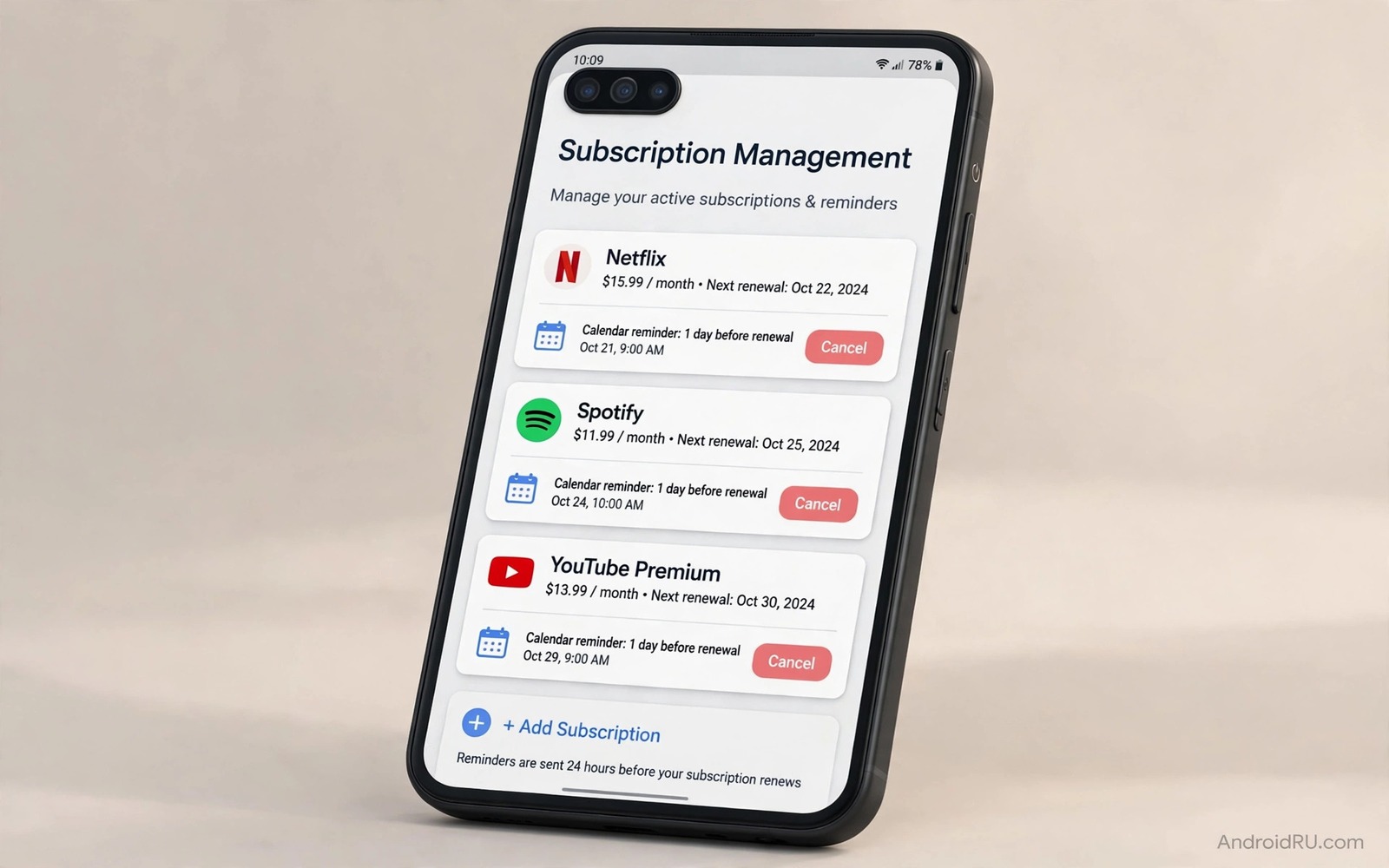
A free trial can turn into a monthly charge while you are busy with other things. The app never reminds you loudly. The charge appears quietly on your statement. By the time you notice it you may have paid for months of an app you barely opened. That pattern is not an accident. Many apps are designed to make sign up easy and cancellation hard to find. A simple management routine breaks that pattern. It puts you back in control of every recurring payment.
Start by finding every subscription tied to your account. The store app lists subscriptions in one place. Your bank statement lists charges from other sources. Put both lists together in one note. You may be surprised by the total. A few small charges add up to a large yearly sum. That total is your motivation to audit regularly. If you want a wider view of free options then explore free app alternatives that can replace a paid app you rarely use.
Find Every Subscription You Actually Pay For
Open the store app and open the payments and subscriptions section. List each active subscription with its price and its renewal date. Then check your bank or card statement for the last three months. Look for app related charges that do not appear in the store list. Those charges may come from a website signup or a direct payment. Add them to your list with the same detail. A complete list is the foundation of control.
For each subscription ask when you last used the app for a real task. Be honest. An app you opened once in a month is not earning a monthly fee. An app you use daily for work may be worth every cent. The test is use and not intention. Many users keep a subscription because they plan to use it someday. Someday rarely arrives. Cancel the someday apps and resubscribe later if a real need appears.
Use Trial Rules That Protect You
Trials are useful when they are managed. Before you start a trial set a reminder two days before it ends. That reminder gives you time to decide calmly. Do not rely on the app to remind you. Some apps send a reminder and some do not. Your own reminder is the reliable one. Put the trial end date in your calendar at the moment you sign up.
During the trial use the app enough to judge it fairly. Test the main feature and not just the welcome screen. If the app does not solve a real problem in the trial period then cancel before the end date. Cancelling early usually keeps access until the trial ends. Check that detail in the trial terms. An early cancel is not a loss. It is a decision made with full information.
Cancel Without Fear And Without Guilt
Cancelling a subscription is not a punishment for the developer. It is a normal part of using a service. Developers expect churn and they build it into their plans. Do not keep paying out of guilt for a small team. You can support a small team in other ways such as a one time purchase or a donation or a recommendation. A recurring fee for an unused app helps no one.
When you cancel follow the confirmation screen to the end. Some cancellation flows offer a discount or a pause option. A pause can be useful if you need the app seasonally. A discount can be useful if price was the only barrier. Do not accept a discount for an app you do not use. A cheaper unused subscription is still a waste. Confirm the cancellation and save the confirmation email or screenshot.
A Monthly Audit That Takes Ten Minutes
Set a monthly reminder on the same day each month. Open your subscription list and your recent charges. Mark each subscription as keep or cancel or review. A keep decision needs a recent use. A cancel decision needs no further debate. A review decision gets a one week test. Use the app in that week or cancel it at the next audit. That simple system prevents drift.
- List every store subscription with price and renewal date.
- Add direct charges found on your bank statement.
- Mark each subscription as keep or cancel or review.
- Set a reminder two days before every trial ends.
- Save cancellation confirmations in one folder.
- Repeat the audit on the same day every month.
After a few months the audit becomes fast because the list shrinks to apps you truly use. The monthly total drops and the remaining subscriptions feel justified. That feeling is the reward for the routine. You pay less and you use what you pay for. No subscription should survive only because you forgot about it.
Family And Shared Subscriptions
Family plans can save money when they are shared fairly. They can also hide waste when one person pays and others never use the app. List who uses each family subscription and how often. If only one person uses it then a single plan may be cheaper. If several people use it daily then the family plan is a good deal. Review family plans with the same honesty as personal plans.
Children and subscriptions need extra care. A game subscription can renew through a family payment method without a child understanding the cost. Turn on purchase approval for family accounts. Review child app subscriptions together each month. That review teaches a useful money habit and it prevents surprise charges. A child who understands a subscription will use it more thoughtfully.
Check Subscription Tools With Simple Commands
The commands below list installed packages and show details for one app. They help you confirm which version of a subscription app is installed. They do not cancel a subscription by themselves. They are checks for your own device.
adb shell pm list packages -f
adb shell dumpsys package com.example.app
adb shell pm path com.example.app
adb shell cmd package list packages
The commands above are original examples written for this guide. They show safe checks you can run on your own device. They do not come from any outside publication.
Annual Plans And The False Saving
An annual plan looks cheaper per month but it locks you in for a year. That lock is a risk if you stop using the app after two months. The yearly total can exceed twelve monthly payments for an app you abandoned. Only choose an annual plan after at least three months of steady monthly use. That history proves that the app earns a long commitment. Without that history a monthly plan is the safer choice even if it costs more per month.
When an annual plan renews check your use again before the renewal date. Set a reminder a month before renewal. That reminder gives you time to cancel if your habits changed. An annual renewal without a check is a trap of its own. Treat annual renewals with the same audit as monthly ones. The larger amount deserves even more attention.
Some annual plans offer a refund window after renewal. Read that window when you subscribe. If a refund window exists then use it promptly if you decide to cancel. Do not wait until the window closes while you think about it. A decision delayed past a refund window becomes a year of unused cost.
Track The Real Cost Per Use
A subscription that costs a small amount monthly can still be expensive per use. Divide the monthly price by the number of times you used the app that month. A ten unit app used twice costs five units per use. A ten unit app used twenty times costs half a unit per use. That simple maths reveals which subscriptions earn their fee. It also reveals which subscriptions survive only because the monthly price looks small.
Track cost per use for three months before you judge a subscription. One busy month can distort the picture. Three months show a pattern. An app with a high cost per use across three months is a cancel candidate. An app with a low cost per use across three months is a keeper. That patience prevents cancelling an app during a quiet month that you will need next month.
Share the cost per use idea with family members who share a plan. A family plan used by one person has a high cost per person. A family plan used by four people daily has a low cost per person. That view helps a family decide fairly who should pay. It also helps a family drop a plan that only one member uses. Fair cost sharing keeps family subscriptions pleasant instead of resentful.
One final habit is to celebrate a cancellation instead of mourning it. A cancelled subscription frees money for a tool you actually use. It also frees mental space from guilt about an unused app. Mark the saving in your notes and watch the yearly total fall. That visible progress makes the next audit easier. You will look forward to finding the next unused subscription instead of dreading the list.
Common Mistakes
The most common mistake is starting a trial without a reminder. That single omission causes most surprise charges. Another mistake is keeping a subscription for someday use. Someday use is not use. Cancel it and resubscribe when a real need appears. A third mistake is accepting a discount for an unused app. A cheaper unused app is still unused.
- Starting a free trial without setting a reminder.
- Keeping subscriptions for someday use that never arrives.
- Accepting a discount for an app you do not use.
- Choosing an annual plan without three months of steady use.
- Forgetting direct website subscriptions that bypass the store list.
People also forget to check bank statements for direct charges. A store list alone is incomplete when an app signed you up through its website. A quarterly bank check catches those hidden charges. Add that check to your monthly audit for completeness.
Frequently Asked Questions
Will cancelling stop my access at once?
Usually not. Most subscriptions keep access until the current period ends. Check the cancellation confirmation for the exact end date. You can keep using the app until then.
How do I find subscriptions signed up outside the store?
Check your bank and card statements for recurring app charges. Search your email for subscription confirmations. Add any direct charge to your master list with its renewal date.
Should I pause or cancel a seasonal app?
Pause is better if you will definitely use the app again next season. Cancel is better if the return is uncertain. A pause that you forget can still cost money in some systems.
Conclusion
Subscriptions should serve your life and not drain it quietly. A complete list and a trial reminder and a monthly audit give you that control. You will pay for fewer apps and you will use the ones you keep. Your concrete next step is to open your store subscription list today and write down every active subscription with its price and renewal date. For free replacements explore free app alternatives and for a wider store view read Play Store alternatives that may offer a better deal. As a related next step, explore auditing third-party store installs to extend what you set up here.

