

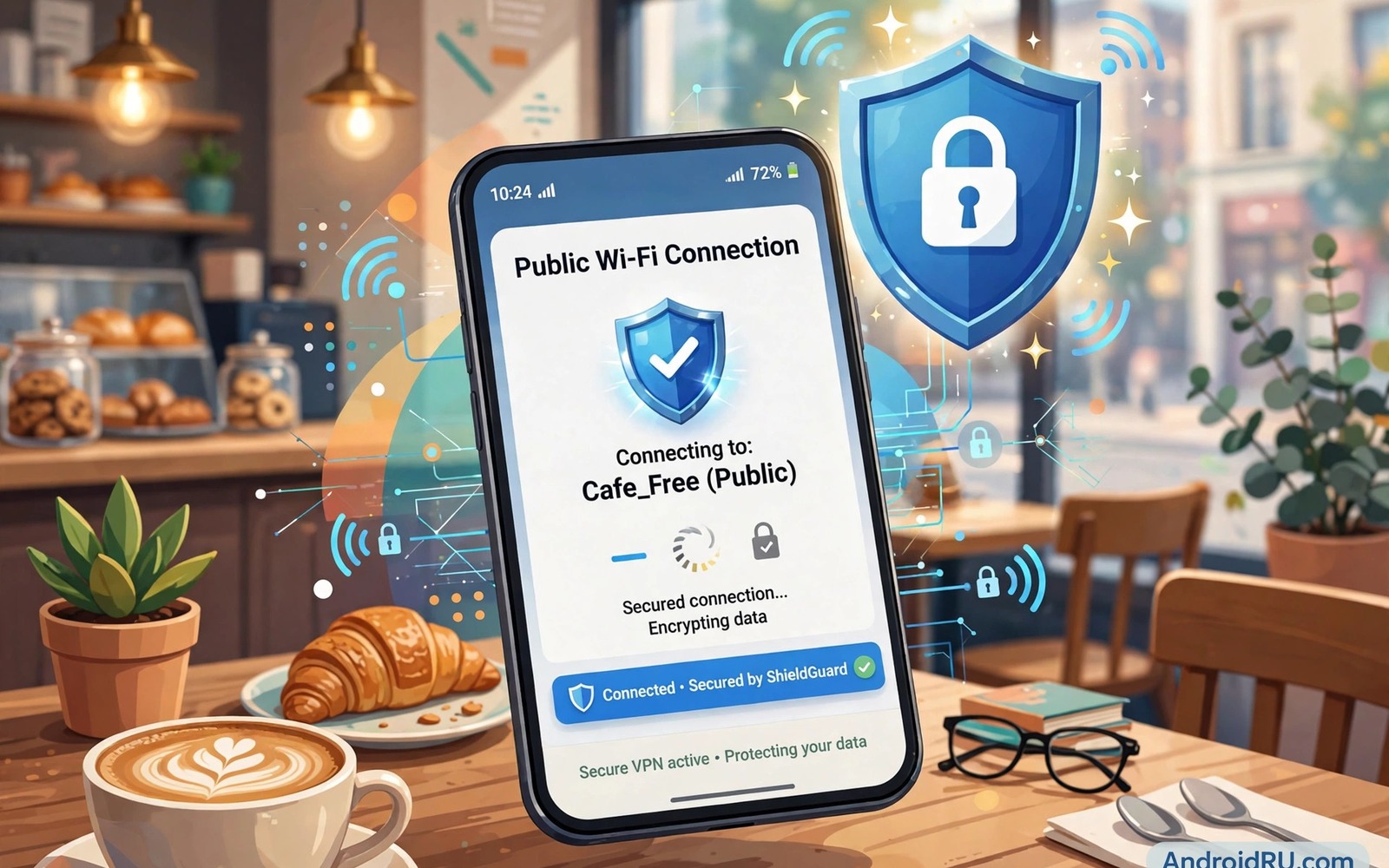
Public Wi-Fi feels like a gift in cafes and airports. It saves mobile data and connects fast. It also places your traffic on a network shared with strangers. Some strangers run tools that capture unencrypted data. Others create fake hotspots with trusted names. A single careless login on such a network can expose an account. This guide gives one essential step before you connect. It then adds checks that keep public browsing safer.
The one step is to turn on a reputable VPN before you join public Wi-Fi. A VPN encrypts traffic between phone and VPN server. That encryption hides browsing from others on the same network. It does not make every site safe by itself. It removes the easiest snooping path. Without a VPN an attacker on the same network can see far more. With a VPN that attacker sees encrypted data only. That single step changes the risk level dramatically.
Choose a VPN before you need public Wi-Fi. Do not choose one in a hurry at an airport. A rushed choice may pick a free VPN that logs traffic. Research reputable providers at home. Install the app and test it on home Wi-Fi first. Learn how to connect and disconnect quickly. That preparation makes the one step easy under travel pressure.
Understand what public Wi-Fi attackers can do
An attacker on open Wi-Fi can capture traffic that lacks encryption. Many sites now use HTTPS encryption. That encryption protects page content. It does not hide which sites you visit. DNS requests can reveal site names. Unencrypted apps may still leak data. Old protocols and misconfigured sites remain vulnerable. A VPN encrypts all traffic including DNS when configured well. That broader protection matters.
Evil twin hotspots are a second threat. An attacker creates a hotspot named Free Cafe WiFi. Users connect thinking it is legitimate. The attacker then controls the connection fully. They can redirect logins to fake pages. They can capture credentials entered there. Always confirm the exact hotspot name with staff. Ask whether the network needs a password or a portal. A hotspot name alone is never proof of legitimacy.
Session hijacking is a third threat on unprotected networks. An attacker can steal a session cookie and impersonate a logged in user. That attack works even without a password. HTTPS and secure cookies reduce the risk. A VPN adds another layer that hides cookies from local attackers. Log out of sensitive accounts after public use. That logout invalidates stolen sessions faster.
Do the one step correctly every time
Turn on the VPN before you connect to public Wi-Fi. That order matters. Connecting first exposes initial traffic. Open the VPN app and confirm a secure connection. Look for a key icon or a connected status. Only then join the public network. If the VPN drops then stop sensitive browsing at once. Reconnect the VPN before you continue. That discipline prevents accidental exposure.
Use a kill switch if your VPN offers one. A kill switch blocks internet access when the VPN drops. Without it traffic may leak onto the open network silently. Enable the kill switch in VPN settings before travel. Test it by disconnecting the VPN manually. Internet should stop until the VPN reconnects. That test proves protection during real drops.
Choose VPN servers close to your location for speed. A distant server adds latency and may break streaming. A nearby server keeps browsing smooth. Speed matters because slow VPNs tempt users to disconnect. A fast nearby server removes that temptation. Test several servers at home to find reliable options. Save favourites for travel use.
Add simple checks after the VPN step
Check that sites use HTTPS before entering passwords. Look for a lock icon in the browser address bar. Avoid entering credentials on pages without that lock. Use official apps for banking and email rather than browser portals. Official apps use certificate pinning in many cases. That pinning makes fake pages harder to accept. Still avoid banking on public Wi-Fi when possible. Mobile data is safer for high value transactions.
Turn off auto join for public networks. Auto join connects to known open networks without asking. That behaviour can connect you to an evil twin with a familiar name. Disable auto join for networks you do not trust fully. Forget public networks after you leave. Forgetting prevents silent reconnection later. That cleanup takes seconds in Wi-Fi settings.
Turn off file sharing and discovery on public networks. Android sharing features can expose files to nearby devices. Disable nearby sharing before public use. Check that hotspot tethering is off unless you need it. Those sharing settings are convenient at home. They become exposure points on shared networks. Restore them only on trusted home networks.
What to do after public Wi-Fi use
Disconnect from the public network when you finish. Forget the network in settings. Turn off Wi-Fi if you do not need it further. That step prevents background reconnection. Turn off the VPN only after Wi-Fi is off or you return to a trusted network. That order keeps traffic protected until the end.
Check account activity after sensitive public use. Look for unknown logins in email and banking apps. Change passwords if activity looks wrong. Use a trusted network for password changes. Do not change passwords on the same public network. A compromised network could capture new credentials. A clean network protects the recovery step.
Update apps and system software on trusted networks only. Public networks can interfere with updates in rare cases. Updates on home Wi-Fi or mobile data are safer. That habit also avoids large downloads on slow public networks. Schedule updates for home use. Public Wi-Fi is for light browsing not system maintenance.
adb shell settings get global wifi_on
adb shell dumpsys wifi
echo "Public WiFi check: VPN on before joining, forget after use"
The snippet above is an original example written for this guide. It shows a simple Wi-Fi state check on a connected device. It does not enable a VPN by itself. Use it as a reminder to verify VPN status before public browsing. Your VPN app status remains the real proof of protection.
Handle hotel and airport captive portals carefully
Many public networks use captive portals for login. A portal page may ask for a room number or an email address. Enter only the minimum information required for access. Avoid entering full passwords on portal pages. A portal is not a secure login for sensitive accounts. Use the VPN after portal access completes. The VPN then protects later browsing even though the portal itself was unencrypted.
Some portals inject tracking or advertising into browsing. A VPN reduces that injection after connection. It cannot protect the portal interaction itself. Keep portal interactions brief and generic. Do not reuse a main email password for portal access. Create a travel email alias for such portals when possible. That alias limits exposure if portal data leaks later.
Common mistakes
The biggest mistake is connecting first and turning on VPN later. Initial traffic already left the phone unprotected. Login pages and app syncs may have exposed data. Always start the VPN before joining. That order is the core of the one step rule. No later VPN use can recall early exposure.
Another mistake is trusting a free VPN without research. A free VPN may log traffic and sell data. It may inject ads or use devices as exit nodes. That behaviour defeats the purpose of protection. Pay for a reputable VPN or avoid sensitive browsing on public Wi-Fi. A trustworthy provider with clear privacy terms is worth the cost.
People also forget public networks after travel. Forgotten networks auto join later without warning. An evil twin can exploit that auto join. Forget each public network after use. For app safety in general then stopping risky app installs immediately covers dangerous sources. For warning handling then turning off your phone when you see a warning covers scam alerts. For daily habits then stopping ten harmful phone habits immediately includes network hygiene.
Frequently asked questions
Does HTTPS alone make public Wi-Fi safe?
HTTPS protects page content on modern sites. It does not hide site names fully. It does not protect unencrypted apps. A VPN adds broader encryption for all traffic. Use both HTTPS and VPN for best protection. Avoid sensitive tasks on public Wi-Fi even with both layers when possible.
Is mobile data safer than public Wi-Fi?
Yes generally. Mobile data uses carrier encryption and a less shared path. Attackers cannot join your mobile connection as easily. Use mobile data for banking and sensitive logins when possible. Save public Wi-Fi for light browsing with a VPN. That split balances convenience and safety.
Should I use a VPN at home too?
Home Wi-Fi with a strong password is already far safer than public Wi-Fi. A VPN at home adds privacy from internet providers. It can slow speed and break local devices. Use a VPN at home only if privacy needs justify it. Public networks are where VPN protection matters most.
Airport lounges deserve extra caution despite their premium feel. Lounge networks serve many travellers at once. Attackers value lounges because travellers use banking and email there. A lounge logo does not guarantee network safety. Apply the same VPN first rule in lounges as in cafes. Avoid sensitive logins until the VPN confirms connection. That discipline protects high value accounts in high traffic places.
Conference Wi-Fi poses a similar risk with a trusted name. Event networks often use a shared password for hundreds of attendees. A shared password means no real encryption between users. Treat conference networks as fully public. Use mobile data for sensitive work during events. Reserve event Wi-Fi for schedules and light browsing with a VPN active.
Use a separate browser profile for public Wi-Fi browsing. A separate profile holds no saved passwords for sensitive accounts. It limits damage if a session gets hijacked. Log into sensitive accounts only on your main profile at home. That separation is simple on many browsers. It adds a layer of protection beyond VPN use. Public browsing with a clean profile feels safer and stays organised.
Conclusion
Public Wi-Fi is convenient but shared and exposed. A reputable VPN turned on before joining changes the risk picture. HTTPS checks and auto join controls and forgetting networks add further safety. Sensitive tasks belong on mobile data or trusted networks. Light browsing with VPN protection is a reasonable compromise.
Your concrete next step is to install and test a reputable VPN today at home. Learn to connect it in under ten seconds. Make VPN first the rule before every public Wi-Fi join. Forget the network after each public session.

