

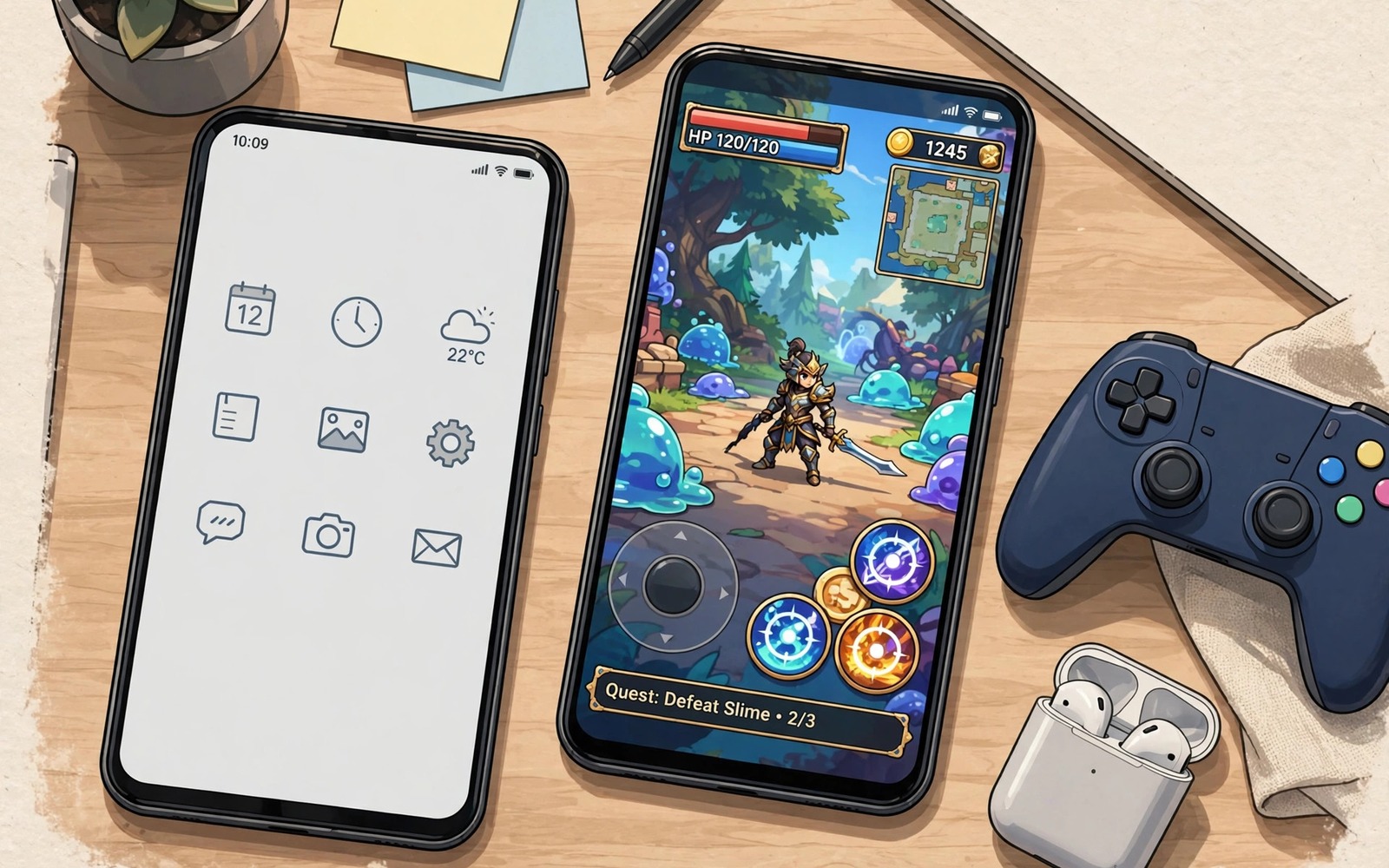
Gaming phones promise special chips and fans and triggers. Those features cost a lot and often duplicate what a standard phone already does well. A normal mid range phone from the last few years can run most mobile games at smooth settings. The gap is usually setup rather than hardware. A clean setup closes that gap for far less money.
The smart move is to spend on accessories and settings before a new phone. A controller and a cooler and a clean storage setup cost a fraction of a gaming phone. Those items also transfer to your next phone. A gaming phone loses value fast and locks its extras to one device. Standard phone tweaks travel with you.
Start by auditing your current phone honestly. Check free storage and battery health and the games you actually play. A phone with a full storage and a worn battery will struggle regardless of brand. Freeing storage and fixing heat often restores smooth play. If cloud play suits your library then read the secret hack to use cloud gaming on low-end budget phones for a way to play heavy titles without new hardware.
Clean the phone before you judge its speed
Free up storage until at least twenty percent remains free. A full storage slows installs and causes stutter as games stream data. Delete unused games and large video files first. Move photos to a backup and remove local copies that you no longer need. A clean storage setup often feels like a hardware upgrade.
Remove or disable bloat apps that run in the background. A phone with many auto starting apps wastes memory before a game even launches. Disable apps you never use from app settings. Do not install a cleaner app that promises speed. Many cleaner apps add their own background work and ads.
Update the system and the games before a performance test. An old game version may miss optimisation fixes. An old system version may miss driver fixes. Update on Wi-Fi and restart the phone after updates. A fresh restart clears stale background work and gives a clean test baseline.
Set graphics for smooth play rather than maximum looks
Choose a stable frame rate target first. A stable 60 frames per second feels better than a wild swing between 90 and 35. Set the game frame rate cap to that target when the game offers one. Lower shadow quality and particle effects before you lower resolution. Shadows and particles load the GPU hardest in busy scenes.
Turn off extra effects that add little gameplay value. Motion blur and high anti aliasing can cost a lot of GPU time on a standard phone. A sharper image with less blur often looks better in fast action. Test each effect off for one match and keep it off when the gain is clear. A clean image at full speed beats a fancy image at half speed.
Use a game mode or performance profile when the phone offers one. A game mode can block notifications and boost the game process. It cannot create hardware that does not exist. It can remove distractions and background competition. That removal alone can stabilise frames on a standard phone.
Check performance with a simple command set
The debug bridge can show basic performance and battery state on a connected phone. The commands below only read information. They do not change any setting. Use them to record a baseline before tweaks and after tweaks.
adb shell dumpsys battery
adb shell dumpsys gfxinfo com.example.game framestats
adb shell settings get global animator_duration_scale
adb shell df -h /data
The code above was written for this guide as a short performance check example. Replace the example package name with the real package name of your game. Compare frame data before and after a graphics change to prove the gain rather than guessing.
Add cheap accessories that matter most
A Bluetooth controller is the best first accessory for a standard phone. It frees the screen and improves aim and movement in action games. A phone cooler or a small fan is the second best accessory for long sessions. Cooling delays throttling and keeps frames stable. A phone stand or mount is the third best accessory for desk play. It holds the screen at a comfortable angle and reduces neck strain.
Skip expensive gaming triggers and lights at first. Triggers help only in specific shooter layouts. Lights add no gameplay benefit. Spend the saved money on a better controller or a larger storage upgrade. Those items improve every game rather than one genre.
Keep accessories simple and portable. A controller and a fan fit in a small bag. A gaming phone dock does not. Portability matters when you play in different places. For controller choice read the best Bluetooth gamepads tested for Android before you buy your first pad. For GPU tweaks read five developer tweaks for maximum GPU gaming power and test one change at a time.
Spend wisely after the standard phone tune-up
A tuned standard phone reveals what you actually still need. Play for two weeks after tuning before buying anything. Note the remaining limits in each session. A control limit points to a controller purchase. A heat limit points to a cooling purchase. A storage limit points to a cleanup rather than a purchase.
Set a small gaming budget before you shop for accessories. A controller and a fan and a stand together cost far less than a gaming phone. Spend within that budget and stop when the limits disappear. Extra accessories beyond the real limits add clutter rather than performance. A budget keeps upgrades focused on real needs.
Buy accessories that transfer to the next phone. A Bluetooth controller works with many future phones. A phone cooler works across models with a clamp design. A stand works with any phone size. Transferable items give value for years. A phone specific accessory loses value at the next upgrade.
Test accessories with a return plan in mind. Buy from a seller with a clear return window. Test the item in a fast game within the first days. Return it promptly when it fails the test. A return plan prevents a drawer full of disappointing gadgets. It also encourages honest testing.
Revisit the new phone question only after a year of tuned play. A year of notes shows whether limits persist or fade. Persistent limits across many games may justify a new phone. Limits in one game may justify a different game choice instead. A year of evidence beats an impulse upgrade.
Keep a standard phone fast for years
A standard phone stays fast for years when storage stays clean. Games and photos accumulate silently and fill storage over time. Review storage every three months and delete unused apps and files. A phone with free space installs updates smoothly and streams game data fast. Regular cleaning beats a yearly panic cleanup.
Battery health also shapes long term gaming speed. A worn battery may throttle the phone under heavy load to stay safe. A phone that throttles due to battery age feels slow even with clean storage. Replace a worn battery when capacity drops sharply. A fresh battery can restore a phone that seemed obsolete.
Software updates deserve a cautious approach for long term speed. An update may add features that load an older phone harder. Read update notes and test a favourite game after each update. Roll back settings that hurt performance after an update. A careful update habit keeps an older phone enjoyable longer.
Common mistakes
The biggest mistake is buying a gaming phone to fix a full storage problem. A new phone with the same full storage habits will slow down again. Clean the phone first and judge speed after the cleanup. That test often saves hundreds.
- Players max out graphics on a standard phone and then call the phone weak.
- Players buy triggers and lights before a controller and then gain little gameplay benefit.
- Players install cleaner apps that add background work and ads.
- Players ignore heat and then blame the chip for throttling during long sessions.
- Players judge a phone from one heavy game that even flagships struggle to max out.
Another mistake is comparing a standard phone at maximum settings to a gaming phone at medium settings. Fair comparison needs the same settings. A standard phone at medium settings often matches a gaming phone at medium settings in real play. The visible difference is usually smaller than marketing suggests.
FAQ
Can a standard phone run competitive shooters well?
Yes most competitive mobile shooters are optimised for mid range hardware. A standard phone at medium settings can hold a stable frame rate. A controller and a clean network matter more than a gaming brand. Test your main shooter at medium settings before you consider a new phone.
Most competitive mobile shooters run well on mid range hardware at medium settings. A controller and a clean network matter more than a gaming brand. Test your main shooter at medium settings first. A stable medium setting often matches flagship play in practice.
When is a gaming phone actually worth it?
A gaming phone is worth it when you play heavy titles daily and need sustained cooling and physical triggers. It is also worth it when you stream or record gameplay for hours. For casual and moderate play a standard phone with accessories gives better value. Buy a gaming phone for a clear daily need rather than for a brand label.
A gaming phone suits heavy daily play with sustained cooling needs. It also suits long streaming and recording sessions. Casual and moderate play gains better value from a standard phone plus accessories. Buy a gaming phone for a clear daily need rather than a label.
Will tweaks void my warranty?
Normal settings changes and accessories do not void a warranty. Developer options and graphics settings are normal phone features. Rooting or custom firmware can affect warranty terms. Stay with normal settings in this guide to keep warranty safe.
Normal settings changes and accessories do not void a warranty. Developer options and graphics settings are normal phone features. Rooting or custom firmware can affect warranty terms. Stay with normal settings to keep warranty safe.
Conclusion
A standard phone becomes a capable gaming device with cleaning and sane graphics and a few smart accessories. A controller and cooling and free storage give more real benefit than a gaming label. A gaming phone makes sense only for heavy daily use with a clear need. Most players save money and keep flexibility with a tuned standard phone.
Your concrete next step is to free storage to twenty percent and set your main game to medium graphics tonight. Play three matches and note frame stability. Buy a controller only if those matches feel smooth and controls remain the limit.

