

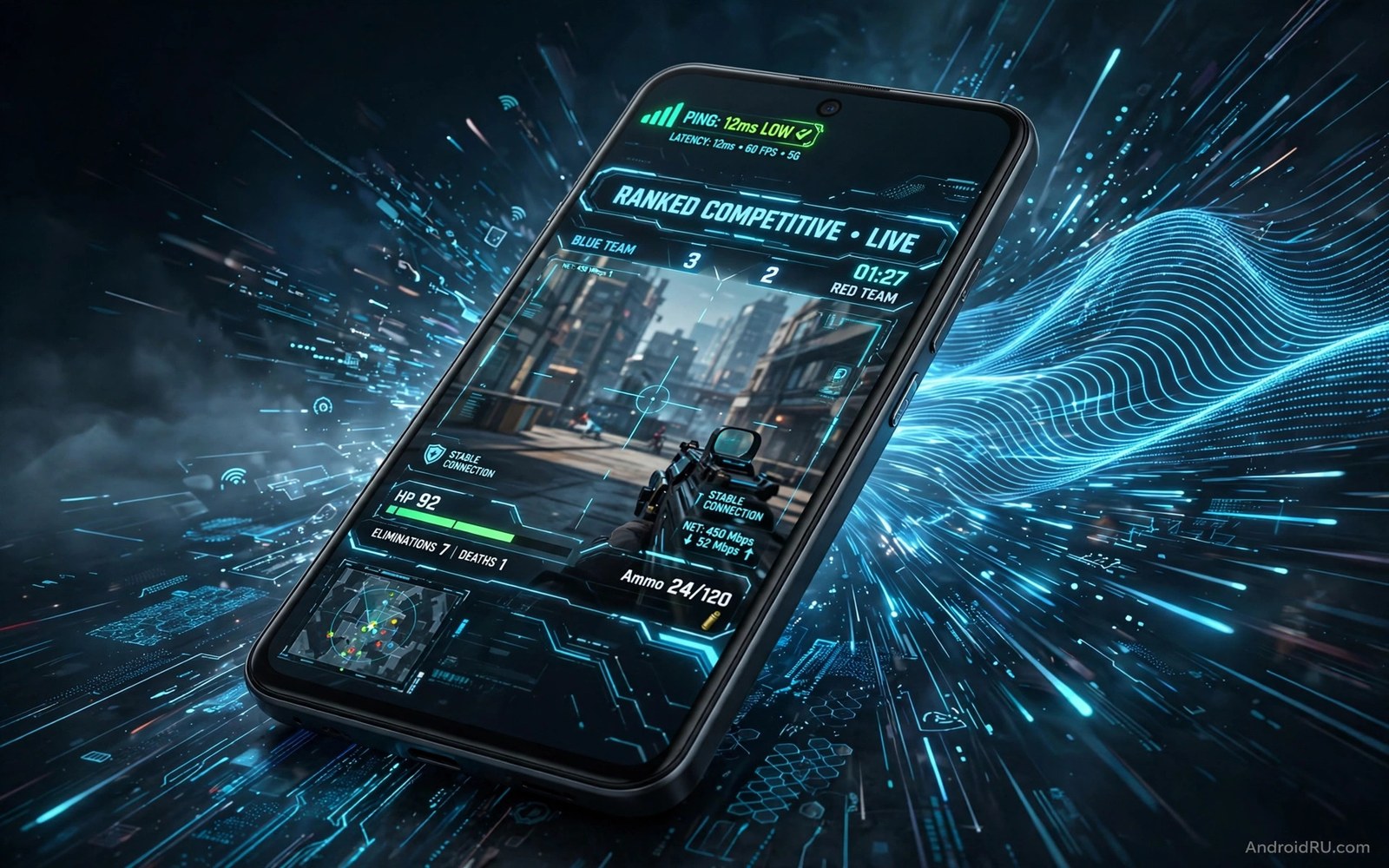
Ping is the time for a packet to travel to the game server and back. Low ping means your actions register fast. High ping means your actions arrive late. A player with 30 millisecond ping sees an enemy slightly sooner than a player with 120 millisecond ping. That gap decides close fights more often than aim skill alone.
Latency is not only about internet speed. A fast download plan can still give high ping when the route is bad. A crowded home network can add delay even with a strong plan. A far server region can add delay that no phone setting can remove. This guide fixes the parts you control and helps you pick the right server region.
Start by checking the server region inside your shooter. Many shooters let you pick a region manually. An auto region setting may pick a far server during peak hours. A manual region close to your city usually gives the lowest stable ping. If streaming also matters to you then read how to stream PC games directly to an Android phone because the same local network rules apply there.
Pick the closest server and the cleanest band
Open the shooter settings and find the server or region option. Select the region closest to your location. Test that region for three matches and note the average ping shown in game. Test a second region only if the first region gives unstable ping. A slightly higher but stable ping beats a lower ping that spikes wildly.
Use the 5 GHz Wi-Fi band for shooter sessions. The 5 GHz band is less crowded and offers lower delay at short range. Sit in the same room as the router for ranked play. A wall between phone and router adds delay and packet loss. A stable short link matters more than a strong signal number on the screen.
Use mobile data only as a test when Wi-Fi is bad. Mobile data can give lower ping in some areas with a strong tower nearby. It can also give high jitter when the tower is crowded. Test both options in the same game mode and keep the option with steadier ping. Do not assume that Wi-Fi always wins.
Clear the home network before ranked play
Pause large downloads and video streams on the same network before a match. A 4K video stream can crowd the link and raise ping for everyone. A cloud backup uploading photos can hurt upload speed and cause rubber banding. Tell others in the house when a ranked session starts. A short pause in their download can save your match.
Close background apps that sync often on the phone. A chat app or a mail app can wake the network during a match. Those wakes add small spikes that feel like lag. Close sync heavy apps before play and test again. A clean phone background often removes random ping spikes.
Restart the router once a week when ping slowly worsens. A router that runs for months can develop stale sessions and memory issues. A restart clears those issues and often restores a clean route. Restart at a quiet time so nobody loses work. Note the ping before and after the restart to prove the gain.
Measure ping and jitter with a simple loop
A ping loop shows delay spread better than a single in game number. The snippet below runs a short ping test against your home router. Replace the example address with your real router address. Look for lost packets and for a wide gap between fastest and slowest replies. A clean local link should show almost no loss.
ping -c 50 192.168.1.1
ping -c 50 192.168.1.1 | grep "packet loss"
ping -c 100 192.168.1.1 | grep -E "min/avg/max"
The code above was written for this guide as a short ping measurement example. A local link with high jitter points to Wi-Fi interference. A local link with clean results but high game ping points to a far server or a busy internet route.
Tune in game settings for stable latency
Lower graphics settings that load the phone heavily during fights. A phone that throttles during a fight will feel like network lag. Shadow quality and particle effects load the GPU hardest. Lower those two first and keep resolution stable. A smooth frame rate helps the game send input on time.
Turn off extra in game features that sync during a match. Live voice chat and high quality shadows and background downloads can add load. Use a simple voice option or push to talk when possible. A lighter game client sends input faster and more steadily.
Use a controller with a clean link for shooter play. A laggy controller feels like network lag even when ping is low. Test the controller in an offline training mode first. If offline aim feels late then the controller is the problem. For controller fixes read how to fix input lag on wireless controllers over Bluetooth before you blame the server.
Build a pre-match routine for low ping
A pre-match routine removes lag variables before ranked play starts. Check the server region and confirm it matches your closest region. Switch to the 5 GHz band and sit near the router. Close sync heavy apps and pause large downloads. That routine takes three minutes and protects every match that follows.
Warm up in a training mode before ranked matches. A warm-up reveals lag and controller issues without rank pressure. Play one fast training scene and note aim feel. Fix any issue found in warm-up before ranked play. A warm-up match is cheap insurance for a ranked session.
Track ping across matches in a simple note. Record the region and the average ping and the worst spike per match. A pattern across ten matches shows the best region clearly. A single match can mislead with a lucky low number. Ten matches give an honest average.
Plan match times around home network use. A household that streams video in the evening can raise your ping. Agree on quiet windows for ranked play when possible. Play casual modes during busy windows and ranked modes during quiet windows. That schedule protects rank without household conflict.
Review the routine monthly and update it for new games. A new shooter may offer a different server list or network option. Test the new game with the same routine steps. Keep the steps that work and replace the steps that do not. A living routine stays useful across many titles.
Stabilise ping across a full evening
Ping stability across an evening matters more than a single good match. A connection that starts clean may degrade as household use grows. Play three matches across the evening and record ping for each. A rising ping trend points to evening congestion. A flat trend points to a stable setup worth keeping.
Router position affects evening stability when other devices join the network. A phone near the router keeps a strong link even as traffic grows. A phone far from the router loses packets first when the network busies. Move closer during evening ranked sessions for a safety margin. That margin protects ping when the house gets busy.
Game server load also rises in the evening as more players log in. A popular server region may queue or lag during peak hours. Try a nearby alternative region when the main region degrades. A slightly farther but quieter region can feel steadier. Test alternatives during peak hours rather than off peak times.
Ping stability also improves when you test with the exact phone case you use in ranked play. A thick metal case can weaken the Wi-Fi signal and add jitter during matches. Test one match with the case on and one match with the case off. A clear difference points to the case rather than the network. Choose a thin case for ranked sessions when the test shows a case effect on latency.
Common mistakes
The biggest mistake is chasing a low ping number while ignoring jitter. A ping that jumps between 20 and 150 feels worse than a steady 60. Stability matters more than a single low reading. Judge a setup by a full match rather than by a lobby number.
- Players pick a far server region and then blame the phone for high ping.
- Players play on a crowded 2.4 GHz band and then call the game server laggy.
- Players leave large downloads running and then wonder why ping spikes mid match.
- Players max out graphics on a hot phone and then mistake throttling for network lag.
- Players test ping once in a lobby and then trust a number that changes in combat.
Another mistake is buying a faster internet plan without testing the local link. A faster plan does not fix a bad Wi-Fi position or a far server. Test the local link and the server region first. Those free fixes often beat a paid upgrade.
FAQ
What ping is good for a mobile shooter?
A ping under 50 milliseconds feels excellent for most shooters. A ping between 50 and 80 feels playable for most players. A ping above 120 starts to hurt close fights. Stability matters as much as the average. A steady 70 beats a jumping 40 to 150 range.
Ping under 50 milliseconds feels excellent for most shooters. Ping between 50 and 80 feels playable for most players. Ping above 120 starts to hurt close fights. Stability matters as much as the average number. A steady 70 beats a jumping range every time.
Does a VPN lower ping?
A VPN usually raises ping because it adds an extra hop. A VPN can help only when your normal route to the server is broken. Test the game with and without the VPN in the same mode. Keep the VPN off for ranked play unless the test proves a clear gain.
A VPN usually raises ping by adding an extra network hop. It helps only when the normal route to the server is broken. Test with and without the VPN in the same mode. Keep the VPN off for ranked play unless the test proves a gain.
Can a phone setting alone fix high ping?
No single phone setting can fix a far server or a crowded network. Phone settings help by reducing local load and interference. Server region and network position matter more. For a wider performance plan read five performance fixes to stop lagging in mobile games and apply the network steps first.
No single phone setting can fix a far server or a crowded network. Phone settings reduce local load and interference only. Server region and network position matter more. Apply network fixes before hunting for a phone setting.
Conclusion
Low ping in a mobile shooter comes from a close server and a clean local link and a light phone setup. A 5 GHz band and a quiet home network and sane graphics settings remove most spikes. A steady ping beats a low but jumping ping in every ranked match. Test in real matches rather than trusting a lobby number.
Your concrete next step is to set the closest server region tonight and play three matches on the 5 GHz band. Note the average ping and the worst spike in each match. Keep the setup only if ping stays steady through a full combat scene.

