

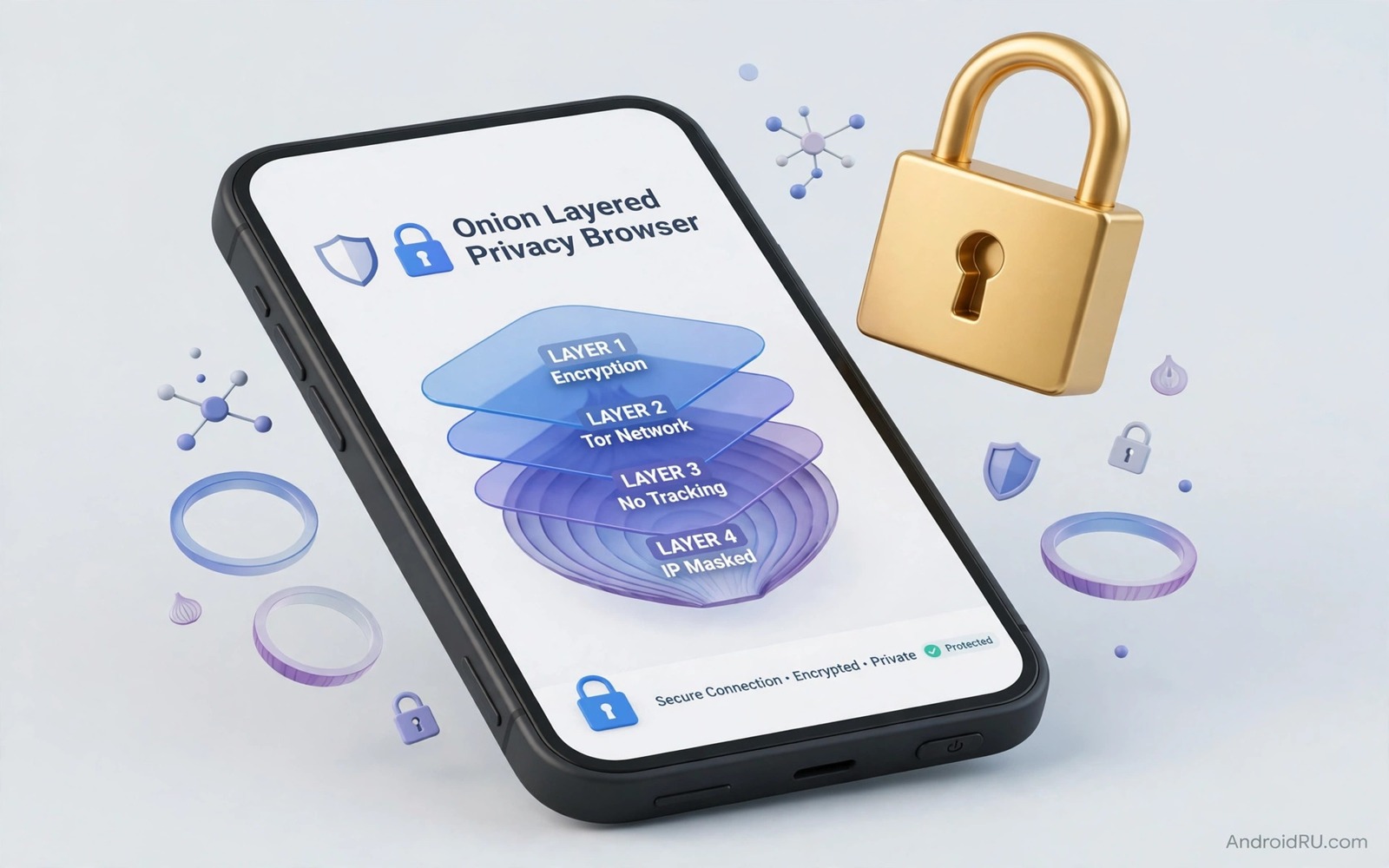
Tor browsing on Android routes your traffic through several volunteer relays. Each relay knows only the previous and next step in the chain. No single relay sees both your identity and your destination. That layered design makes it hard for a network observer to link your phone to the sites you visit.
Tor is not magic and it is not a replacement for good judgement. It does not hide your activity from a site that you log into with your real name. It does not make a malicious download safe. It also runs slower than a normal connection because traffic travels a longer path. Understanding those limits helps you use Tor for the right reasons.
This guide shows how to browse privately with Tor on Android in a safe and practical way. You will learn how to install the official browser and how to check that it works. You will also learn which habits break Tor privacy even when the browser itself is configured correctly.
Install the official Tor browser
Install Tor Browser for Android from a trusted app source and verify that the publisher matches the official project. Avoid unofficial browsers that claim Tor features but add tracking of their own. An unofficial browser can undermine the whole point of using Tor. The official browser includes privacy protections that a clone may silently remove.
Open the browser and tap connect on the first screen. The browser will build a circuit through the Tor network and show a success message when it is ready. That first connection may take longer than a normal browser launch. Be patient and do not switch networks repeatedly while it connects. Repeated switching can create new circuits and slow the process further.
Keep the browser updated because updates fix security flaws in the underlying engine. Enable automatic updates for this app even if you disable them for other apps. An outdated Tor browser can leak information through a known flaw that a newer version already fixed. Updates are part of the privacy protection itself.
Check that Tor is working
Visit a Tor check page inside the browser after connecting. The page should confirm that your traffic appears to come from the Tor network. Note the exit location shown because it will differ from your real location. That difference is expected and it proves that the circuit is active.
Test a second site that shows your apparent IP address and location. The result should match the Tor exit rather than your home city. If the result shows your real city then something bypassed Tor such as a separate app or a system VPN. Stop and investigate before you browse anything sensitive. A failed check means that privacy is not yet active.
Use the new identity button when you want to change circuits between sensitive tasks. That button closes tabs and builds a fresh circuit with a new exit. It is useful when you move from one private task to another. Do not use it as a way to evade site rules because many sites will still recognise abusive behaviour through other signals.
Keep Tor habits clean
Do not log into personal accounts inside Tor unless you accept that the site will link that session to your identity. A login defeats the anonymity benefit for that session even though the network path stays encrypted. Use Tor for reading and research when anonymity matters most. Use a normal browser for accounts that already know who you are.
Do not install extra extensions or change security settings to a lower level for convenience. The Tor browser ships with a security level slider for a reason. Raising the slider blocks risky features that can fingerprint your device. Lowering it for one site can expose details that identify your phone across other sites.
Avoid downloading files through Tor unless you truly need to. A downloaded file can contain metadata or can phone home when opened outside the browser. If you must download a document then open it offline and strip its metadata before sharing it. That caution also applies to photos where removing personal EXIF data from shared photos prevents a file from revealing where and when it was created.
Combine Tor with other privacy layers
Tor protects network privacy but it does not replace device security. Keep your phone locked and updated and free of suspicious apps while you use Tor. A compromised phone can record keystrokes and screen content regardless of the browser you use. Network privacy means little when the device itself is untrusted.
Do not run Tor and a commercial VPN at the same time unless you understand the trade offs. A VPN provider can see that you use Tor and a Tor exit can see VPN traffic in some setups. That combination can create a single point of trust that Tor alone avoids. For most users Tor alone is the cleaner choice for anonymous browsing.
Use private DNS and tracker blocking in your normal browsing as a complement rather than as a substitute. Private DNS can block trackers system wide for everyday apps. Tor remains the tool for sessions where network level anonymity matters most. Each tool has a job and using the right tool for each job gives the best overall result.
adb shell pm list packages | grep tor
# Check for Tor related packages on your own device
# Confirm that only the official browser is installed
# Remove any unofficial Tor clone before browsing privately
The commands above are an original example written for this guide to help you spot unofficial Tor apps on your own device. They list packages whose names contain a Tor related term so that you can compare the result with the official browser you installed. Remove any clone that you cannot verify because it may not provide the privacy protections you expect.
Bridge relays offer an alternative entry point when a direct Tor connection is blocked by a network filter. A bridge looks like ordinary traffic to a simple filter while still connecting you to the Tor network. Learn how to request bridges through the official project channels before you travel to a restrictive network. That preparation prevents a last minute scramble when a direct connection fails.
Public Wi-Fi changes the Tor threat model because the local network can see Tor usage even when it cannot see destinations. A cafe network may block Tor ports or may log connection times for all users. Using a bridge or a different network can bypass a simple port block in many cases. Always assume that a public network operator can see that you used Tor and plan your activity accordingly.
Common mistakes
One common mistake is using Tor to log into a personal email account and then believing that the session stayed anonymous. Another mistake is maximising the browser window which can reveal screen size details that help fingerprinting. A third mistake is opening downloaded files while still connected which can leak your real network details through the file itself.
People also make the mistake of thinking that Tor makes illegal activity safe. Tor protects network privacy but it does not grant legal immunity and it does not hide activity from the device or from the service you use. Use Tor for legitimate privacy needs such as research and journalism and protection from network surveillance. Respect the law in your country even when the technology feels anonymous.
Another error is treating Tor as a VPN replacement for streaming or for bypassing every geo block. Tor circuits change exit locations unpredictably and many streaming sites block Tor exits entirely. For streaming use a normal connection and reserve Tor for privacy sensitive browsing. That separation also helps when you learn how to lock down mobile browsing on public Wi-Fi because public networks need a different set of protections.
FAQ
Is Tor legal to use on Android?
Tor itself is legal in most countries as a privacy tool. Some countries restrict or block Tor traffic and you should check local rules before you rely on it for travel. Using Tor for lawful research and communication is a legitimate privacy choice. Using any tool to commit a crime remains illegal regardless of the technology involved.
If you travel to a country with network restrictions then research the local situation before departure. A blocked Tor connection may require bridges which are special entry points that hide Tor use from simple filters. Bridges are a legitimate feature for users in restrictive networks. Learn how they work before you need them urgently.
Why is Tor slower than a normal browser?
Tor traffic passes through at least three relays run by volunteers around the world. Each hop adds latency and the total path is far longer than a direct connection. Volunteer bandwidth also varies which causes speed changes between circuits. Those delays are the price of separating your identity from your destination.
You can improve speed slightly by choosing a new circuit when one feels unusually slow. Do not expect streaming quality speeds from Tor because it is not designed for that use. Use Tor for text and research tasks where a few extra seconds matter less than privacy.
Does Tor hide my activity from my internet provider?
Your provider can see that you connect to the Tor network but it cannot easily see which sites you visit through it. That distinction matters for users who face network surveillance. The provider sees encrypted Tor traffic rather than plain site names. It cannot read the content of your Tor sessions from network data alone.
Your provider can still see how much data you use and when you use it. That metadata alone rarely reveals specific activity. For stronger protection against timing analysis you would need additional measures beyond a standard Tor setup. Most users find the standard setup sufficient for everyday private browsing and it works well with using private DNS to block ads and trackers systemwide for non Tor traffic.
Conclusion
Tor on Android gives you a practical way to separate your identity from your browsing destination. The official browser and a clean set of habits make that protection real. Logging into personal accounts and lowering security settings and opening risky downloads can undo it quickly. Privacy therefore depends on behaviour as much as on software.
Your concrete next step is to install the official Tor Browser tonight and run its connection check. Browse one research task through Tor without logging into any personal account. That first clean session will teach you more about Tor speed and limits than any description can.

