

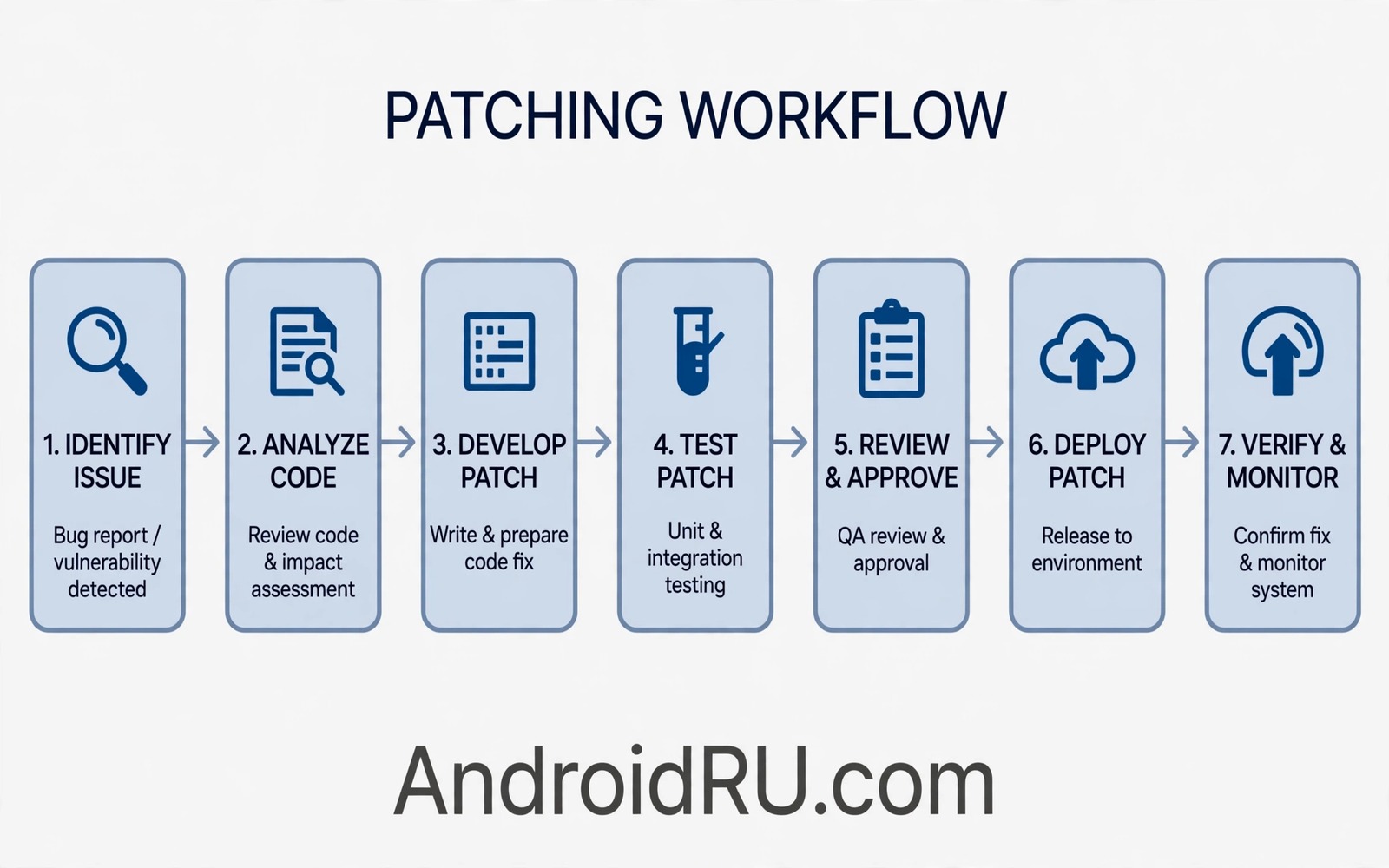
Patching a DEX file lets you change app behaviour without rebuilding the whole APK. A DEX file holds compiled code for an Android app. A targeted patch changes one method or one instruction. This technique helps testers try a quick fix on their own builds. It should be used only on apps that you own or have permission to test.
Start with a copy of the APK and a copy of the DEX file inside it. Keep original files safe for comparison. Extract the DEX file to a work folder. Study the method that you want to change before you edit anything. A patch without understanding can break the app in ways that are hard to trace.
Choose a small change for your first patch. Change a return value or a simple condition. A small change is easy to verify. A large change can introduce side effects that hide the intended effect. Small patches teach the workflow and they build confidence for larger edits.
Understand DEX Structure Before Patching
A DEX file contains a header and tables for strings and types and methods. It also contains code sections for each method. A patch that changes code must respect the structure of these tables. A patch that changes a string must update the string table correctly. A tool that understands DEX structure handles these details for you. Use a tested DEX tool rather than editing raw bytes by hand for your first patches.
Map the target method before you patch it. Note its class name and method name and signature. Note the instructions that you plan to change. Note the registers that those instructions use. A clear map prevents accidental edits to neighbouring methods. A map also helps you verify the patch after you apply it.
- Work on copies and keep originals safe
- Map the target method before editing
- Choose a small change for the first patch
- Use a tested DEX tool for structure
- Verify the patched file before repacking
Apply A Targeted Patch
Apply the patch with a DEX editing tool that shows the method code. Change only the instructions that you mapped. Save the patched DEX file to a new work folder. Compare the patched file with the original file to confirm that only the intended method changed. A diff that shows unexpected changes means the tool changed more than you planned. Investigate unexpected changes before you continue.
Repack the APK with the patched DEX file using a standard packaging tool. Sign the repacked APK with a test key for your own test device. A test key differs from the original key and that difference is expected for a patched test build. Install the test build on a test device only. Do not distribute a patched build as if it were the original app.
Patching work connects to Smali study in the material on decompiling Smali back to Java. Smali shows the instructions that a DEX patch will change. Read the Smali form of the target method before you patch it. A Smali reading gives you a precise map for the patch.
Verify The Patched Build
Verify the patched build by running the exact flow that the patch should change. Record the behaviour before the patch and after the patch. A successful patch shows the intended change and no other change. Test neighbouring features as well because a patch can affect code that shares data with the target method. Neighbour tests catch side effects early.
Check the app log for errors after the patch. A patch that corrupts DEX structure can cause a crash at install time or at runtime. A crash log that names the patched method points directly to the patch. Revert the patch and study the method again when a crash appears. A revert is a normal part of patch testing.
Handle Signatures After Patching
Patching changes the package content so the original signature no longer matches. A patched build needs a new signature from a test key. The system will treat the patched build as a different app from the original when the key differs. Install the patched build as a separate test app when possible. A separate install avoids conflicts with the original app on the test device.
Do not try to preserve the original signature after a patch. A preserved signature on changed content would defeat signature protection. Accept that a patched build is a test build with a test signature. Label test builds clearly so no one mistakes them for official builds. Clear labelling protects users and protects developers.
Use Patches For Quick Experiments
DEX patches are best for quick experiments. A patch can test whether a logic change fixes a bug before you change source code. A successful patch experiment justifies a proper source fix. A failed patch experiment saves source code work on a wrong theory. Use patches as a hypothesis test and then implement the real fix in source code.
Do not use patches as a permanent fix for a shipped app. A patch without source changes cannot be maintained or reviewed properly. A source fix can be tested and reviewed and tracked in version control. A patch experiment should lead to a source change or to a decision to abandon the theory. Either outcome is useful when documented.
Document Every Patch
Document the original method and the patched instructions for every patch. Record the test key used for the patched build. Record the test flows and their results. A document lets another developer repeat the patch and verify the result. It also prevents a patch from becoming a mystery in a test folder.
Delete patched test builds when the experiment ends. Old patched builds can be mistaken for official builds later. Keep only the documentation and the source fix that resulted from the experiment. A tidy test folder supports reliable work across many experiments.
original_dex = classes.dex
patched_dex = classes_patched.dex
test_key = debug_key
install_target = test_device_only
The snippet above is an original example written for this guide. It shows generic patch labels that you can adapt to your own test notes. It does not copy code from any outside source.
The snippet lists the files and targets for a patch experiment. Use the labels to name your work files clearly. Keep original and patched files in separate folders.
Compare Patch Results With Source Fixes
A patch experiment should be compared with a source fix for the same problem. A patch can prove that a logic change works. A source fix can prove that the same change works in a maintainable form. Compare the behaviour of both builds with the same test inputs. A matching result confirms that the source fix captures the patch idea correctly. A mismatch means the source fix missed a detail from the patch. Comparison prevents a patch idea from being lost in translation to source code.
Document the comparison in the experiment record. A record should state the patch change and the source change and the test results for both. A future developer who reads the record can see why the source fix looks the way it does. A record without comparison leaves a gap between experiment and fix. A complete record closes that gap and it makes the fix reviewable.
Use patch experiments to test risky changes before committing to source work. A risky change that fails as a patch costs little time. The same change as a source fix costs review time and test time. Patch first for risky theories and commit to source only after the patch proves the idea. This order saves team effort on theories that do not work. It also gives the team evidence before a difficult code review.
Teach new developers the patch workflow in a guided session. A new developer who learns patching on a test app gains a useful debugging skill. A guided session should cover mapping and patching and verification and documentation. A new developer who can patch safely can test theories independently. Independent testing speeds up the whole team.
Retire patch tools and scripts that no longer match the current DEX format. A DEX format change can break an old patch tool silently. A tool that produces a corrupt file can waste hours of debugging. Check tool compatibility after platform updates. A current tool set keeps patch experiments reliable across releases.
Patch documentation should also state the test device and the system version used. A patch that works on one system version may fail on another. A device note helps a teammate reproduce the result. A patch record without device context is incomplete. Add device notes to every experiment record.
Common Mistakes
A common mistake is patching an app that you do not own. That practice can break the law and can harm users. Patch only your own test builds. Respect ownership in all patch work.
Another mistake is editing raw bytes without a DEX tool. Raw edits can corrupt tables and cause hard to trace crashes. Use a tested DEX tool that understands file structure. A tool reduces corruption risk significantly.
Some testers also skip verification of neighbouring features. A patch can affect shared data and break another feature. Test neighbouring features after every patch. A broad test catches side effects early.
Finally do not ship a patched build as a permanent fix. A patch without source changes cannot be maintained. Implement the real fix in source code after a successful experiment. A source fix is reviewable and trackable.
Frequently Asked Questions
Can I patch a DEX file without rebuilding the app?
Yes a DEX tool can change one method without a full source rebuild. You still need to repack and sign the APK with a test key. The result is a test build and not an official build.
Will a patched app keep the original signature?
No patching changes content so the original signature no longer matches. Sign the patched build with a test key. Treat it as a separate test app.
Should patches replace source fixes?
No patches are experiments that test a theory quickly. A successful patch should lead to a proper source fix. A source fix is maintainable and reviewable.
Conclusion
DEX patching lets you test a targeted change without a full rebuild when you use a proper tool and a test build. Map the method first and patch only the intended instructions. Verify the patched build and document the experiment. Your concrete next step is to pick one small method in your own test app today and apply a return value patch to it. Verify the new behaviour and then implement the real fix in source code. For related work you can study decompiling Smali back to Java and decompiling and inspecting APK files and app signature verification as next steps.

