

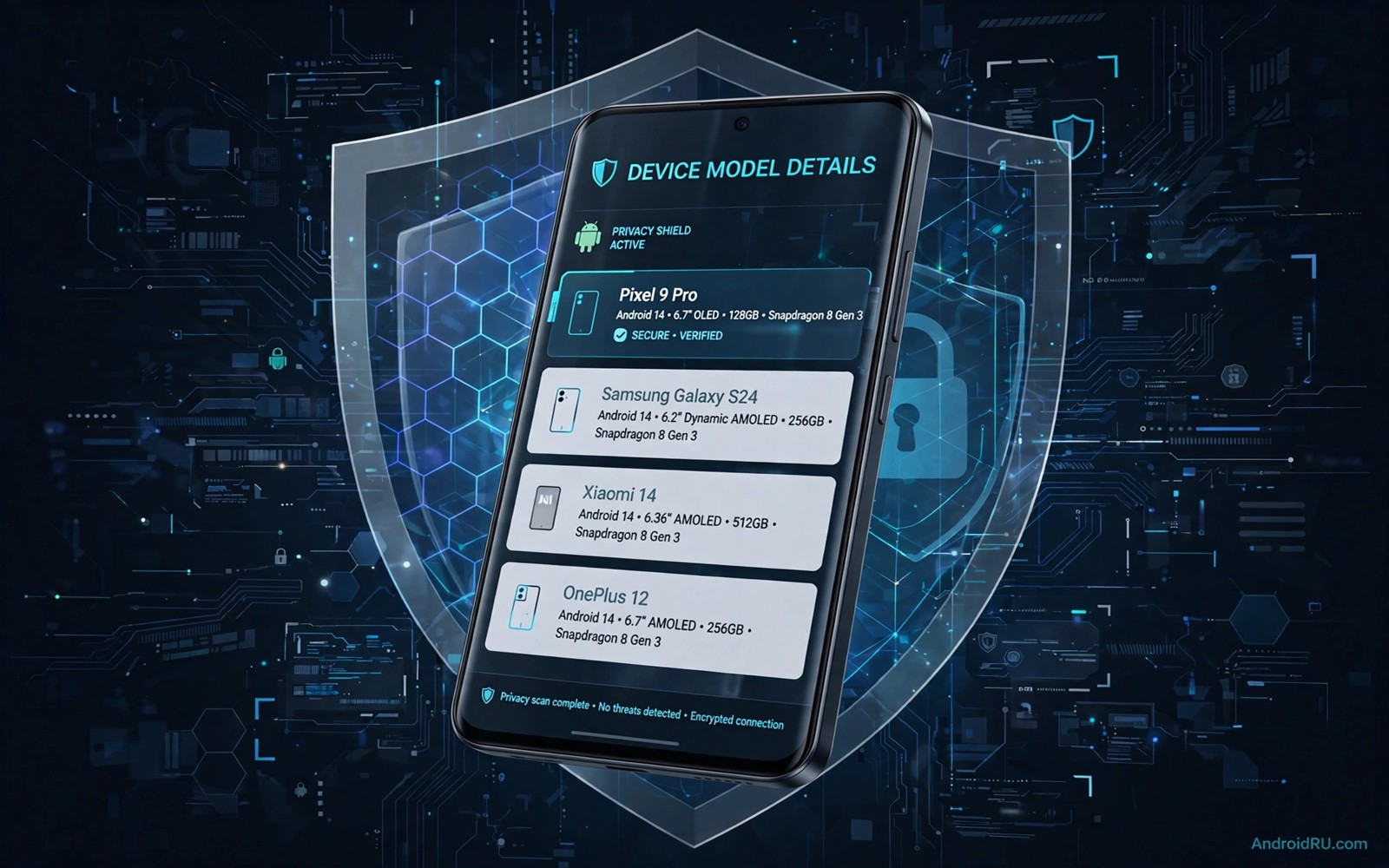
Some apps check hardware details before they run a feature. An app may check the device model or the processor or the screen size or the sensor list. A developer who tests compatibility may want to see how an app behaves on a different device profile. Spoofing hardware specifications for a single app can simulate that profile on a test device that you own.
Spoofing changes what one app sees without changing the whole device. That scope matters. A system wide change affects every app and it can break system services. A per app change limits the effect to the test target. That limit makes testing safer and it makes results easier to interpret. It also keeps the test closer to real use where only one app runs at a time.
This guide covers spoofing only for testing your own apps or for authorised compatibility research on devices that you own. Do not use spoofing to deceive a store or a payment system or a game anti cheat system. Those uses can violate terms and can harm other users. Keep the work in a test environment with a clear purpose.
What hardware details apps actually check
Apps often read the build model and the manufacturer and the Android version from system properties. They may also read screen density and screen size and available memory. Some apps check for a specific sensor such as a gyroscope or a fingerprint reader. Others check the processor architecture to choose a native library. Each check serves a different purpose such as layout choice or feature gating or performance tuning.
A compatibility test should start by listing the checks that matter for your app. Read your own app code and note every hardware check. Note what happens when a check fails. Some apps hide a feature when a sensor is missing. Others show a warning and continue. A test that spoofs one value at a time reveals which check controls which behaviour.
System properties are not the only source of hardware truth. Apps can also use system services and hardware abstraction layers. A spoof that changes only one source may leave another source unchanged. That mismatch can cause confusing results. Note which sources your test changes and which sources it leaves alone.
Per app spoofing versus system wide changes
Per app spoofing targets one app process. A module or a test harness can change the values that the target app reads. Other apps on the same device keep seeing real values. That isolation protects system apps and it protects your daily apps from test side effects. It also makes it clear which app the test affected.
System wide changes rewrite a property for every process. That approach is simpler in some cases but it is riskier. A system app may depend on the real value for a critical function. A payment app may fail a security check when it sees an unexpected value. A system wide test should run only on a dedicated test device that holds no personal data.
Choose per app spoofing when you can. Use a test device for system wide experiments and restore the original values after the test. Record the original value before you change anything. A record of the original value makes restoration fast and it prevents a forgotten test change from becoming a permanent problem.
A safe test workflow for compatibility
Start with a baseline run on the real device profile. Record the app behaviour and the features that appear. Take screenshots or notes for the key screens. That baseline is the reference for every spoofed run. Without a baseline you cannot tell whether a change came from the spoof or from a different app state.
Spoof one value at a time in later runs. Change the model name in one run and the screen density in another run. Record the behaviour for each run separately. A single value change gives a clear cause for any behaviour change. Several value changes at once give a confusing result that is hard to reproduce.
Test the app after restoring real values. Confirm that the app returns to baseline behaviour. A test that leaves a permanent change is not a clean test. Restoration proves that the spoof was temporary and that the app itself did not change during testing. That final check belongs in every test plan.
- Record a baseline run with real device values first.
- Spoof one hardware value at a time in later runs.
- Record behaviour separately for each spoofed run.
- Restore real values and confirm baseline behaviour returns.
Risks limits and honest reporting
Spoofing cannot perfectly simulate another device. Real hardware differs in processor speed and sensor quality and thermal behaviour. A spoofed model name does not make a slow processor fast. A spoofed sensor list does not create a real sensor. Treat spoof results as a guide for layout and feature gating rather than as proof of performance on the real device.
Some apps and services detect spoofing and may refuse to run. That refusal is a security feature in many cases. Do not try to defeat detection for a production service that you do not own. Report the detection honestly in your test notes. A test that reports a detection result is still useful for planning a real device test.
Honest reporting matters when you share results with a team. Note that the test used spoofed values and list the values that changed. A colleague who reads the report should know that the result came from a simulation. That honesty prevents a spoof result from being mistaken for a real device result in a release decision.
Code you can adapt
// Test helper that centralises hardware checks in your own app
// Spoofing in a test build replaces this helper only for testing
object DeviceProfile {
    fun model(): String = Build.MODEL
    fun manufacturer(): String = Build.MANUFACTURER
    fun hasGyroscope(context: Context): Boolean {
        val manager = context.getSystemService(Context.SENSOR_SERVICE) as SensorManager
        return manager.getDefaultSensor(Sensor.TYPE_GYROSCOPE) != null
    }
}
The snippet above is an original example written for this guide. It shows how centralising hardware checks in one helper makes compatibility testing clearer in your own app.
A central helper also helps production code. When every hardware check goes through one place the app is easier to test and easier to maintain. A test build can replace that helper with a fake profile without changing scattered code. That design choice pays off long after the first compatibility test.
Keep the fake profile in test code only. A fake profile that ships in a release build can confuse users and services. Use a build flag or a test flavour to keep the fake code out of production. Review the release build to confirm that no test profile remains.
How this topic connects to nearby work
Device profile checks and root checks overlap in the testing questions raised by bypass Android root detection.
Per app value changes are often delivered through the module approach built in the guide to custom LSPosed modules from scratch.
Reported hardware values can also leak through weak protection described in the guide to APK obfuscation mistakes.
Putting it into practice
Display metrics spoofing can break layout in unexpected ways. An app that reads a spoofed density may choose a layout for a tablet on a phone screen. Text may overflow or buttons may move off screen. Test spoofed density changes with screenshots of key screens. Compare those screenshots with screenshots from a real device with that density when possible. A layout that looks right in one orientation may break in another orientation under the same spoof.
Sensor spoofing has hard limits that a test plan should acknowledge. A spoofed gyroscope list does not create real rotation data. An app that reads sensor events will receive no events from a fake sensor unless the test harness also generates events. Plan sensor tests with a real device that has the sensor when sensor data quality matters. Use spoofing for feature gating tests and real hardware for sensor data tests.
A final spoof check should compare spoofed behaviour with behaviour on a real device of the spoofed model when you can borrow one. A borrowed device test does not need to be long. Run the key screens on the real device and compare them with the spoofed screenshots. Note any difference in layout or feature availability. That comparison tells you how much to trust the spoof for that particular feature. Record the comparison so a future developer does not over trust the simulation.
Common mistakes
A common mistake is to spoof many values at once. That approach makes results hard to explain. Change one value at a time and record each result. A clear test history is more valuable than a fast but confusing test session.
Another mistake is to forget to restore real values after a test. A forgotten spoof can affect later tests and daily use. End every test session with a restoration check. Confirm baseline behaviour before you put the test device away.
A third mistake is to treat a spoof result as a real device result. Spoofing changes reported values but not real hardware performance. Use spoof results to plan real device tests. Confirm important decisions on the actual device model before release.
Frequently asked questions
Can spoofing make a low end phone run like a flagship?
No. Spoofing changes reported values but it does not change processor speed or memory or sensor quality. It can help test layout and feature gating. It cannot improve real performance on the test device.
Is per app spoofing safer than system wide spoofing?
Yes in most test cases because it limits the effect to one app. System wide changes can affect system services and other apps. Use per app methods when possible and reserve system wide tests for a dedicated test device.
Should I use spoofing to access a region locked feature?
No for production services that you do not own. Region and device restrictions often serve legal or safety purposes. This guide covers compatibility testing for your own apps only. Respect service terms for apps that you do not control.
Conclusion
Per app hardware spoofing is a useful compatibility tool when used with discipline. A baseline run and single value changes and a restoration check turn a risky trick into a repeatable test. Spoof results guide layout and feature decisions but they do not replace real device testing for performance and sensors.
Your concrete next step is to centralise the hardware checks in your own test app today and record a baseline run on your test device. That baseline will make your first spoofed run meaningful and easy to compare.

