

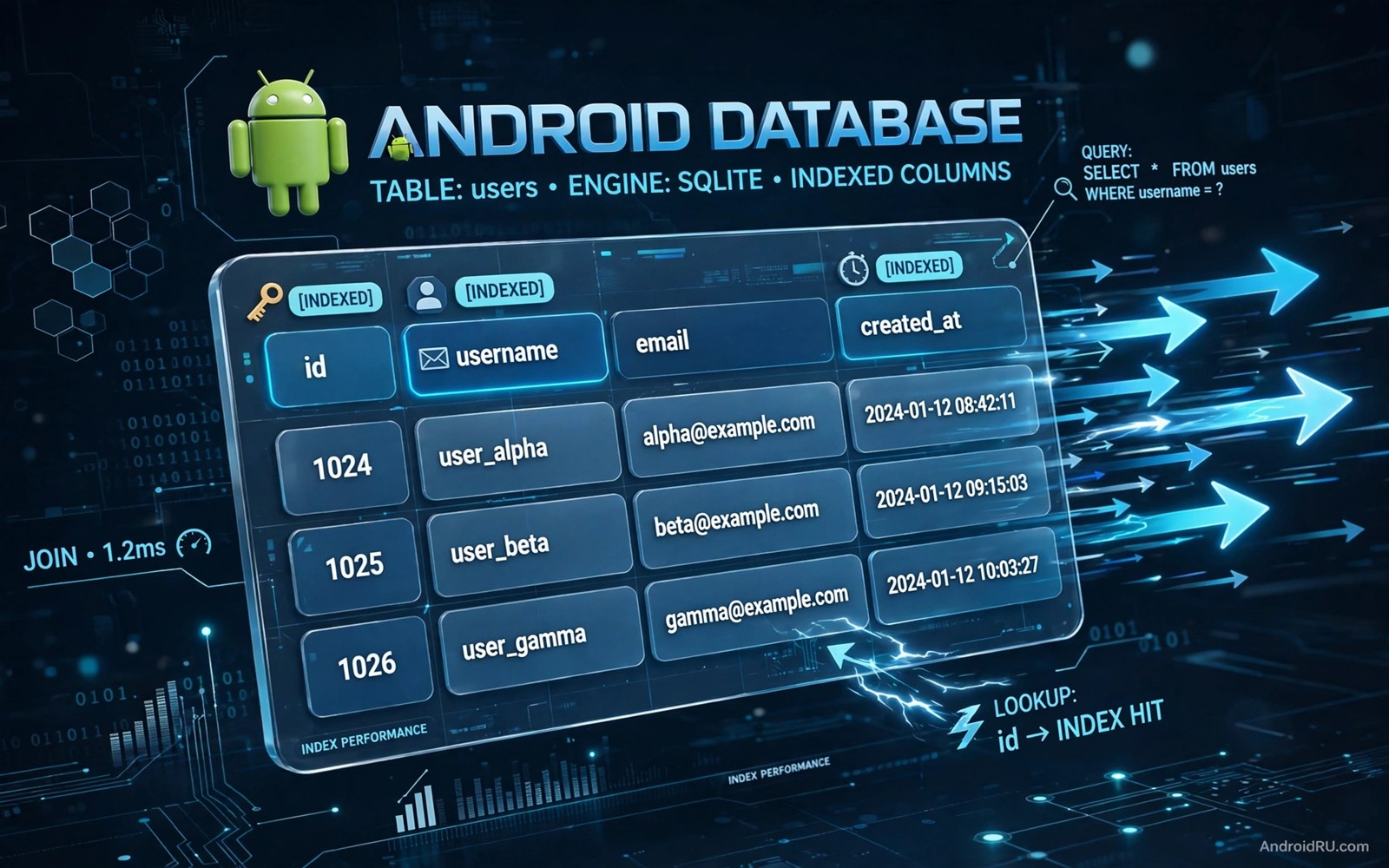
Room is a popular Android library for local database work. It turns database tables into Kotlin or Java objects and it checks queries at compile time. That convenience can hide a performance problem. A query that works fine with a hundred rows can become slow with ten thousand rows. The cause is often a missing index rather than a flaw in the app logic.
An index is a data structure that lets the database find rows fast without scanning the whole table. Without an index the database must read every row to find the rows that match a query. With a good index it can jump straight to the matching rows. That difference grows as the table grows. A small test database hides the problem while a real user database reveals it.
This guide shows how to find slow Room queries and how to fix them with indexes. It uses examples from typical Android apps such as notes and messages and orders. Test the examples on your own app with realistic data volumes. A fix that helps a large table may not matter for a tiny table and that distinction keeps optimisation focused.
How Room turns a query into a table scan
Room generates code from your query annotation. That code runs a SQL query against a SQLite database on the device. SQLite plans the query by choosing how to find matching rows. Without a useful index the plan is a full table scan. A full scan reads every row and checks the condition for each row. That work grows linearly with table size.
A query with a WHERE clause on an unindexed column is a classic slow case. A query that sorts by an unindexed column is another slow case. A join between two tables without indexes on the join columns is a third slow case. Each case looks innocent in code. Each case becomes expensive when the tables grow. Reading the query plan reveals the scan before users complain.
Use the SQLite explain query plan tool during development. It shows whether SQLite uses an index or a scan for a query. Run it for the queries that run often and for the queries that run on large tables. A scan on a rare query for a small table may be acceptable. A scan on a frequent query for a large table is a priority fix.
Choosing the right index for a query
An index on a single column helps queries that filter by that column. An index on several columns helps queries that filter by those columns together. Order matters in a multi column index. Put the column with the most selective filter first. A selective filter narrows the result to a small set of rows. A weak filter leaves a large set and gives less benefit.
Avoid an index for every column. Each index costs storage and it slows down inserts and updates. The database must update every index when a row changes. An app that writes often and reads rarely needs fewer indexes. An app that reads often and writes rarely can afford more indexes. Balance the cost against the read benefit for your app workload.
Covering indexes can help read heavy queries. A covering index contains all columns that a query needs. SQLite can answer the query from the index alone without reading the table row. That shortcut saves time for frequent queries. It also costs more storage because the index stores extra columns. Use it for queries that run very often and return few columns.
Adding an index in Room the right way
Room lets you declare an index in the Entity annotation. List the column names that the index should cover. Give the index a clear name that describes its purpose. A clear name makes future maintenance easier. A vague name such as index1 tells the next developer nothing about why the index exists.
Adding an index changes the database schema. Room needs a migration when the schema version changes. Write a migration that creates the index and test it on a database that already has user data. A migration that works on an empty database can still fail on a real database with existing rows. Test migrations with realistic data before release.
Measure the effect after adding an index. Run the slow query before the change and after the change with the same data. Record the time for each run and repeat the test several times. A real improvement should show up consistently. A single fast run may be a cache effect rather than a true improvement. Repeat testing gives a trustworthy result.
- Declare the index in the Entity annotation with a clear name.
- Write a migration and test it on existing user data.
- Measure the query before and after the change.
- Repeat the test several times to avoid cache effects.
When an index is not the answer
Some slow queries need a different fix. A query that returns thousands of rows to the interface will stay slow even with a perfect index. The interface cannot show that many rows at once in a useful way. Use paging to load rows in small batches. Paging reduces memory use and it makes the interface feel faster even when the total data set is large.
A query that runs on the main thread will cause a freeze even when it is fast. Room warns against main thread queries for a reason. Move database work to a background thread and observe the result with a flow or a live data stream. A fast query on the wrong thread still harms the user experience.
A schema design problem can also hide behind a slow query. A table that stores lists as text may need a separate table for those items. A query that parses text for every row will stay slow. Normalising the schema can fix the root cause while an index only hides it for a while. Review the schema when an index gives little benefit.
Code you can adapt
// Room entity with an index on the column used for filtering
@Entity(
    tableName = "notes",
    indices = [Index(value = ["folderId", "updatedAt"])]
)
data class NoteEntity(
    @PrimaryKey(autoGenerate = true) val id: Long = 0,
    val folderId: Long,
    val title: String,
    val updatedAt: Long
)

@Dao
interface NoteDao {
    @Query("SELECT * FROM notes WHERE folderId = :folder ORDER BY updatedAt DESC")
    fun notesInFolder(folder: Long): List<NoteEntity>
}
The snippet above is an original example written for this guide. It shows a Room entity with a multi column index that matches a common folder query pattern.
The index order in the example matches the query order. The folder filter comes first and the sort column comes second. That order lets SQLite find the folder rows and return them in sorted order without an extra sort step. A reversed order would help less because the database would still need to sort the result.
Test the index with data that resembles real use. Create folders with many notes and a few folders with few notes. Query a large folder and a small folder and compare times. That test shows whether the index helps the cases that matter most to users.
How this topic connects to nearby work
Data layer choices sit inside the wider design questions compared in the guide to MVVM vs MVI architecture patterns.
Slow builds and slow queries both waste developer time and the build side is covered by optimize Gradle build speeds.
Database performance should be checked by the automated routines described in the guide to automate mobile app UI tests.
Putting it into practice
Pagination changes the performance story for large tables. A query that returns a page of twenty rows needs an index for filtering and sorting but it does not need to sort the whole table in memory when the index already provides order. Test paging queries with a large table and confirm that each page loads fast. A paging query that scans the whole table for every page will stay slow even though each page shows only a few rows.
Joins need index checks on both sides of the join. A join between notes and folders should use an index on the folder column in the notes table and an index on the primary key in the folders table. Check the query plan for the join and look for a scan on either side. A scan on a small lookup table may be acceptable. A scan on a large table in a frequent join is a priority fix that paging alone cannot solve.
A final database check should test the app after a large data import that resembles real user growth. Import ten thousand rows into the test database and run the frequent queries again. A query that was fast with a hundred rows may become slow after the import. That import test reveals index problems before users accumulate that much data naturally. Keep the import script with your test tools so the same growth test can run before each major release.
Common mistakes
A common mistake is to add an index and forget the migration. The app may crash on upgrade for existing users while it works fine for new users. Always bump the schema version and write a migration when you change an index. Test the upgrade path with an old database file.
Another mistake is to index every column in a table. Too many indexes slow down writes and waste storage. An app that syncs data often will feel the cost. Add indexes for frequent read queries and leave other columns unindexed unless a test proves a benefit.
A third mistake is to measure only once on a small test database. A small database makes every query look fast. Test with a realistic number of rows and repeat the measurement. A fix that only helps a tiny database is not a real optimisation for users.
Frequently asked questions
How do I know if a Room query needs an index?
Run the query plan tool and look for a full table scan on a large table. Check how often the query runs and how large the table grows in real use. A frequent scan on a growing table is a strong sign that an index will help.
Will an index slow down my app writes?
Yes a little because the database must update each index on insert and update. The cost is usually small compared with the read benefit for read heavy apps. Measure write performance after adding an index if your app writes data very often.
Do I need a migration for a new index?
Yes when you change the schema version for a release build. Room requires a migration path for existing databases. Test that migration on a database with real data before you publish the update.
Conclusion
Slow Room reads usually have a clear cause. A missing index forces a full table scan that grows with the data. A well chosen index lets SQLite jump to matching rows and return sorted results faster. Measure before and after each change and write a safe migration for existing users.
Your concrete next step is to run the query plan tool on your three most frequent Room queries today and note any full table scans. Add an index for the worst scan and measure the improvement with realistic data before your next release.

