

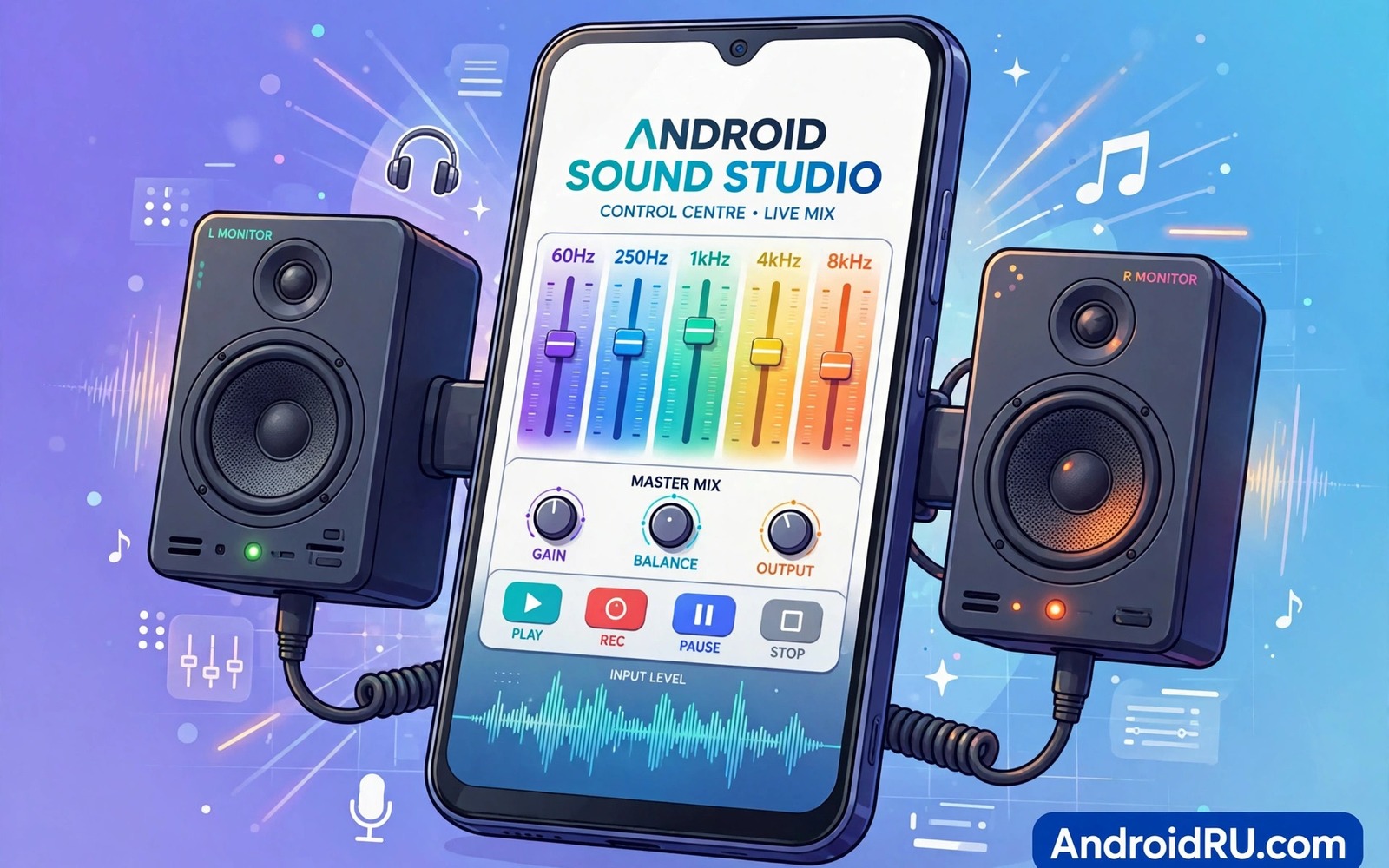
Android sound feels simple from the outside. You press play and music appears. Inside the phone a chain of decisions shapes that sound. The app decodes a file. The system mixes streams. Effects reshape tone. A codec compresses Bluetooth audio. A DAC converts digital data to analogue waves. A speaker or earbud turns waves into air movement. A weakness anywhere in that chain limits the result. This master guide maps the whole chain in plain language. It helps you fix the weakest link first instead of changing random settings.
Sound engineering on a phone is about control and trade offs. Louder is not always better. More bass is not always better. Cleaner and more balanced sound usually wins over long listening. The goal is sound that suits the task and the room and the listener. Music needs fullness and detail. Calls need clarity and intelligibility. Alarms need notice without harshness. One global setting cannot serve all tasks perfectly. Profiles and per app choices close that gap.
This guide covers streams and routing and codecs and equalisers and profiles. It also covers recording basics and common faults. Each section ends with a practical habit. Read the whole guide once for the map. Then return to the section that matches your current problem. That approach saves time and prevents setting overload.
Map the audio chain from file to ear
Start with the source file. A lossy file discards detail during compression. A lossless file preserves detail but uses more storage and data. The app decoder turns file data into raw audio samples. A good decoder preserves timing and level. A poor decoder can introduce glitches on unusual files. Use reputable player apps for critical listening. They handle more formats and show true sample rates.
The Android audio mixer combines multiple streams. Music and notification and call audio share the mixer. The mixer applies volume and ducking rules. Ducking lowers music briefly when a notification arrives. That behaviour protects alerts but interrupts music. Understanding ducking explains why music dips during calls and alerts. You cannot remove all ducking safely. You can reduce interruptions with do not disturb during focused listening.
Effects sit between mixer and output. Equalisers boost or cut frequency ranges. Compressors reduce dynamic range. Spatial effects widen stereo image. Each effect adds processing load and possible distortion. Use effects sparingly and with purpose. A clean chain with one well chosen effect beats a chain stacked with five effects. Test effects with familiar music and trust your ears over preset names.
Master streams and routing decisions
Android separates audio into streams for good reason. Media and ring and alarm and notification streams have different priorities. Calls use a voice stream with echo cancellation. Alarms bypass many mute rules to ensure waking. Notifications duck music briefly. Knowing stream roles prevents confusion when one volume slider does not affect another. Open the full volume panel to see each stream. Set each stream for its own job.
Routing decides where sound goes. The phone may route to speaker or earbuds or Bluetooth or a car system. Routing changes automatically when devices connect. It can also fail when a device disconnects uncleanly. If sound comes from the wrong output then disconnect and reconnect the intended device. Restart the app if routing stays wrong. A restart clears stuck routing faster than random setting changes. Keep Bluetooth device lists clean by removing old devices.
Audio focus rules decide which app controls playback. A navigation voice may pause music. A call always takes focus from media. Some apps ignore focus and keep playing over others. That behaviour feels like a bug but it is an app choice. Check app settings for audio focus behaviour. A well behaved app pauses or ducks politely. An app that fights focus should lose its background permission or be replaced.
Choose codecs and outputs for each task
Bluetooth codecs decide how much detail survives wireless transfer. Standard codecs compress heavily but work everywhere. High codecs preserve more detail but need compatible headphones. Check the active codec in headphone app or developer options. If the codec falls back to standard then move closer to the phone. Walls and interference force fallback to stable lower rates. A stable standard codec beats a dropping high codec for calls and podcasts.
Wired output remains the reference for critical listening. A USB-C DAC bypasses internal phone noise. It also supports higher sample rates than many built in paths. Choose a DAC with specs that match your files. A DAC is not magic. It cannot improve a poor recording or a damaged earbud. It removes one bottleneck so other gains become audible. Pair a good DAC with good headphones for a fair test.
Speakers need different tuning from headphones. A phone speaker lacks bass and distorts at high volume. Boosting bass on a phone speaker only adds distortion. Reduce bass slightly and lift midrange for clearer speaker playback. Headphones can handle fuller bass without room interaction. Save separate equaliser notes for speaker and headphone use. Switching notes by output prevents constant retuning.
Use equalisers and profiles as a system
An equaliser is a set of frequency controls. Each band boosts or cuts a range of pitches. Small changes of three decibels or less often suffice. Large changes create unnatural tone and distortion. Start flat and change one band at a time. Listen to familiar music after each change. That slow method builds a profile you understand. A profile you understand is easy to fix when gear changes.
Profiles bundle volume and equaliser and alert rules for a moment. Morning and work and evening and night profiles cover most days. Build profiles around real tasks rather than abstract ideals. A work profile should protect focus. An evening profile should allow fuller sound. A night profile should protect sleep. Time triggers automate switching. Headphone triggers add context. Keep the profile count low to avoid conflicts.
Calibration profiles add personal tuning on top of generic equalisers. Hearing tests and hardware presets can improve balance. Use them after basic profiles work well. Calibration cannot fix broken drivers or poor recordings. It fine tunes a healthy chain. If calibration makes sound worse then remove it and return to flat. A flat baseline is always a safe place to restart.
adb shell dumpsys audio
adb shell settings get system volume_music
echo "Master check: stream volumes and routing before tuning"
The snippet above is an original example written for this guide. It shows a master diagnostic check for audio state on a connected device. It does not tune sound by itself. Use it to record a baseline before you change equalisers or profiles. A baseline makes it easy to undo a change that hurts sound.
Record with the same chain discipline
Recording deserves the same chain thinking as playback. A phone microphone captures sound in a noisy environment. Room echo and handling noise enter before any app processing. A close microphone and a quiet room improve recordings more than any effect. Monitor with headphones during important takes. A monitored take reveals problems while they can still be fixed. An unmonitored take may sound fine on a phone speaker and fail on headphones.
Export recordings in a durable format for editing. A lossless export preserves detail for later processing. A compressed export saves space but limits repair options. Keep original recordings untouched in a master folder. Work only on copies during editing. That habit mirrors good playback practice. A clean source plus a clean chain produces results that survive scrutiny.
Common mistakes
The most common mistake is stacking many effects at once. A bass booster plus an equaliser plus spatial audio plus a volume booster creates muddy sound. Each effect alone may help. Together they fight and distort. Remove all effects and add them back one by one. Keep only effects that clearly improve familiar music. That discipline protects clarity.
Another mistake is chasing maximum volume as a quality goal. Loud playback masks detail and causes fatigue. It also risks hearing damage over time. Set volume to a level where you can hear nearby speech with effort. That level preserves detail and protects ears. If sound feels weak at safe volume then check balance and equaliser before raising volume further.
People also tune sound in one room and expect it everywhere. A car and a quiet room and a busy street need different settings. Profiles solve that variation. For specific problems use focused guides. For uneven playback then fixing uneven earbud sound isolates balance faults. For time based rules then setting up custom audio profiles by listening time automates switching. For source quality then enabling high resolution streaming settings ensures the file itself is strong.
Frequently asked questions
What is the single best Android audio setting?
There is no single best setting for every listener and device. The best starting point is a flat equaliser and matched volume and a clean output path. From that baseline tune for your ears and gear. A personal baseline beats a copied preset. Test changes with familiar music and keep notes.
Do audio booster apps really improve sound?
Most booster apps only raise volume and add distortion. True improvement comes from better source files and better headphones and careful equalisation. A booster that pushes beyond hardware limits harms sound. Avoid boosters that promise dramatic gains from software alone. Invest in headphones or a DAC for real gains.
How often should I retune audio settings?
Retune when gear changes or after major updates. Retune when a familiar album suddenly sounds different. Otherwise leave a good profile alone. Constant tuning creates confusion and wastes listening time. A stable profile lets your ears adapt and enjoy music. Check profiles monthly with a quick familiar track test.
Conclusion
Android sound engineering is a chain of manageable choices. Source quality and stream control and routing and codecs and equalisers each play a role. Profiles turn those choices into daily habits. Clean baselines and slow tuning beat random setting changes. The weakest link deserves attention first.
Your concrete next step is to audit your own chain this week. List your source app and output device and codec and equaliser in one note. Identify the weakest link from that list. Fix that one link and test with a familiar album before you change anything else.

