

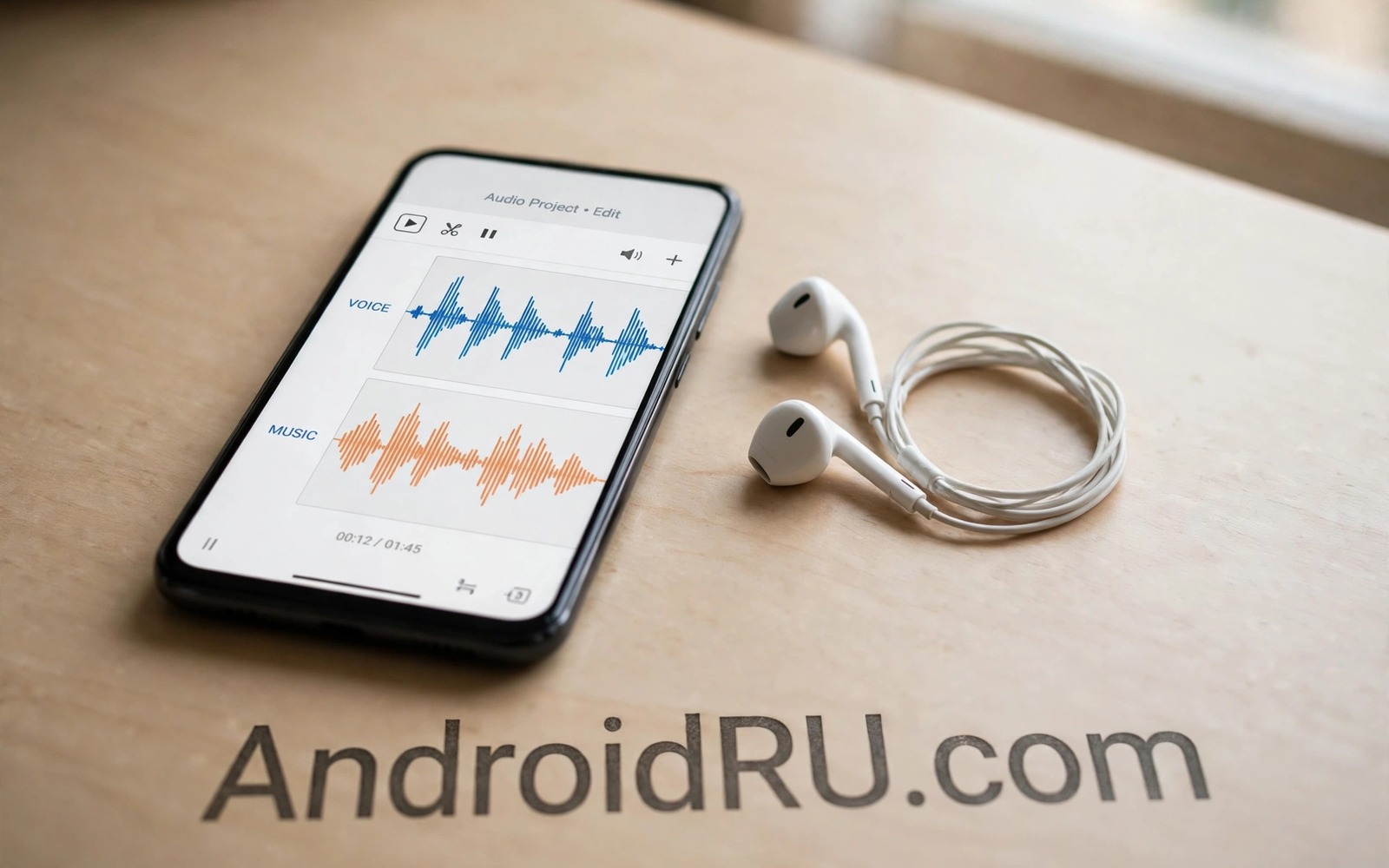
A recording with music and talking and room noise all mixed together is hard to use. The voice you want sits underneath layers that compete for attention. Vocal isolation tools try to separate that voice from everything else. They use pattern recognition to guess which sounds belong to a voice and which belong to instruments. The result is rarely perfect but it can be surprisingly usable. This guide explains how isolation works on a phone and how to get the best result. It also explains the limits so you do not expect studio quality from a noisy phone clip.
Isolation works best when the original recording is already reasonably clean. A voice recorded close to the phone separates more easily than a voice recorded across a room. A recording with a single voice separates more easily than a recording with several voices talking at once. Music with a strong beat can confuse isolation tools because drums share frequencies with consonants. Understanding those limits helps you choose the right clip to process. A short clean clip often yields a better result than a long cluttered clip.
Prepare The Recording Before Isolation
Start by trimming the clip to the section that actually contains the voice you want. Long silences and unrelated sections add processing time and they can confuse the tool. Remove loud clicks at the start and end of the clip if your editor allows it. Normalise volume gently so quiet voice passages are not lost. Do not apply heavy compression before isolation because compression glues voice and music together. Keep a copy of the original clip before any processing. That backup lets you retry with different settings if the first result sounds harsh.
Listen to the original clip on headphones and note where the voice is clearest. Mark those timestamps for focused processing. A tool that processes a whole long file may average its decisions across very different sections. Processing a short clear section often gives a cleaner vocal track. If the voice moves between quiet and loud passages then split the clip at natural pauses. Process each section separately and join the results later. That segmented approach takes longer but it often produces a more natural vocal.
Choose An Isolation Method On Android
Several Android apps offer vocal isolation through on device processing or cloud processing. On device processing keeps your recording private and it works without internet. Cloud processing can be more powerful because it uses larger models on remote servers. Cloud processing also uploads your recording to a third party service. Read privacy terms before uploading a personal recording. Choose on device processing for private conversations and reserve cloud processing for public music projects where privacy matters less.
Test a short clip in two different apps before processing a long recording. Different tools use different models and they handle voices differently. One tool may preserve sibilance better while another handles bass better. A short test reveals those differences quickly. Compare results on headphones at normal volume. Do not judge from phone speakers because they hide isolation artefacts. Choose the tool that sounds most natural rather than the tool that removes the most music.
Refine The Isolated Vocal
An isolated vocal often sounds thin or watery because the tool removed some voice frequencies along with music. A gentle equalizer can restore warmth by boosting low middle frequencies slightly. Do not boost aggressively because that reintroduces muddiness. A small high frequency cut can reduce the metallic edge that isolation often leaves. Listen in short bursts and rest your ears between adjustments. Tired ears accept harsh artefacts that fresh ears would reject. A refined vocal should sound like a voice in a quiet room rather than a voice through a telephone.
Blend a small amount of the original recording back under the isolated vocal if it sounds too artificial. That blend restores natural room tone and it masks processing artefacts. Start with a very low blend level and raise it slowly until the vocal sounds human again. Stop before music becomes distracting. The goal is intelligibility rather than total silence from other sounds. A vocal with faint background music often sounds better than a vocal with harsh digital artefacts. For a related recording topic explore high quality live concert videos and how live capture differs from isolation.
Use Isolated Vocals Responsibly
Isolated vocals are useful for transcription and for practice and for personal editing. A student can isolate a lecture voice to transcribe notes more easily. A singer can isolate a vocal to study phrasing and pitch. A podcaster can rescue an interview recorded in a noisy cafe. Each use respects the original recording because the user owns it or has permission to edit it. Do not isolate vocals from copyrighted songs to distribute them as your own work. That use crosses from editing into infringement.
Respect privacy when isolating voices from shared recordings. A conversation recorded with consent for one purpose should not be isolated and shared for another purpose. Ask permission before sharing an isolated voice from a group recording. That respect protects trust as much as any technical skill. Keep isolated files stored securely when they contain private speech. Delete test files that you no longer need.
Plan Isolation For Different Recording Types
Lecture recordings need intelligibility above all else. A lecture vocal can tolerate some artefacts if every word remains clear. Music practice recordings need tone preservation because pitch matters. A practice vocal that sounds robotic is less useful for learning phrasing. Interview recordings need naturalness because listeners judge credibility from voice tone. Match your processing strength to the purpose. Strong isolation suits transcription while gentle isolation suits listening.
Outdoor recordings need extra care because wind noise shares frequencies with voice. A wind distorted vocal may not isolate cleanly no matter which tool you use. Accept a partial result and use transcription aids to fill gaps. Indoor recordings with steady background music isolate more cleanly. Choose the best source clip available rather than forcing a poor clip to work. A better source saves hours of editing.
Keep Isolation Settings Stable After Updates
Isolation apps update their models frequently and a new model can change results dramatically. A setting that worked last month may produce a different vocal after an update. Test a familiar clip after every major app update. Compare the new result with your previous result before processing important work. That comparison prevents surprises during a deadline. Write down the app version and settings that gave your best result.
Keep original recordings backed up separately from processed files. An app update or a storage failure should never destroy the only copy of an original. Use a clear naming system for originals and isolated versions. That organisation saves confusion when you return to a project months later. A tidy project folder is part of good editing practice.
adb shell dumpsys audio
adb shell ls -l /sdcard/Music
The snippet above shows a standard Android audio and storage check and it was adapted for this vocal guide so you can verify the recording location safely.
Test Isolation With Headphones
Phone speakers hide isolation artefacts that headphones reveal clearly. Always judge an isolated vocal through headphones at normal volume. Listen for metallic edges and for words that drop out suddenly. Those artefacts indicate that the tool removed too much voice along with music. Reduce isolation strength if your tool offers that control. A gentler isolation often sounds more natural even when faint music remains. Headphone testing prevents a false judgement based on tiny speakers.
Test with several headphone types if you can. Earbuds and over ear headphones reveal different artefacts. A vocal that sounds clean on earbuds may sound harsh on over ear models. Choose settings that sound acceptable on both types when the audience is unknown. That cross check improves results for a wider audience.
Organise Isolated Files Clearly
Isolated files multiply quickly when you test several tools and settings. Use clear file names that include the tool and the strength used. A name such as vocal gentle version one helps you find the best result later. Keep originals in a separate folder from processed files. That separation prevents accidental overwriting of an original. A tidy folder saves time when a project returns months later.
Back up both originals and best isolated versions to a second location. A single phone storage failure should not destroy a project. Cloud backup is acceptable for non private recordings. Local backup on a computer is safer for private recordings. Choose the backup method that matches the privacy level of the material.
Combine Isolation With Transcription
Isolated vocals improve transcription accuracy for lectures and interviews. Run transcription on the isolated vocal rather than on the original cluttered clip. The transcription tool will recognise words more reliably with less background music. Check the transcript against the isolated audio manually for names and technical terms. Automatic transcription still makes errors on proper names. A manual check catches those errors before they enter notes.
Use timestamps from the transcription to navigate the original recording. A timestamped transcript lets you jump to key moments quickly. That workflow turns a long recording into a searchable document. It also helps collaborators who did not attend the original session. Isolation plus transcription is a powerful combination for study and journalism.
Common Mistakes
The biggest mistake is expecting perfect isolation from a very noisy clip. Isolation tools guess and guesses leave artefacts. Another mistake is processing a long file in one pass and accepting a mediocre average result. Segmented processing gives better control. A third mistake is uploading private recordings to cloud tools without reading privacy terms. On device processing avoids that risk for sensitive material.
People also boost isolated vocals too aggressively and reintroduce the noise they removed. Gentle refinement beats heavy processing. For a related microphone topic explore wireless earbuds mic audio sounding muffled and how capture quality limits later editing.
Frequently Asked Questions
Can vocal isolation remove music completely?
Complete removal is rare in real recordings. Tools reduce music dramatically but faint traces often remain. A clean source and a short clip give the closest result to complete removal. Accept faint traces if the voice remains clear and natural. Chasing total silence often creates harsh artefacts.
Does isolation work on phone speakers recordings?
Isolation works best on recordings made directly on the phone. A recording of a speaker playing music is harder because room echo mixes everything together. Direct capture with a close microphone gives the tool clearer patterns to separate. Use direct recordings whenever possible.
Is on device isolation private?
On device isolation keeps audio on your phone and it does not upload the file. That privacy advantage matters for personal recordings. Cloud isolation uploads the file to a server for processing. Check the service terms before uploading anything private.
Before your next isolation attempt trim a short clean section and test two tools. For another audio topic explore systemwide graphic sound equalizers and how equalizer refinement shapes an isolated vocal.
Conclusion
Vocal isolation turns a cluttered recording into a usable voice track when the source is reasonably clean. Prepare carefully and test tools on short clips and refine gently. Your concrete next step is a ten minute trial today. Pick a short recording with one clear voice and run it through an isolation tool. If the result keeps words clear without harsh artefacts then isolation is ready for your project.

