

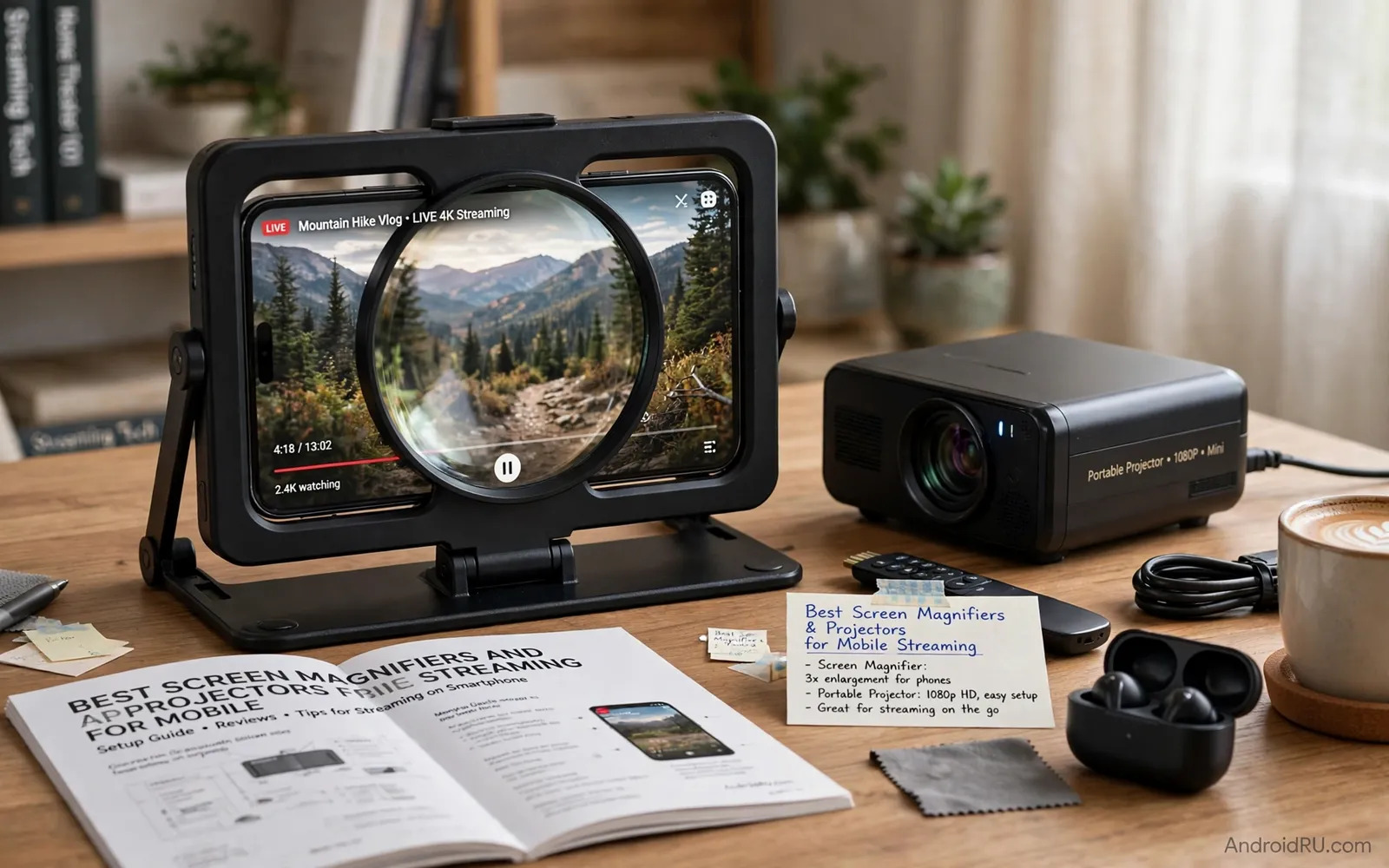
Two Very Different Ways To Enlarge A Phone Screen
A screen magnifier is a passive device that uses a large lens to enlarge the phone display without electronics and without power and without a wireless connection. You place the phone behind the lens and the lens makes the image appear larger to viewers sitting in front of it. A mini projector is an active device that projects the phone image onto a wall or a screen using its own light source and optics and often its own speaker. The magnifier suits a single viewer or a small group at a table while the projector suits a room and a larger audience. Understanding that basic difference prevents disappointment because a magnifier cannot fill a wall no matter how good its lens may be.
Streaming adds its own demands to both options. Video apps need a stable connection and a charged phone and a comfortable viewing distance. A magnifier keeps the phone close and visible so controls stay within reach. A projector moves attention to the wall while the phone becomes a remote control in the hand. Both approaches can work well when the room and the audience and the content match the device. A quiet drama suits a magnifier at a desk while a sports match with friends suits a projector in a darkened room. Match the device to the occasion rather than assuming that bigger is always better.
How Passive Screen Magnifiers Perform
A good magnifier enlarges the image without severe distortion at the edges and without a washed out centre. Lens quality decides this outcome more than lens size alone because a large poor lens magnifies flaws as faithfully as it magnifies the picture. Fresnel lenses are light and affordable and can enlarge effectively but they can show visible ridges and glare under bright light. Glass style lenses can look clearer but they add weight and cost and fragility. A sturdy stand matters because a magnifier that wobbles or slips changes focus constantly and tires the eyes. Test the viewing distance that suits your eyes because magnifiers have a sweet spot where the image looks sharpest.
Magnifiers work best in a controlled viewing position with the viewer facing the lens directly. Viewers sitting far to the side see distortion and reduced brightness. Brightness comes entirely from the phone screen so a dim phone in a bright room produces a dim magnified image. Turn the phone brightness up and reduce room glare and sit at the recommended distance for the best result. A magnifier adds no sound improvement so a separate speaker or good phone speaker placement helps for dialogue heavy shows. Readers building a portable viewing kit can also consider portable Bluetooth speakers compatible with Android for clearer sound during group viewing.
How Mini Projectors Handle Phone Streaming
A mini projector connects to a phone through a cable or through wireless casting depending on the model and the phone. Wired connections usually give a steadier image and lower delay while wireless casting gives freedom of placement at the cost of possible stutter on a busy network. Brightness decides whether the image survives room light. A projector that looks vivid in a dark room can look pale near a window in daylight. Resolution and focus range and throw distance decide how large and how sharp the image can be in your room. Measure your wall distance before buying because a projector that needs a long throw will disappoint in a small room.
Sound and heat and fan noise shape the viewing experience more than specifications suggest. A small projector speaker may sound thin in a large room while fan noise can distract during quiet scenes. An external speaker or soundbar improves both problems quickly. Heat builds up during long films so ventilation matters and the projector should sit on a stable surface with airflow around it. Battery powered models offer portability for gardens and trips but mains powered models usually sustain brightness longer. Check streaming app support carefully because some apps restrict casting or external display output for protected content and that restriction applies no matter how good the projector may be.
- Measure wall distance and room darkness before choosing brightness
- Prefer a wired connection for steady video and lower delay
- Plan external sound for rooms larger than a small bedroom
- Check whether your streaming apps allow external display output
- Allow airflow around the projector during long viewing sessions
Setting Up A Comfortable Viewing Session
Start with the phone fully charged or connected to power because streaming and display output drain a battery quickly. Close background apps that compete for network and processing and download content in advance when offline viewing is available. For a magnifier place the phone securely in its holder and adjust the angle until text looks sharp from your seat. For a projector align the image with the wall and focus carefully and correct keystone distortion only as much as needed because heavy digital correction softens the picture. A few minutes of setup transforms a fuzzy novelty into a genuinely enjoyable screening.
Control the room as much as the hardware. Dim lights for a projector and reduce glare for a magnifier and seat viewers within the comfortable viewing angle. Keep the phone remote within reach for pause and volume and episode changes. Readers comparing creator and viewing hardware may enjoy mobile devices for content creators and vloggers for context on how phones handle video output across different accessories. A calm room and a steady connection matter more than any single accessory feature once the basics are right.
Common Pitfalls And Honest Limits
The most common magnifier pitfall is expecting a television experience from a lens. A magnifier enlarges a small bright screen but it cannot add resolution or brightness that the phone does not provide. Text remains phone sized in relative terms and fine detail can look soft at high magnification. The most common projector pitfall is expecting cinema brightness from a pocket sized light source in a bright room. Both devices reward realistic expectations and punish hype. Read user experiences that describe a specific room and a specific distance because those details predict your result better than a headline brightness figure alone.
Streaming rights and network quality also limit both options. A weak Wi-Fi signal causes buffering on a large projected image just as it does on a phone and the larger image makes compression artefacts more visible. A wired network adapter or a downloaded episode avoids many frustrations on important viewing nights. Protect your eyes by taking breaks during long sessions and by avoiding a very bright image in a completely dark room for hours at a time. Comfort and eye health matter as much as image size for a hobby that should remain enjoyable.
Choosing Between Them And A Checklist
Choose a magnifier when you want a cheap and simple and portable enlargement for personal viewing or for showing a short clip to one or two people. Choose a projector when you want a shared room experience and you can control light and you have wall space and you accept extra setup and power needs. Some households benefit from owning both because a magnifier travels in a bag while a projector stays ready in a living room. The right choice follows the room and the audience and the content rather than following a ranking alone.
Readers who enjoy comparing display options can explore Android smart TV boxes comparing Nvidia Shield and Chromecast for a fixed television alternative when a phone setup reaches its limits. That comparison helps decide whether a portable phone solution or a dedicated living room device suits your viewing habits better. Buy the enlargement method that fits your real room and test it during the return window with the shows you actually watch.
- Decide magnifier for personal viewing and projector for room viewing
- Test brightness and focus in your real room and light conditions
- Keep the phone charged and the network steady during streaming
- Add external sound when the built-in sound feels thin or distant
Magnifier And Projector Care For Lasting Viewing
Magnifier lenses need gentle care because scratches scatter light and soften the enlarged image permanently. Store a magnifier in a sleeve or a case rather than loose in a bag with keys and coins. Clean the lens with a soft cloth and a lens-safe method and avoid paper towels that can scratch delicate surfaces. Check the stand joints periodically because a loose hinge changes focus during viewing. A magnifier that stays clean and stable rewards viewers with a sharp image for years while a neglected magnifier slowly becomes a blurry novelty.
Projectors need care for lamps and filters and lenses as well. Clean air filters when the maker advises cleaning because blocked filters raise internal temperature and shorten lamp life. Keep the lens capped when the projector is stored and clean it only with a soft lens cloth. Store the projector in a dry place away from dust because dust on optics appears magnified on the wall. Update projector software when updates arrive because app compatibility and casting stability often improve after launch. A maintained projector holds brightness and focus far longer than a projector left dusty on a shelf.
Viewing habits also protect eyes during long sessions with either device. Take a short break every hour and look at a distant object to relax eye focus. Keep room lighting balanced rather than watching a very bright image in total darkness for hours. Sit at a distance where the whole image fits comfortably in view without constant head turning. Comfortable habits make enlarged phone viewing a sustainable pleasure rather than a tiring experiment.
- Store magnifier lenses in a sleeve away from keys and coins
- Clean projector filters and lenses only with soft suitable cloths
- Keep projector software updated for casting and app stability
- Take hourly breaks and balance room light during long viewing
- Sit where the whole enlarged image fits comfortably in view

