

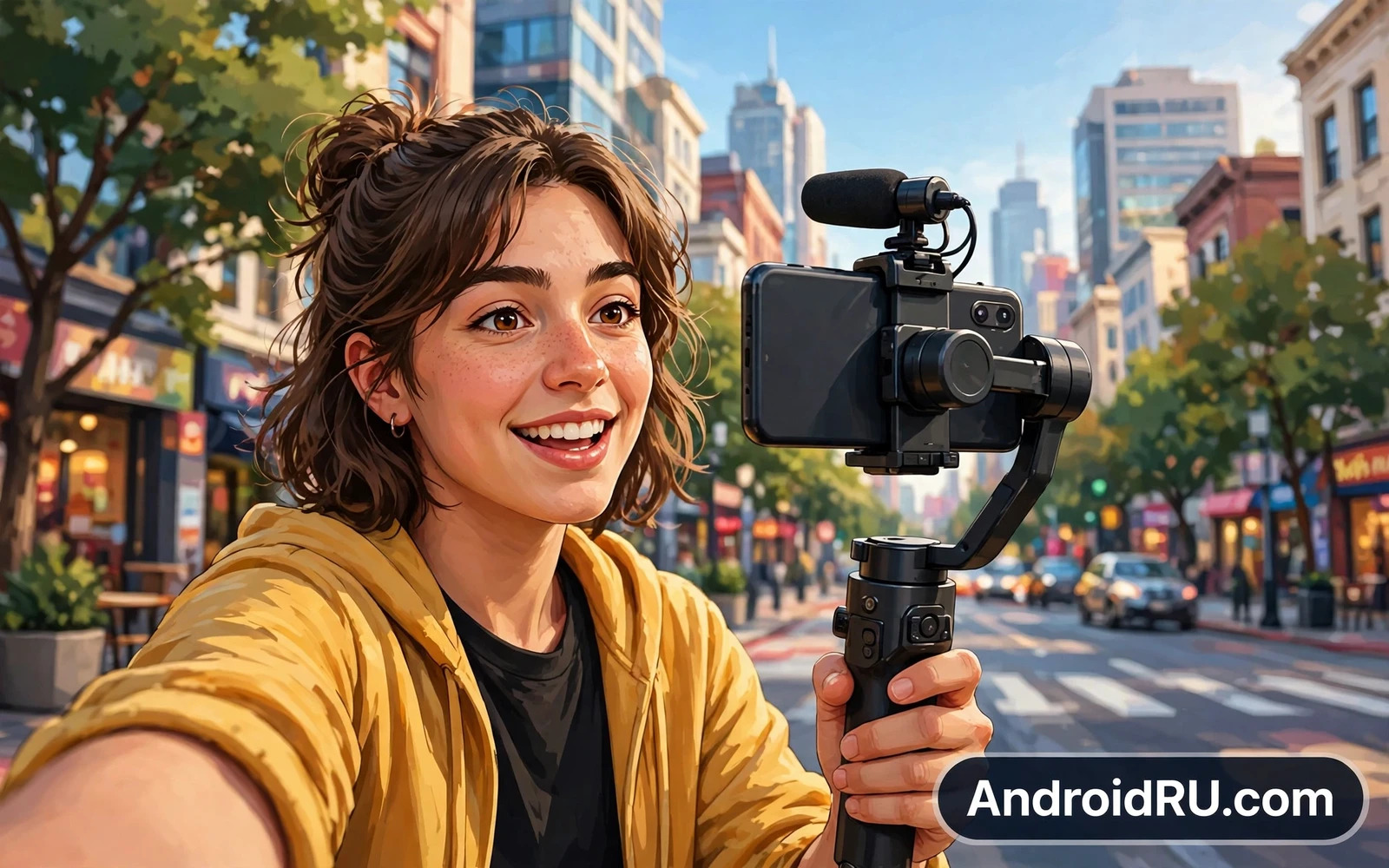
What Creators Need First
Creators need a device that records clean video and clear audio and stays reliable through long shoots. A creator phone must focus quickly and hold focus on a moving face. It must handle bright sunlight and dim rooms without losing detail. It must also edit and upload without constant waiting. A phone that excels at only one of these tasks will frustrate a creator during real projects.
Think about your whole workflow before you choose. Recording is only the first step. Editing and captioning and thumbnail work and uploading all happen on the same device for many creators. A strong creator device therefore needs speed and storage and battery alongside camera quality. It also needs a screen that shows true colour during editing so the final video matches what you saw on set.
Video Quality That Holds Up Online
Video quality depends on stabilisation and dynamic range and colour as much as on resolution. Good stabilisation keeps walking shots smooth without a gimbal. Good dynamic range keeps bright skies and dark shadows detailed in the same frame. Good colour keeps skin tones natural rather than orange or washed out. Together these traits decide whether a video looks professional or amateur.
Test video in your real locations. Film a walk through a market and a talk to camera indoors and a sunset scene outdoors. Watch the footage on a large screen rather than only on the phone itself. Check for focus hunting and exposure jumps and audio hiss. A creator phone that passes these real tests will serve every platform well. Camera sensor behaviour behind that quality is explored in Smartphone Camera Sensor Sizes Explained: Why Megapixels Lie where size and processing matter more than count alone.
Audio Makes Or Breaks A Vlog
Viewers forgive slightly soft video far more readily than they forgive unclear audio. A creator device must capture voices clearly even in wind and traffic and crowded rooms. Built in microphones have improved greatly but they still struggle in noisy places. An external microphone transforms voice clarity for talk to camera work and interviews.
Check microphone support before you buy. A phone that works well with wireless microphones and wired microphones gives you flexibility for every shoot. A phone with strong noise handling helps when you cannot control the environment. Always monitor audio with headphones during important shoots because a silent audio failure ruins footage that cannot be reshot. Good audio habits separate growing channels from stalled ones.
Front Camera And Self Filming
Vloggers rely heavily on the front camera for talk to camera segments. A good front camera must stay sharp at arm length and handle backlight from windows and skies. It must also record smooth video while you walk and talk. Autofocus on the front camera helps when you move closer and farther from the lens during a segment.
Screen visibility matters for self filming too. A bright screen lets you frame yourself in sunlight. A clear preview lets you check focus and background before recording. A flip or fold design can help some creators film themselves with the stronger rear camera. Choose the front camera and screen combination that fits how you actually film rather than how you imagine filming.
Editing On The Phone
Many creators edit fully on the phone for speed. A creator device therefore needs a fast processor and enough memory to scrub through long clips without lag. It needs a bright accurate screen for colour decisions. It needs editing apps that support your format and your export settings. It also needs enough free storage to hold raw clips and project files and exports at the same time.
Export speed matters when you publish daily. A slow export eats into filming time and delays uploads. A fast device lets you edit in spare moments between locations. Cloud backup helps when a project grows beyond phone storage. A creator workflow that stays on one device stays fast and portable. The storage side of that workflow echoes Top Phones with Expandable Storage via MicroSD Slot where extra room supports longer shoots.
Battery Storage And Accessories
Long shoots drain battery quickly especially when recording high quality video outdoors. A creator device needs a large battery and efficient power use. A power bank becomes essential gear for full day shoots. Fast charging helps during lunch breaks and travel gaps. Spare storage also matters because video files grow large very fast.
Accessories extend a good phone into a full creator kit. A small tripod steadies talk to camera shots. A gimbal smooths walking shots. A light improves indoor face lighting. A grip improves one handed filming. Choose accessories that fit your phone and your bag rather than buying every gadget at once. A lean kit that you actually carry beats a heavy kit left at home.
Choosing For Your Channel Style
Travel vloggers need durability and battery and compact size. Studio creators need colour accuracy and audio quality and editing speed. Interview creators need microphone support and long recording stamina. Short form creators need fast capture and fast editing and fast upload. Each style weights the same features differently.
List your top three shoot types before you buy. Compare devices on the features that those shoots demand most. Ignore camera tricks that serve a style you never film. The right creator device feels like a partner that disappears during shoots and lets your ideas lead. A price aware version of that logic runs through Best Value for Money Android Smartphones of the Year where balanced strengths win over headline extras.
The Bottom Line
The best creator device pairs strong video and clear audio with editing speed and all day battery. It supports microphones and tripods and storage expansion for real shoots. It shows true colour during editing and uploads quickly when a story is ready. When a device serves the full workflow it helps a creator publish more and stress less.
Lighting For Better Footage
Lighting transforms phone footage more than any camera upgrade. Soft daylight near a window gives flattering skin tones for talk to camera work. Harsh overhead light creates shadows that age a face on camera. A small portable light gives control when natural light disappears. Even a simple light placed at eye level improves a vlog dramatically without complex gear.
Learn to face your main light source rather than filming against it. Backlight from a window turns a face into a silhouette. Side light adds depth but can create uneven shadows. Front light flattens features but keeps faces clear and friendly. Experiment with light positions in your usual filming spots and note the setup that flatters you most. Good lighting habits cost little and elevate every video.
Planning Shots And Stories
Strong creator devices cannot rescue a weak story. Plan the opening hook and the main points and the closing call to action before recording. A clear plan reduces rambling footage and shortens editing time. A shot list helps when filming in busy locations where retakes cost time. A simple plan also keeps a channel consistent across episodes.
Film extra cutaway shots of locations and details and reactions. Cutaways cover edits and hide jump cuts and add visual interest. A few seconds of extra footage often saves a whole edit. A creator phone with fast capture and generous storage makes gathering cutaways painless. Story planning plus flexible hardware produces videos that feel intentional rather than accidental.
Thumbnails Titles And Publishing Rhythm
Publishing success depends on presentation as much as on footage. A clear thumbnail and a clear title help viewers understand a video instantly. A consistent publishing rhythm helps viewers return regularly. A creator phone that edits and exports quickly supports that rhythm without long delays between filming and publishing. Speed in the publishing chain keeps momentum alive.
Keep thumbnail and title work simple and honest. Misleading presentation may win a click but loses trust over time. A clear promise that the video fulfils builds a loyal audience. Use the phone screen to check thumbnail readability at small sizes because most viewers browse on phones. A thumbnail that reads clearly at small size wins attention in a crowded feed.
Protecting Footage And Projects
Creator footage represents hours of work that cannot always be reshot. Back up raw clips and project files regularly to a computer or a trusted cloud service. Keep at least two copies of finished videos before deleting raw files from the phone. A single copy on a phone is a risk that grows with every shoot. A backup routine protects a channel from a lost or damaged device.
Organise projects with clear folder names and dates so old footage stays findable. A tidy archive lets you reuse clips and create compilations later. A messy archive wastes editing time searching for files. Spend a few minutes organising after each shoot and future projects become faster and less stressful. Good organisation turns a creator phone into a lasting creative library.
Filming In Different Environments
Outdoor filming challenges phones with wind and sunlight and movement. Wind noise can ruin otherwise lovely footage. A wind cover on a microphone or a sheltered filming spot protects audio. Sunlight can overexpose skies while faces stay dark. Filming with the sun behind the camera keeps faces bright and skies manageable. Simple environment awareness improves footage more than new hardware.
Indoor filming challenges phones with mixed lighting and echo. Mixed lighting from windows and lamps creates uneven colour. Turning off one light source or moving closer to a window often fixes colour balance. Echo in empty rooms muddies voice clarity. Filming closer to the microphone or adding soft furnishings nearby reduces echo. Location skills turn an ordinary phone into a capable studio.
Collaboration And Guest Creators
Collaboration expands a channel faster than solo work alone. A creator phone should handle guest interviews and dual filming smoothly. A second microphone helps when two voices share a scene. A tripod that frames two people keeps interviews comfortable. A simple file sharing workflow lets collaborators receive clips quickly. Plan collaboration gear alongside solo gear when growth matters.
Guest creators also bring different filming habits and expectations. Agree on file formats and clip lengths and delivery deadlines before shooting. Share a short brief so guests understand the story and the tone. Respect guest schedules by keeping shoots efficient and organised. Professional collaboration habits build a reputation that attracts future partners and audiences alike.

