

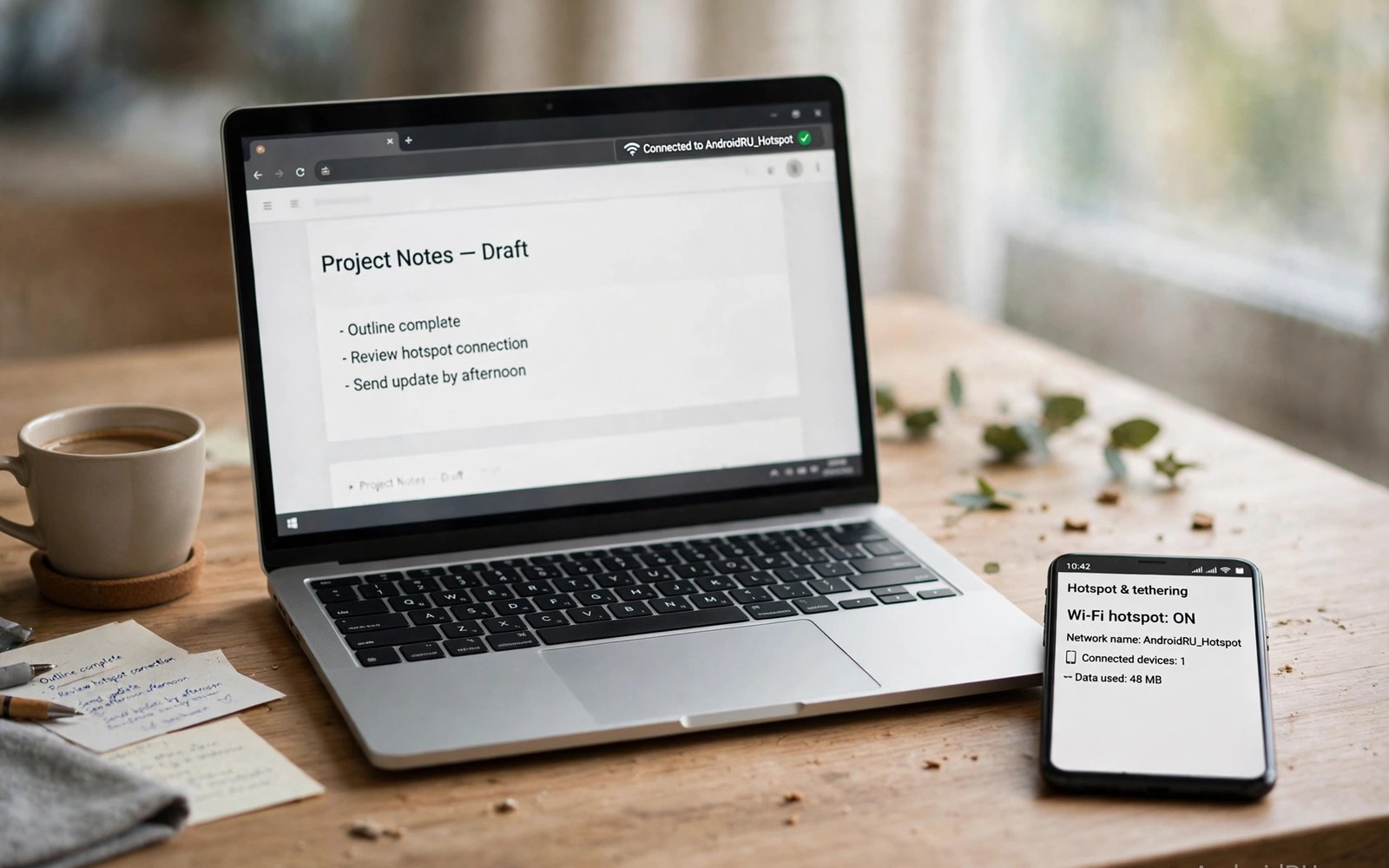
Hotspot tethering turns a phone into a laptop lifeline. Power users work from anywhere through it. Many plans fail heavy tethering badly. Hotspot allowances hide behind phone allowances. Speed caps throttle laptop work to a crawl. This article compares hotspot plans for power users. It shows allowances and speeds honestly. It helps you pick a plan that works all month.
Tethering needs differ from phone-only use sharply. Laptops consume data faster than phones. Updates and cloud sync run constantly. Video meetings add steady loads. A plan that fits phone use may fail laptops. The sections below cover hotspot math. They also cover hardware and settings for reliable tethering.
How Much Data Tethering Really Uses
Laptop work uses more data than phone work. Web browsing on a laptop loads full sites. Full sites carry larger images and scripts. Video meetings use about 1 gigabyte hourly. Cloud backups can use tens of gigabytes. Software updates add gigabytes without warning. Measure laptop use for a full work week. Weekly totals reveal true hotspot needs.
Phone-only users average far less data. A phone compresses pages and media. A laptop does not compress by default. That gap surprises new tetherers. A 20-gigabyte phone plan may last a month. The same plan may last a week tethered. Budget hotspot allowances separately from phone use. Separate budgets prevent mid-month work stoppages.
Hotspot Allowances Versus Phone Allowances
Most plans split phone and hotspot allowances. Phone data may reach 100 gigabytes. Hotspot data may stop at 15 gigabytes. The split hides in plan terms deeply. Find the hotspot number before buying. Compare hotspot numbers across carriers directly. A large phone pool means nothing for tethering. Only the hotspot pool powers laptops.
Some plans offer dedicated hotspot add-ons. Add-ons raise hotspot pools for a fee. Compare add-on prices with plan upgrades. An add-on may beat a premium plan. A premium plan may include larger hotspot pools. Calculate total cost for your hotspot total. The cheapest hotspot gigabyte wins for power users. Ignore phone pool size in hotspot math.
Hotspot Speed Caps That Hurt Work
Hotspot speeds cap separately on many plans. A cap of 600 kilobits blocks video meetings. Email still works at that speed. Browsing works slowly at that speed. Video calls freeze at that speed. Check hotspot speed terms carefully. Full-speed hotspot matters for workers. A capped hotspot fails remote work fast.
Some plans throttle hotspot after a small pool. Full speed lasts only for the pool. Throttled speed follows for the rest. Throttled hotspot feels broken for work. Choose plans with larger full-speed pools. Test hotspot speed on day one. Early tests reveal caps before deadlines. A day-one test protects work projects. Throttle mechanics are explained further in data cap throttling for phone plans too.
Tethering Hardware That Helps
Phone hotspots work well for one laptop. Multiple devices strain phone radios. A dedicated hotspot device serves teams better. Dedicated devices offer stronger antennas. They also offer longer battery life. They cost extra monthly on most plans. Solo workers manage fine with phones. Teams should consider dedicated hardware.
USB tethering beats Wi-Fi hotspot for single laptops. USB charges the phone while working. USB offers steadier speeds than Wi-Fi. Wi-Fi hotspot drains phone battery fast. A power bank helps Wi-Fi tethering days. Keep a charger handy for long sessions. Hardware choices affect tethering reliability greatly. Match hardware to your device count.
Settings for Reliable Hotspot Work
Set hotspot to 5 GHz Wi-Fi for speed. 5 GHz offers faster short-range links. 2.4 GHz reaches farther through walls. Choose 5 GHz near the phone. Choose 2.4 GHz across rooms. Set a strong hotspot password always. Open hotspots invite strangers to drain data. Strangers can also intercept unencrypted traffic.
Disable auto-updates on tethered laptops. Updates consume hotspot pools silently. Set update hours for home Wi-Fi only. Pause cloud backups during hotspot work. Backups resume on home Wi-Fi later. Set video meetings to standard quality. Standard quality halves meeting data use. Small settings stretch hotspot pools for days.
Working from Cars and Remote Sites
Car tethering suits field workers well. Phone signal varies by location sharply. Park near towers for steadier links. Avoid valleys and dense forests for calls. External antennas help vehicle hotspots. Roof antennas beat phone antennas clearly. Vehicle hotspots serve crews better. Solo drivers manage with phones alone.
Remote sites need backup connectivity plans. A second carrier SIM rescues dead zones. Dual SIM phones switch networks fast. Carry a second SIM for critical work. Satellite messaging covers emergencies only. It cannot carry laptop work data. Plan remote work around coverage maps. Offline work fills coverage gaps productively.
Hotspot Plans for Families and Teams
Families share hotspot pools across lines. A teen laptop can drain family pools. Set per-line hotspot caps for teens. Caps protect work lines from entertainment drain. Teams need pooled hotspot for field staff. Pooled hotspot spreads heavy users thin. Add per-user warnings for teams. Families pooling data should also compare shared family data plans for the phone side.
Business plans offer pooled hotspot controls. Admin dashboards show per-line use. Admins can cap lines remotely. Business dashboards cost more monthly. They save money through control. Small teams may manage with consumer plans. Consumer plans lack admin dashboards. Manual tracking substitutes for dashboards poorly.
Hotspot Security Essentials
Hotspot networks need strong passwords always. WPA2 or WPA3 encryption protects traffic. Change default hotspot names and passwords. Default credentials invite intruders fast. Use a VPN for sensitive work. VPNs encrypt traffic beyond hotspot links. Public hotspot use needs VPNs most. Private phone hotspots still benefit from VPNs.
Turn off hotspot when not working. An active hotspot broadcasts constantly. Broadcasting invites connection attempts. It also drains phone battery steadily. Set hotspot timeout to ten minutes. Timeout closes idle hotspots automatically. Idle timeouts save battery and data. Security plus battery gains come free.
When Hotspot Cannot Replace Home Internet
Hotspot suits travel and backup use best. Home internet beats hotspot for heavy use. Home lines offer unlimited data usually. They offer steadier speeds too. Families streaming daily need home lines. Gamers need low latency home lines. Hotspot latency varies with signal. Home fiber latency stays stable always.
Use hotspot as backup during home outages. Outages last hours usually. Hotspot pools cover outage days. A backup plan prevents work loss. Keep a hotspot plan active for outages. A small hotspot pool suffices for backup. Primary home internet plus hotspot backup wins. Redundancy beats any single connection.
Choosing Your Hotspot Plan
List your monthly hotspot total honestly. Add work meetings and updates. Add cloud sync and browsing. Add a 25 percent buffer. Compare hotspot pools against that total. Compare hotspot speeds too. Choose the cheapest plan meeting both. A plan meeting only one fails workers.
Test the chosen plan for a full work week. Test meetings and uploads daily. Test at peak hours too. Peak speeds reveal priority truth. Port your main number only after tests pass. Keep the old plan during testing. A tested plan prevents work crises. Power users deserve tested connectivity.
Hotspot Data on 5G Versus 4G
5G hotspots offer faster speeds where available. Mid band 5G handles meetings smoothly. Low band 5G resembles good 4G speeds. mmWave hotspots impress near small cells. Coverage fades fast away from cells. Fallback to mid band keeps sessions alive. Speed drops during fallback noticeably. Plan choice matters more than network generation.
4G hotspots remain reliable for most work. Email and documents need little speed. Standard video calls work on 4G. Large uploads benefit from 5G most. Upload speed matters for creators. Check upload terms alongside download terms. Some plans cap upload speeds separately. Creators should test uploads before committing.
Hotspot Battery and Heat Management
Hotspot use heats phones quickly. Heat throttles modem performance over time. Keep phones ventilated during sessions. Remove thick cases for long tethering. Place phones on hard surfaces. Soft bedding traps heat badly. A cool phone sustains faster speeds. Heat management protects battery health too.
Charge phones during long hotspot sessions. Charging adds heat alongside radio use. Use slow chargers to limit heat. Fast chargers add more heat stress. A slow charger sustains sessions safely. Monitor battery temperature warnings. Pause tethering if warnings appear. Battery health outranks one work session.
Hotspot for Students and Remote Learning
Students rely on hotspots for online classes. Classes need steady video speeds. Shared family hotspots strain during school hours. Schedule classes around family work meetings. Stagger heavy use across the day. Download lessons on home Wi-Fi nightly. Downloads spare hotspot for live classes. Schools may offer offline lesson packs.
Rural students depend on hotspots most. Home broadband may not reach them. Hotspot plans become primary internet there. Larger pools matter for rural learners. Schools should advise on plan choices. Community Wi-Fi hubs supplement hotspots. Libraries offer backup connectivity too. Layered options keep students connected.
Hotspot Plan Checklist
- Measure laptop hotspot use for a full work week.
- Find the separate hotspot allowance and speed terms.
- Add a 25 percent buffer to your hotspot total.
- Prefer USB tethering for single-laptop work sessions.
- Set hotspot timeout and a strong password always.
- Test meetings at peak hours before committing.
Weekly hotspot total = meetings + updates + sync + browsing
Hotspot target = weekly total x 4 x 1.25
Check: hotspot allowance AND hotspot speed separately
Test: video meeting at peak hour over hotspot
Settings: 5 GHz near phone, strong password, 10-min timeout
The method above reflects common hotspot plan comparison practice for remote workers. Hotspot allowances and speeds vary by carrier and plan. Always confirm current terms on the carrier page before you buy.
Power Your Laptop Without Surprises
Hotspot power users need separate hotspot math. Phone allowances hide small hotspot pools. Speed caps hurt video work most. Measure laptop use for a full week. Add a buffer and compare hotspot pools. Test meetings at peak hours before committing. A tested hotspot plan powers work reliably. Heavy phone users should also compare prepaid data options for phone-side data.
Keep hotspot as a tool not a home replacement. Home internet serves heavy daily use better. Hotspot serves travel and outages best. Combine both for resilient connectivity. Work from anywhere with confidence and backup.

