

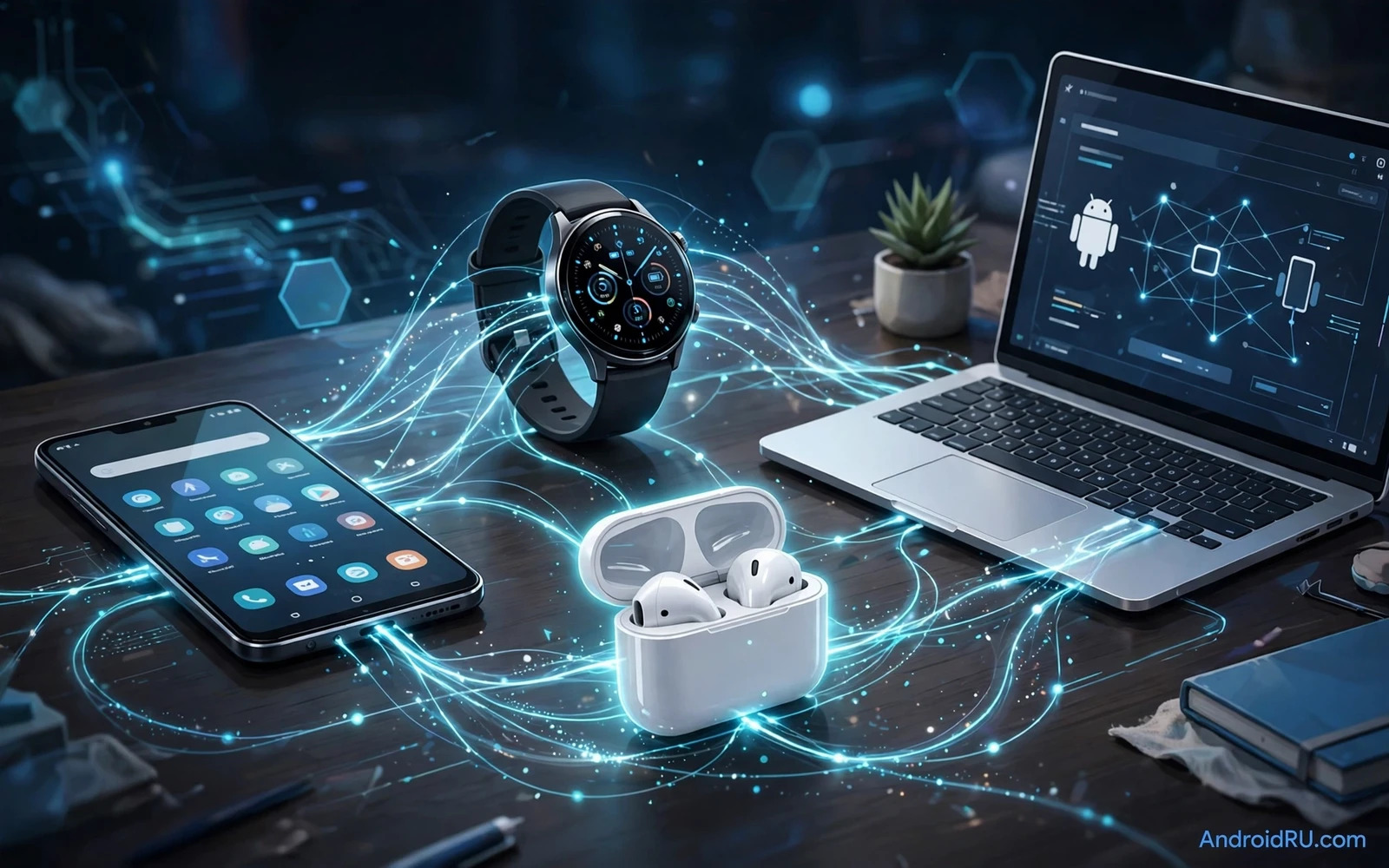
What Multi Device Power Really Means
Multi device power is not about owning many gadgets. It is about gadgets that cooperate without constant manual work. A watch that shows phone notifications without a delay counts. Earbuds that switch from a laptop call to a phone call without a settings hunt count. A charger that powers a phone and a watch and earbuds from one brick counts. A smart speaker that accepts a command from any room counts. Each accessory should remove a small friction and the collection should feel like one system rather than a pile of separate boxes.
Android excels at this cooperation because its ecosystem spans many makers and many price points. Google services tie the pieces together while Samsung and other makers add their own bridges for watches and earbuds and tablets. The risk is fragmentation. An accessory that works beautifully with one brand may work only partly with another brand. This guide focuses on accessories that work broadly across Android devices so your setup survives a future phone change.
Start With The Charging Core
Charging is the foundation of any multi device setup. A single high quality multi port charger can replace three separate bricks and it can free up bag space and desk space. Look for a charger with enough total wattage to charge a phone at full speed while a second port charges a watch or earbuds. Check cable quality too because a weak cable can throttle even a strong charger. Braided cables last longer in bags and they resist tangling during travel.
Wireless charging pads add a second layer of convenience for desks and nightstands. A two device pad can charge a phone and earbuds overnight from one cable. A three device stand can add a watch to the same footprint. Wireless charging runs slower than wired charging in most cases so use wired charging when time is short and use wireless charging when the device will sit still for hours. A desk stand that holds the phone upright also turns the phone into a useful glanceable clock and notification panel while it charges.
Watches As The Wrist Hub
A smartwatch is the most personal accessory in the ecosystem. It filters notifications so your phone can stay in a pocket during meetings and workouts and family time. It tracks health and sleep and activity without demanding attention. It controls music and answers calls when your hands are busy. The best watch for Android pairs quickly and stays connected reliably and offers apps that match your daily routine rather than a long list of apps you never open.
Battery life shapes watch satisfaction more than any single feature. A watch that needs charging every night becomes a chore. A watch that lasts several days becomes a habit. Check how always on display and GPS tracking and sleep tracking affect endurance before you buy. Watch bands matter as well because a comfortable band decides whether you wear the watch to sleep and during workouts. A watch that sits in a drawer helps no ecosystem at all.
Earbuds That Switch Between Devices
Earbuds are the audio hub of the ecosystem. Good earbuds pair fast and switch devices smoothly and cancel noise on a commute and let ambient sound in when safety matters. Multipoint connection is the key feature for multi device users. It lets earbuds stay connected to a phone and a laptop at once and switch audio automatically when a call arrives. Without multipoint you will open Bluetooth settings many times each day and that friction kills the ecosystem feeling.
Sound quality still matters but fit matters more for daily use. Earbuds that slip during a run will annoy you regardless of driver quality. Test tip sizes and check for a secure fit during movement. Battery life per charge matters less than case battery total because the case recharges earbuds between uses. A case that supports wireless charging fits neatly into a desk stand routine and a case that supports fast wired charging rescues a dead pair before a flight.
Tablets Laptops And Continuity
A tablet extends the phone when a larger screen helps reading and note taking and video. A laptop extends the phone when real work needs a keyboard and a full browser. Continuity features link these screens. Copy on a phone and paste on a tablet feels like magic when it works. Answer a phone call on a laptop feels natural during focused work. Share files across devices without cables feels essential once you experience it.
Choose continuity features that work across brands when possible. Browser sync and cloud storage and cross device clipboard tools from widely supported services survive brand changes better than single brand tricks. Single brand features can still be excellent when you commit to one maker for years. Just weigh that lock in honestly before you build your whole workflow around it. The broader approach keeps your next phone choice free.
Smart Home Links Worth Adding
Smart home accessories turn a phone into a house remote. Smart plugs and smart lights and smart locks and smart speakers all answer to phone commands and to voice commands. Start with one room rather than the whole house. A smart speaker in the kitchen plus smart lights in the living room teaches you what you actually use. Expand only toward routines that save real time such as a bedtime routine that locks doors and dims lights and silences notifications in one tap.
Compatibility decides smart home success. Check that each device works with your chosen voice assistant and with your phone platform before you buy. Matter support helps newer devices work across platforms but older devices may still need a brand hub. Keep a simple map of which app controls which device during the first month. That map prevents the common smart home problem where a device works but nobody remembers how to control it. The smart home accessories controlled by Android apps overview shows which device types fit an Android centred home.
Travel Kit For Multi Device Users
Travel exposes every weakness in an ecosystem. A good travel kit packs one multi port charger and two cables and a small power bank and a cable organiser. Add a compact stand for the phone because hotel desks rarely suit video calls. Add a tracker tag for the bag because losing a bag full of accessories hurts more than losing a single device. Keep the kit packed between trips so departure never becomes a frantic cable hunt.
Power banks deserve special care in a travel kit. Capacity matters but so does output wattage and port count. A power bank that charges a phone slowly while a watch waits will frustrate you at an airport. A power bank with a built in cable removes one item from the bag. Check airline rules for large power banks before a flight because very large capacities face restrictions. The car side of travel also benefits from ecosystem thinking and the Android Auto head units for car upgrades guide shows how a car screen joins the same ecosystem.
Desk Setup That Charges Everything
A desk setup should charge every device from one tidy zone. A charging stand for the phone plus a pad for earbuds plus a puck for the watch covers the daily trio. Cable clips keep cords from falling behind the desk. A small hub can add ports for a tablet or a controller or a camera. The goal is a desk where every device has a home and every cable has a purpose. Clutter returns quickly when a new device arrives without a charging plan.
Desk stands also improve posture and focus. A phone on a stand at eye level reduces neck strain during video calls. A tablet on a stand becomes a second screen for notes during laptop work. A watch on a stand stays visible as a clock without demanding a pickup. These small ergonomic wins add up across a workday. The wireless side of the desk also matters and the wireless charging stands for Android desk setups comparison covers stand shapes and coil alignment in detail.
Buying Priorities In Order
- Buy the multi port charger first because every device depends on power
- Buy the watch second when notifications and health tracking matter daily
- Buy multipoint earbuds third when calls span phone and laptop
- Add smart home devices one room at a time rather than all at once
- Keep cables and chargers from one trusted quality tier to avoid slow charging surprises
- Test cross device switching before the return window closes
Final Verdict
The best Android ecosystem is the one you actually use every day. Power first and wrist second and audio third gives most users the strongest return. Add a tablet or a smart home layer only when a clear daily need appears. Avoid buying accessories for a future lifestyle that may never arrive. A tidy charging core and a reliable watch and smooth earbuds will make your current phone feel more powerful without replacing it. That is the true meaning of multi device power.
Security Across Linked Devices
Linking many devices multiplies convenience and it also multiplies security surface. Each accessory that can read notifications or access accounts becomes a potential weak point when lost or stolen. A watch left on a gym bench can display messages to a finder. Earbuds paired to a phone can reveal call audio to a nearby listener when misconfigured. A smart speaker in a shared home can answer questions about calendars and messages to anyone within earshot. Treat every linked device as an extension of your phone security rather than as a harmless accessory.
Account hygiene protects the whole ecosystem at once. Strong unique passwords for the main Google account matter more than any single device setting because that account ties phones and watches and tablets together. Two factor authentication on the main account blocks most remote takeover attempts even when a password leaks. Review connected devices regularly in account settings and remove old phones and tablets that no longer serve you. A forgotten old tablet with account access can become an unnoticed entry point long after you stop using it.
Lock settings deserve attention on every device in the chain. A watch should lock when removed from the wrist when that feature is available. A tablet should require authentication after a short idle period. A laptop should lock when closed or after inactivity. Smart home voice assistants should require voice match or PIN for sensitive actions such as unlocking doors or making purchases. These small settings feel tedious during setup but they prevent the common scenario where one unlocked device exposes the entire household.
Finding and remote wipe tools complete the safety net. A lost watch or tablet should be locatable and lockable from the phone. A stolen phone should be wipeable remotely when recovery looks hopeless. Test these tools before an emergency because a tool you have never used will confuse you during a stressful loss. Keep a written note of account recovery steps in a safe place outside the ecosystem itself. Security across devices is a habit rather than a single purchase and it rewards the same tidy discipline that makes an ecosystem feel effortless.

