

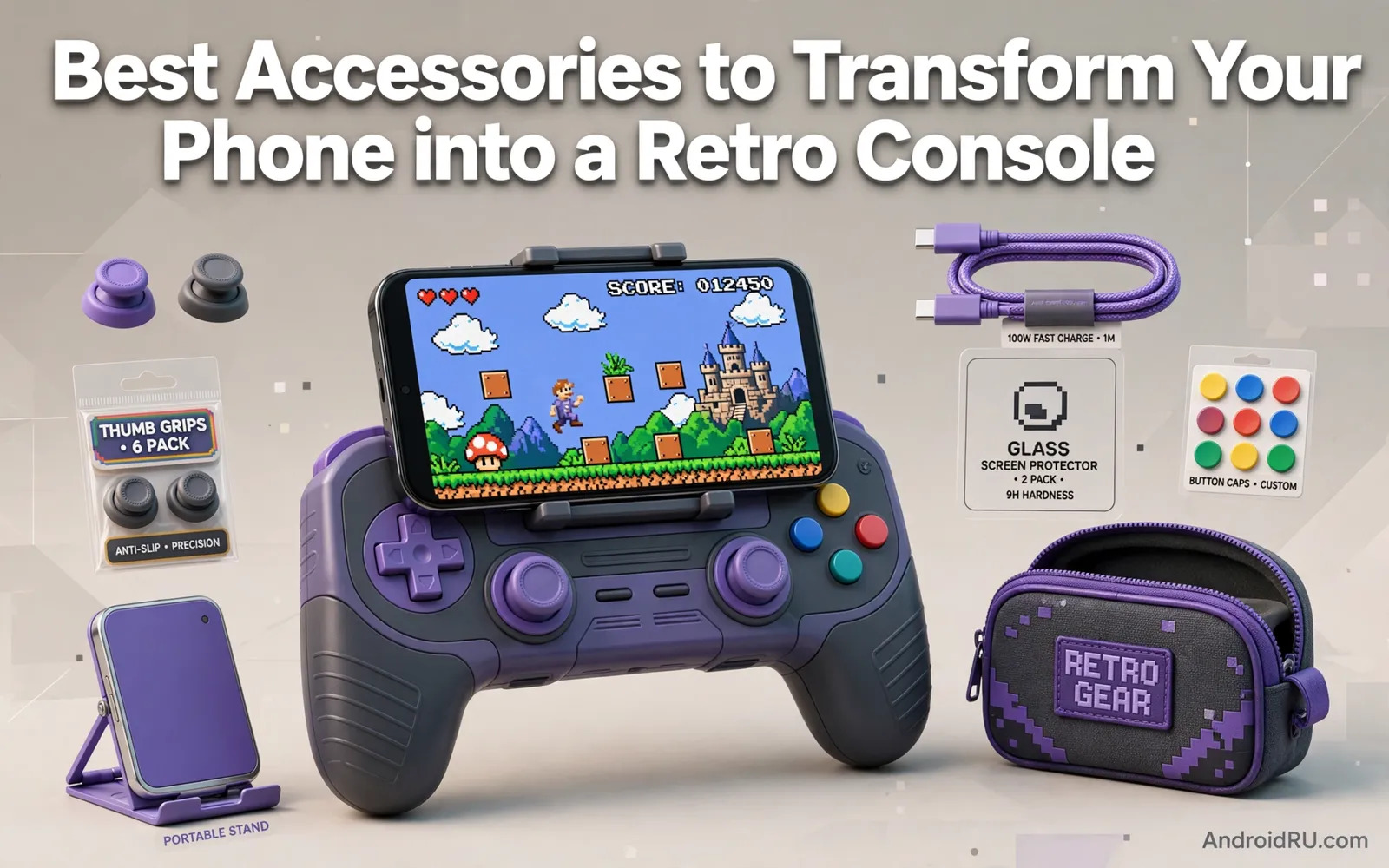
A Pocket Full Of Classic Games
Retro gaming on a phone appeals because classic games were designed for short sessions and clear controls and immediate fun. A phone already contains a powerful processor and a sharp screen and ample storage. What it lacks is physical controls and a console-like feel. Retro accessories supply that missing layer with controllers and grips and docks and display stands. The result feels closer to a dedicated handheld console while keeping the flexibility of a phone that also handles calls and messages and modern apps.
Legality deserves a clear note at the start. Emulators themselves are generally lawful software while game files raise separate questions. Players should use games they own lawfully or games distributed freely by rights holders or homebrew titles made for retro systems. Downloading commercial game files from unauthorised sources can infringe copyright even when the game is old and out of print. Readers exploring emulation can explore game emulators for Android in a retro gaming guide for emulator context before choosing accessories. A lawful library keeps retro fun free of legal worry.
Controllers That Recapture Classic Feel
Controller choice shapes retro gaming more than any other accessory. Telescopic controllers grip the phone on both sides and create a handheld console shape with a directional pad and buttons. Standalone Bluetooth controllers suit television play where the phone connects to a large screen. Retro styled controllers with a classic directional pad and button layout suit platform games and fighting games and puzzle games that depend on precise directional input. Touchscreen controls can work for slow games but they frustrate fast action games because fingers cover the screen and lack tactile feedback.
Button mapping matters because retro systems used different layouts. A good controller app or emulator setting lets players assign buttons sensibly and save profiles per system. Analogue sticks suit later retro systems while a crisp directional pad suits earlier systems. Test the directional pad with diagonal inputs because a poor pad registers diagonals inconsistently and ruins platforming. Battery life and latency matter for long sessions because a controller that dies mid-level or lags behind input breaks immersion quickly. Readers setting up console controllers can review setting up a PS5 DualSense controller on an Android phone for pairing ideas that apply to many controllers.
Grips Stands Docks And Display Options
A grip improves comfort during long retro sessions by giving the phone a console-like shape and reducing hand strain. Some grips include a controller built in while others simply hold the phone ergonomically for use with a separate controller. A stand holds the phone at a comfortable angle for tabletop play with a standalone controller. A dock connects the phone to a television for living room retro nights. Each option suits a different play style and many players combine a telescopic controller for travel with a dock and standalone controller for home play.
Display settings deserve attention because retro games were designed for older televisions with different aspect ratios. Stretching a classic game to fill a modern widescreen can distort characters and ruin the intended look. Integer scaling and original aspect ratio options preserve sharp pixels and correct proportions. Scanline filters can recreate a retro television feel but they can also dim the image. Experiment with settings per game because one filter suits a bright platform game while another suits a dark adventure. Readers connecting controllers wirelessly can explore connecting an Xbox wireless controller to Android via Bluetooth for a television play setup.
- Telescopic controller for a true handheld console shape
- Retro styled directional pad for precise platforming input
- Stand for tabletop play with a separate controller
- Dock for television retro nights with friends
- Original aspect ratio settings to preserve classic visuals
Building A Comfortable Retro Setup
Start with one system and a small lawful library rather than collecting every emulator at once. Learn button mapping and save states and display settings for that system before expanding. Save states let players pause and resume classic games conveniently but they should complement normal in-game saves rather than replace them entirely. Organise game libraries with clear folders per system so the collection stays navigable as it grows. Back up save files because hours of retro progress deserve the same care as modern game saves.
Consider ergonomics for long sessions because retro games invite just one more level repeatedly. Take breaks and stretch hands and keep the screen at a comfortable distance. A phone grip that forces an awkward wrist angle will cause discomfort faster than a well shaped controller. Test controllers during the return window with the games you actually play because a controller that suits one genre may frustrate another. Comfort and control together decide whether retro gaming becomes a lasting hobby or a brief novelty.
Multiplayer And Living Room Retro Nights
Retro gaming shines socially because classic multiplayer games were designed for shared screens and simple rules. A dock and a television and two controllers recreate an arcade or living room atmosphere that solo phone play cannot match. Choose games with clear multiplayer modes and short rounds so everyone participates. Keep controller pairing simple by labelling controllers and charging them before guests arrive. A tidy living room setup with a phone dock and a television invites spontaneous play far more than a tangle of cables and unpaired controllers.
Audio adds atmosphere to retro nights because classic soundtracks and sound effects carry strong nostalgia. A television speaker or a portable speaker improves the experience over phone speakers alone. Keep volume sociable rather than overwhelming because retro nights work best as conversation friendly gatherings. A well prepared setup lets hosts focus on games and guests rather than troubleshooting connections while everyone waits.
Choosing Accessories And A Final Checklist
Choose a controller first because controls define retro feel. Choose a grip or dock second based on where you play most. Choose display settings third to honour the original look. Keep the library lawful and organised fourth. That order prevents buying a dock for a controller you dislike or a grip for games you never play. Retro accessories should serve the games you love rather than collecting dust as a monument to nostalgia alone.
The best retro setup makes classic games feel immediate and tactile again. Physical buttons and a comfortable shape and a faithful display transform a general purpose phone into a focused game machine for an evening. With lawful games and well chosen accessories the phone becomes a time machine that respects both the classics and the present day.
- Pick a controller with a crisp directional pad first
- Add a grip or dock matching travel or living room play
- Keep aspect ratio faithful to the original game design
- Use only lawfully owned or freely distributed game files
Retro Game Preservation And Community Play
Retro preservation matters because classic games represent cultural history as well as entertainment. Museums and archives and fan communities work to preserve games and hardware and manuals and magazines from eras when digital storage was fragile. Players support preservation by caring for original cartridges and discs and by supporting lawful re-releases on modern platforms. A phone retro setup can introduce new players to classics while lawful re-releases give makers and rights holders a reason to keep classics available. Preservation and lawful access reinforce each other when communities respect creators.
Community play adds longevity to retro gaming because shared challenges and speedruns and tournaments keep old games alive. Online communities organise events around classic titles and share strategies and custom levels and homebrew creations. Local retro nights bring players together around a television and a dock in a way that solo phone play cannot match. A welcoming community helps newcomers learn controls and history without gatekeeping. Retro gaming thrives when experienced players share knowledge generously rather than hoarding expertise as status.
Homebrew games deserve attention because independent creators still build new games for classic systems. Those games run on emulators and sometimes on original hardware and they prove that retro platforms remain creative spaces rather than museums alone. Supporting homebrew creators through lawful purchases and feedback encourages more original work. A retro phone setup that includes homebrew titles alongside lawful classics offers fresh experiences within a familiar framework. The past and the present meet productively when players explore both.
- Support lawful re-releases so classics stay available legally
- Care for original cartridges discs and manuals as cultural history
- Join community events and share retro knowledge generously
- Explore homebrew games built newly for classic systems
- Keep retro nights welcoming for newcomers and experienced players
Retro Gaming On A Budget
Retro gaming on a phone can stay affordable when accessories are chosen for value rather than novelty. A single good telescopic controller often matters more than a collection of themed accessories. A basic stand and an existing television can create living room play without a dedicated dock. Lawful free homebrew games and re-releases on sale provide a library without expensive collecting. A budget retro setup that plays well beats an expensive setup that looks impressive but sees little use.
Second-hand controllers deserve care because worn thumbsticks and sticky buttons frustrate retro play. Test every button and direction thoroughly during a return window. Clean controllers gently before first use and replace worn thumbstick caps when available. A well chosen second-hand controller can offer excellent value while a worn controller can ruin precise platform games. Budget wisdom means spending where control quality matters and saving where decoration does not affect play.
- Buy one good controller before themed accessories
- Use an existing television and basic stand for living room play
- Test every second-hand button and direction thoroughly
- Spend on control quality and save on decoration

