

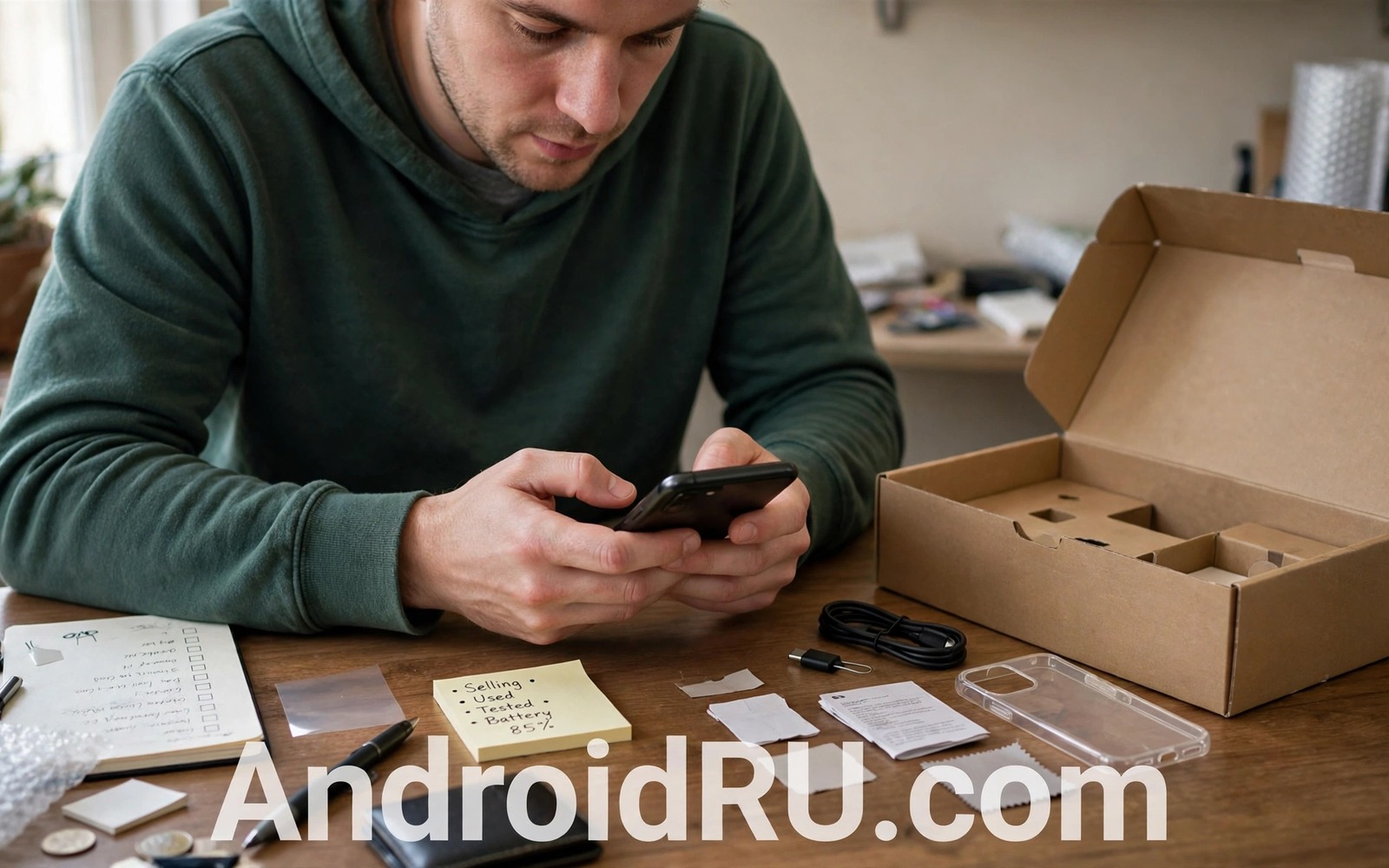
An old phone still holds your life even when you stop using it. Photos and messages and saved logins and payment tokens live in its storage. A quick delete does not remove that data fully. A buyer with recovery tools can sometimes restore files from a phone that was only lightly wiped.
Selling safely needs more than a factory reset. You must remove accounts and locks and external storage first. You must verify that the phone truly starts clean. You must also protect yourself as a seller with honest photos and a fair listing. This guide covers both sides.
Work through the seven checks in order and do not skip the account steps. A phone that still links to your account can lock the buyer out. A phone that still holds your data can expose you long after the sale. Patience here protects both parties.
Check one: back up everything you want to keep
Back up photos and contacts and messages and documents before any wipe step. Use the built in backup and also copy files to a computer. Two copies protect you when one backup fails silently. Verify the computer copy by opening a few photos and documents.
Export chat histories that matter and save two factor recovery codes on paper. A new phone setup needs those codes when old authenticator entries vanish. Save passwords in a password manager before the old phone leaves your hands. A rushed wipe without a backup plan causes permanent loss.
Check cloud photo sync status on the old phone itself. A sync icon that still spins means uploads are unfinished. Wait for sync to complete on Wi-Fi before you wipe. Wiping during an upload can leave gaps in the cloud library.
Check two: remove accounts and device locks
Remove your Google account from the phone before the factory reset. Account removal also disables factory reset protection that would otherwise lock the buyer out. Open account settings and remove every account you added. Include email and cloud and work accounts in that sweep.
Turn off screen lock and SIM lock for the sale only after accounts are removed. A buyer needs a phone that starts without your PIN. Remove any linked wearable or smart lock pairing that could reconnect later. A clean account state is the kindest gift to the buyer.
Sign out of payment apps and banking apps individually before the reset. A factory reset should remove tokens yet a manual sign out adds a second layer. Delete saved cards from wallet apps on the old phone. Do not rely on a single wipe to handle financial tokens.
Check three: remove SIM and memory cards
Remove the SIM card and the memory card before you photograph the phone. A forgotten SIM gives the buyer your number and your account access. A forgotten memory card gives away photos that the internal wipe never touched. Check both trays even when you think the phone has no card.
Inspect the card tray with good light and confirm it is empty. Keep the cards for your next phone or destroy an old SIM you will not reuse. A memory card from the old phone can move to the new phone after a format. Never ship a card by accident.
Remove any case accessories that hide a card or a tracker. Some cases hold a memory card in a hidden slot. Check case pockets before you include the case in the sale. An accessory should never carry personal data.
Check four: run a proper wipe and encryption pass
Modern Android phones encrypt storage by default which makes a factory reset far stronger. Confirm encryption is on in security settings before you wipe. An encrypted wipe destroys the key and makes old data unreadable. That design is your best protection.
Run the factory reset from settings and let it complete without interruption. After the reset the phone should show the first setup screen in a clean state. Do not sign in during the post reset check. A setup screen proves the wipe finished and the phone is ready for a new owner.
For extra safety on older unencrypted phones fill the storage with large harmless files after the first reset and then reset again. That overwrite pass buries old data under new files. Modern encrypted phones rarely need this step yet it costs little on an old device.
Check five: test hardware honestly
Test the screen and touch and cameras and speakers and charging port before listing. Note any flaw in the listing with a clear photo. Honest flaws sell faster than hidden flaws discovered after delivery. Buyers trust sellers who disclose small defects upfront.
Check battery health in settings when the phone reports it. A weak battery is a fair price factor and not a reason to hide the sale. Mention typical screen on time in plain terms. Realistic expectations prevent returns and disputes.
Test mobile signal and Wi-Fi and Bluetooth with a spare SIM or a test network. A phone that fails on one radio needs that flaw in the listing. A buyer who learns about a radio fault after payment will rightly complain. Test now and disclose now.
Check six: photograph and price fairly
Photograph the phone in good daylight from every angle. Include the screen on and the screen off and the camera module and the charging port. A clear photo set answers most buyer questions before they ask. Blurry photos invite low offers and suspicion.
Price the phone from recent sales of the same model and storage size. Adjust for battery health and cosmetic flaws and included accessories. A fair price moves faster than an optimistic price that sits for weeks. Time on sale also costs attention and risk.
Write a listing that states storage size and colour and included items plainly. State the reset state and the account free state in the listing. Those two facts reassure buyers who fear activation locks. Clarity sells better than hype.
A seller safety checklist
A short checklist keeps the sale order correct when excitement rushes you. Tape the list to your desk until the phone ships. The order protects data first and money second.
Sale order: backup verified
Sale order: accounts removed then factory reset
Sale order: SIM and memory cards removed
Sale order: setup screen confirmed before shipping
The checklist sample above was written for this guide and it follows standard safe selling practice. Each line names one gate that must pass before shipping. A phone that fails any gate stays home until the gate passes.
Keep proof of postage and tracking for every sale. A tracked shipment protects you when a buyer claims non delivery. Photograph the packed phone before sealing the box. That photo settles most condition disputes quickly.
Handle trade in and recycling as alternatives
A private sale gives the best price yet it carries the most effort and risk. A trade in with a retailer gives less money with far less hassle. A certified recycling route gives the least money yet it guarantees responsible handling. Choose the route that matches your time and your risk tolerance.
Trade in programs often inspect the phone against a condition grade. Clean the phone and photograph it before handing it over. A photo record protects you when the grader downgrades the condition later. Keep the trade in receipt until the credit appears in your account.
Recycling suits phones with major faults that a private buyer would reject. A phone with a dead board still contains materials worth recovering. Certified recyclers wipe data as part of their process yet you should still wipe first. Your own wipe remains the primary protection.
Compare all three routes for the same phone before deciding. A private sale premium may be small after fees and shipping and time. A trade in bonus during a promotion can beat a private sale net price. Arithmetic beats assumption for selling decisions.
Remove the phone from smart home routines
A sold phone may still appear in smart home routines and automation lists. Remove it from every routine before shipping. A routine that triggers the old phone can confuse a new owner. Clean automation lists protect both households after the sale.
Common mistakes
The worst mistake is resetting without removing the Google account first. Factory reset protection then locks the buyer at setup and the sale collapses. Remove accounts before the reset every time. That order is the single most important rule in this guide.
Another mistake is meeting a buyer in an unsafe place for a high value phone. Meet in a public place during daylight or use a tracked courier. Bring a friend when meeting in person. Safety beats a slightly higher cash offer.
Sellers also forget to remove the phone from find my device lists. A removed account usually clears the list yet verify it from another device after the reset. A lingering device entry can let you track a phone you no longer own. That lingering link helps nobody.
Finally do not ship the original charger as a surprise bonus when it is faulty. A faulty charger can damage the buyer phone and create a dispute. Test every included accessory or sell the phone alone. Honest accessories build trust.
Frequently asked questions
Is a factory reset enough on a modern phone
Yes when encryption is on and accounts are removed first. The reset destroys the encryption key and old data becomes unreadable. An overwrite pass adds comfort on older unencrypted models.
Should I sell a phone with a cracked screen
Yes when the listing shows the crack clearly and the price reflects repair cost. Many buyers repair screens themselves or use the phone as a spare. Honesty about the crack matters more than the crack itself.
What if the buyer claims the phone is locked
Check your account device list and remove the phone remotely when it still appears. Provide the buyer with the setup screen photo you took before shipping. That photo proves the phone left your hands in a clean state.
Conclusion
A safe sale is a sequence and not a single reset button. Backup and account removal and card removal and verified wipe protect your data. Honest testing and photos and pricing protect your reputation. Both sides of that sequence matter for a smooth sale.
Your concrete next step is to back up the old phone today and remove your Google account before any reset. Confirm the setup screen appears and only then list the phone. Readers who want related safety guides can explore a guide to mistakes to avoid after losing a phone and a guide to mistakes people make buying used phones plus a guide to why passwords never belong in screenshots before you sell.

