

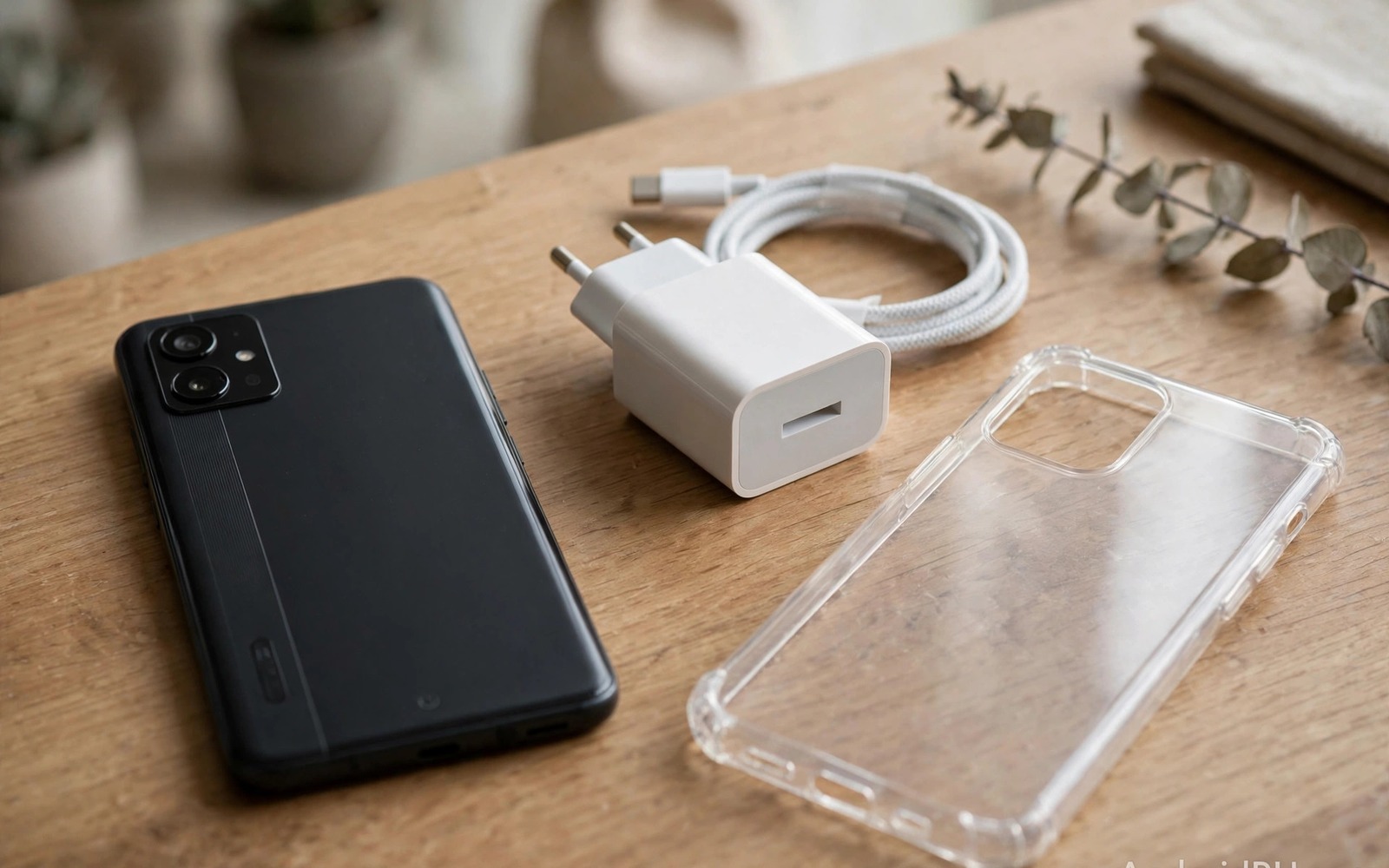
Most phone damage does not come from a single drop. It comes from small habits repeated every day. A cheap charger here and a full charge there and a dusty pocket everywhere add up. The phone slows down and the battery fades and the screen scratches. Owners blame age or brand. Often the real cause is a routine that seemed harmless. Stopping ten bad habits now protects the phone you already own. Replacements in this guide are simple and cost little.
Think of phone care as daily hygiene rather than emergency repair. You do not need expert tools. You need consistent choices about charging and heat and storage and apps. Each habit below explains the harm in plain terms. Each habit also gives a safer replacement. You do not need to fix all ten today. Fix the three that match your daily life first. Add the rest over two weeks.
This guide covers charging and heat and cleaning and apps and security. It avoids scare tactics and focuses on evidence you can check. Battery health and storage and temperature are visible in settings. Use those readings to judge progress. A habit that improves a reading is worth keeping. A habit that feels strict but changes nothing can be relaxed.
Stop charging habits that age the battery fast
Charging to one hundred percent every night and draining to zero every day stresses battery chemistry. Lithium batteries age fastest at extreme charge levels and high heat. A daily range between twenty and eighty percent reduces stress greatly. That range still gives enough power for most days. Use a charge limit feature if your phone offers one. If no limit exists then unplug when the phone reaches eighty percent on long evenings at home.
Cheap chargers and cables add another risk. Uncertified chargers may deliver unstable voltage. Unstable power creates heat and can damage the charging port. Use chargers from reputable brands with correct power ratings. Check cables for fraying and loose plugs. A damaged cable can arc and heat the port. Replace a suspect cable at once rather than wiggling it into place. The cost of a good cable is far below the cost of port repair.
Charging under a pillow or inside a thick case traps heat. Heat during charging accelerates battery ageing. Charge on a hard flat surface with airflow around the phone. Remove a heavy case if the phone feels warm during charging. Avoid gaming while charging because that combination creates the most heat. A cool charge is a kind charge for the battery.
Stop heat and physical habits that shorten phone life
Leaving a phone in a hot car damages battery and screen adhesives. A dashboard in summer can exceed safe limits within an hour. Take the phone with you or store it in shade. Cold extremes also harm batteries temporarily. A phone left in freezing weather may shut down early. Warm it slowly in a pocket rather than with direct heat. Gradual warming protects internal parts.
Carrying a phone loose with keys and coins scratches screens and camera glass. Scratches on camera glass blur photos permanently. Use a separate pocket or a soft pouch for the phone. A screen protector absorbs daily scratches cheaply. A case with a raised lip protects the camera when the phone lies face down. Those two accessories prevent most cosmetic damage.
Pressing a phone into a tight pocket bends the frame over time. Bending stresses the battery and the screen connection. Avoid sitting with a phone in a back pocket. Use a front pocket or a bag for larger phones. If the phone already shows a slight bend then have it inspected. A bent battery can become a safety risk. Do not try to bend it back yourself.
Stop app and storage habits that slow the phone
Installing every free app that looks useful clutters storage and background activity. Many free apps run trackers and background services. Those services drain battery and use data. Audit installed apps monthly. Remove apps you have not opened in thirty days. Keep only apps with a clear purpose. A lean app list makes the phone faster and easier to secure.
Ignoring storage warnings also slows the system. A full storage leaves no room for updates and caches. The phone may stutter and fail to save photos. Keep at least fifteen percent storage free. Move large videos to cloud or computer storage regularly. Delete duplicate downloads and old screenshots. A clean storage habit prevents sudden failures during important moments.
Force closing every app after use is a common myth. Android manages background apps efficiently. Force closing forces full reloads later. Those reloads use more battery than idle background state. Close only apps that misbehave or drain battery visibly. Let the system manage the rest. That single change often improves battery life within days.
Stop security shortcuts that expose your data
Using the same weak password everywhere puts every account at risk. A breach in one service can unlock others. Use a password manager and unique passwords for important accounts. Turn on two factor authentication for email and banking. Those two steps block most account takeover attempts. They take an hour to set up and protect you for years.
Granting every permission an app requests exposes contacts and location and files. Review permissions for each app in settings. Grant location only while using the app when possible. Deny microphone and camera access for apps that do not need them. A flashlight app does not need contacts. A game does not need call logs. Permission hygiene is free and powerful.
Delaying system updates leaves known security flaws open. Updates patch vulnerabilities that attackers actively exploit. Install security updates promptly when Wi-Fi is available. Back up important data before major updates. A short update delay for stability is reasonable. A delay of months is not. Set updates to download automatically to remove the decision burden.
adb shell dumpsys battery
adb shell settings get global adb_enabled
echo "Check battery health and storage before changing habits"
The snippet above is an original example written for this guide. It shows diagnostic checks for battery state on a connected device. It does not change habits by itself. Use it as a baseline before you change charging routines. Compare battery behaviour after two weeks of safer habits.
Back up before a habit change breaks something
Changing many habits at once can create unexpected problems. A new charger may not fit a case. A deleted app may hold an old photo. A permission change may break a feature you use daily. Back up photos and contacts before a major cleanup. That backup turns a mistake into a restore task. Check the backup by opening a few files. A backup that never gets tested is only a hope.
Change habits in small batches and test each batch for a week. A batch might cover charging location and cable replacement. Another batch might cover app deletion and permission review. Weekly testing reveals side effects clearly. If a feature breaks then you know which batch caused it. That traceability makes habit change less stressful. Slow batches also build confidence for the next change.
Common mistakes
A common mistake is trying to fix all ten habits in one day. That effort collapses under daily pressure. Old habits return within a week. Fix three habits first and make them automatic. Add new habits only when the first three feel natural. Slow change lasts longer than a dramatic overhaul.
Another mistake is buying expensive accessories while ignoring heat and charging basics. A premium case cannot save a battery charged hot under a pillow. A fancy cable cannot fix a habit of draining to zero daily. Spend first on behaviour and then on accessories that support it. Behaviour is the foundation and accessories are the support.
People also confuse a slow phone with a dead phone. A slow phone often needs storage cleanup and app audit and a restart. A new phone purchase may be unnecessary. For warning signs that truly need action then turning off your phone when you see a warning explains urgent cases. For hardware risks then avoiding fatal mistakes that ruin smartphone hardware covers physical damage. For hidden damage patterns then stopping dangerous habits that secretly kill smartphones adds more detail.
Frequently asked questions
Is charging overnight always harmful?
Overnight charging is not instantly harmful on modern phones. Smart charging slows the final charge and reduces stress. Heat and holding at one hundred percent for hours still add ageing. Use a charge limit or a smart plug timer when possible. Overnight charging with good airflow is far safer than overnight charging under a pillow.
Do I need to close apps to save battery?
No for most apps. Android freezes idle apps efficiently. Force closing causes reload costs that use more power. Close only apps that show abnormal battery use in settings. Check battery usage by app before you blame background activity. That data beats guesswork.
How do I know if a charger is safe?
Choose chargers with recognised safety certifications and correct voltage ratings. Avoid chargers with no brand and no certification marks. Check for overheating during first uses. A safe charger stays warm but not hot. Replace any charger that smells burnt or feels loose in the port.
Phone care also includes software hygiene beyond apps. Browser tabs left open for weeks consume memory and battery. Bookmarks for dead sites clutter sync data. Close unused tabs weekly and remove dead bookmarks. That small cleanup speeds browsing noticeably. It also reduces background sync work. A tidy browser feels faster without any new tool.
Widgets on the home screen deserve the same audit as apps. A weather widget that updates every few minutes drains battery. A news widget that refreshes constantly uses data. Keep only widgets you glance at daily. Remove widgets that duplicate app notifications. A calm home screen saves power and attention. It also makes important widgets easier to find.
Conclusion
Phone longevity comes from ordinary choices repeated daily. Gentle charging and cool operation and clean storage and careful permissions add years of useful life. No single habit matters as much as the pattern. A phone treated kindly stays fast and reliable longer than a phone treated carelessly. That reliability saves money and stress.
Your concrete next step is to pick three habits from this guide today. Set a charge limit or move charging to a cool surface and delete five unused apps. Track battery and storage readings for two weeks. Add three more habits only after the first three feel automatic.

