

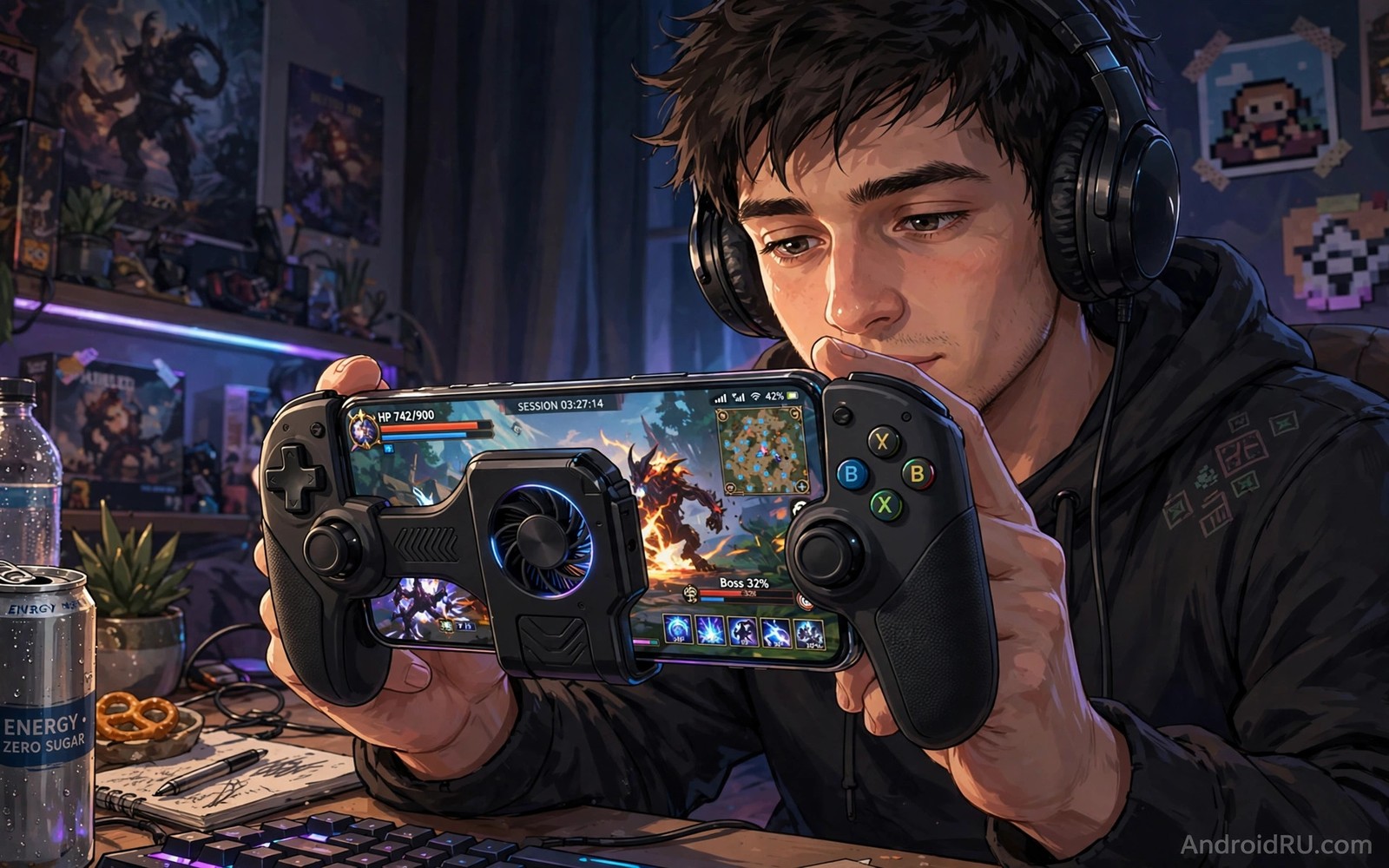
Long gaming sessions punish hands and eyes and posture in ways that short sessions hide. A phone that feels fine for twenty minutes can feel heavy and hot after two hours. Small accessories change that experience by improving grip and airflow and viewing angle. Comfort accessories are not luxuries for serious players because fatigue affects aim and reaction time. This guide picks five accessories that genuinely help during extended play.
The first comfort factor is grip because a slippery phone forces your fingers to work harder. A grip case or a controller attachment spreads the phone weight across your hands. That spread reduces finger strain and improves control during fast movements. A good grip also prevents drops when hands become sweaty. Sweat management matters more in long sessions than in short demos. Choose grip gear that stays secure when your hands warm up.
The second comfort factor is heat because a hot phone throttles performance and feels uncomfortable. A cooling accessory or a ventilated case helps maintain a stable temperature. The third factor is posture because looking down at a phone for hours strains the neck. A stand or a controller setup can raise the viewing angle. Together grip and cooling and posture create a session that lasts without pain. For cooling options see thermal cooling accessories for mobile gamers for detailed cooling choices.
A grip case and controller attachment
A grip case with textured sides improves hold without adding much bulk. Textured sides give fingers a secure surface even when sweaty. A case with raised edges also protects the phone during a drop between matches. Choose a case that fits your hand size and does not block cooling vents. A case that traps heat can undo the benefit of a better grip. Balance grip and airflow when choosing a gaming case.
A controller attachment adds physical buttons or triggers for faster input. Physical triggers reduce thumb travel on the screen and improve aim in shooters. A good attachment clamps firmly without pressing side buttons accidentally. Test trigger response in a practice match before a ranked match. A trigger that misfires is worse than a touch button you know well. Practice with new controls before relying on them in competitive play.
A phone cooler with a fan can attach to the back and draw heat away during play. That cooling helps maintain frame rates in demanding games. A cooler adds weight and bulk so test comfort over a full session. A cooler that is too heavy can cause more fatigue than the heat it removes. Choose a light cooler with a secure clamp for long sessions. Balance cooling power with comfortable weight.
A stand and a comfortable seating setup
A stand is useful for games that use a controller or a keyboard because it frees your hands. A stand at eye level reduces neck strain during long sessions. Choose a stand with a stable base that does not wobble during intense moments. A wobbling stand distracts you and can tip the phone. Test the stand with your controller setup before a long session. A stable stand supports relaxed shoulders and a straight neck.
Seating posture matters as much as phone gear for long play. Sit with your back supported and your feet flat on the floor. Hold the phone at a comfortable height rather than in your lap. A lap position forces a deep neck bend that causes pain over time. Take a short break every hour to stretch hands and neck. A break of five minutes can restore focus and reduce strain more than any accessory alone.
Lighting also affects comfort because a dark room with a bright screen strains eyes. Use soft room lighting that matches screen brightness. Avoid playing in total darkness for long sessions. A soft light reduces eye fatigue and improves sleep after evening play. Eye comfort is part of gaming comfort and it deserves the same attention as grip and cooling. For desk gaming setups see desktop stand mounts for a desk workstation for stable viewing angles.
Audio and power accessories for uninterrupted play
Low latency earbuds or headphones improve game audio timing for footsteps and cues. A wired connection often gives lower latency than Bluetooth for competitive play. A good audio setup helps you react to sound cues without visual delay. Choose audio gear that fits comfortably for hours without ear pressure. Comfortable audio gear lets you focus on the game rather than on ear pain.
A power bank or a long cable prevents a session from ending at low battery. A short cable can pull the phone during movement and cause a drop. A long cable routed safely gives freedom without a trip hazard. A power bank in a pocket can charge during play if the cable is long enough. Plan power before a long session so battery anxiety does not distract you. A charged phone and a backup plan keep the session smooth.
A thumb sleeve can improve touch accuracy when fingers become sweaty. A sleeve reduces friction and lets thumbs glide smoothly on the screen. Test sleeves in practice matches because they change touch feel. Some players love sleeves and others prefer bare thumbs. Personal feel decides the choice. Try a cheap sleeve pair before investing in premium gaming gear.
gaming_comfort_kit.txt
Grip case with textured sides
Controller triggers tested in practice
Cooler light and securely clamped
Stand at eye level for controller play
Power bank and long cable ready
The checklist above is an original example written for this guide. It summarises the comfort kit in a form you can check before a long session. Adapt the list to your game type and remove items that do not help your style. A checked kit supports a longer and healthier session.
Review your comfort kit after a long session and note what caused fatigue. A sore thumb points to grip or trigger issues. A hot phone points to cooling issues. A sore neck points to posture issues. That diagnosis guides your next accessory choice. Comfort improves fastest when you fix the actual pain point rather than buying random gear.
Take breaks even with the best gear
No grip case or cooler replaces a short break for hands and eyes. Stand up and stretch your fingers and neck every hour during a long session. Look at a distant object for a minute to relax your eyes. Drink water during the break to stay alert for the next match. A five minute break can restore reaction time better than any new accessory.
Set a simple timer for breaks so you do not skip them during intense play. A timer reminder is easy to ignore once but hard to ignore twice. Pair the timer with a stretching routine that covers wrists and shoulders. That routine prevents the stiffness that builds up silently during long sessions. Breaks are the cheapest comfort accessory of all.
Common mistakes
The most common mistake is buying a heavy cooler that causes more fatigue than heat relief. That mistake trades one discomfort for another. Another mistake is using a controller attachment without practice. An unpractised attachment can hurt performance in competitive matches. A third mistake is playing for hours without breaks. No accessory replaces rest for hands and eyes and posture.
People also ignore cable routing and create a trip or pull hazard during play. A cable that snags can drop the phone mid match. Route cables away from movement areas. Use a cable length that gives slack without excess. Safe routing protects the phone and the player. For charging heat during long sessions see fast charging overheating accessories for cooling during charging.
A final mistake is choosing a grip case that blocks cooling vents. A blocked vent traps heat and causes throttling. Check vent positions before buying a case. A case with vent cutouts preserves airflow. Good airflow and good grip must coexist for long gaming comfort. A case that fails either test is a poor gaming choice.
FAQ
Do gaming triggers really improve performance?
Triggers can improve performance for players who struggle with touch buttons. Physical triggers give faster and more consistent input for shooting and aiming. They help most in games with frequent trigger actions. They help less in games that rely on swipes and gestures. Practice is essential because a new input method feels awkward at first. After practice many players report better control and less thumb fatigue.
Test triggers in casual matches before ranked matches. A casual test reveals misfires and comfort issues without rank risk. Adjust trigger position until it feels natural. A natural trigger position improves both speed and comfort. If triggers still feel awkward after practice then touch controls may suit you better.
How can I reduce hand fatigue during long sessions?
Use a grip case and take short breaks every hour. Stretch fingers and wrists during breaks. Hold the phone with a relaxed grip rather than a tight squeeze. A tight grip causes fatigue faster. Alternate between handheld and stand play when possible. That alternation changes hand position and reduces strain.
Keep hands dry with a cloth or thumb sleeves if sweat is an issue. Sweaty hands force a tighter grip to prevent slips. A dry grip needs less force. That lower force reduces fatigue over time. Comfort accessories work best when combined with break habits. Breaks are the most effective fatigue tool of all.
Is a phone cooler worth it for casual gaming?
A cooler helps most for demanding games that heat the phone quickly. Casual games that run cool may not need a cooler. Test your phone temperature during your usual games. If the phone becomes hot and frame rates drop then a cooler is worth trying. If the phone stays cool then a cooler adds weight without benefit. Match the accessory to the heat problem.
A light cooler with a secure clamp is best for casual use. Avoid heavy coolers for short sessions. A heavy cooler can cause fatigue in a session that did not need cooling. Choose cooling based on measured heat rather than marketing. That measured approach saves money and comfort.
Conclusion
Comfort during long gaming comes from grip and cooling and posture and audio and power planning. A grip case reduces finger strain. A controller attachment improves input speed. A cooler maintains performance. A stand improves neck posture. Audio and power gear prevent interruptions. Together those accessories turn a tiring session into a sustainable hobby.
Your concrete next step is to identify your main fatigue point after your next long session. If your hands hurt then try a textured grip case this week. If your phone overheats then try a light cooler. Test one accessory at a time and keep only the items that reduce real fatigue in your own sessions.

