

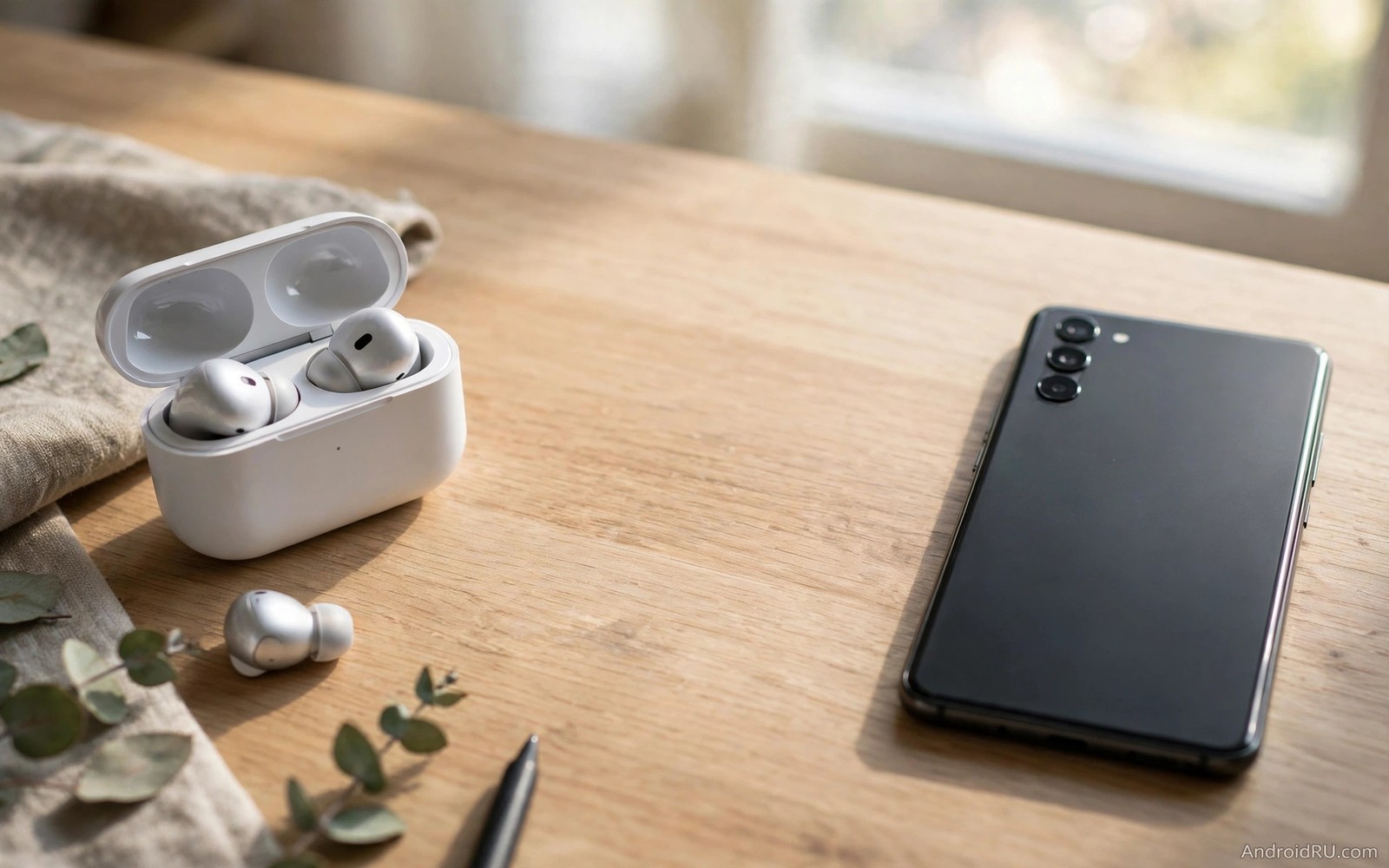
Bluetooth sound drops feel worse when you are only a few steps from your phone. You walk to another room and the music breaks up even though the distance looks small. That failure rarely means that the Bluetooth range is fixed at a tiny value. Range depends on walls and bodies and competing radios and the codec that your phone uses. A few practical changes can stretch the usable range without buying new gear.
The official range figure for Bluetooth assumes an open space with no obstacles. A real home has walls and furniture and other wireless devices that shrink that range fast. Your body also absorbs radio energy when the phone sits in a back pocket. A speaker behind a television cabinet faces a similar barrier. The goal is not to chase a laboratory number. The goal is to make the range work in the rooms and paths that you actually use.
This guide starts with the free changes that matter most. You will learn how to place the phone and the speaker for a clear path. You will learn how to reduce competing traffic and how to choose a codec that survives distance better. You will finish with a test routine that proves the gain in your own home. Each change is simple and each test takes only a few minutes.
Give the signal a clear path
Place the phone where the signal can travel without passing through your body or a large metal object. A phone on a table at waist height beats a phone deep in a bag. A phone in a front pocket beats a phone in a back pocket when you wear earbuds. A speaker on an open shelf beats a speaker inside a closed cabinet. Those small placement choices can add several metres of usable range.
Walk your normal path during a test and note where the sound first breaks. A doorway or a thick wall often marks the limit. Move the phone one step closer to that boundary and test again. A single step can change the result because radio strength falls fast with distance and obstacles. Note the boundary for each room so that you know where to place the phone for longer listening sessions.
Remove a thick metal case for a range test. A metal case can weaken the signal in every direction. A magnetic mount on a car dashboard can have a similar effect. You do not need to abandon the case forever. You only need to know whether it costs you range. If the sound improves without the case then look for a plastic case that protects the phone without blocking radio energy.
Reduce competing wireless traffic
Turn off Wi-Fi for a test when drops happen at home. Many phones share radio hardware for Wi-Fi and Bluetooth. A heavy Wi-Fi download can steal airtime and shrink the effective Bluetooth range. If the sound improves with Wi-Fi off then move the phone to the 5 GHz band for daily use. That band leaves more room for Bluetooth and it often restores range at once.
Turn off Bluetooth on nearby devices that you are not using. A tablet and a laptop and a smart watch can all add traffic even when they sit idle. A busy household with many wireless gadgets can crowd the band badly. Keep only the active audio device connected during a range test. That clean test tells you whether competition or distance is the real limit.
Move away from a microwave oven and a wireless router during a test. Both can flood the same band with energy. A kitchen test beside a running microwave will always look worse than a living room test. Judge range in the room where you actually listen rather than in the worst spot in the house. A fair test gives a fair answer and it stops you from buying gear for a problem that only exists beside one appliance.
Choose a codec that survives distance
Open Developer options and look at the Bluetooth audio codec. A high bitrate codec sounds rich at close range but it needs a strong link to survive distance. A simpler codec such as SBC needs less bandwidth and it can keep playing where a rich codec breaks up. Switch to SBC for a range test and walk your normal path again. If the sound holds farther then the codec was the limit rather than the hardware.
Use the richer codec again when you sit close to the phone in a quiet room. Range and quality trade against each other and the best choice depends on the situation. A long walk around the house calls for a stable codec. A quiet desk session calls for a rich codec. Changing the codec takes seconds once you know where the setting lives. That flexibility beats a permanent compromise in either direction. Codec choices also affect delay and the guide to fixing Bluetooth audio delay will help you balance delay against range.
Reset the pairing for a clean link
Forget the audio device in Bluetooth settings and pair it again if range suddenly shrank. A stale pairing can keep an old codec and an old volume profile. A fresh pairing forces the phone and the device to negotiate the best available settings again. Restart the phone before the fresh pairing so that no stale state survives. Test the same walking path after the new pairing.
Charge both earbuds fully before a range test. A low battery in one earbud can reduce its receive sensitivity and it can mimic a range problem. A fully charged pair gives a fair test of the link itself. Clean the charging contacts as well because a poor charge can leave one earbud weaker than the other. That simple maintenance step often restores a range that seemed lost for good. If disconnects rather than range drops are the main symptom then the steps for earbuds that keep disconnecting will help you separate the two problems.
Use this range test routine
Pick one song and one walking path for every test. Change only one variable between tests. Note the exact spot where the sound first breaks. That spot is your range marker and it makes comparisons honest. A random walk with a different song each time cannot prove a gain.
Step one: phone on open table at waist height
Step two: walk the same path with one song
Step three: note the first dropout spot
Step four: change one setting and repeat the walk
Step five: keep the setting that moves the marker farther
This routine is an original example written for this guide. It uses no special app and it needs no measurement tool. The routine works because it fixes the song and the path and it changes only one variable at a time. A range gain that moves the dropout marker by several steps is real. A gain that only appears on a different song is not.
Test outdoors and in larger rooms
Outdoor range behaves differently from indoor range because walls disappear but bodies and crowds remain. A park test with the phone in a front pocket often beats a house test through two walls. A crowded station test will look worse than an empty park test. Judge outdoor range in the place where you actually listen outdoors rather than in a crowd that you rarely visit.
Larger rooms need a central phone position. A phone at one end of a long room forces the signal to cross the whole space. A phone in the middle halves the longest distance. A speaker near the centre also helps because it shortens the path in every direction. Those placement habits cost nothing and they often beat a new device purchase. Volume problems at distance have a different cause and the guide to fixing low Bluetooth volume on speakers will help if the sound stays quiet even when the link holds.
Use a speaker position that suits the room
A speaker near a corner can sound louder because walls reflect sound, but that corner can also weaken the radio link if the phone sits on the opposite side of the room. Test the speaker in a corner and in the middle of a shelf. A middle position often gives a steadier link even if the sound feels slightly less full. A steady link matters more for long listening than a small loudness gain that comes with drops.
Keep the speaker away from a television and a game console if you can. Those devices add wireless traffic and they add metal and heat near the speaker. A shelf with clear air around the speaker gives the antenna a better chance. A speaker squeezed between two large devices will struggle even at a short distance. A few centimetres of clearance can change the result.
Test the speaker at the volume that you normally use. A very low volume can hide drops because you notice them less. A normal volume reveals drops clearly and it gives a fair test. A test at normal volume also shows whether the speaker itself distorts at higher levels. A link that holds at normal volume is a link that you can trust daily.
Check earbud fit and cleanliness
A loose earbud can feel like a range problem because the sound fades when the fit shifts. Try a different ear tip size before you blame the radio link. A secure fit keeps the sound steady while you move. A loose fit can also let one earbud lose contact with the charging case. That poor contact can leave one earbud partly charged and weaker than the other.
Clean the earbud speaker mesh gently with a dry soft brush. Wax and dust can muffle sound and make a stable link sound weak. A clean mesh restores clarity without any setting change. Do not push water or sharp tools into the mesh. A gentle brush is enough for normal buildup.
Store earbuds in the case after a test so that they charge fully for the next test. A test that starts with a full charge is fair. A test that starts with a low charge is not. That simple habit keeps range tests consistent across days.
Common mistakes
A common mistake is to test range with a low battery or a thick metal case and then blame the earbuds. Both factors shrink range and both are easy to fix. Another mistake is to change codec and placement and Wi-Fi all at once. That batch hides the winning change and it can create a new problem. Test one change at a time and note the dropout marker.
Do not expect a single setting to double the range through concrete walls. Physics still limits radio through dense material. A realistic gain is a few extra metres and a steadier link in the rooms that you use most. That gain is worth the effort because it removes the daily annoyance of drops in normal use. A modest and reliable gain beats a promised miracle that never arrives.
Frequently Asked Questions
Can a Bluetooth booster extend range for earbuds?
A separate booster rarely helps earbuds because the earbuds themselves limit the link. Placement and codec and interference changes usually help more. A booster can help a fixed speaker if the speaker supports an external antenna but most earbuds do not.
Why does range shrink indoors compared with outdoors?
Walls and furniture and metal objects absorb and reflect radio energy. An open outdoor space has fewer barriers so the signal travels farther. A single thick wall can cost more range than several metres of open air.
Does a newer Bluetooth version always give more range?
A newer version can help when both devices support it and the codec matches. It cannot overcome a thick wall or a crowded band on its own. Test placement and competition first so that you do not pay for a gain that a free change would give.
Conclusion
Today walk your normal listening path with one song and note where the sound first breaks. Move the phone to an open spot at waist height and repeat the walk. If the marker moves farther then placement was the limit. If not then switch the codec to SBC and repeat the walk once more. Keep the winning setup for a full day of normal listening. That concrete test will show you the true range gain in your own home.
Make the range test a habit after any major phone update. An update can reset a codec or a Bluetooth setting without warning. A quick walk after an update catches that reset early. A few minutes of testing protects weeks of smooth listening.

