

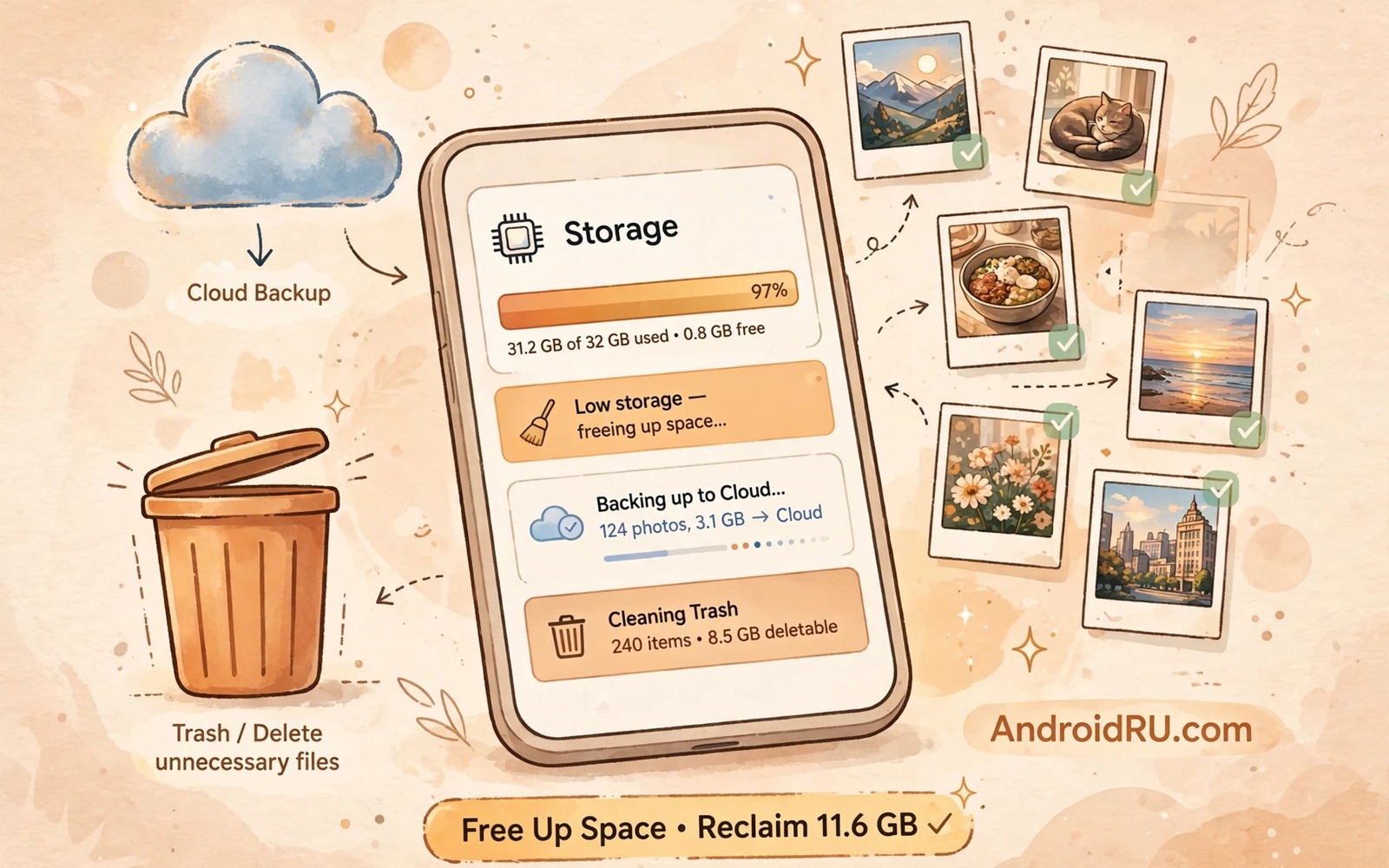
A 64GB phone leaves far less room than the number suggests. The system and preinstalled apps take a large share before you install anything. Updates add more size over time. Photos and videos add more size every week. A phone that started comfortable can feel tight within a year. A few habits keep that tight phone usable for much longer.
Start with a realistic storage budget. Reserve room for system updates and for app growth. Treat the last ten percent of storage as off limits for new files. A phone with almost no free space slows down and it may fail to install updates. A buffer protects performance and it prevents update failures. Owners who need a bigger reset can also try ways to free a large amount of phone storage quickly before they apply these hacks.
Move media off the phone early rather than waiting for a full warning. A photo that lives in the cloud and on a card does not need to live on internal storage as well. A video that you watched once does not need to stay in downloads. Early moves keep the buffer intact. Late moves feel rushed and they risk deleting the wrong file.
Use cloud and card storage for media
Enable photo backup on Wi-Fi only and then free phone copies after verification. A verified cloud copy lets you remove local originals with confidence. Keep a local copy only for photos that you show often offline. A card can hold the rest when you need a local copy. That two layer approach keeps internal storage for apps that cannot move.
Move large videos to a card as soon as you finish watching them. A card suits media that you may revisit but do not need instantly. Internal storage suits apps and active projects. That division matches how each storage type performs. The same division helps when you move camera photos to an SD card automatically right after you take them.
Trim apps and their caches ruthlessly
Review installed apps every month and remove apps that you have not opened in weeks. An unused app still takes space and it may still update in the background. A removed app can be reinstalled later when you need it again. Keeping only active apps is the simplest storage hack of all. It also reduces background work that drains battery.
Clear cache for heavy media apps on a monthly rhythm. A social app and a video app often hold the largest caches. Set a personal threshold and clear only caches above it. A threshold prevents daily clearing that rebuilds wastefully. A monthly clear keeps free space steady without constant attention.
Plan a 64GB budget with a short script
total = 64
system = 18
apps = 20
media = 15
free = total - system - apps - media
print("estimated free GB", free)
print("healthy" if free >= 6 else "tight")
The snippet above follows a standard pattern for estimating free space from system and app and media totals. It only prints a budget estimate and it writes nothing. You can adapt the numbers for your own phone and your own usage.
A budget estimate shows whether media or apps cause the pressure. A media heavy budget needs backup and card moves. An app heavy budget needs uninstalls and cache limits. A clear cause leads to a clear fix. Revisit the budget after a major update or a travel season.
Streamline updates on a 64GB phone
App updates need temporary space beyond the final app size. An update downloads a new package and then installs it beside the old version briefly. A phone with almost no free space may fail an update even when the final size fits. Freeing space before a large update prevents that failure. A pre update cleanup is a habit worth building.
Update apps one at a time when storage is tight. A batch update of many apps needs space for many packages at once. A single update needs space for only one package. A single update also lets you spot a problematic update quickly. A batch update hides a bad update among many successes. Patience during updates protects a tight phone.
Remove update files for apps that you no longer use. An unused app that updates in the background wastes both space and data. Disable auto update for unused apps or remove those apps entirely. A lean app list makes updates faster and safer. A lean list also reduces the chance of an update failure at a critical moment.
Use lite apps where they fit your needs
Lite versions of popular apps use less storage and less data. A lite app may lack some advanced features but it covers core tasks well. A lite messaging app can handle chats without a huge cache. A lite social app can handle browsing without heavy media caching. A lite app is a good trade when storage matters more than every feature.
Test a lite app for a week before you commit to it fully. A week reveals whether missing features matter to your daily use. A lite app that frustrates you daily is not a good trade. A lite app that feels adequate is a storage win. Keep the full app only when its extra features earn their storage cost.
Compare lite and full app sizes in storage settings before you switch. A small size difference may not justify losing features. A large size difference may justify the switch immediately. A size comparison turns a vague lite claim into a concrete number. Concrete numbers make storage decisions easier.
Advanced 64GB tactics for photographers
Photographers on a 64GB phone face a special challenge because photos and videos grow fastest. A photographer needs a workflow that moves photos off the phone daily. A daily move habit prevents a storage crisis during a shoot. A move at the end of each day is easier than a move at the end of a trip. A daily habit also creates a backup rhythm that protects work.
Use a card as a primary photo store when the camera app allows it. A card store keeps internal storage free for apps and editing. A card store also separates photos from app data for easier backup. A fast card is essential for photography because slow writes can miss shots. A card rated for video work handles burst photography better than a bargain card.
Edit photos on the phone only after moving originals to a safe location. An edit session can create many intermediate files. Intermediate files can fill a small phone quickly. A safe original location means intermediate files can be deleted without fear. An edit workflow that protects originals first is a professional habit.
Use cloud backup for edited finals rather than for every raw shot. A raw shot collection can overwhelm a free cloud plan. An edited final collection is smaller and more valuable. A selective cloud backup focuses the plan on finished work. Raw shots can live on a computer drive instead. A selective approach balances cost and safety.
Review photo storage weekly during a busy shooting season. A weekly review catches a growing pile before it becomes a crisis. A weekly review also reveals shooting habits that create waste. A habit such as excessive burst shooting can be adjusted after a review. A review that changes habits is more valuable than a review that only deletes files.
A practical 64GB checklist for students
Students on a 64GB phone need a checklist that balances study apps and social apps. A student checklist starts by listing study apps that must stay installed. A study app list protects essential tools from a cleanup. A social app list can be trimmed more freely. A priority list guides every storage decision during a busy term.
Move study PDFs to a cloud folder after each week of classes. A weekly move keeps internal storage free for new material. A cloud folder organised by week makes revision easy. A revision search by week is faster than a search through a mixed folder. A weekly habit supports both storage and studying.
Delete social app caches weekly during exam season. Exam season needs a phone that runs smoothly for study apps. A weekly cache clear during exams prevents a storage warning at a critical moment. A clear that focuses on social apps protects study data. A seasonal habit adapts storage care to real needs.
After exams archive study material to a computer drive and clear the phone for the next term. An archived term preserves notes without crowding a new term. A clean phone at term start is ready for new courses. An archive habit turns each term into a fresh start. A fresh start supports focus and calm.
Keep a buffer for system updates
System updates need free space that a full phone cannot provide. An update package downloads and then installs beside the current system temporarily. A phone with only a few hundred megabytes free may fail an update repeatedly. A failed update can leave the phone on an older security patch for months. A buffer of several gigabytes prevents that failure and it keeps security updates flowing on time.
Check free space before a major system update arrives. A major update often needs more temporary space than a small security patch. Free space by moving a large video to a card or by clearing a large cache first. A pre update cleanup takes minutes and it prevents a frustrating failure at the end of a long download. A prepared phone updates smoothly while an unprepared phone struggles.
After an update check free space again to see how much the new system uses. A new system version may use slightly more or slightly less space than the old version. A post update check gives you a new baseline for future planning. A baseline that you update after each major release keeps your budget realistic. A realistic budget is the foundation of a healthy 64GB phone.
Common mistakes
One common mistake is filling a 64GB phone to the last gigabyte. A second mistake is keeping every photo locally even after a verified backup. A third mistake is installing large games that you play rarely. Each mistake eats the buffer that keeps the phone healthy.
Another mistake is buying a cheap slow card and then blaming the phone for lag. A fast card matters for media playback and for camera moves. A slow card can make a good hack feel bad. Spend a little more on card speed when the card holds daily media.
Frequently asked questions
Is 64GB enough in 2026?
64GB can be enough for light users who back up photos and who trim apps monthly. Heavy gamers and heavy video shooters will feel tight quickly. A card and a cloud plan extend 64GB considerably. A realistic budget decides whether 64GB suits your habits.
Should I keep photos on the phone after backup?
Keep only recent photos locally after a verified backup. Older photos can live in the cloud and on a card. A recent set covers offline sharing and editing. An old set rarely needs instant local access.
Why does my phone slow down when storage fills?
A full store leaves little room for temporary files and updates. Apps wait longer for writes and the system struggles to manage data. Freeing a buffer restores smoother behaviour. Keep at least a few gigabytes free for daily work.
Conclusion
A 64GB phone stays usable with a buffer and a media move habit and a monthly app trim. Cloud backup and card storage handle media that internal storage cannot hold comfortably. Cache thresholds keep heavy apps in check. A simple budget estimate shows where pressure comes from.
Your concrete next step is to check free space today and free at least six gigabytes through backup verification and one large app removal. Then set a monthly reminder for cache and app review. Readers who manage downloads can follow weekly automatic cleanup for the downloads folder as the next habit.

