

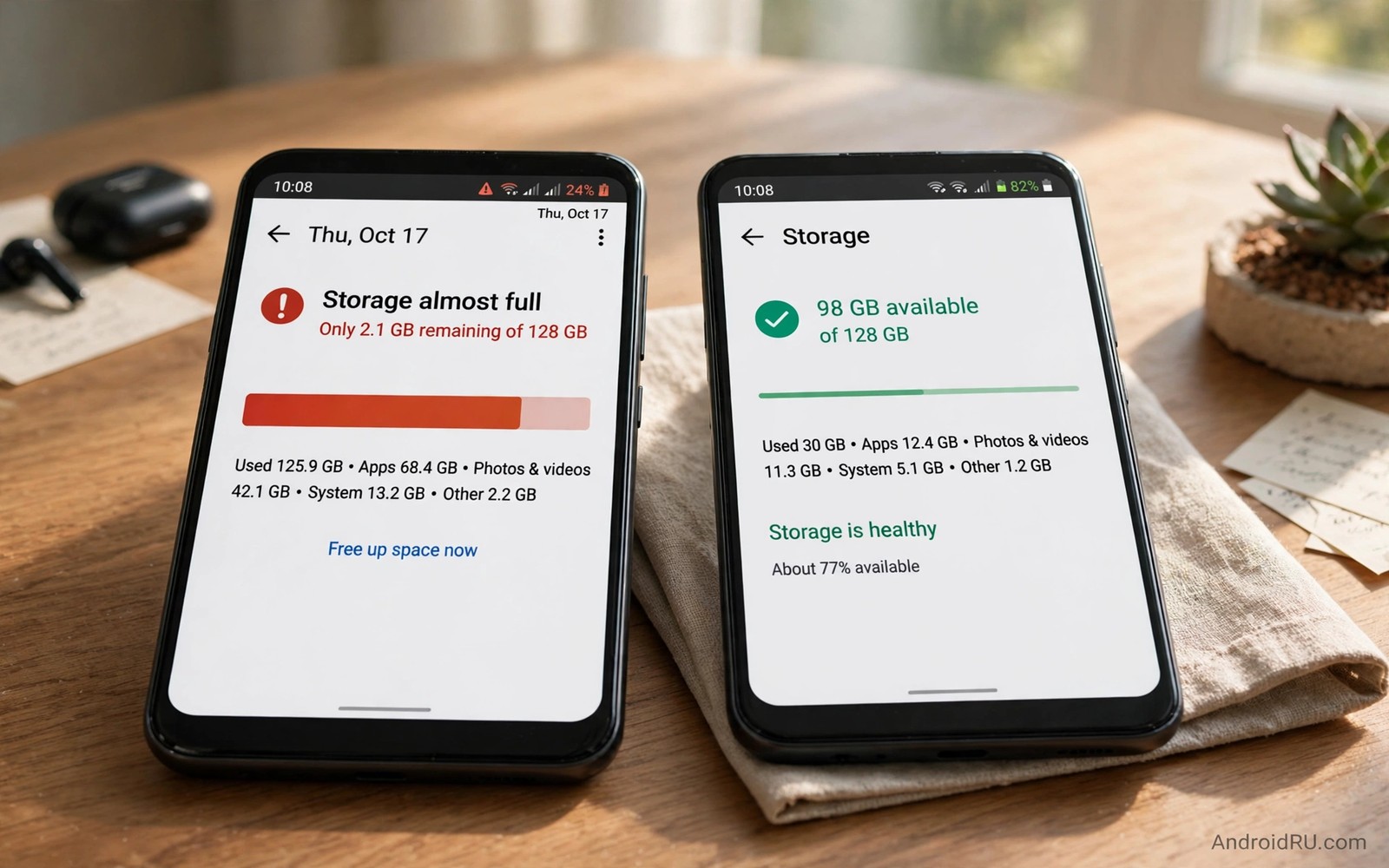
Stop Buying Low Storage Devices: Why 128GB Is Minimum Baseline
Low storage phones look like bargains until the first storage warning appears. A 64 gigabyte phone offers far less usable space than its box suggests. The operating system and preinstalled apps reserve a large share before the user saves a single photo. Apps and updates and media then consume the rest within a year for many users.
Storage needs grow every year because apps grow and cameras capture larger files. A messaging app that measured a few hundred megabytes years ago can now measure several gigabytes with media. A single game can measure ten gigabytes with updates. A phone bought for three years must handle three years of growth rather than day one needs alone. This guide shows how to count real usable space, project three years of growth, and choose a tier you will not regret.
Why the Number on the Box Lies
The storage number on the box is the total capacity of the chip inside the phone. It is not the space you can use. The operating system, the maker skin, and the preinstalled apps take their share first, and that share grows with every major update. A buyer who compares headline numbers without subtracting the system share is comparing the wrong thing.
The gap matters because it is large. A 64 gigabyte phone may offer only about 50 gigabytes to the user. A 128 gigabyte phone may offer about 110 gigabytes. That extra 60 gigabytes changes daily life far more than a small processor difference, because it is the difference between a phone that works and a phone that nags you to delete photos every month.
How much the system reserves
On a modern Android phone, the system reservation usually runs between 15 and 25 gigabytes, depending on the maker and the Android version. A phone with a heavy maker skin reserves more than a phone with a lighter skin, and that difference can amount to ten gigabytes or more. Check the storage breakdown on a display phone in a store when possible, because the system total on a fresh phone shows the reservation clearly.
Heavy skins vs light skins
A heavy skin adds maker apps, duplicate services, and visual extras that all consume space. A light skin, close to stock Android, reserves less and leaves more for you. The difference is not the only reason to pick a phone, but it is a real one, and it is worth ten minutes of comparison when two phones cost the same.
Count the Real Usable Space First
Subtract system reservation from advertised capacity before comparing phones. That single subtraction changes the ranking completely: a 64 gigabyte phone with a heavy skin can offer less usable space than a 128 gigabyte phone with a light skin by a wide margin. Usable space matters more than the headline number, and it is the number you should compare.
Open Settings, then Storage, on your current phone and read the breakdown by category. That screen shows exactly where your space goes today, and it is the best starting point for projecting what you will need tomorrow.
How to measure your current use
List current storage use by category to project future needs. Note the largest three categories, because they will dominate your next phone too. A user whose photos dominate should prioritise camera and media needs. A user whose games dominate should prioritise game storage needs. Real data beats generic advice because usage patterns differ widely between users.
How to measure your current use, step by step
Open Settings, then Storage, and write down the totals for apps, photos, videos, audio, and system. Then open the file manager and sort folders by size to find the surprises, such as a messaging app holding gigabytes of received videos. Those two checks take five minutes and give you a true picture.
How to project three years ahead
Take each category and add a growth estimate for the planned ownership period. Photos may grow by a few gigabytes per year for a casual shooter. Games may grow by tens of gigabytes per year for an active gamer. Add the categories together with a margin for system updates, and the total is your realistic need.
Project App and Media Growth Over Three Years
List your current apps and estimate their growth from past experience. Social apps and games grow fastest because they cache media and download content. Photo libraries grow steadily with every trip and event. A three year projection usually adds tens of gigabytes beyond day one totals, and that growth is the reason a phone that feels spacious on day one can feel cramped after two major updates.
Major updates download large packages and keep safety copies for a time. A phone with tight storage struggles with updates first: the download fails, the install stalls, and the phone stays on an old version with old security patches. A 128 gigabyte baseline absorbs those updates without constant cleanup.
Apps that grow fastest
Messaging apps grow fastest for most users, because every photo and video you receive is stored on the device. Social apps come next, because they cache feeds and stories. Games grow in jumps, adding gigabytes with each major content update. Check the size of your three largest apps today and imagine them half as large again in two years.
Photos and video growth
A single photo from a modern phone measures a few megabytes, and a minute of high-resolution video can measure hundreds of megabytes. A holiday can add several gigabytes in a week. A phone that records video regularly needs far more space than a phone that only takes the occasional photo, and that difference should drive the tier choice.
System updates over three years
Plan for three years of system updates, because a phone that receives updates for four years needs storage for four years of updates. Each major update downloads a large package, and the phone keeps a safety copy until the new version proves stable. A low storage model may fail late updates even when its hardware still works, and storage becomes the limiting factor long before the processor gives up.
Cloud Storage vs Local Space
Cloud storage helps, yet it does not replace local space for daily use. Apps still need local room for caches and downloads. Photos still need local room before upload. Offline use still needs local files. A cloud subscription adds a monthly cost that a larger phone avoids for its whole life.
Cloud storage also depends on connection quality. A user in a weak signal area cannot rely on cloud files for daily work. Local space works everywhere without a connection. That independence justifies a larger baseline even for users with cloud plans. Readers who clean tight phones can explore storage hacks for owners of a 64 gigabyte smartphone to see the daily cost of low storage.
Storage Tiers Compared
The table below compares the common tiers by usable space, who they suit, and the main risk of each. Use it with your own usage numbers from the previous section, not with a generic guess.
| Tier | Usable space approx | Who it suits | Main risk |
|---|---|---|---|
| 64GB | About 50GB | Second phone or very light use | Constant cleanup within a year |
| 128GB | About 110GB | Most users for three years | Tight for heavy gamers and video creators |
| 256GB | About 230GB | Heavy users, video creators, gamers | Higher price for space you may not use |
| 512GB | About 470GB | Professionals and 4K video shooters | Costly, and cloud backup still needed |
| 1TB | About 930GB | Pro video work and large libraries | Overkill for nearly everyone else |
The 128GB baseline is the sweet spot for most buyers. It covers three years of normal growth, absorbs system updates, and leaves room for a few large games. Only heavy video creators and serious mobile gamers should step up to 256GB as a matter of course.
Expandable Storage: MicroSD as a Supplement
Expandable storage through a memory card can supplement internal storage, yet it cannot replace it fully. Cards excel at media storage and document storage. Cards struggle with app storage and system data, because Android runs apps best from internal storage. A phone with a card slot and 128 gigabytes internal offers the best of both worlds: media moves to the card while apps stay internal for speed.
Check card slot availability before relying on expandable storage. Some modern phones omit card slots entirely. A phone without a card slot needs a larger internal tier because no expansion exists later. A phone with a card slot offers flexibility that justifies a smaller internal tier in some cases, but even then, 128 gigabytes internal is the safer floor.
What to store on a card and what to keep internal
Put photos, videos, music, and documents on the card. Keep apps, messaging data, and anything that needs fast access on internal storage. A card is also a useful place for offline maps and downloaded media, because those files are large and rarely need the fastest read speeds.
Total Cost of Ownership by Storage Tier
Total cost of ownership includes purchase price, cloud subscriptions, and time spent on cleanup. A cheap low storage phone may require a paid cloud plan to compensate. A more expensive larger storage phone may avoid that subscription entirely. Adding subscription costs over three years often erases the initial saving from a low storage model.
Time spent on cleanup also carries a cost even when it involves no money. Monthly cleanup sessions for a low storage phone consume hours over three years. A larger storage phone needs less frequent cleanup. Valuing that time honestly shifts many buyers toward a larger tier, and convenience has real value in daily life.
Cloud subscription costs over three years
Add up the monthly cloud fee over the life of the phone and compare it with the price gap between storage tiers. In many cases the subscription costs more than the larger phone would have. A phone with generous storage may save you a cloud subscription entirely, which makes the larger tier the cheaper choice over three years.
Resale value and longevity
Phones with larger storage hold value better on resale markets. Buyers avoid low storage models because they know the pain of constant cleanup. A 128 gigabyte phone therefore costs less over its life when resale enters the calculation. A low storage phone may sell for far less after two years, and that gap often exceeds the saving at purchase time.
How to compare resale prices
Check recent resale prices for the previous generation of each candidate phone. That history predicts your own resale outcome better than launch hype. Flagships often hold value better than budget phones in the first two years, and midrange phones with long update promises hold value better than short support rivals.
How to count cleanup time honestly
Track one month of cleanup sessions: how often you delete photos, clear caches, or move files to make room. Multiply that time by 36 months. Most low storage owners are surprised by the total, and the number usually justifies the larger tier on its own.
Frequently Asked Questions About Phone Storage
Is 64GB enough for a light user?
It can work for a user with few apps and cloud photo backup. Light use still grows over years, and a light user who keeps a phone for three years often outgrows 64 gigabytes anyway. The risk is not today but year two, when updates and cached media have eaten the margin.
Does 128GB guarantee no storage problems?
No, but it gives a comfortable margin for most users. Heavy gamers and video creators may need 256 gigabytes. Regular cleanup still matters at any capacity, and readers who manage current storage can explore keeping Android internal storage under seventy percent capacity for a maintenance routine that works at any tier.
Should I pay extra for 256GB?
Choose 256 gigabytes when you shoot much video or play large games. Choose 128 gigabytes when use stays moderate. Avoid 64 gigabytes for a main phone in most cases, because the saving is small and the cost in time and frustration is large.
Can a memory card fix a low storage phone?
Only partly. A card helps with media and documents, but apps and system data still need internal room. A card is a supplement, not a cure, and a phone without a card slot has no expansion at all. Buy the internal tier you need first, and treat a card as a bonus.
Your Next Step Before You Buy
128 gigabytes serves as a sensible minimum baseline because usable space, app growth, and update needs together exceed what 64 gigabytes offers. A larger baseline saves cleanup time, supports longer ownership, and improves resale. Price alone should not drive a storage choice that lasts for years.
Your concrete next step is to check your current storage use today and project it over three years. Choose 128 gigabytes as the floor for your next phone unless heavy use points higher. Readers who want to stretch current storage can next explore a free storage expansion idea before buying cloud space and freeing up twenty gigabytes of storage quickly as follow-ups.

