

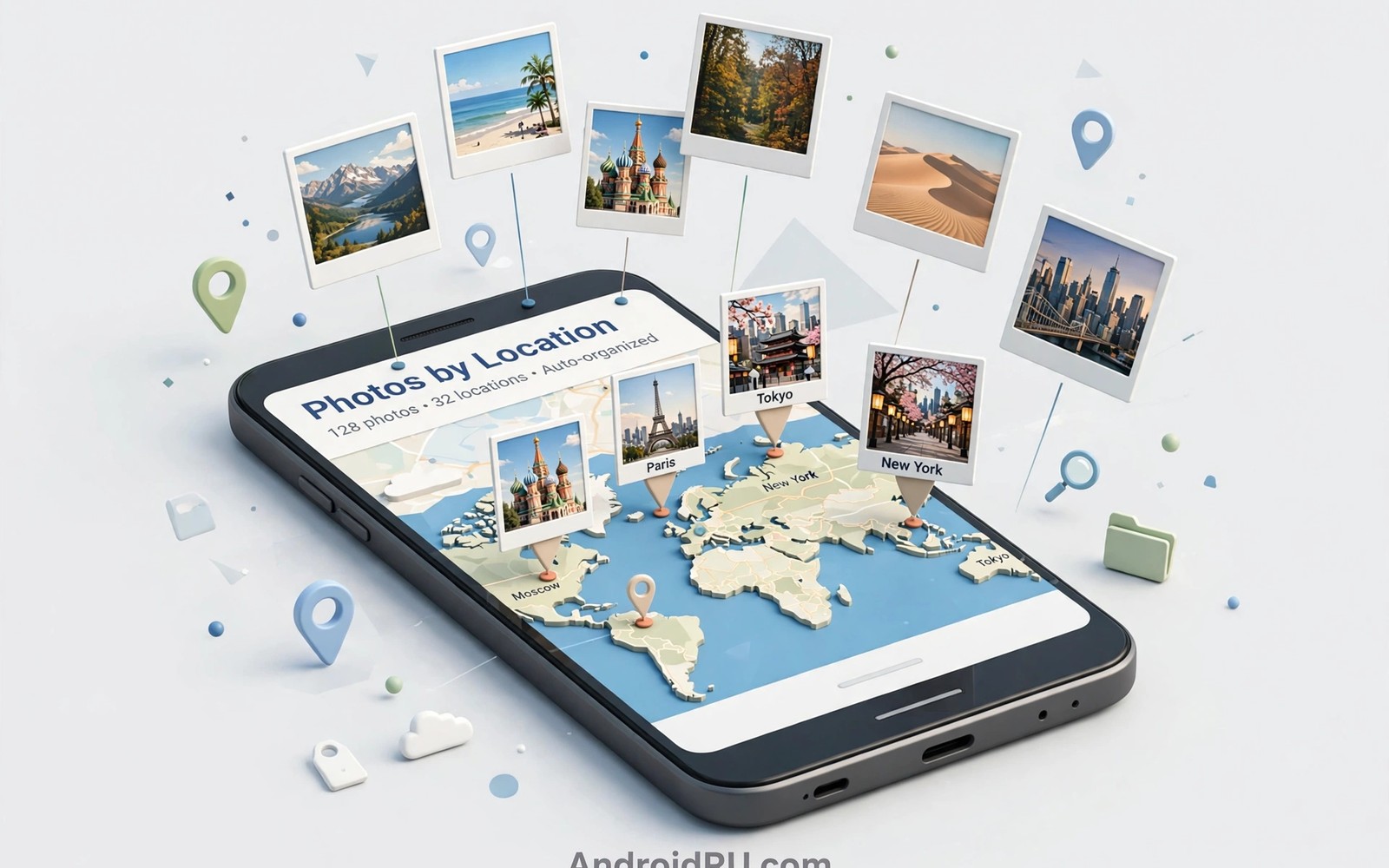
Photos pile up faster than anyone can organise them. A camera roll with ten thousand images hides the photo you need. Searching by date helps only when you remember the date. Searching by place helps when you remember where you were. Most photos already carry location data inside their files. Automation can read that data and sort photos into place folders. This guide shows how to organise photos by geolocation automatically. It keeps your memories findable without manual sorting marathons.
Geolocation data lives in photo metadata when location services were active during capture. A photo taken at a beach carries coordinates for that beach. A photo taken in a city carries coordinates for that city. A photo taken indoors may carry a rough location or none at all. Sorting tools read those coordinates and match them to place names. A beach photo lands in a beach folder. A city photo lands in a city folder. The system works best for outdoor photos with clear GPS signals. Indoor photos need a different approach that this guide also covers.
Automatic sorting saves time but it raises a privacy question. Location data reveals where you live and where you travel. A sorted photo library makes that information easier to browse. Keep the sorted library on a device you control. Avoid uploading a fully sorted library to a shared album without review. Review place folders before sharing any of them. A place folder can reveal a home address through repeated locations. Privacy review is part of automatic organisation rather than an afterthought.
Check Location Data Before You Sort
Open a recent photo and check its details for location information. A details screen may show a place name or a map pin. A photo without location data will show no place. Count how many of your last twenty photos carry location data. A high count means automatic sorting will work well. A low count means you should enable location for the camera first. Future photos will then carry data even if old photos do not. Sorting works forward from the moment you enable it.
Enable location for the camera app in system settings if it is currently off. Choose location while using the app rather than always if that option exists. A while using setting limits location access to capture moments. An always setting allows background location that a camera does not need. A narrow permission protects privacy while it enables sorting. Check the setting after a system update because updates can reset permissions. A reset permission silently stops future sorting.
Decide how precise place folders should be. A city level folder suits travel photos across many places. A neighbourhood level folder suits a long stay in one city. A venue level folder suits a wedding or a conference. City level folders stay manageable for most libraries. Venue level folders multiply quickly and become hard to browse. Start with city level and refine only for special trips. Broad folders first and narrow folders later is a sound rule.
Build The Automatic Sorting Routine
Choose a photo management tool that reads location metadata and creates folders. Grant access only to the photo library and to location metadata. Avoid tools that request contact access for a sorting task. A focused tool with a clear folder rule is easier to trust. Read the folder rule before running the tool on a full library. A rule that moves photos is riskier than a rule that copies them. Choose copy first and delete originals only after verification.
Test the tool on a small set of fifty photos before running it on thousands. Create a test folder with photos from three different cities. Run the sorting rule and check the resulting folders. A correct test shows three folders with the right photos inside. An incorrect test reveals a rule error while the damage stays small. A small test protects a large library from a bad rule. Never run an untested rule on a full library.
Schedule sorting to run weekly rather than continuously. A weekly run batches new photos into place folders in one pass. A continuous run can move a photo while you edit it. A weekly schedule also gives you a regular review moment. Review the new folders each week and fix any misplaced photos. A weekly rhythm keeps the library tidy without constant interruption. Automation should reduce work rather than create new work.
Rule: Read photo location metadata
Action: Copy photo to folder by city
Action: Keep original in camera roll until verified
Schedule: Every Sunday at 20:00
Action: Report new folders created
The rule above follows standard photo organisation practice for personal Android devices and it is presented here as a practical template for location sorting rather than as a claim about any single photo app. Each row in that rule stands for a setting you can check inside the photo tool you select. Keep the copy action until verification passes for two weekly runs. A copy first approach protects against a rule error. Delete originals only when the sorted copies prove complete.
Handle Photos Without Location Data
Photos without location data need a fallback rule based on date or album. A date folder can hold photos from a known trip period. A manual album for a specific event can hold photos from that event. Combine date and event information when location is missing. A photo from a known week plus a known event usually finds its place. Fallback rules prevent unsorted photos from piling up in a general folder. A general folder that grows unchecked becomes the new mess.
Use nearby photos with location data to infer location for photos without it. A photo taken minutes after a located photo likely shares the same place. A batch of photos from one outing often shares one location. Group photos by time clusters before sorting. A time cluster with one located photo can suggest a place for its neighbours. Confirm the suggestion before applying it broadly. Inference helps but it should not override clear evidence.
Strip location data before sharing photos from sensitive places. A home photo shared online can reveal a home address through metadata. A photo from a private event can reveal a private venue. Use a sharing tool that removes location metadata on export. Keep the original with location in your private library. Share a clean copy without location for public use. A private original plus a clean share copy gives you both organisation and safety.
Common Mistakes
One common mistake is moving photos instead of copying them during the first run. A move that goes wrong can scatter a library. A copy that goes wrong leaves originals intact. Always copy first for at least two weekly runs. Delete originals only after sorted copies verify completely. A cautious first run protects years of memories.
Another mistake is creating too many narrow place folders. A folder for every street creates a maze rather than an organisation system. Start with city level folders and split only a city with hundreds of photos. A split folder should still contain enough photos to justify its existence. A folder with two photos is clutter rather than organisation. Broad folders with meaningful splits stay browsable.
A third mistake is sharing sorted folders without a privacy review. A place folder can reveal patterns of movement over time. A folder named home with hundreds of photos reveals a home location clearly. Review folder names before sharing any folder. Rename sensitive folders to neutral names for shared copies. A shared copy should hide private patterns while it shows the photos.
Frequently Asked Questions
Will sorting change my original photos?
A copy based rule leaves originals untouched in the camera roll. A move based rule changes the library structure. Choose copy for the first runs and verify sorted folders before any deletion. A verified copy set allows safe cleanup later. Original safety comes from the rule choice rather than from luck.
What about photos taken before location was enabled?
Photos without location data cannot sort by place automatically. Use date clusters and event albums as fallback organisation for those photos. Future photos will sort by place once location is enabled. A mixed library with place folders plus date folders still beats an unsorted library. Accept a hybrid system for old photos.
Does location sorting work offline?
Location metadata already lives inside photo files so sorting can run offline. Place name matching may need a local database or a one time online lookup. A tool with an offline place database sorts fully offline. A tool that needs online lookup will queue place names until connectivity returns. Check offline behaviour before a trip without reliable internet.
Keep Place Folders Useful Over Years
A place folder system grows with every trip and every year. A city folder from five years ago may contain photos from several separate visits. Split a large city folder by year when it passes two hundred photos. A year split keeps browsing fast and memories ordered. A folder named by city and year tells a clear story at a glance. Yearly splits prevent a single folder from becoming a second camera roll.
Merge tiny place folders that contain only a handful of photos from a passing visit. A folder with three photos from a highway stop adds little value alone. Merge such photos into a regional folder for that journey. A regional folder for a road trip holds many small stops together. Merging keeps the folder count manageable. A manageable count keeps browsing enjoyable rather than overwhelming.
Back up the sorted library before any major reorganisation. A backup protects against a rule error during a merge or split. A simple external copy of the library suffices for most users. Verify the backup by opening a few folders from the copy. A backup that you never test is only a hope. A tested backup is a real safety net for years of photos.
Conclusion
Enable camera location today and test sorting on fifty photos this weekend. Create city folders from the test and verify each photo lands correctly. Schedule a weekly copy based run for new photos after the test passes. Readers who move many files may also like cable free local file transfers for moving sorted folders, and automatic SMS backup to spreadsheets for another organised record, plus a master approach to Android power automation for wider routines. Your next step is fifty test photos and three city folders.

