

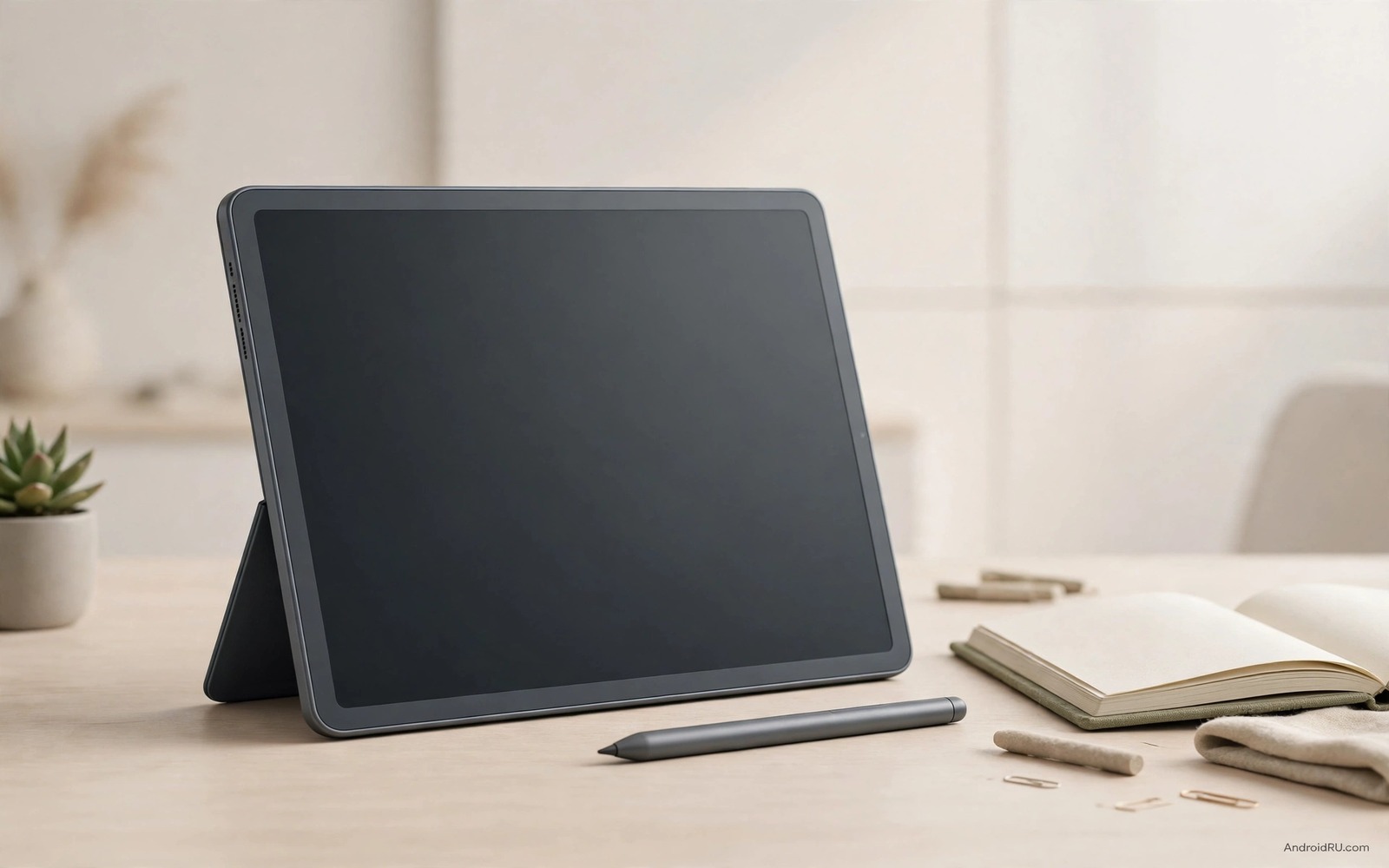
An Android tablet earns its place over an iPad when it lets you run two apps side by side and plug in a USB drive and customise the home screen without asking permission from a closed ecosystem.
iPads offer polished apps and long support. Android tablets answer with flexible multitasking and expandable storage on some models and wider price choice. The right winner depends on whether you value polish or freedom more.
This guide compares the strengths that make Android tablets compelling. It covers multitasking and stylus use and media and price and the ecosystem trade offs you should weigh.
Multitasking That Feels Like a Computer
Android tablets handle split screen and floating windows more freely on many models. You can watch a lecture while taking notes and keep a chat window visible. That flexibility suits students and workers who juggle tasks.
Desktop modes on some Android tablets transform the tablet into a laptop like workspace. A keyboard and mouse turn the tablet into a capable document machine. iPads offer stage manager features but Android desktop modes often feel more open.
Test multitasking with your actual apps. Some Android apps scale poorly on large screens. A tablet that runs your three essential apps well beats a tablet with a longer app list that fails on one essential task.
Stylus and Note Taking
Stylus support varies widely among Android tablets. Some include a stylus in the box while others sell it separately. Pressure levels and palm rejection decide whether handwriting feels natural or frustrating.
Note apps on Android range from excellent to basic. Test handwriting conversion and PDF annotation with your own notes. A stylus that lags during fast writing will annoy students daily.
Consider stylus storage and charging. A stylus that attaches magnetically and charges automatically stays ready. A stylus that needs a separate charger often gets lost or left flat.
Media and Reading Experience
Android tablets offer a wide range of screen sizes and aspect ratios. Wide screens suit movies while taller screens suit reading and documents. Choose aspect ratio for your main use rather than for general prestige.
Speaker quality matters for media tablets. Test speakers at moderate volume in a quiet room. Weak speakers force headphone use even at home.
Storage expansion helps media users greatly. A tablet with a card slot can hold large offline libraries for travel. That advantage links to the warning about buying phones without SD expansion because media libraries grow fast.
Price and Ecosystem Freedom
Android tablets cover far more price points than iPads. Budget Android tablets suit children and casual reading. Premium Android tablets compete with iPad Pro on performance for less money in some regions.
File management on Android feels more open. You can move files through USB and manage folders directly. That freedom helps workers who handle documents and media outside cloud services.
App quality remains the main iPad advantage. Some creative apps launch first or only on iPad. Check your essential creative apps on Android before you switch ecosystems.
adb shell wm size
adb shell dumpsys display | grep -i -A 1 -B 1 density
The commands above are an original illustration based on standard Android developer tools for checking display size and density on a connected tablet. They help you compare screen scaling between models.
Productivity Apps on Android Tablets
Document editing works well on Android tablets with keyboard accessories. Word processing and spreadsheets handle most student and office tasks smoothly. Large screens make document review comfortable for long sessions.
Cloud storage integration helps Android tablet productivity greatly. Files sync across phone and tablet and computer without manual transfer. That sync suits users who move between devices during the day.
Video conferencing on a large tablet screen feels more natural than on a phone. A tablet propped on a desk gives a stable camera angle for meetings. Front camera quality matters for that use so test video calls before buying.
Drawing and annotation apps benefit from stylus support on larger screens. Students can annotate PDFs and sketch diagrams directly. That workflow replaces paper notebooks for many learners.
Choosing Screen Size and Accessories
Screen size should match your main use and your bag. An eleven inch tablet suits most productivity and media uses. A larger tablet suits drawing and split screen work but weighs more and needs a larger bag.
Keyboard cases transform tablets into laptop alternatives for typing heavy work. Test keyboard feel and trackpad quality before buying. A poor keyboard case undermines productivity even when the tablet itself excels.
Stylus quality varies as much as tablet quality. A responsive stylus with low latency feels like pen on paper. A laggy stylus frustrates note taking quickly. Test handwriting with the exact stylus you will use.
Battery life matters for tablet productivity because tablets often travel without chargers. A tablet that lasts a full workday gives confidence on trips. Check battery life with your actual apps rather than with video playback alone.
Tablet Battery and Charging Reality
Tablet battery life depends heavily on screen brightness and app mix rather than on battery size alone. A large bright screen drains battery quickly during video and gaming while a dim screen for reading lasts far longer. Test battery with your actual mix of reading and video rather than trusting video playback ratings alone.
Charging speed matters for tablets used between classes or meetings because short breaks must restore useful charge. A tablet that charges slowly frustrates users who need a quick top up before the next session. Check charging time from low to half rather than only full charge time.
Standby drain also matters because tablets often sit unused for days between uses. A tablet that drains heavily in standby arrives flat when you need it most. Test standby over a weekend before judging battery life from active use alone.
Tablet Software Updates and Longevity
Tablet software support often lags behind phone support from the same brand because tablets sell in lower volumes. Check update promises specifically for the tablet model rather than assuming phone promises apply. A tablet with short support becomes a security concern sooner than its hardware fails.
App scaling on large screens improves slowly over time through developer updates. A tablet bought today may run apps better in a year as developers optimise for large screens. That improvement potential favours tablets from brands with strong developer relationships.
Accessory longevity also affects tablet value because keyboard cases and styluses may not fit future models. A tablet ecosystem with stable accessory sizes across generations protects your accessory investment. Check whether accessories from previous generations fit the new model.
Tablet Versus Laptop Decisions
Choose a tablet over a laptop when portability and battery life matter more than heavy desktop software. A tablet travels lighter and lasts longer on battery for reading and browsing. That advantage suits students and travellers who move constantly.
Choose a laptop over a tablet when you run specialised desktop software daily because tablets cannot replace those tools fully. Video editing and coding and complex spreadsheets still favour laptops. Honest software needs should decide the choice.
Consider a tablet plus keyboard as a middle path for document work and media. That combination handles most office tasks while remaining lighter than a laptop. Test the keyboard thoroughly because a poor keyboard ruins the middle path.
Budget for accessories when comparing tablet and laptop prices because keyboards and styluses add significant cost to tablets. A tablet that looks cheaper may cost as much as a laptop after accessories. Compare total system prices fairly.
Test your essential apps on the tablet before replacing a laptop because one incompatible app can force you to keep both devices. That single app test prevents an expensive mistake.
Test tablet weight with a case and keyboard attached because total travel weight decides whether you actually carry the tablet daily. A tablet that feels light alone may feel heavy as a full system in a bag. Carry the complete system around the store for several minutes before judging portability honestly.
Check stylus charging before you leave the store because a flat stylus on day one delays note taking until you find a charger.
Common mistakes
The biggest mistake is buying a tablet for its processor alone. A fast tablet with poor app scaling frustrates daily use. Test your essential apps on the exact tablet before you buy.
Another mistake is ignoring update support. Budget tablets often receive short support. A tablet with two years of updates offers better long term value than a cheaper tablet abandoned quickly. Switchers should also read the comparison of iPhone 16 versus top Android flagships for ecosystem moving costs.
FAQ
Can an Android tablet replace a laptop?
An Android tablet with keyboard and desktop mode can replace a laptop for documents and browsing and media. Heavy desktop software still needs a real laptop.
Do Android tablets get good app support?
Major apps work well on Android tablets. Some niche creative apps remain stronger on iPad. Check your essential apps first.
Is stylus included with Android tablets?
Some premium Android tablets include a stylus while others sell it separately. Confirm stylus inclusion and price before comparing tablet prices.
Conclusion
Android tablets beat iPads for buyers who value multitasking freedom and file openness and price choice and storage expansion. Your concrete next step is to test your three essential apps in split screen on any shortlisted tablet before you buy. Shoppers should also compare the switcher review of iPhone 16 versus top Android flagships and the senior guide on smartphones for seniors with big displays and easy UI for readable screens and the value ranking of smartphone brands ranked from worst to best value for maker reliability.

