

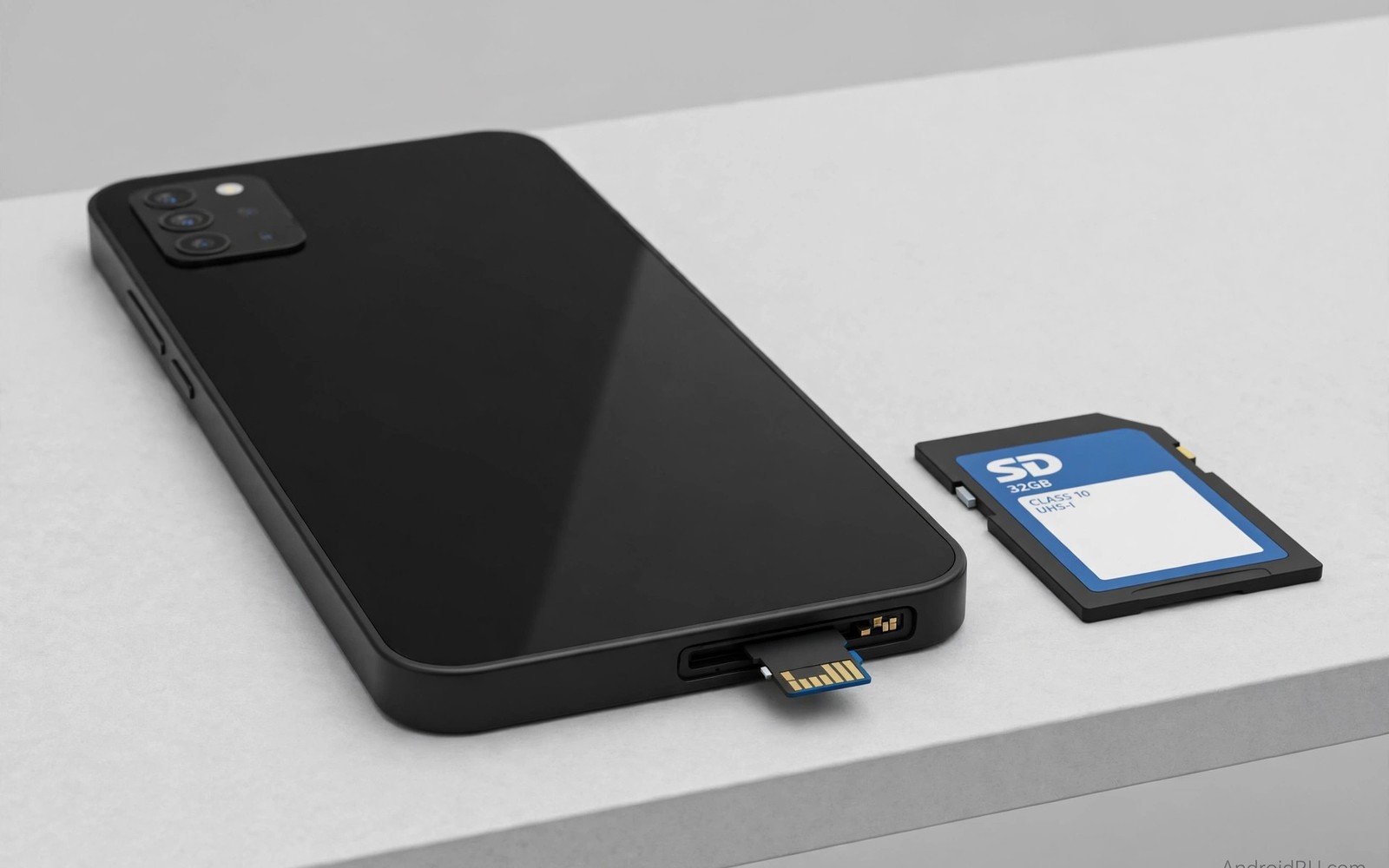
A phone without a microSD slot can feel generous on the day you buy it and cramped eighteen months later when your photo library and offline maps have grown beyond the storage you planned for.
Manufacturers removed the slot from many flagships for reasons that sound technical and clean. They talk about speed and sealing and internal design. Those reasons matter for some buyers. They matter far less than the simple fact that you cannot add storage later when the fixed capacity runs out.
This guide helps you decide before you pay. It explains how much storage real use consumes and how to check whether a phone truly lacks expansion. It also covers the workarounds that help and the ones that disappoint.
How Much Storage Real Life Actually Uses
A single year of family photos and short videos can consume tens of gigabytes even when you delete obvious duplicates. Offline maps for one region add several gigabytes. A few large games add tens of gigabytes more. Messaging apps quietly store media that you never asked to keep forever.
System software and preinstalled apps already occupy a large share of the advertised capacity before you install anything. A phone sold as having 128 gigabytes may offer far less usable space on first boot. That gap surprises buyers who assumed the headline number was fully theirs.
Check your current phone before you shop. Open storage settings and look at photos and videos and games and system use separately. Add twenty percent for growth over two years. If that total sits close to the capacity of the phone you want then expansion matters for you.
What microSD Expansion Really Gives You
A microSD card gives you a separate pool of storage that you control. You can move photos and videos and downloaded music and documents to the card. You can swap the card into a new phone in many cases. You can also keep a spare card for travel when you shoot far more than usual.
Expansion also protects you against one bad decision. If you underestimate your needs then a card fixes the error for a small price. Without a slot the only fix is a new phone or a constant cycle of deleting and backing up. That cycle wastes time and risks losing files that you meant to keep.
Cards do have limits. Apps run best from internal storage on modern Android. Some apps refuse to move fully to a card. A slow card can make large video files stutter. Buy a fast card from a reputable brand and treat it mainly as media storage rather than app storage.
When a Phone Without a Slot Still Makes Sense
Some buyers genuinely do not need expansion. If you stream everything and keep almost nothing offline and replace your phone every year then fixed storage may never trouble you. Cloud backup users with fast and cheap data can also live without a slot.
Large internal capacity changes the calculation too. A 512 gigabyte phone gives most people years of headroom. The price premium for that capacity can still exceed the price of a card by a wide margin. Compare the upgrade price against a card before you dismiss expansion entirely.
Work phones deserve extra care. If your employer controls backups and restricts cloud services then local expansion may be your only flexible option. Check your work rules before you assume that a cloud workaround will be allowed.
How to Check Expansion Before You Buy
Do not trust a store listing alone. Search the full specification sheet for microSD support and for the maximum card size. Check whether the slot is dedicated or shared with a second SIM. A shared tray forces a choice between dual SIM use and expansion.
Read the tray design in a hands on review when possible. Some phones advertise a card slot that only accepts a card in a hybrid tray. Others support cards but limit them to media only. Those details decide whether expansion solves your problem or merely sounds helpful.
Ask the seller to show the tray before you pay when you buy in person. Take a photo of the specification page when you buy online. That record helps if the delivered phone differs from the listing.
adb shell sm list-disks
adb shell sm list-volumes
adb shell dumpsys storage | grep -i -A 2 -B 2 sdcard
The commands above are an original illustration based on standard Android developer tools for checking attached storage volumes on a connected phone. They do not change your phone and they do not install anything.
Buyer Checklist for Storage Decisions
Start your checklist with your photo and video habits over the past year. Count how many gigabytes your gallery grew in twelve months and project that growth forward for the life of your next phone. A buyer who adds thirty gigabytes per year needs far more headroom than a buyer who streams everything and deletes constantly. Write the number down before you enter a store because sales pressure makes every capacity sound sufficient.
Next check how you back up files when you travel. A traveller without reliable internet needs local storage far more than a home worker with fast broadband. Offline maps and offline music and offline video downloads all consume space quickly on trips. A card slot turns a travel problem into a minor purchase rather than a daily deletion chore.
Also examine app sizes for the games and tools you actually use. Modern games often exceed several gigabytes each after updates and downloaded content. A phone that holds three large games today may struggle after two years of updates. Expansion gives games room to grow without forcing you to delete one game to install another.
Finally compare the price of the next storage tier against a quality card. Manufacturers often charge a large premium for doubling internal storage. A card delivers similar media capacity for a fraction of that premium on phones that support it. That comparison alone often decides the purchase.
Long Term Ownership and Resale
Phones with expansion often age more gracefully because storage pressure does not force early replacement. A user who can add a card keeps a phone longer and spends less over time. Longer ownership also reduces electronic waste and gives software updates more time to prove their worth.
Resale buyers value expansion as well. A second hand phone with a slot appeals to budget buyers who plan to add cheap storage later. That broader appeal can raise resale price slightly and shorten selling time. A phone without expansion appeals mainly to buyers who already accept fixed storage.
Think about family hand me downs too. A phone passed to a teenager or a parent may need different storage than it needed for you. A card slot lets the next owner adapt the phone without buying a new device. That flexibility makes expansion a family friendly feature rather than a niche extra.
Keep a backup habit even with expansion. Cards can fail and phones can be lost. A regular backup to a computer protects photos that a card alone cannot guarantee. Expansion solves capacity but backup solves safety and both habits belong in a good ownership plan.
Storage Planning for Families and Creators
Families share phones across generations and storage needs change with each new owner in ways that a single capacity choice cannot predict at purchase time. A parent who shoots school events and a teenager who downloads games and a grandparent who saves video calls all use storage differently and a phone that passes between them needs flexibility rather than a fixed limit. A card slot lets each owner adapt the same phone to a new pattern without buying a replacement and that adaptability saves money across the whole family over several years. When you plan a purchase for shared use always favour the option that leaves room for the next owner as well as the current one.
Creators face a different storage pressure because raw footage accumulates faster than edited output and deleting raw clips destroys future editing options. A creator who films in high resolution can fill tens of gigabytes in a single weekend of shooting and a phone without expansion forces constant transfers to a laptop during the trip. A card system lets the creator carry spare cards and swap them like film rolls and keep shooting without interruption. That workflow advantage matters more than any specification sheet claim about internal speed.
Students also benefit from expansion when they store lecture recordings and textbooks and offline course material for semesters at a time. Offline study material grows steadily across a degree and a phone that cannot expand may force deletion of older courses that the student still needs for revision. A card dedicated to study material keeps academic files separate from personal photos and makes backup simpler. That separation also helps when the student upgrades because the study card moves to the new phone intact.
Card Speed Classes and Real Performance
Card speed classes confuse buyers because labels use different systems for sequential speed and application performance and video recording. Sequential speed matters for copying large video files while application performance matters for running apps from a card. Video speed class matters for sustained recording without dropped frames. A card that excels in one measure may disappoint in another so match the class to your main use rather than buying the highest number on the package.
Test any new card before trusting it with important files by copying a large folder and verifying that every file opens correctly. A genuine card completes the copy at a steady speed while a fake card slows dramatically or reports errors near its real capacity. That test takes minutes and prevents months of frustration from a counterfeit card that appeared to work during small transfers.
Replace cards that show read errors or slowdowns promptly because flash wear and damage rarely improve with time. A card that struggles today will likely fail during an important moment tomorrow. Keep a spare card ready for travel and for critical shoots so a failing card never stops your work completely.
Common mistakes
The biggest mistake is buying the smallest capacity to save money and assuming that a cloud plan will cover the gap. Cloud plans help with backup but they do not help when you have no signal or when uploads stall. Local storage remains the fastest way to keep large files at hand.
Another mistake is buying the cheapest card available. A slow or fake card can corrupt files and frustrate you for years. Spend a little more on a card with a real speed rating and test it with a large file copy before you trust it with irreplaceable photos. Readers weighing camera quality alongside storage should also consider what really makes a photo crisp because sensor quality affects how large your photo library grows.
FAQ
Can I add storage later to a phone without a slot?
No slot means no card. You can use cloud storage or a USB drive or a computer for backup. None of those options gives you the same always available extra capacity as a card inside the phone.
Is a microSD card safe for important photos?
A good card is reliable for media storage when you also keep a backup. Keep a second copy of irreplaceable photos on a computer or in a cloud account. No single card should be your only copy of anything precious.
Does a card slow down the whole phone?
A fast card used for photos and videos should not slow normal use. Problems appear when slow cards hold app data or when the card itself is failing. Replace a card at the first sign of read errors.
Conclusion
Do not buy a phone without SD expansion until you have checked your current storage use and added room for two years of growth. If the numbers are tight then choose a phone with a slot or pay for much larger internal storage. Your concrete next step is to open storage settings today and write down your photo and video totals before you visit any store. If you later compare camera focused models then the notes on value phones that deliver pro camera performance will help you balance storage against image quality and the comparison of smartphone brands ranked from worst to best value will help you judge the whole package and the review of which brand has the cleanest bloatware free operating system will show how much usable space software choices leave you.

