

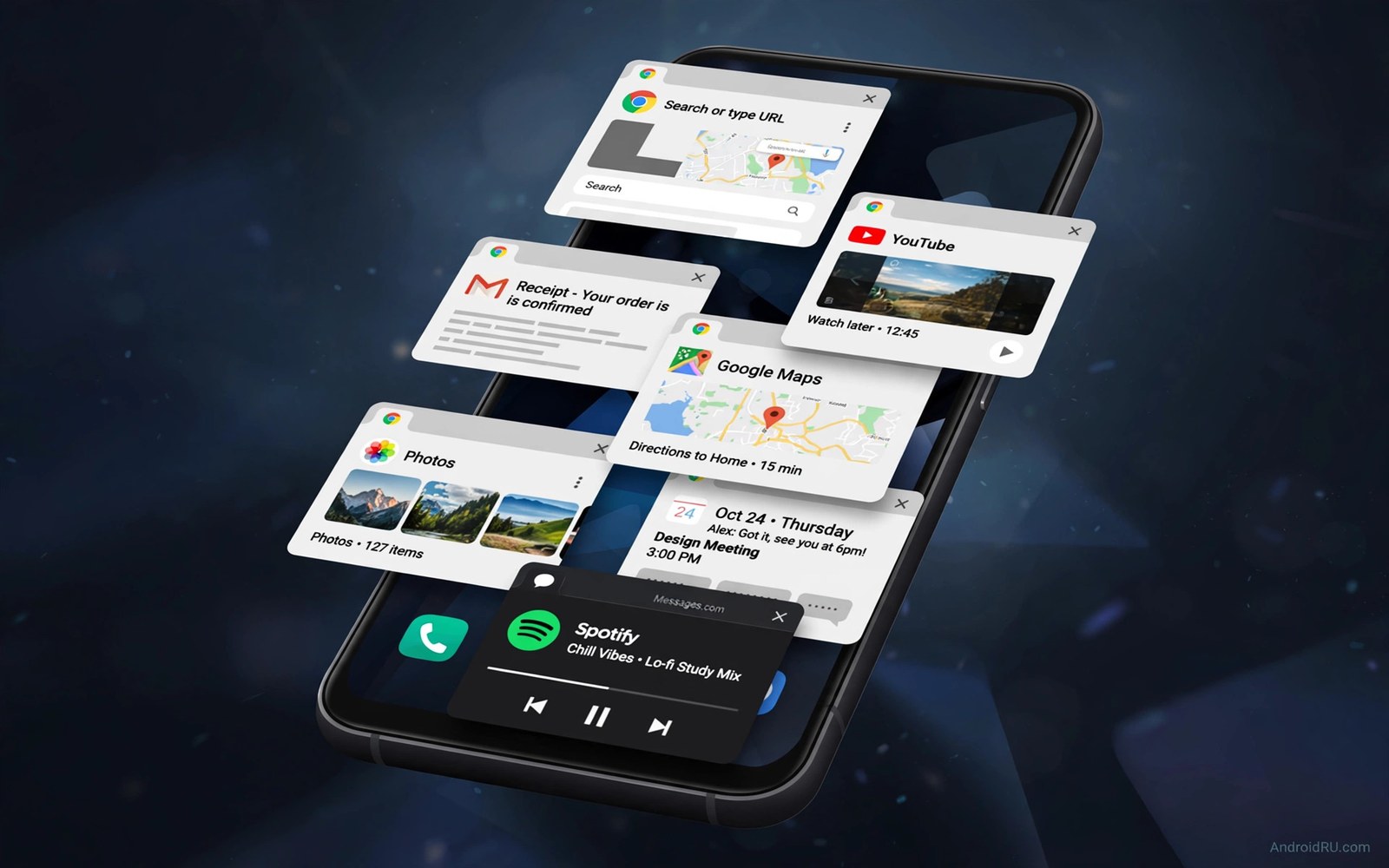
Eight gigabytes of memory once felt generous. Apps have grown heavier and cameras demand more working space and on-device intelligence needs room to run. A phone with eight gigabytes now reloads apps that a twelve gigabyte phone keeps ready. That reload gap shapes daily smoothness more than many buyers expect.
Memory acts as workspace for active apps. When workspace fills the system closes background apps to free room. Returning to a closed app forces a full reload and loses your place. More memory means more apps stay ready and switching feels instant.
This guide explains where extra memory helps and where it matters less. You will learn how cameras and games and browsers consume memory. You will also learn how to test memory pressure on your current phone before buying.
How memory pressure feels daily
Memory pressure appears as small delays throughout the day. A browser tab reloads when you return from a message. A map restarts when you switch to music. A camera takes longer to open because the system must free space first. Each delay lasts seconds but frustration accumulates.
Heavy users feel pressure first because they juggle many apps. A commuter with maps and music and messaging and browser open simultaneously needs generous memory. A light user with three apps may never notice a difference. Your app count decides how much memory you need.
Check your current phone memory use in developer settings or a system app. Look at average use over a day rather than a single moment. Average use near the limit signals frequent reloads ahead. Headroom today predicts smoothness tomorrow as apps grow.
Camera and AI memory demands
Modern cameras process multiple frames for every photo. Night mode and portrait mode and high resolution capture need large working buffers. Insufficient memory slows capture and delays processing. A photo opportunity can vanish while the camera prepares.
On-device intelligence adds further demand. Voice transcription and photo editing and live translation hold models in memory. Those models compete with your apps for workspace. A phone with generous memory runs intelligence features without closing your work.
Video editing also benefits from extra memory. Large clips and preview buffers consume workspace rapidly. A memory constrained phone stutters during scrubbing and export. Creators should treat memory as a core specification rather than a footnote.
Gaming and multitasking loads
Large games reserve substantial memory for textures and worlds. Switching from a game to a message and back should feel instant. Insufficient memory forces the game to reload and lose progress context. That reload breaks immersion and wastes time.
Split screen multitasking doubles memory demand because two apps stay active together. A video call beside a document needs room for both streams. Twelve gigabytes handles split work comfortably while eight gigabytes strains. Multitaskers gain the most from extra memory.
Browser users with many tabs also benefit. Each tab holds page data in memory for instant return. A memory rich phone keeps dozens of tabs ready. A constrained phone reloads tabs and loses form data and scroll position.
Virtual memory is not a replacement
Some makers advertise virtual memory that borrows storage as extra workspace. Storage runs far slower than real memory chips. Virtual memory helps only when the system needs a little overflow space. It cannot match real memory for active apps and games.
Storage speed also limits virtual memory usefulness. Slow storage makes virtual expansion feel laggy. Fast storage improves it slightly but never closes the speed gap. Treat virtual memory as a footnote and judge physical memory first.
Check detailed specifications for physical memory rather than marketing totals. A phone advertised with large total memory may include several gigabytes of virtual expansion. Ask for the physical figure before comparing models. Honest numbers prevent a costly mistake.
Measure your memory need
A short script can estimate memory pressure from your app habits. List your daily apps and assign each a rough memory weight. The script below totals the weights and compares them against phone memory sizes.
apps = {"browser": 1.2, "maps": 0.8, "camera": 1.0, "game": 2.0, "music": 0.4, "messages": 0.5}
total = 0
for name, weight in apps.items():
    total += weight
    print(name, weight)
print("Total GB estimate:", total)
print("Fits 8GB comfortably:", total < 6)
print("Needs 12GB headroom:", total >= 6)
This snippet was written for this guide so you can estimate daily memory load from your own app mix. Adjust the weights to your usage and check whether your total leaves headroom on an eight gigabyte phone.
Use the estimate as a guide rather than a precise measurement. Real memory use varies by app version and content. A total near the limit signals that extra memory will improve daily smoothness.
How to test memory on a demo phone
Demo phones in stores carry reset software that hides memory pressure. Open your real app mix instead of trusting a clean demo state. Launch a browser with several tabs and a map and a music app and a camera in sequence. Then return to each app and watch for reloads.
Count reloads carefully during the sequence. A reload shows as a fresh start screen or a lost scroll position. Zero reloads across eight apps signals generous memory headroom. Frequent reloads warn that the phone will frustrate heavy multitaskers.
Test camera memory pressure separately with burst shooting. Capture twenty photos rapidly and then switch to a messaging app and back. A camera that restarts or loses processing queue signals tight memory. Photographers need camera memory headroom most.
Test split screen memory with a video call beside a document. Both apps must stay active without stutter or reload. Split work doubles memory demand and exposes weak configurations quickly. A smooth split test predicts workday comfort.
Repeat the test after installing a large game when the store allows it. Games reserve huge memory blocks that squeeze other apps. A phone that keeps messaging ready beside a game earns multitasking trust. A phone that closes everything beside a game fails busy users.
Record your reload counts for each candidate and compare them directly. Numbers from your own apps beat specification debates. A phone with fewer reloads will feel faster every day regardless of chip headlines. Your test is the honest memory benchmark.
Memory myths: swap, zRAM and background limits
Android manages memory aggressively to keep the foreground app smooth. Background apps get compressed or closed when memory pressure rises. That behaviour is normal and not a defect. Understanding it prevents misreading reloads as failures.
Compressed memory trades processor time for extra workspace. Compression helps light background apps stay ready longer. Heavy games and cameras still need real memory for active work. Compression supplements real memory and never replaces it.
Swap to storage works similarly but slower than compression. Storage swap helps only for rarely touched background data. Active apps on swap feel laggy and unresponsive. Swap headlines should never guide a purchase decision.
Background limits set by makers vary between brands. Aggressive limits close apps sooner to save battery. Lenient limits keep apps ready but drain more power. Balance between battery and multitasking differs by maker philosophy.
Developer options let advanced users tune background limits manually. Raising limits keeps more apps ready at battery cost. Lowering limits saves battery at reload cost. Default limits suit most owners better than extreme tuning.
Judge memory by reload counts in your real app mix. Synthetic memory benchmarks ignore brand background policies. Your apps and your habits define the honest memory test. Real reload data beats every memory myth.
Future apps will demand more memory as features grow. Headroom bought today protects multitasking tomorrow. A phone with generous real memory ages gracefully through app growth. Myth busting leads to smarter memory choices.
Common mistakes
Many buyers focus on processor speed and ignore memory size. A fast chip with cramped memory still reloads apps constantly. Balance chip and memory together for smooth daily use. Workspace matters as much as raw speed.
Another mistake is trusting virtual memory headlines. Virtual totals inflate the specification without matching real performance. Always confirm physical memory before comparing phones. Marketing totals mislead multitaskers most.
Shoppers also assume light use today means light use tomorrow. Apps grow heavier with each update and new features demand more workspace. Buy memory headroom for the years you plan to keep the phone. Future apps will fill today’s spare room.
Finally avoid choosing the smallest memory tier to save a small amount. Memory cannot be upgraded later on most phones. A modest saving today can cost years of reload frustration. Choose headroom when the price gap stays reasonable.
Frequently asked questions
Is 8GB RAM enough for basic use?
Eight gigabytes remains enough for light use with few apps and simple browsing. Messaging and calls and music run comfortably within that limit. Heavy multitasking and large games and camera work strain it faster. Light users can save money while heavy users should upgrade.
Does more RAM improve battery life?
More memory can improve efficiency slightly by reducing reloads and storage access. Reloading apps consumes processor power and network data. The effect stays modest compared with chip efficiency and screen use. Choose memory for smoothness rather than for battery claims.
Can I add RAM later?
Most phones ship with fixed memory that cannot be upgraded after purchase. Storage expansion does not add real memory. Choose the memory size at purchase time with future apps in mind. A careful choice now prevents years of compromise.
Conclusion
Twelve gigabytes of memory now serves heavy multitaskers and gamers and creators far better than eight. Light users can still manage with eight but should expect tighter headroom over time. Buy memory for your future app load rather than your current minimum.
Your concrete next step is to count the apps you keep open on a busy day and test whether your current phone reloads them when you switch. If reloads happen often then shortlist twelve gigabyte models first. Processor readers can compare chip families for overall speed and gamers should explore gaming phones that stay smooth while value seekers can read why mid-range phones now satisfy most buyers and patient owners can learn why older phones remain capable before buying.

