

A gaming processor wins benchmarks in the first five minutes and loses games in the thirtieth minute when heat forces it to slow down and frames begin to stutter.
Sustained performance matters more than peak performance for real gamers. A phone that holds steady frame rates for an hour beats a phone that spikes high and then throttles hard. Cooling design and software tuning decide that outcome as much as chip name.
This guide explains throttling and cooling and how to test sustained gaming before you buy. It helps you choose a processor and phone combination that stays fast through long sessions.
Why Processors Throttle
Processors generate heat as they work hard. Phones have no fans in most cases so heat builds inside a sealed body. When temperature reaches a limit the system reduces clock speed to protect the battery and circuits.
Throttling protects hardware but hurts gaming. Frame rates drop and touch response feels less sharp. A phone that throttles early feels fast in menus and slow in the final minutes of a match.
Ambient temperature affects throttling greatly. A phone that performs well in an air conditioned room may throttle quickly outdoors in summer. Test gaming performance in conditions similar to your real play environment.
Cooling Design Matters as Much as Chip
Vapour chambers and graphite sheets spread heat across the phone body. Larger cooling systems delay throttling and keep frame rates steadier. Phone thickness often correlates with cooling capacity because thicker phones fit larger chambers.
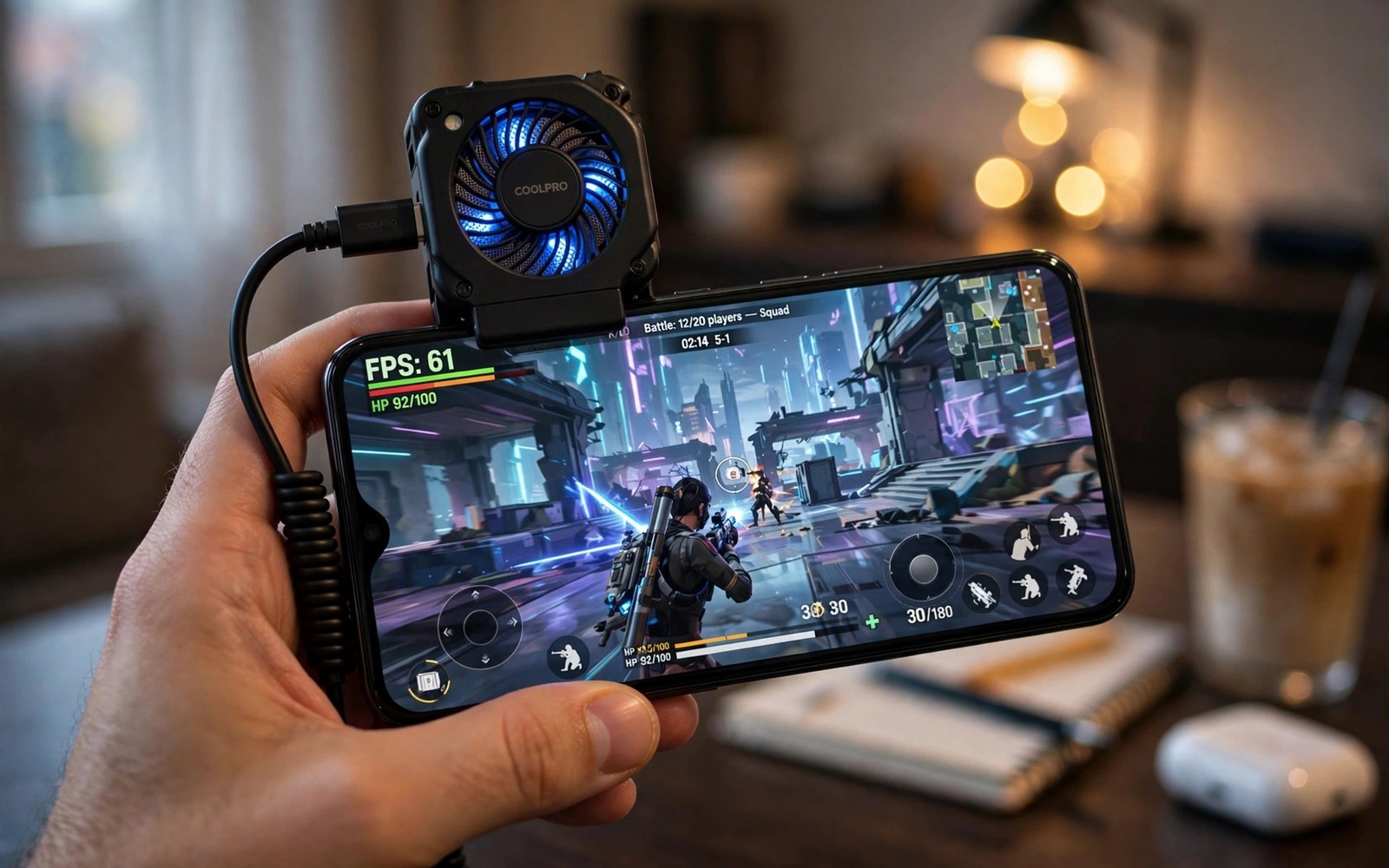
External cooling accessories help some phones greatly. Clip on fans lower surface temperature and delay throttling. Check whether a phone supports a cooler without blocking buttons or charging ports.
Software game modes also affect heat. Some modes raise performance limits and accept more heat. Others cap frame rates to preserve battery and temperature. Choose a mode that matches your priority for each game.
How to Test Sustained Performance
Play your actual game for at least thirty minutes rather than trusting a short benchmark. Record frame rate at the start and at the end. A large drop signals aggressive throttling.
Feel the back of the phone during play. A phone that becomes uncomfortable to hold will throttle soon if it has not already. Hot spots near the camera module often indicate processor location.
Check battery drain during the session. A phone that drains extremely fast while throttling wastes energy as heat. Efficient processors deliver more frames per unit of battery.
Chip Choice and Game Optimisation
Flagship chips offer the highest peak performance but also generate the most heat. Midrange chips sometimes sustain performance better because they generate less heat from the start. That trade makes midrange gaming phones surprisingly competitive for long sessions.
Game optimisation matters as much as raw power. Some games optimise better for certain chip families. Check community reports for your specific game rather than relying on generic benchmarks alone.
Update history also affects sustained performance. Manufacturers sometimes adjust throttling behaviour through updates. Read recent user reports after major updates before you judge a phone by old reviews.
adb shell dumpsys thermalservice | grep -i -A 2 -B 2 temp
adb shell cat /sys/class/thermal/thermal_zone*/temp 2>/dev/null | head -10
The commands above are an original illustration based on standard Android developer tools for reading thermal zones on a connected phone. They help you see temperature behaviour during a gaming session.
Frame Stability Versus Peak Frames
Peak frame rates impress in short tests but frame stability wins matches. A phone that holds sixty frames steadily feels smoother than a phone that jumps between ninety and forty frames. Consistency matters more than maximum numbers for competitive play.
Frame drops during intense scenes hurt most. Explosions and large battles stress processors hardest. A phone that throttles during those moments loses fights at critical times. Test demanding scenes rather than calm menus.
Touch latency interacts with frame stability. A stable frame rate with low touch latency feels responsive. An unstable frame rate with high latency feels sluggish even when average frames look good. Judge gaming feel rather than numbers alone.
Record frame data over a full session when possible. Tools that log frame rates reveal throttling patterns clearly. A steady line across thirty minutes signals excellent sustained performance.
Settings for Cooler Gaming
Lowering graphics settings slightly often improves sustained performance greatly. A small reduction in shadows or resolution can cut heat enough to prevent throttling. That trade usually feels better than maximum graphics with stuttering frames.
Capping frame rate at sixty can also help on phones that throttle at higher rates. Sixty stable frames feel smoother than ninety unstable frames. Use frame caps for long sessions and reserve high rates for short competitive bursts.
Close background apps before gaming to reduce processor load and heat. Background downloads and syncs compete for resources during play. A clean gaming session starts with background tasks paused.
Play in a cool room when possible and avoid direct sunlight on the phone. Ambient temperature affects throttling as much as processor design. A phone in shade sustains performance longer than the same phone in sun.
Cooling Technologies Compared
Vapour chamber cooling spreads heat across a large area inside the phone and delays hot spots effectively. Phones with large vapour chambers sustain performance longer than phones with small graphite sheets alone. That advantage appears most clearly during long gaming sessions where heat accumulates steadily.
Graphite sheets offer a thinner cooling solution that suits slim phones but they spread heat less effectively than vapour chambers. Slim gaming phones may throttle sooner despite powerful processors because their cooling cannot keep pace. Thickness often signals cooling capacity in a way that specification sheets hide.
External cooling accessories add active airflow that internal passive cooling cannot match. A clip on fan lowers surface temperature quickly and can restore performance mid session. That active cooling helps competitive players who cannot pause for the phone to cool naturally.
Game Specific Optimisation
Different games stress processors in different ways because some games tax graphics heavily while others tax physics and AI. A processor that excels in one game may throttle sooner in another with different demands. Check performance reports for your specific game rather than trusting generic gaming rankings.
Graphics settings interact with optimisation in complex ways because a game optimised for a chip family may run efficiently at high settings while an unoptimised game struggles at medium settings. Community settings guides for your game and chip combination often reveal the best balance. Those guides save hours of trial and error.
Network latency also affects gaming feel independently from processor performance. A phone with excellent sustained performance still feels laggy on a congested network. Test gaming on your actual network and location before blaming the processor for poor performance.
Battery Life During Gaming
Gaming battery life depends on screen brightness more than on processor efficiency alone because bright screens consume enormous power during play. Lowering brightness slightly extends gaming sessions noticeably without hurting visibility indoors. That simple adjustment often beats any performance mode tweak.
Background apps drain gaming battery silently through sync and location activity during play. Closing background apps before a session frees processor and battery for the game itself. That preparation improves both frame stability and session length.
Network type affects gaming battery because weak signal forces the radio to work harder during online play. A phone on weak signal drains faster than the same phone on strong Wi-Fi for the same game. Play on stable Wi-Fi when battery matters most.
Charging while gaming adds heat that throttles performance and ages battery faster. Avoid charging during competitive sessions when possible and charge between sessions instead. That habit preserves both performance and battery health.
Power saving modes during gaming can cap frame rates and reduce heat usefully for casual play. Use power saving for long casual sessions and full performance only for competitive bursts. That split balances fun and battery life well.
Common mistakes
The biggest mistake is buying on benchmark scores alone. Benchmarks measure short bursts rather than sustained gaming. Always check thirty minute frame stability reports before you buy a gaming phone.
Another mistake is gaming while charging with a thick case. Charging adds heat and a thick case traps it. Remove the case during long sessions when possible. Heat conscious buyers should also read the fast charging analysis of why 100W super fast chargers might not be worth buying because charging heat compounds gaming heat.
FAQ
Does throttling damage the phone?
Throttling itself protects the phone from damage. Repeated high temperatures over long periods can still accelerate battery ageing even when throttling works correctly.
Do gaming phones throttle less?
Gaming phones usually include larger cooling systems and higher heat limits. They still throttle eventually but they sustain high performance longer than thin flagships.
Should I use a cooler for mobile gaming?
A clip on cooler helps for long competitive sessions. It adds bulk and noise but it delays throttling noticeably on many phones.
Conclusion
The best sustained gaming processor is the one paired with strong cooling and sensible software tuning in your actual game. Your concrete next step is to play your main game for thirty minutes on any shortlisted phone and compare end frame rates before you buy. Gamers should also read the fast charging analysis of why 100W super fast chargers might not be worth buying and the value ranking of smartphone brands ranked from worst to best value and the rugged guide on rugged smartphones built to survive extreme drops for durable gaming use.

